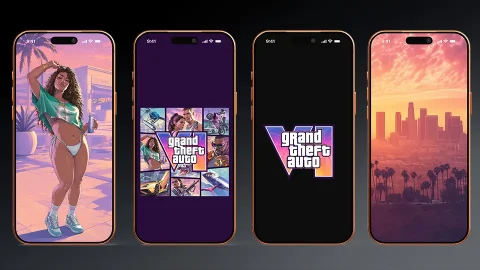
GTA 6 iPhone Wallpapers (2027 Updated) – Ultimate 4K Collection
Fourteen wallpapers, and almost none of them are a plain logo on a gradient. This pack mixes quiet scenes with loud poster art. You get two people on a car roof watching the city, a pair of engraved pistols lying next to a money clip, and a dotted red-and-blue Rockstar mark glowing on pure black.
Sunset scenes
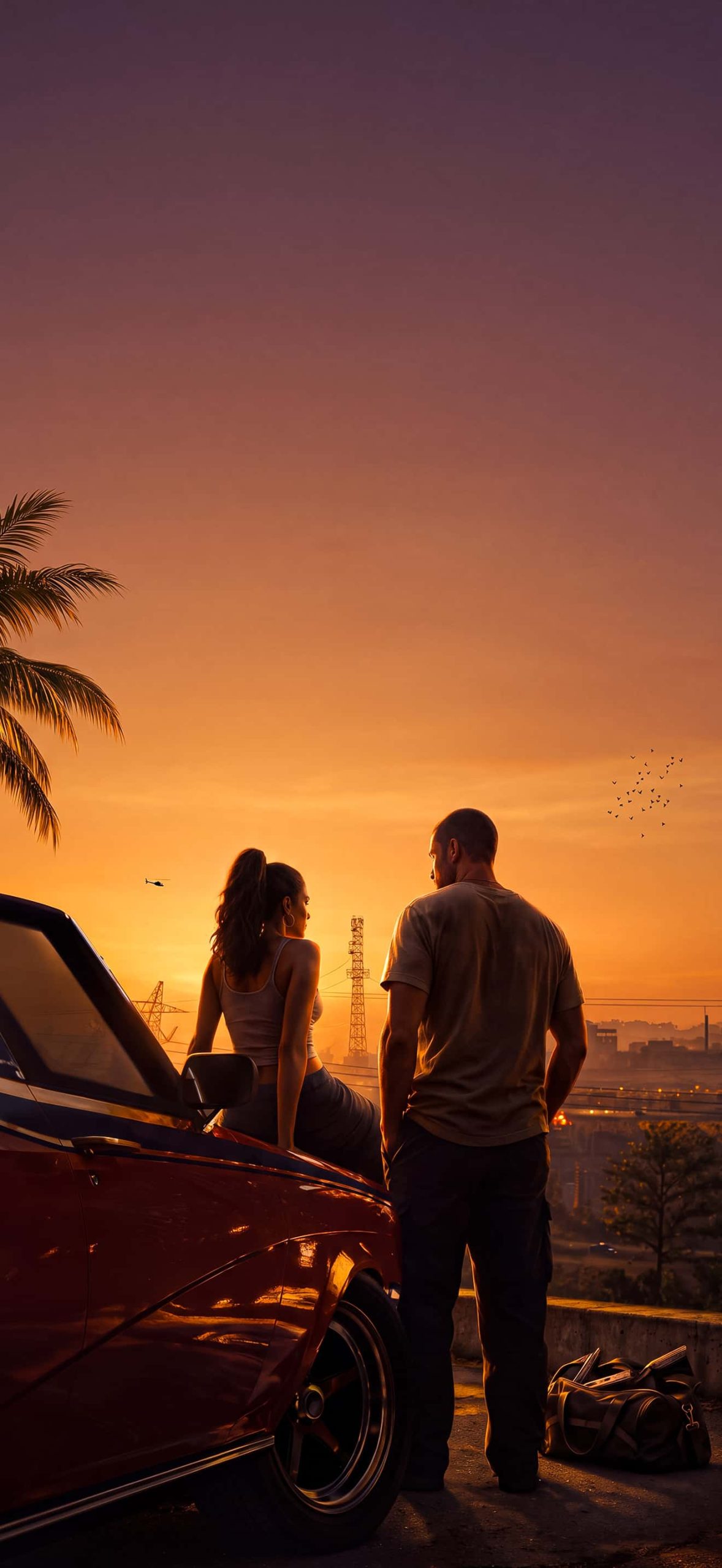

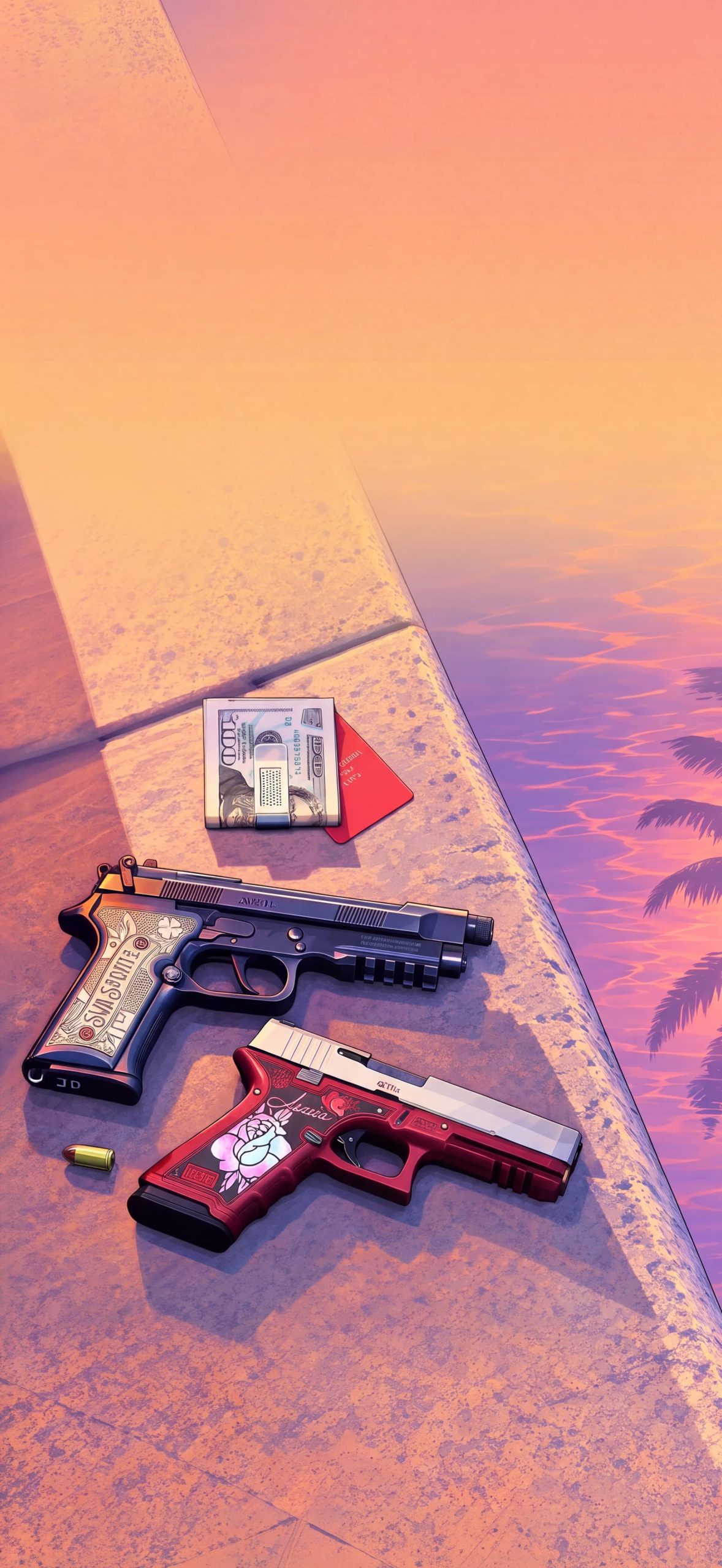
These are the softest of the set. In one, Jason and Lucia sit on the roof of a dark muscle car in front of a skyline, under huge pink clouds. In another, they lean on a deep red car while a helicopter and a flock of birds cross an orange sky behind a palm. The still-life is my favourite: a pearl-grip pistol, a red-and-chrome one with a rose engraving, a single brass bullet and a folded stack of bills, all on a warm concrete ledge above purple water with palm shadows.
Poster art
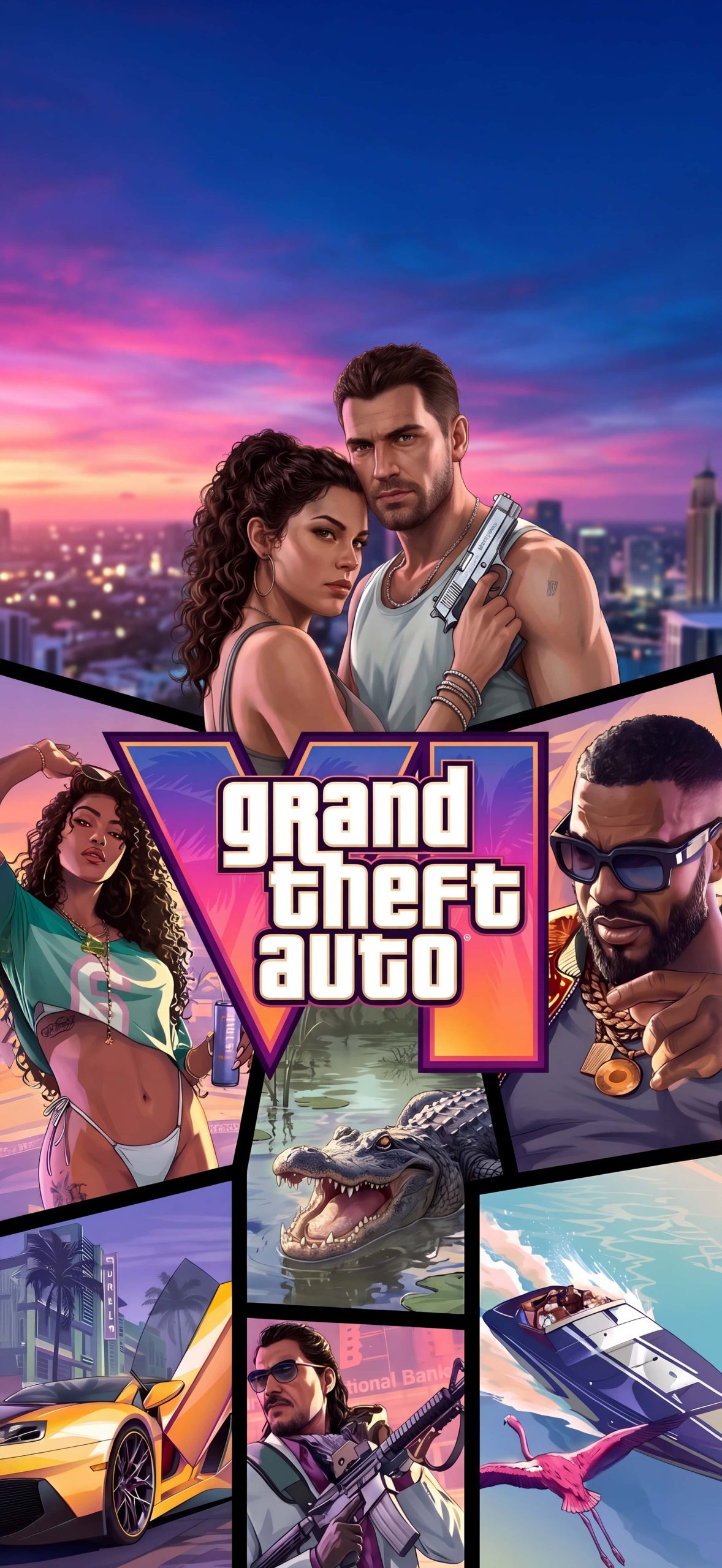
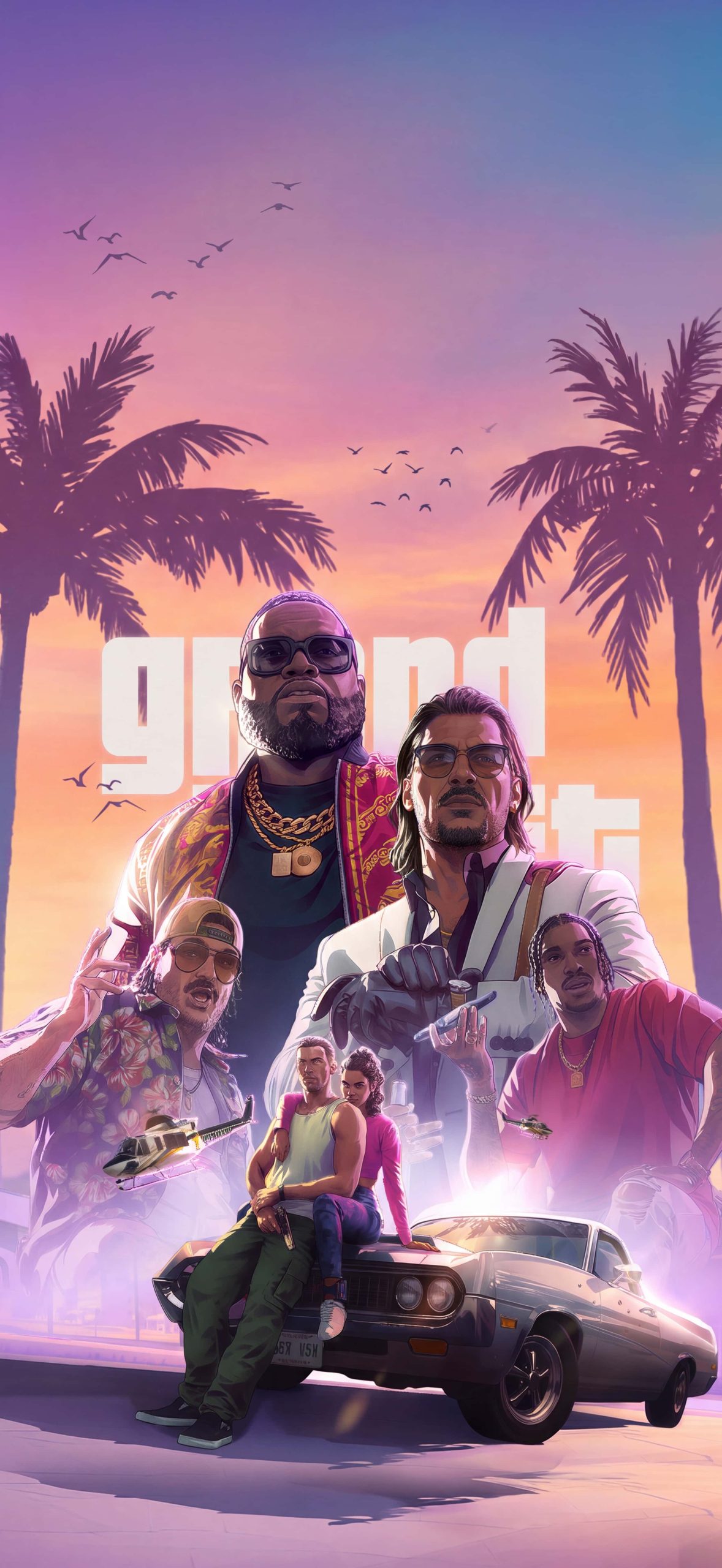
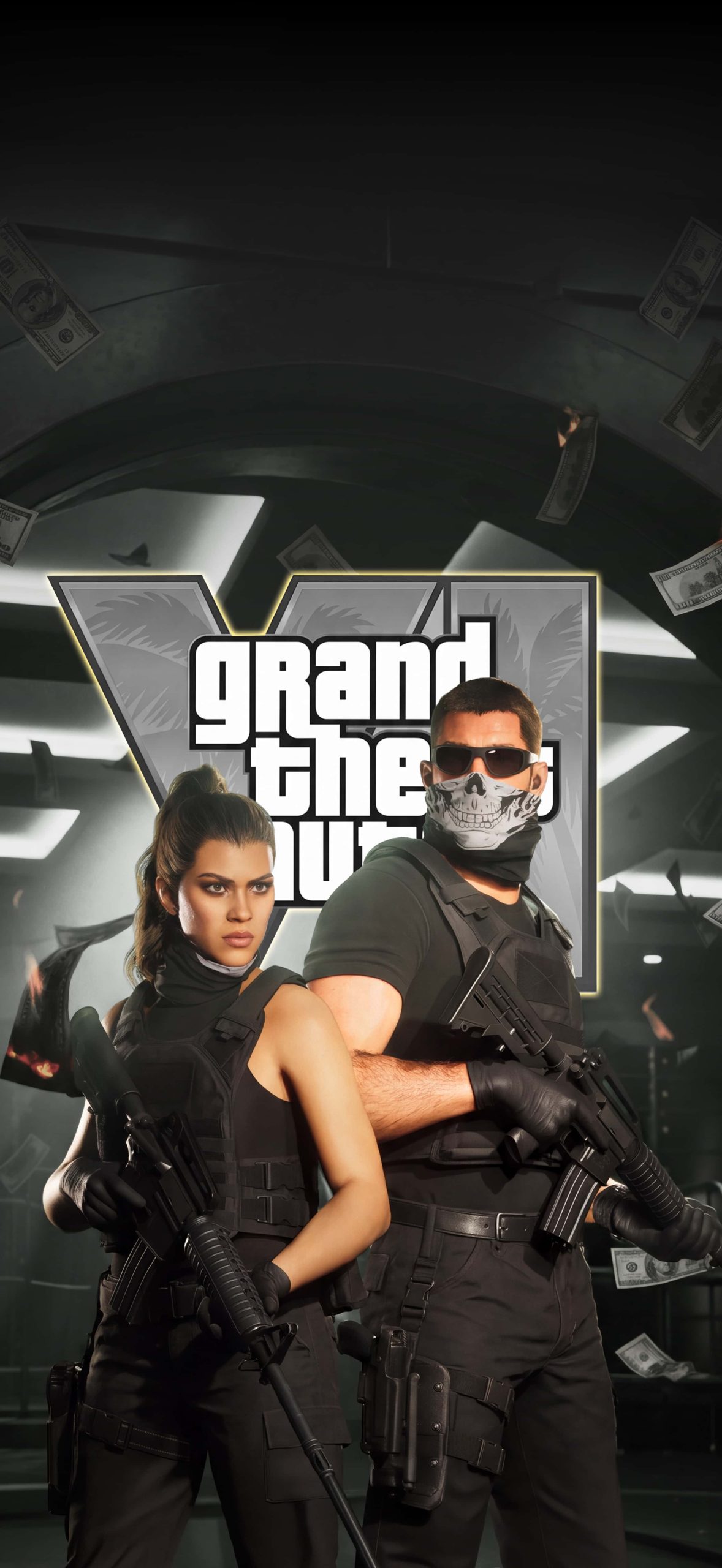
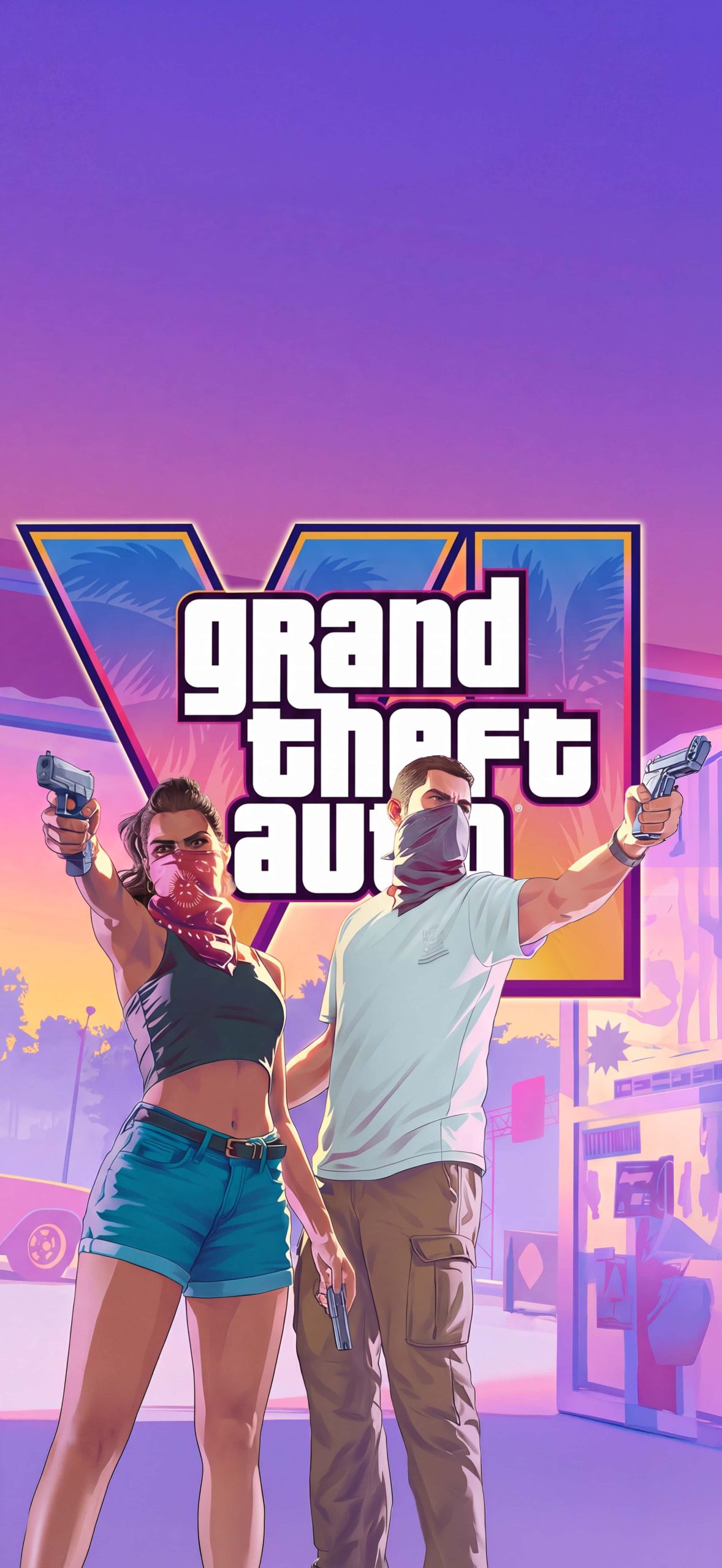

Two wallpapers put the GTA VI logo behind masked pairs. The purple one is bright, with raised pistols and a gas station behind them. The dark one has gold rifles on solid black, with the top third left empty. A third version is almost monochrome, set in a bank vault with banknotes drifting through the air. The group portrait with palm silhouettes and a classic car is the busiest, and the collage with the alligator, speedboat, flamingo and yellow supercar is the densest.
Logos and Vice City
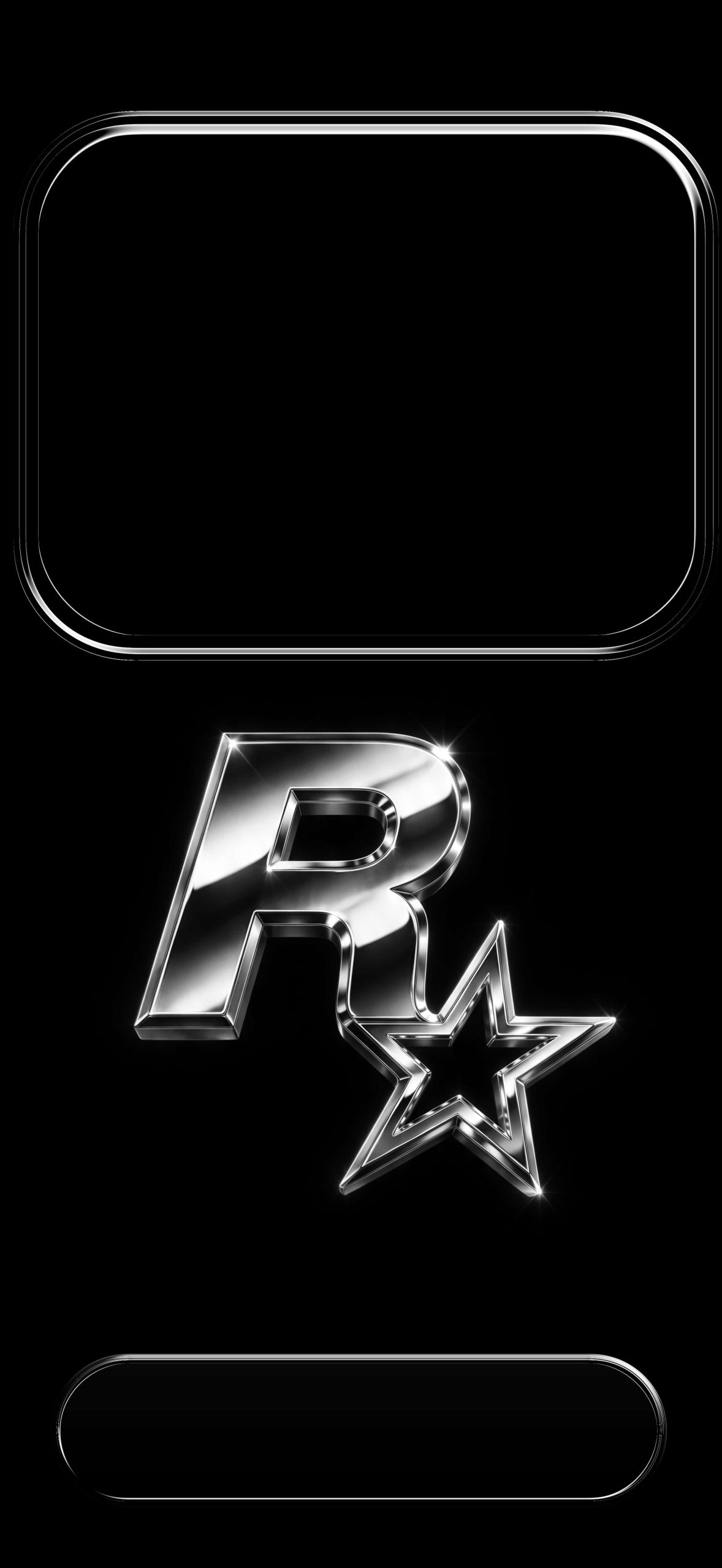
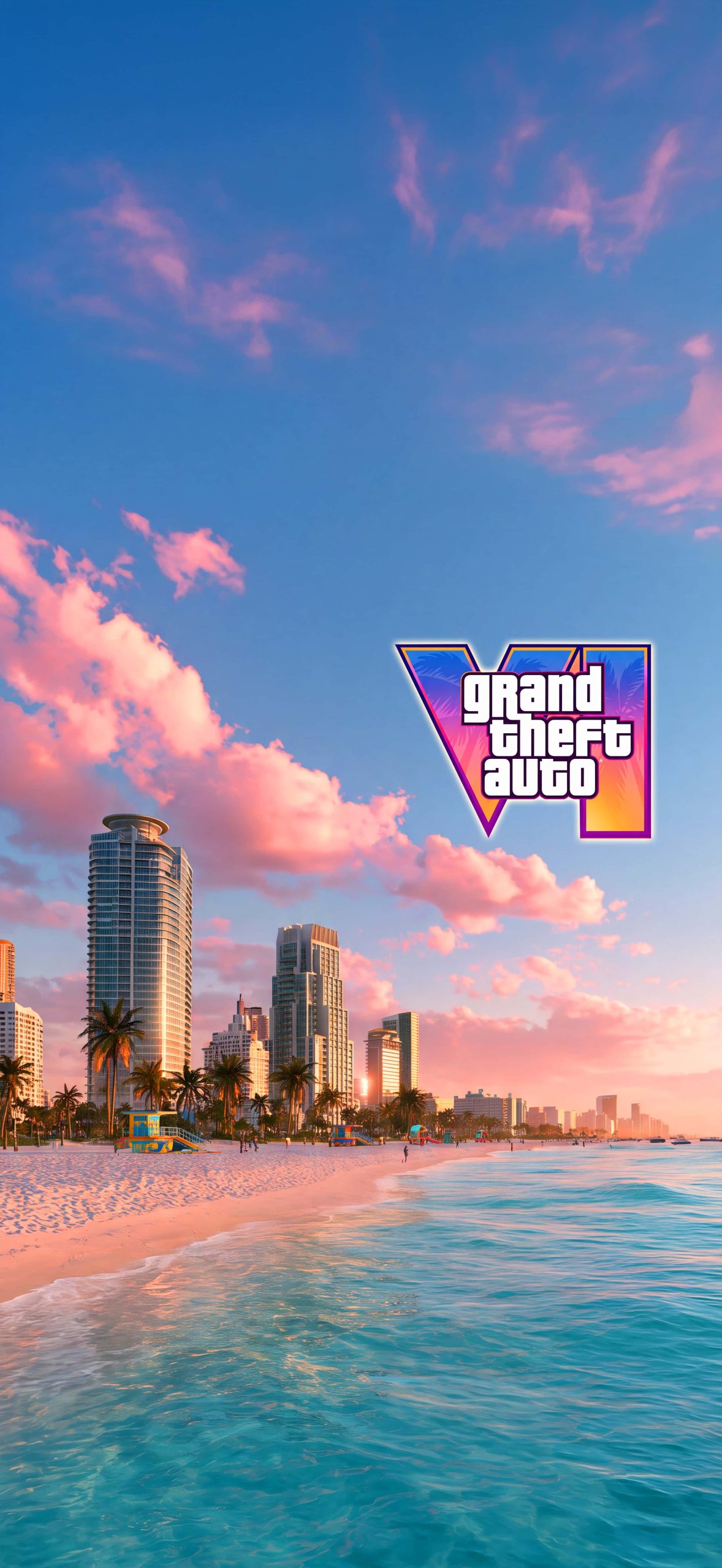
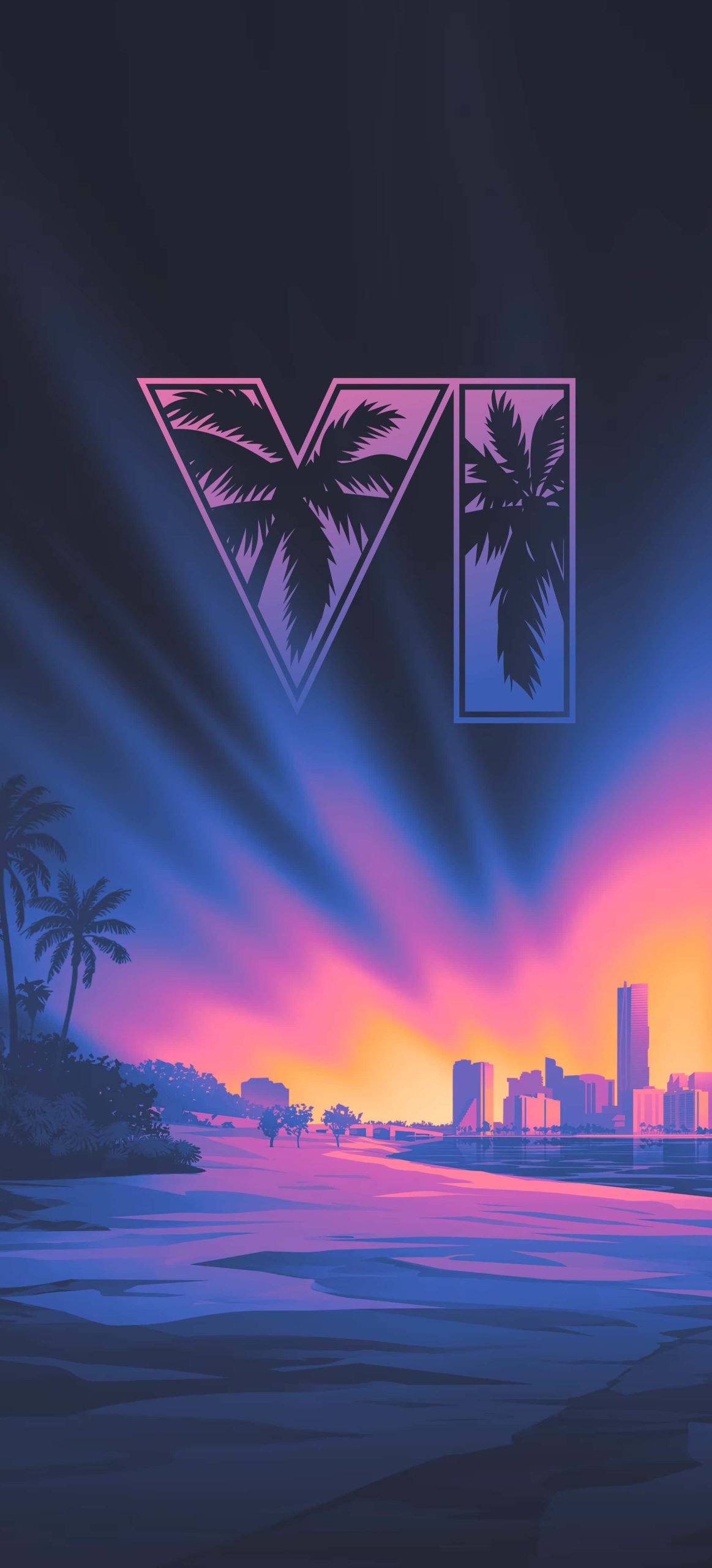
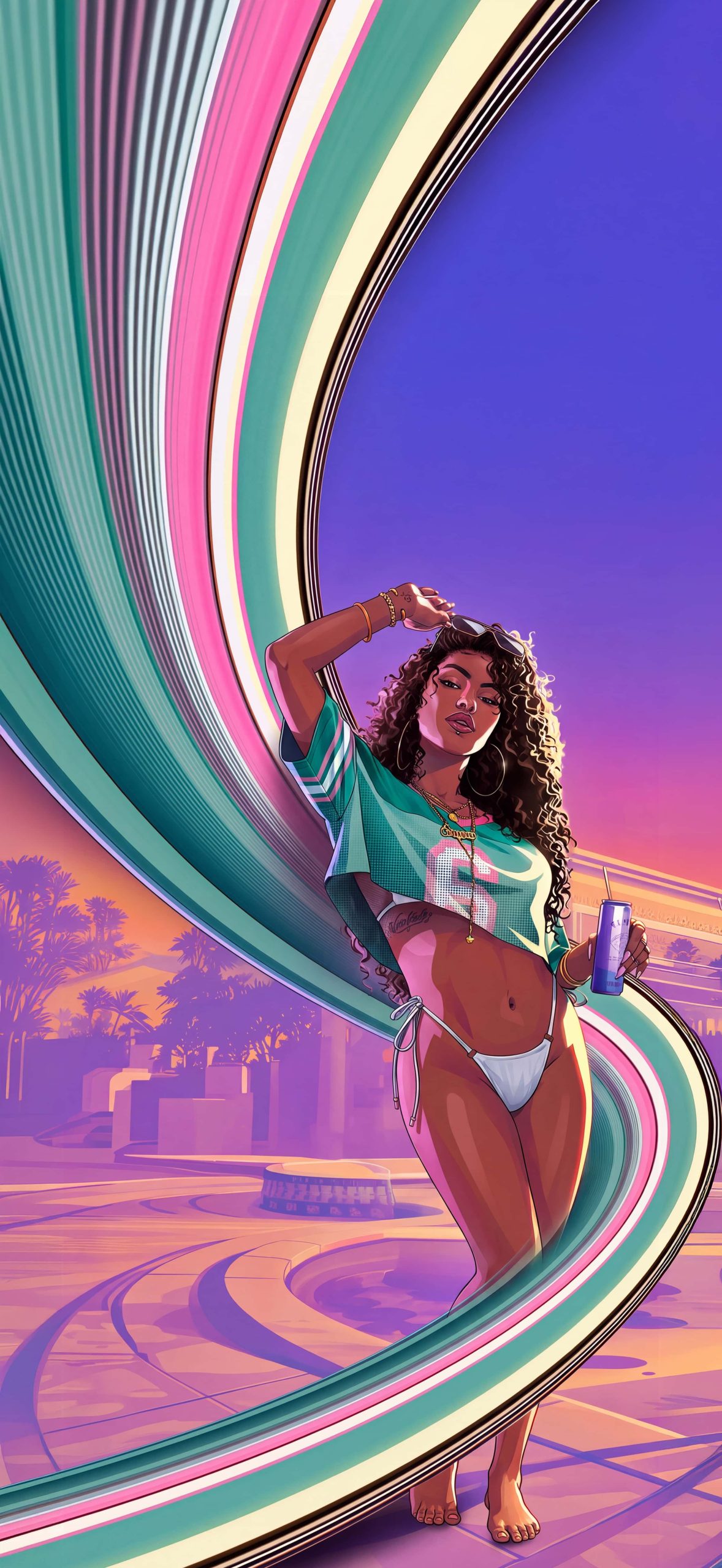
The chrome Rockstar logo on black comes with two rounded outlines drawn in, one for a widget block and one for the dock. The dotted R-and-star fades from blue at the top to red at the bottom. The VI with water droplets sits on a dark purple-to-black fade. The synthwave version puts palm trees inside the numerals over a pink and orange beach skyline. Lucia with a teal-and-pink ribbon looping behind her has a violet sky with lots of room above her.
OLED and lock-screen fit
Four of these are mostly true black: the chrome R, the dotted R, the water-drop VI and the gold-rifle poster. On an OLED iPhone those pixels switch off, so the logos seem to float. They’re also the safest for a white clock. The sunset scenes keep their sky or open space at the top, so the time stays readable, but check your widgets against the brighter ones.
How to set them
Save the image to Photos, then go to Settings > Wallpaper > Add New Wallpaper > Photos. Use the chrome R wallpaper with its frames matched to your widget row and dock. On the poster-style ones, don’t pinch to zoom, because it cuts the logo.