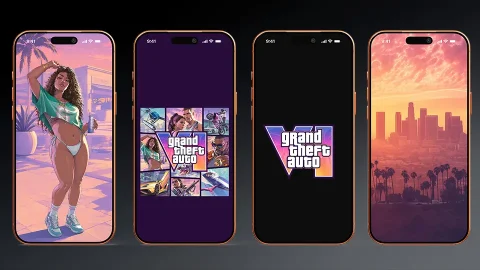
New GTA 6 iPhone Wallpaper Collection: Lucia & Jason in 4K
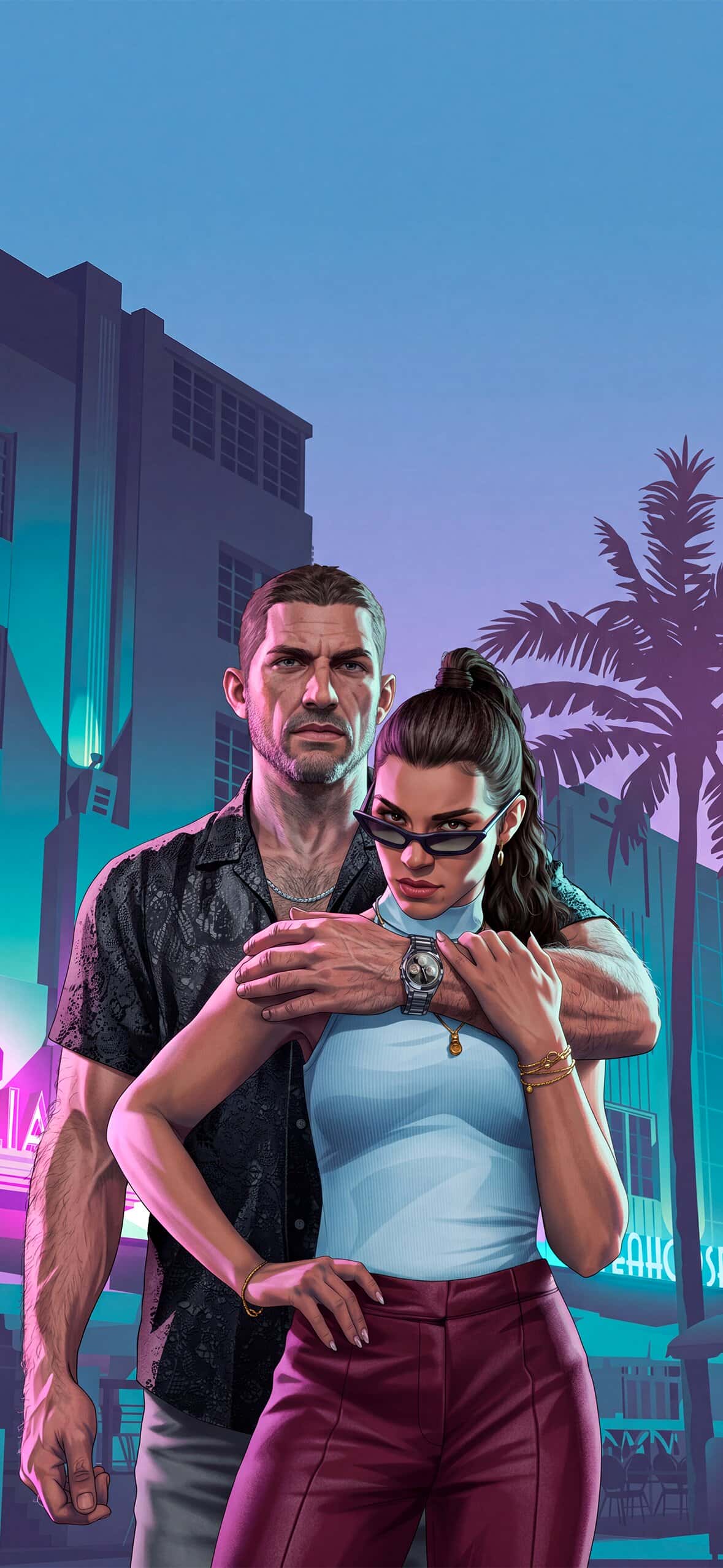
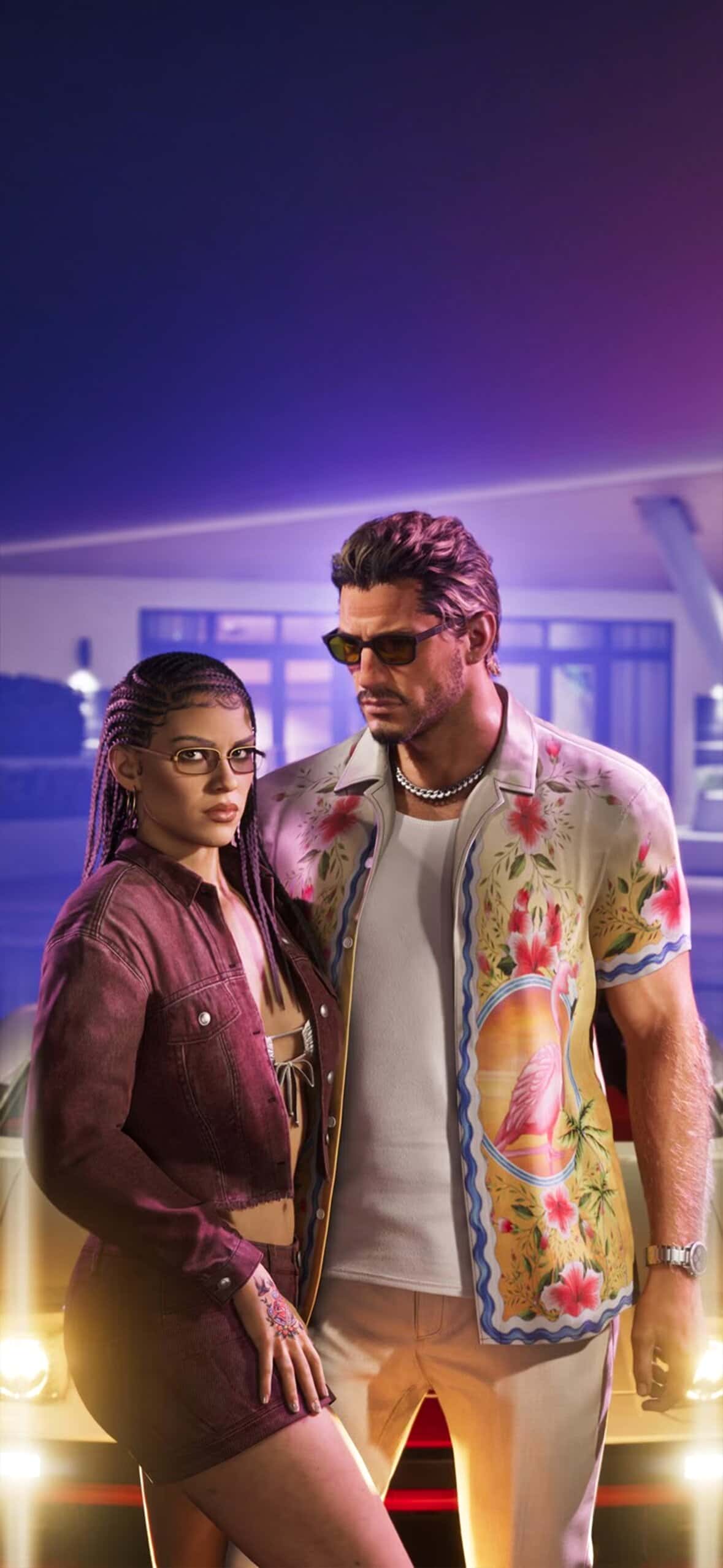
Ever since Rockstar dropped more footage of Grand Theft Auto 6, fans haven’t been able to stop talking about Vice City’s new look, and honestly, who can blame them. Between the neon skyline, the swamps of Leonida, and the whole Bonnie-and-Clyde energy between Lucia and Jason, there’s a ton of visual inspiration just begging to be turned into phone wallpapers. If you’ve been hunting for a fresh set of GTA 6 iPhone wallpapers to hold you over until launch, this collection covers pretty much every mood you could want.
Why GTA 6 Wallpapers Are Blowing Up Right Now
Grand Theft Auto 6 is shaping up to be one of the biggest game releases in years, and a lot of that hype comes down to the setting itself. Leonida isn’t just a reskin of the old Vice City, it’s bigger, moodier, and packed with the kind of pastel-and-neon color palette that just works ridiculously well as a lock screen. Add in the fact that Lucia is the first major female protagonist in a mainline GTA title, and you’ve got a duo that fans are genuinely emotionally invested in before the game has even come out.
That combination, nostalgic Miami vibes plus a fresh story, is exactly why so many people are searching for wallpapers featuring the two leads. It’s less about just liking a game and more about wanting a small piece of that world on your screen every day.
What’s Included in This Collection
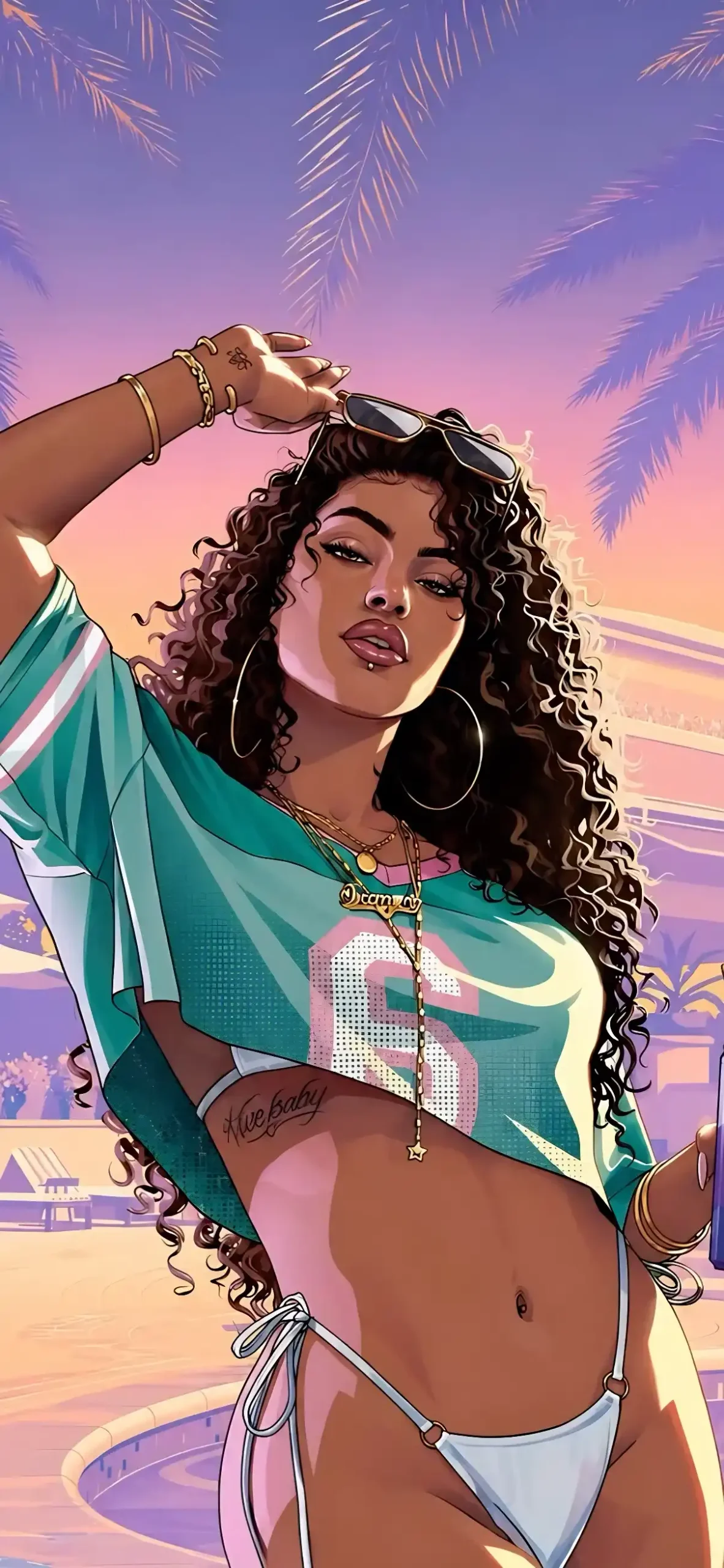
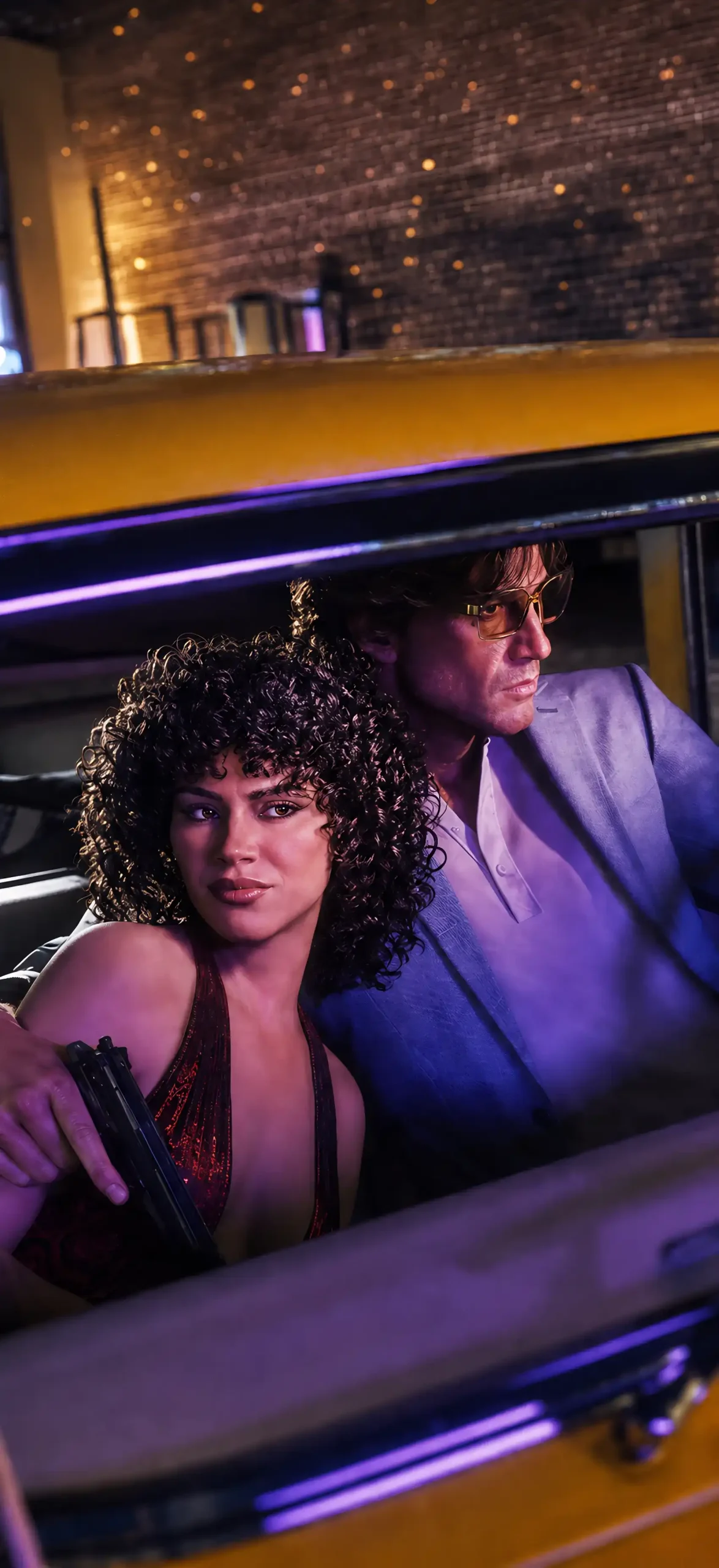
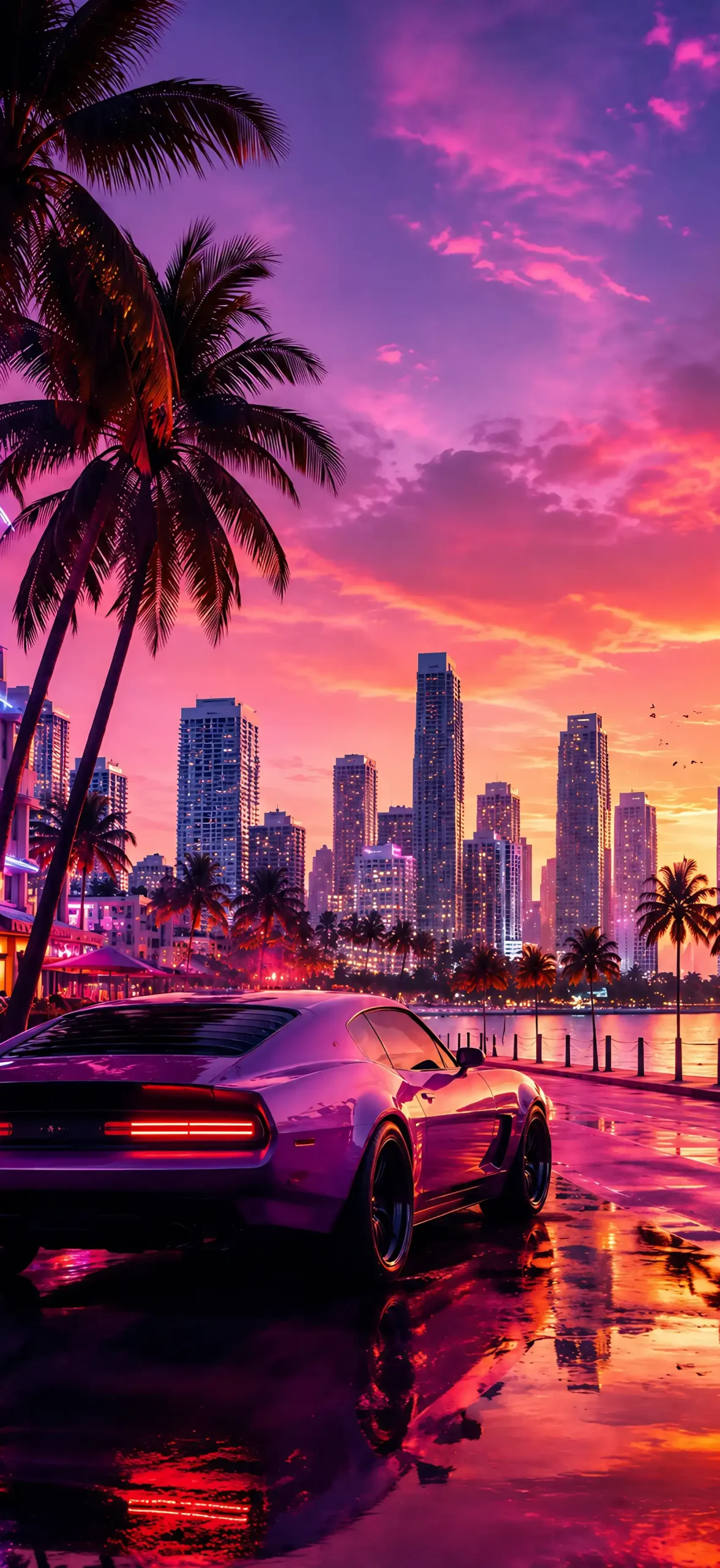
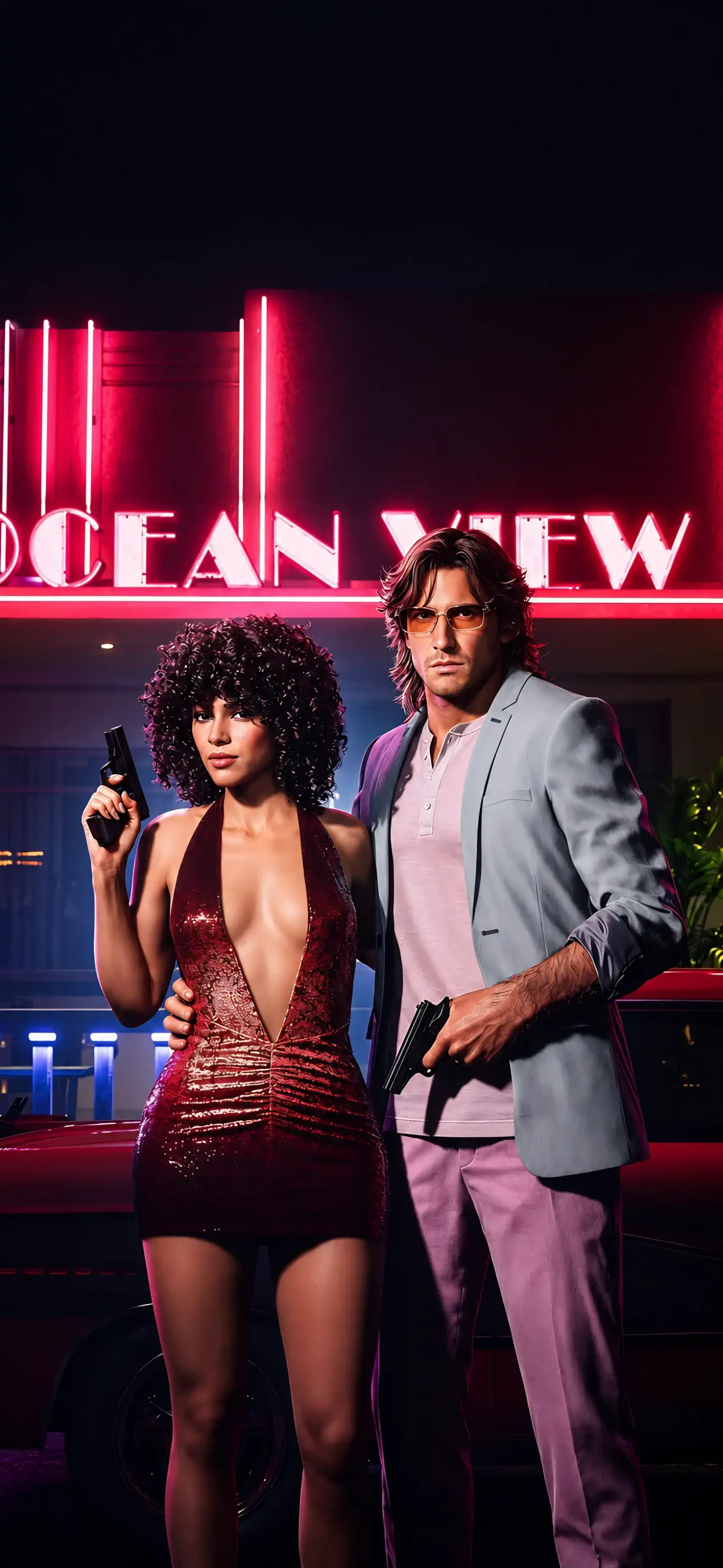
This set leans into a few different styles so there’s something for every kind of GTA fan. There are moody, cinematic shots that echo the tone of the reveal trailers, poster-style edits with bold typography reminiscent of old Vice City box art, and softer palm-tree-and-sunset scenes for anyone who wants something a little more chill than action-packed.
You’ll also find split-screen style layouts pairing Lucia and Jason together, which fit the whole “partners in crime” theme Rockstar has been pushing hard in its marketing. For minimalists, there are a few abstract wallpapers that just pull the pink, teal, and purple color scheme from the game without featuring the characters directly, great if you want the vibe without anything too busy on your lock screen.
Getting the Resolution Right
Just like with any wallpaper, resolution matters way more than people think. iPhone screens are sharp enough that a low-res image will look noticeably soft, especially with gradient-heavy artwork like this. Aim for files sized at least 1170 x 2532 pixels for standard models, and go higher if you’re rocking a Pro Max. This keeps neon lighting effects and skin tones looking clean instead of blotchy or pixelated.
Download Wallpapers :
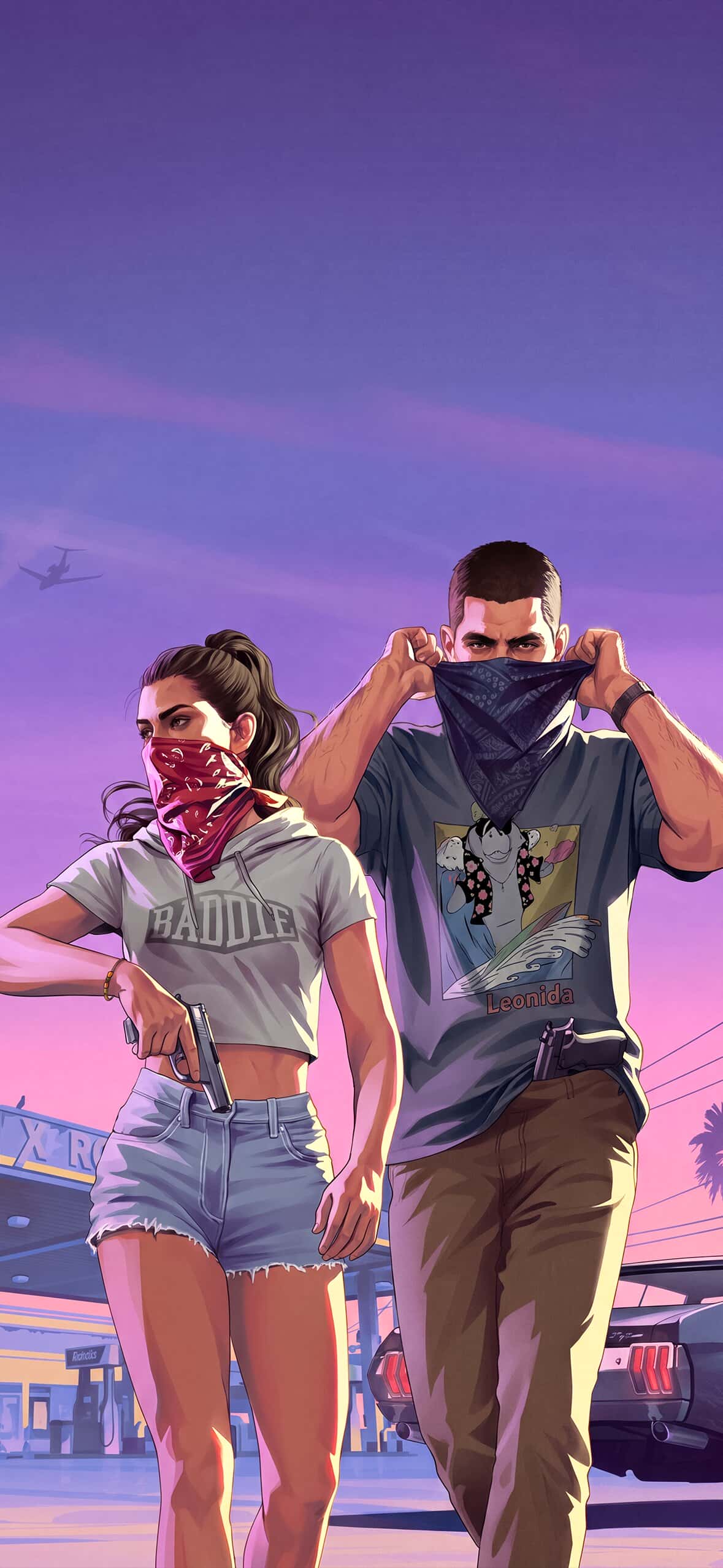
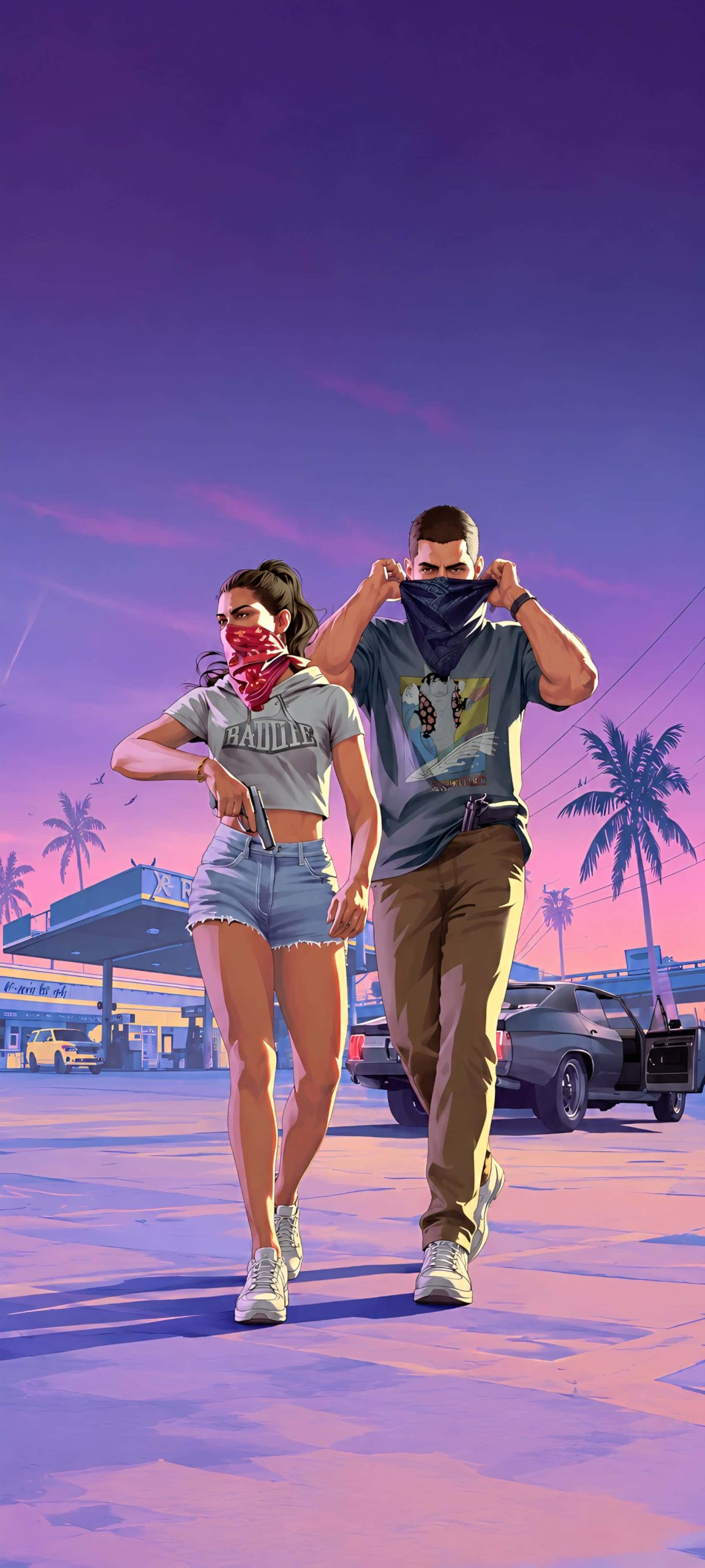
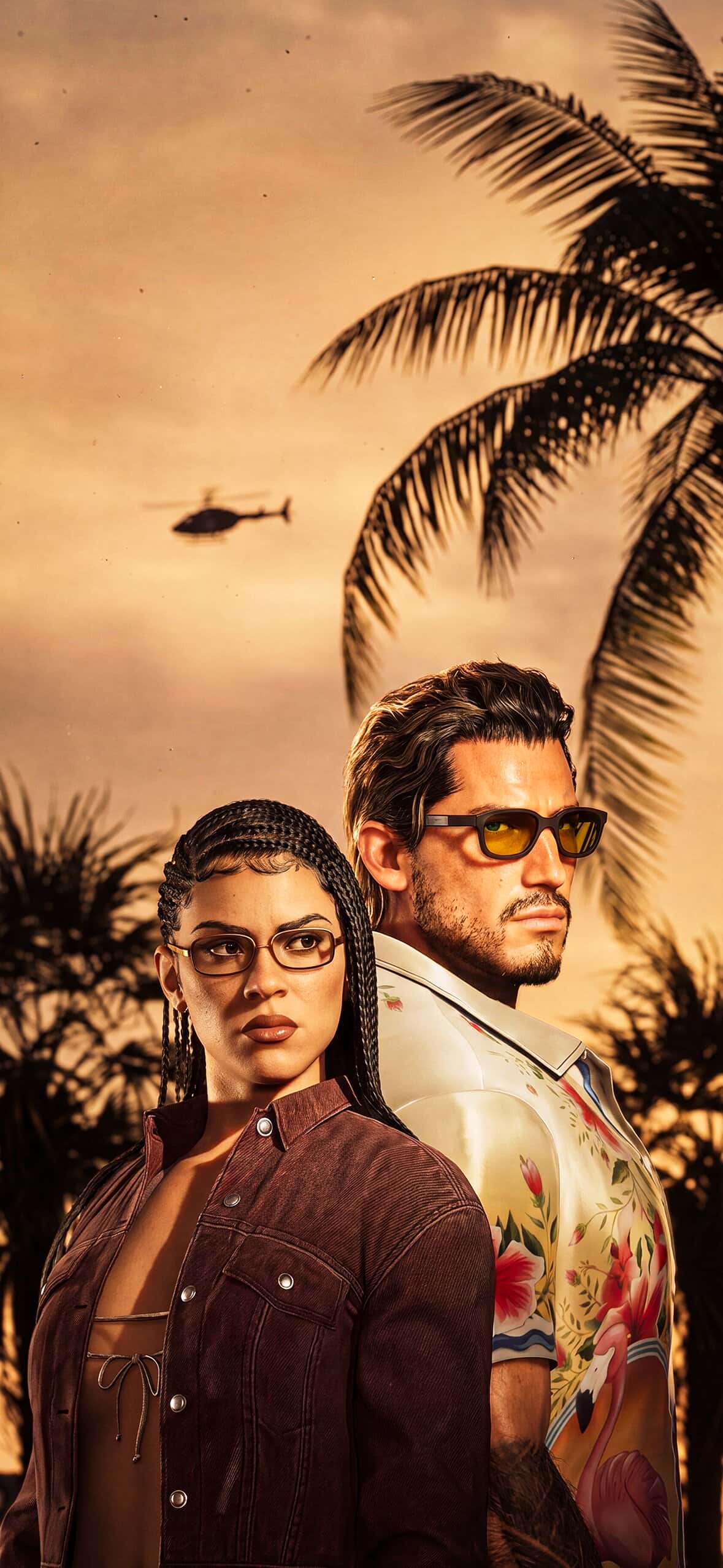
Setting It Up on Your Phone
Once you’ve picked your favorite, go into Settings and adjust the perspective so the important part of the image, usually the character or a focal detail, isn’t getting cut off awkwardly at the edges. If you’re using a split-screen design with both Lucia and Jason, double check how it looks on both the lock screen and home screen since cropping can shift depending on your widget layout.
A lot of fans are also matching their app icons to fit the aesthetic, using pastel or neon-toned icon packs so the whole home screen feels like a little Vice City tribute rather than just one wallpaper sitting behind a bunch of mismatched apps.
Whether GTA 6 ends up being everything the hype promises or not, there’s no denying Lucia and Jason have already become icons in their own right. Might as well let that show on your lock screen while you wait.