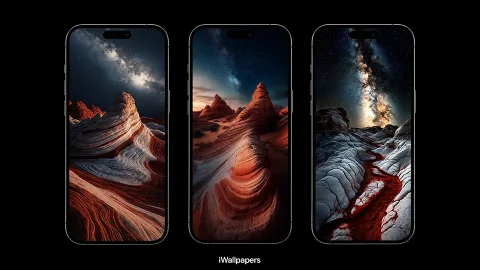
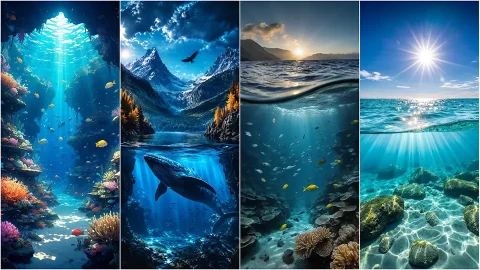
Mountains have quietly become one of the most requested wallpaper categories on iPhone, and it’s not hard to see why. Unlike a lot of trending aesthetics that fade out after a season, a well-shot peak against open sky is one of those images that just doesn’t get old. It’s got scale, contrast, and a kind of stillness that translates surprisingly well to a five-inch screen you glance at fifty times a day. This collection gathers a range of mountain-themed wallpapers built specifically for iPhone’s portrait aspect ratio — no stretched crops, no losing the peak behind the Dynamic Island.
Why mountains work so well as phone backgrounds
A lot of wallpaper trends rely on being busy — bold patterns, saturated gradients, dense detail everywhere. Mountains do the opposite, and that’s exactly their advantage. A single peak rising out of cloud cover naturally splits the frame into a lighter upper section and a darker lower one (or the reverse, depending on the shot), which happens to be close to ideal for how iOS lays out a lock screen. Clock widgets sit comfortably against open sky, notification stacks don’t fight for attention against cluttered detail, and app icons on the home screen stay legible instead of disappearing into visual noise.
There’s also a simple emotional pull to elevation and scale. Images of tall peaks tend to read as calm rather than chaotic, even when the terrain itself is dramatic — jagged ridgelines, storm clouds, deep shadow. Something about looking slightly up and out, rather than down and in, tends to feel less claustrophobic on a small screen than tighter, closer subjects do.
What’s in this collection
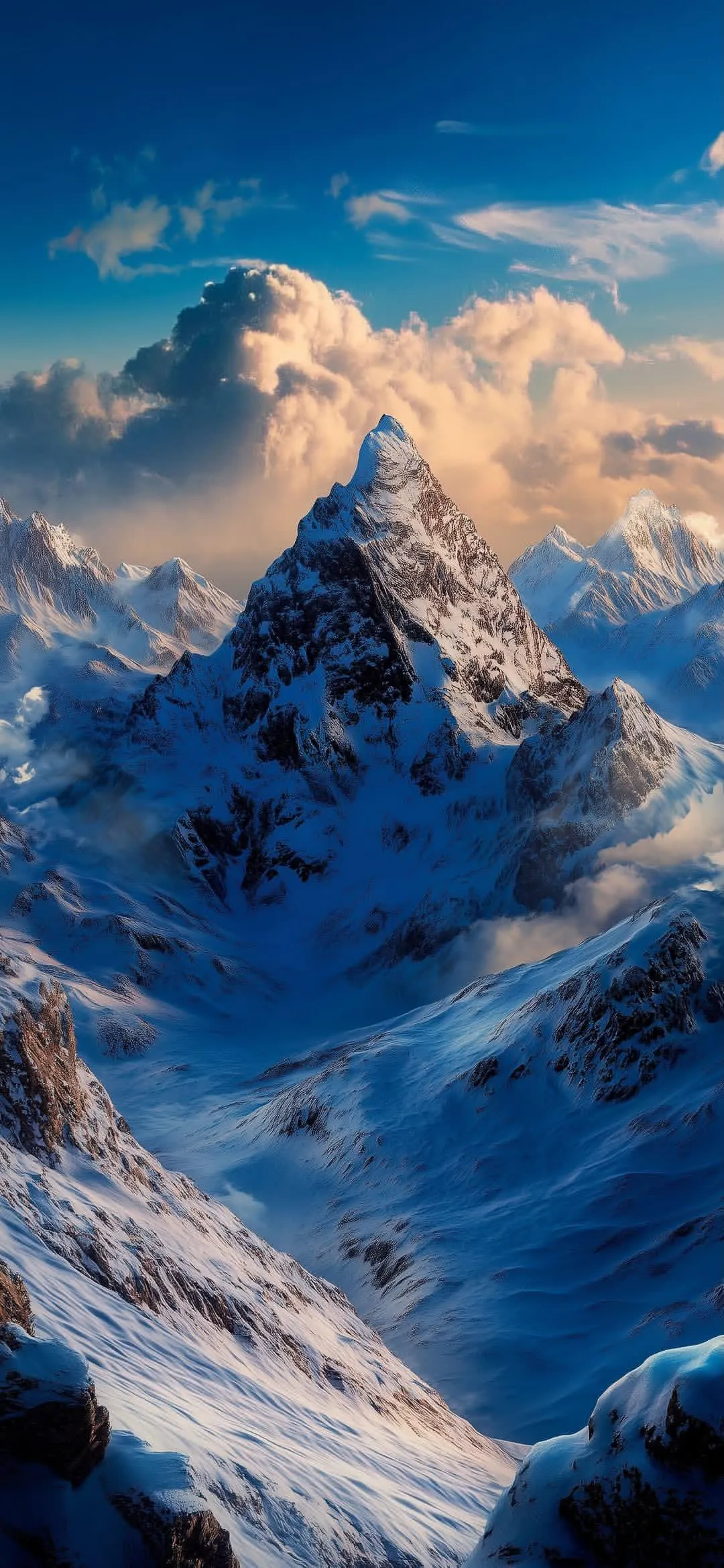
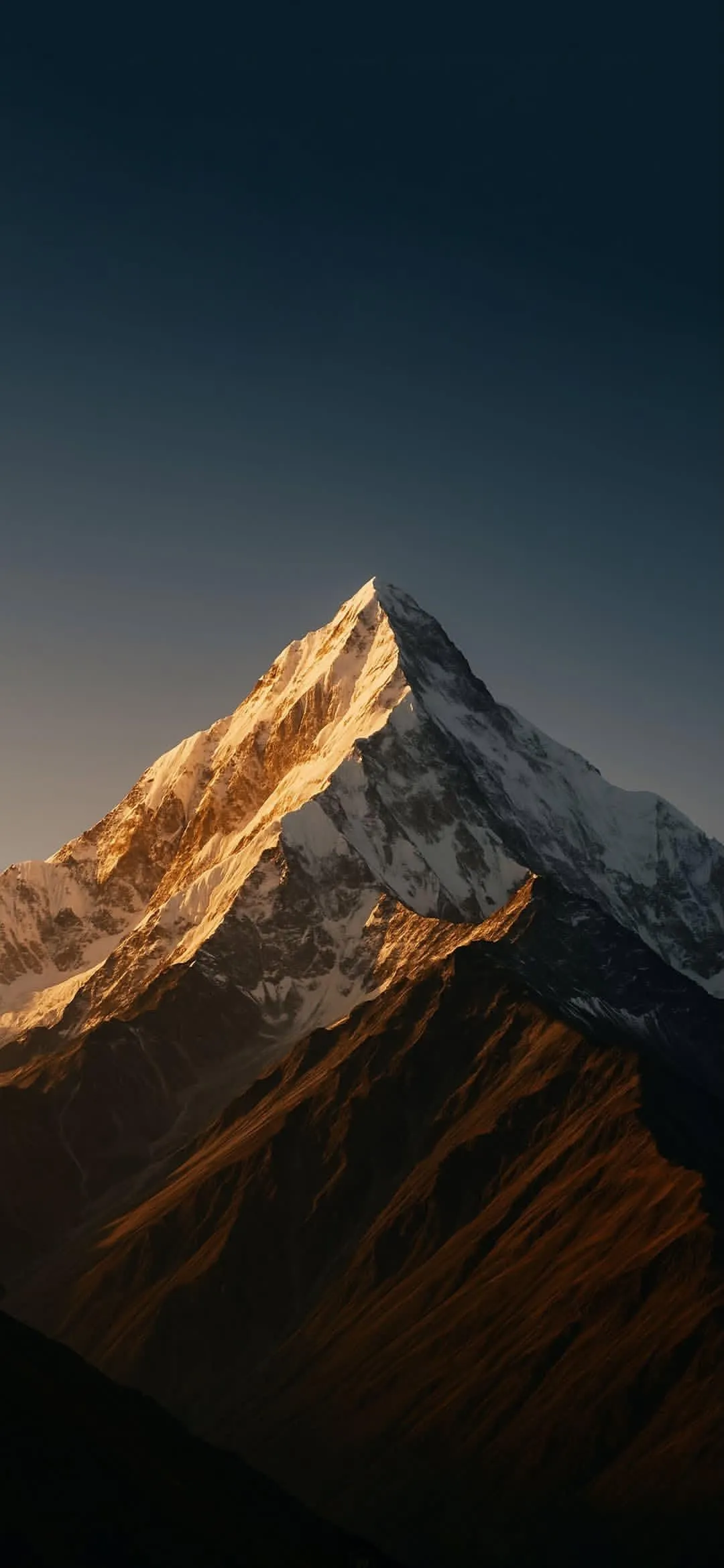
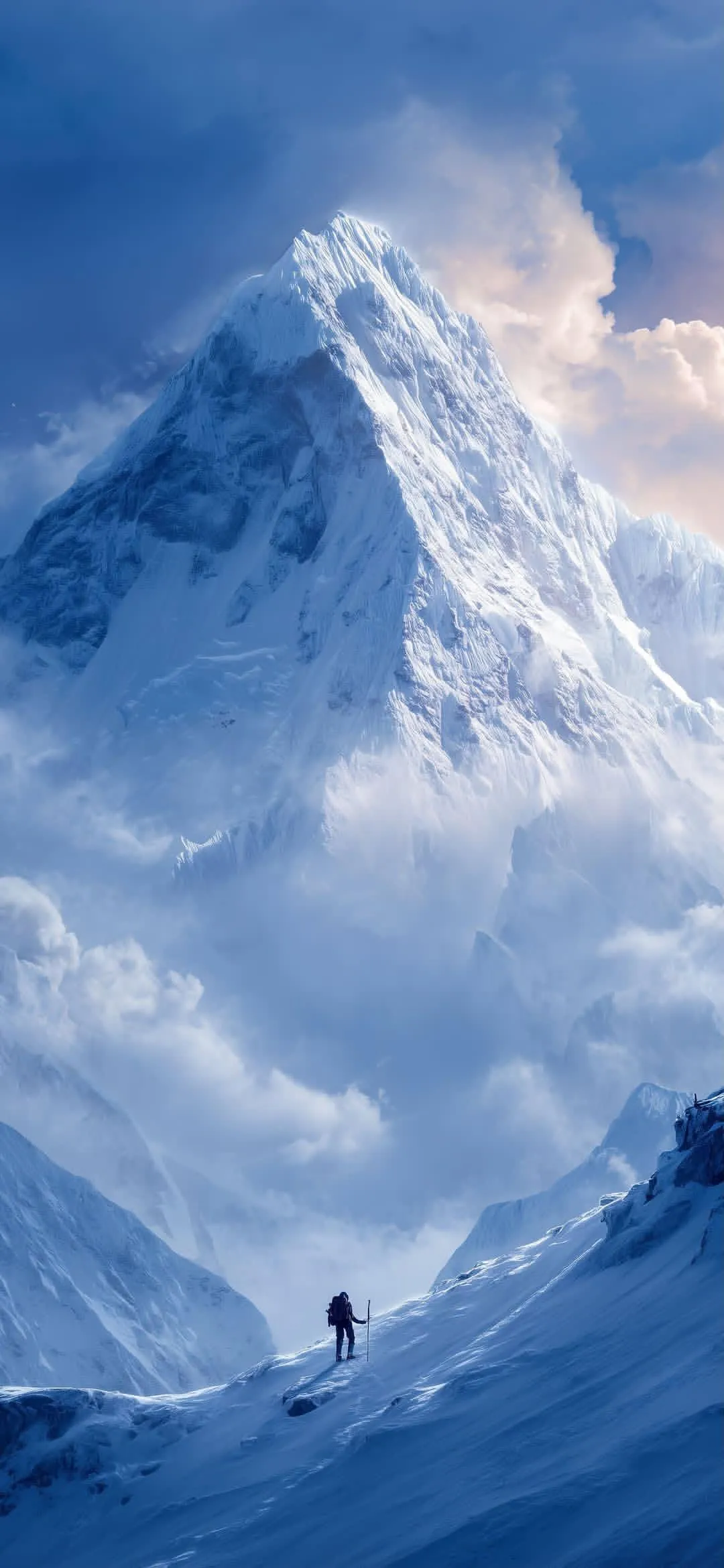
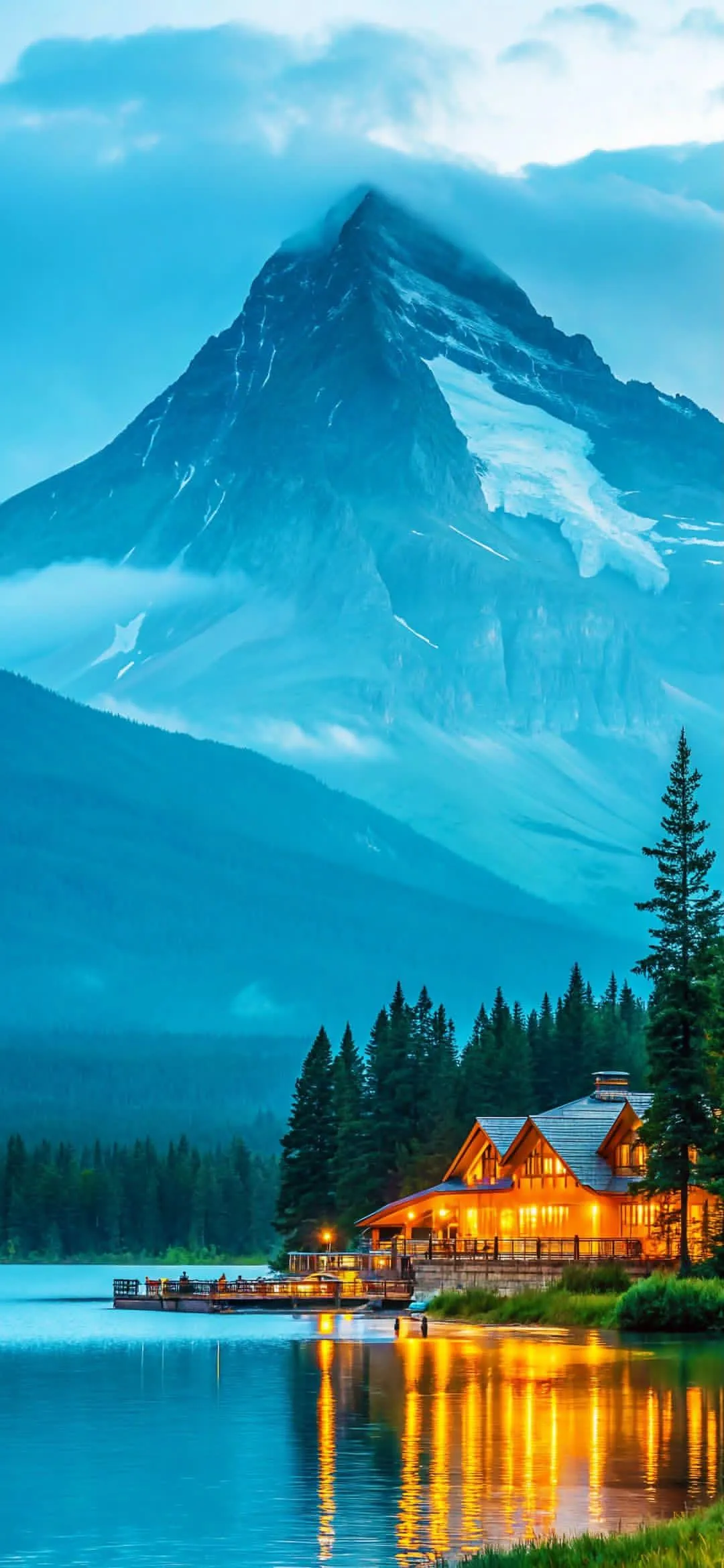
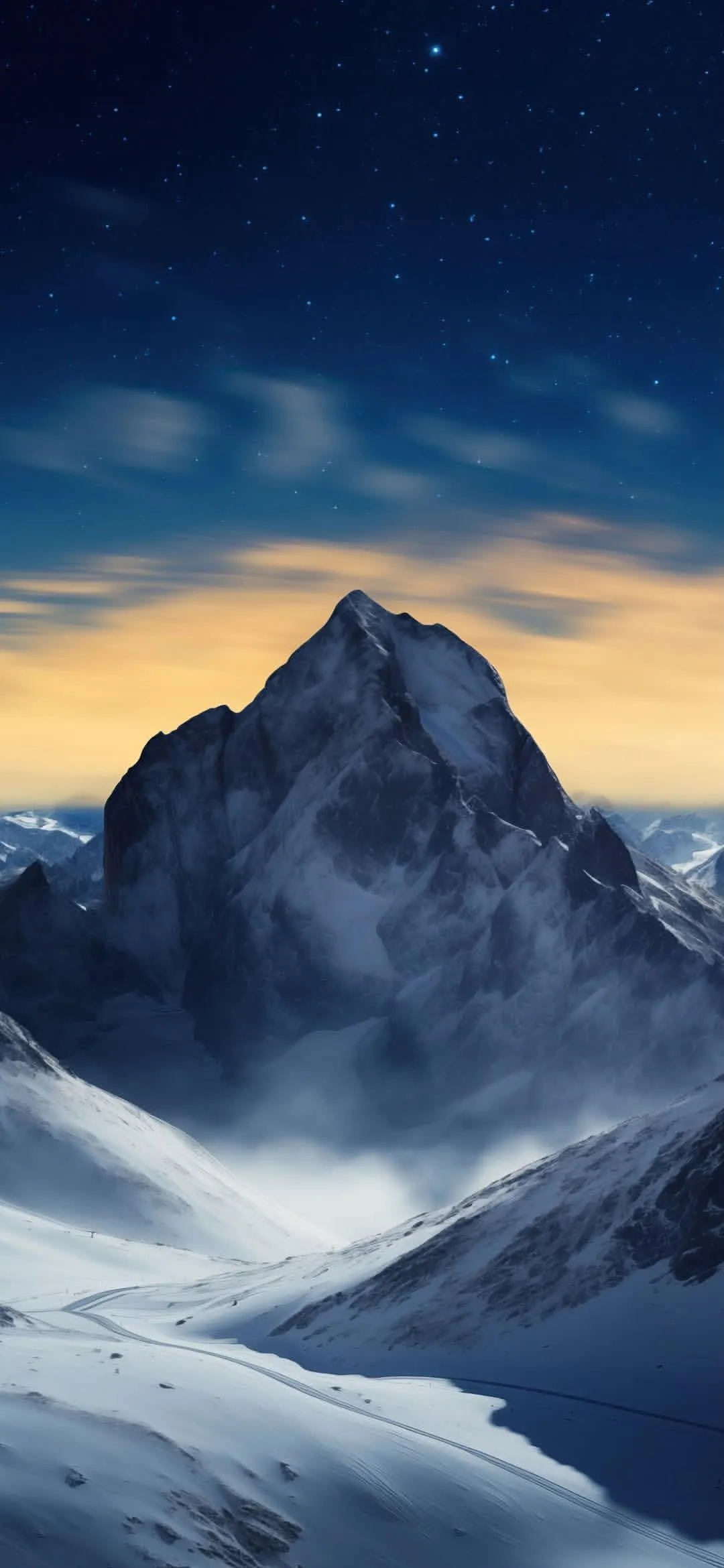
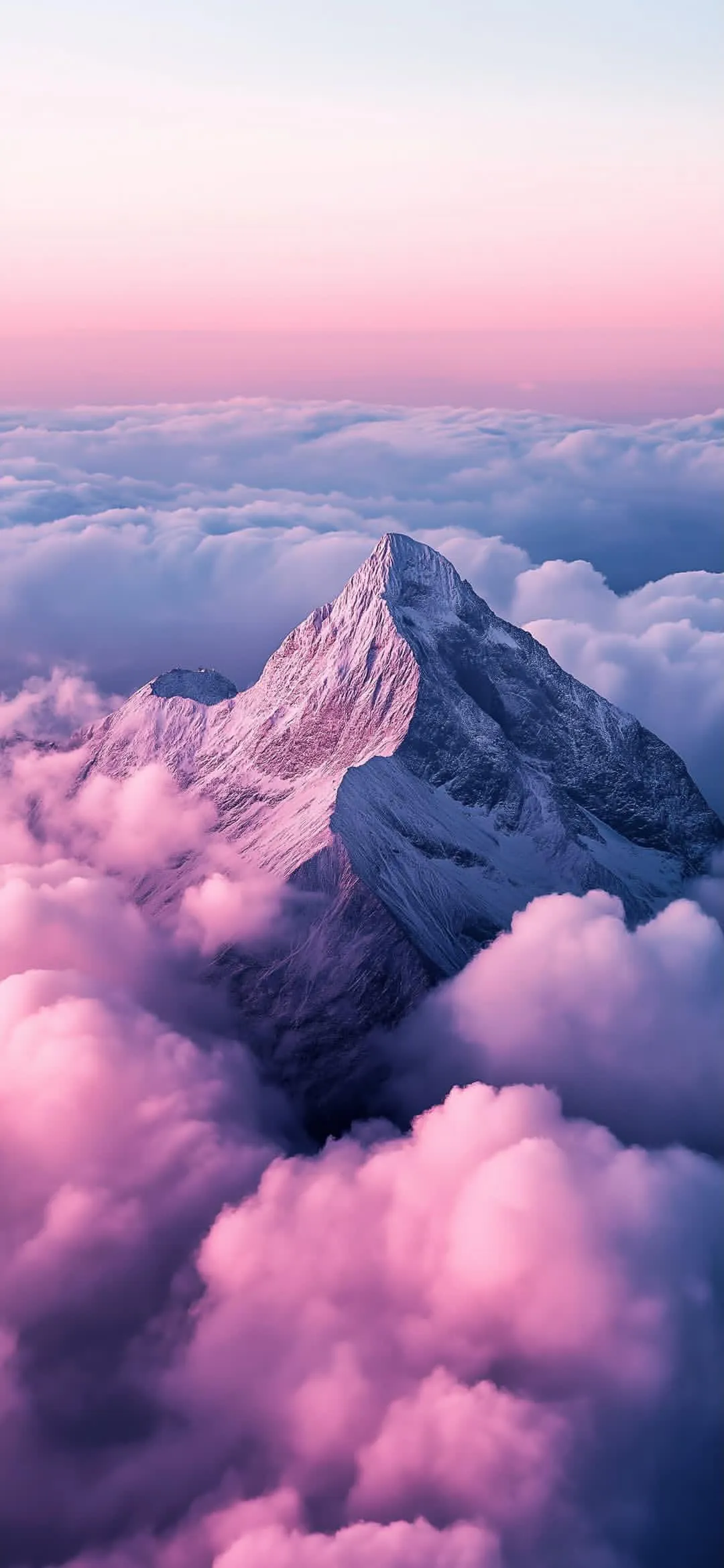
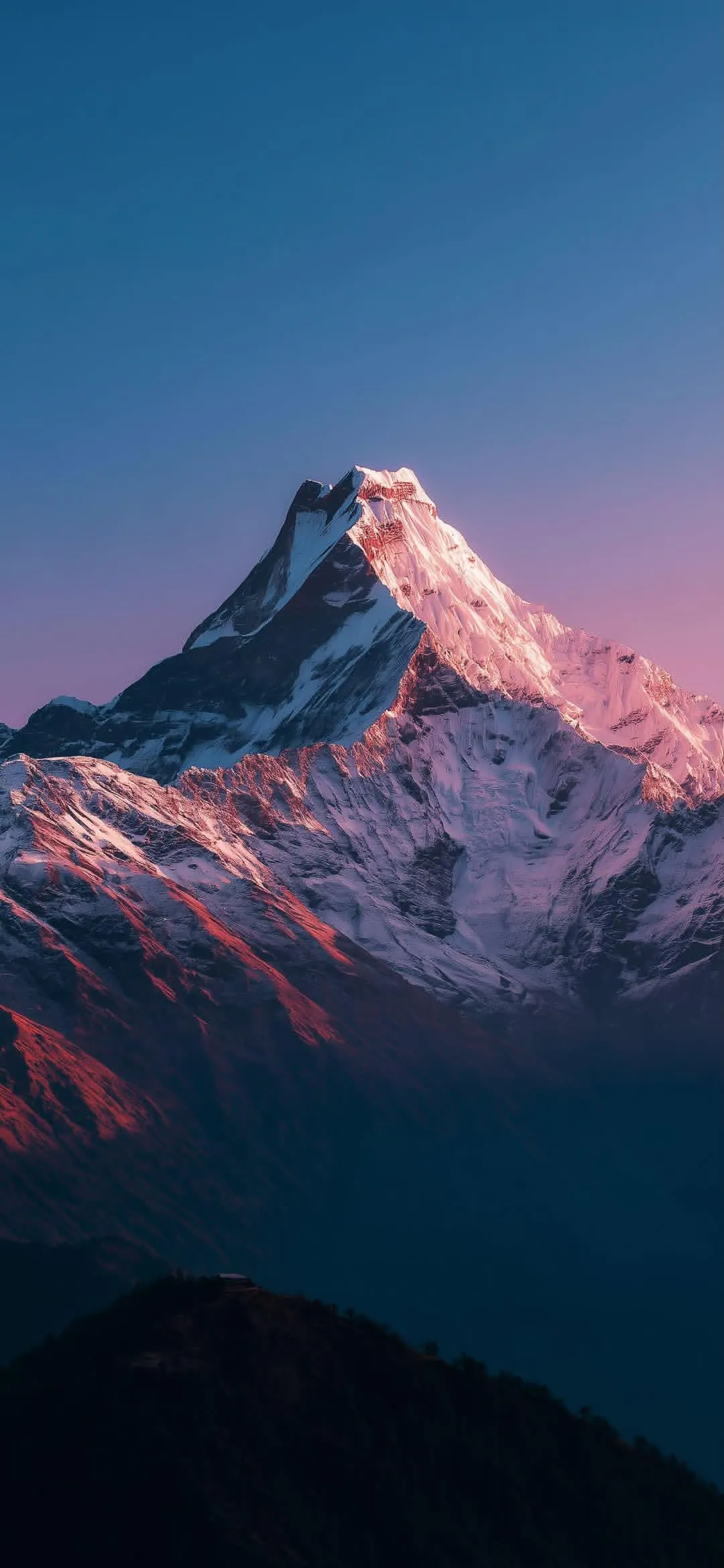
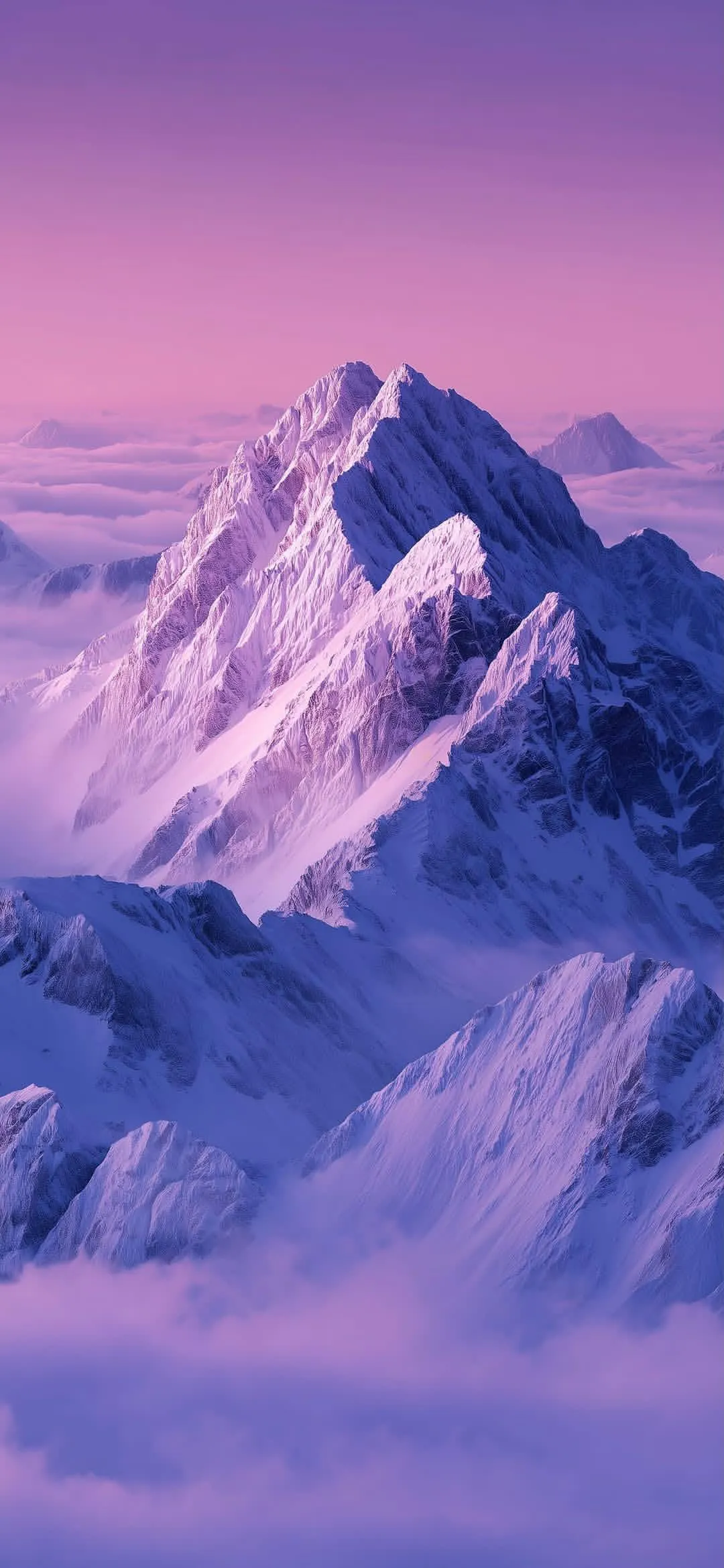
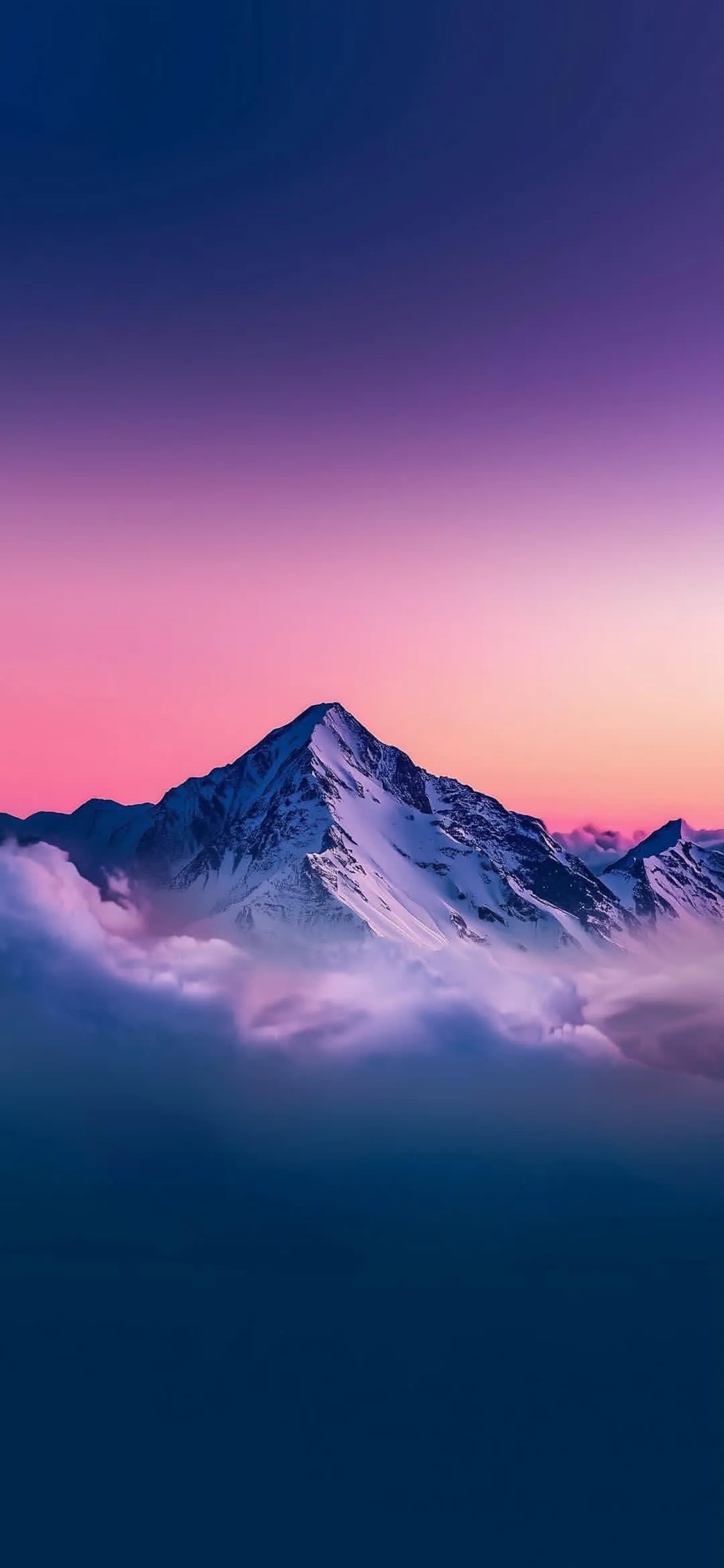
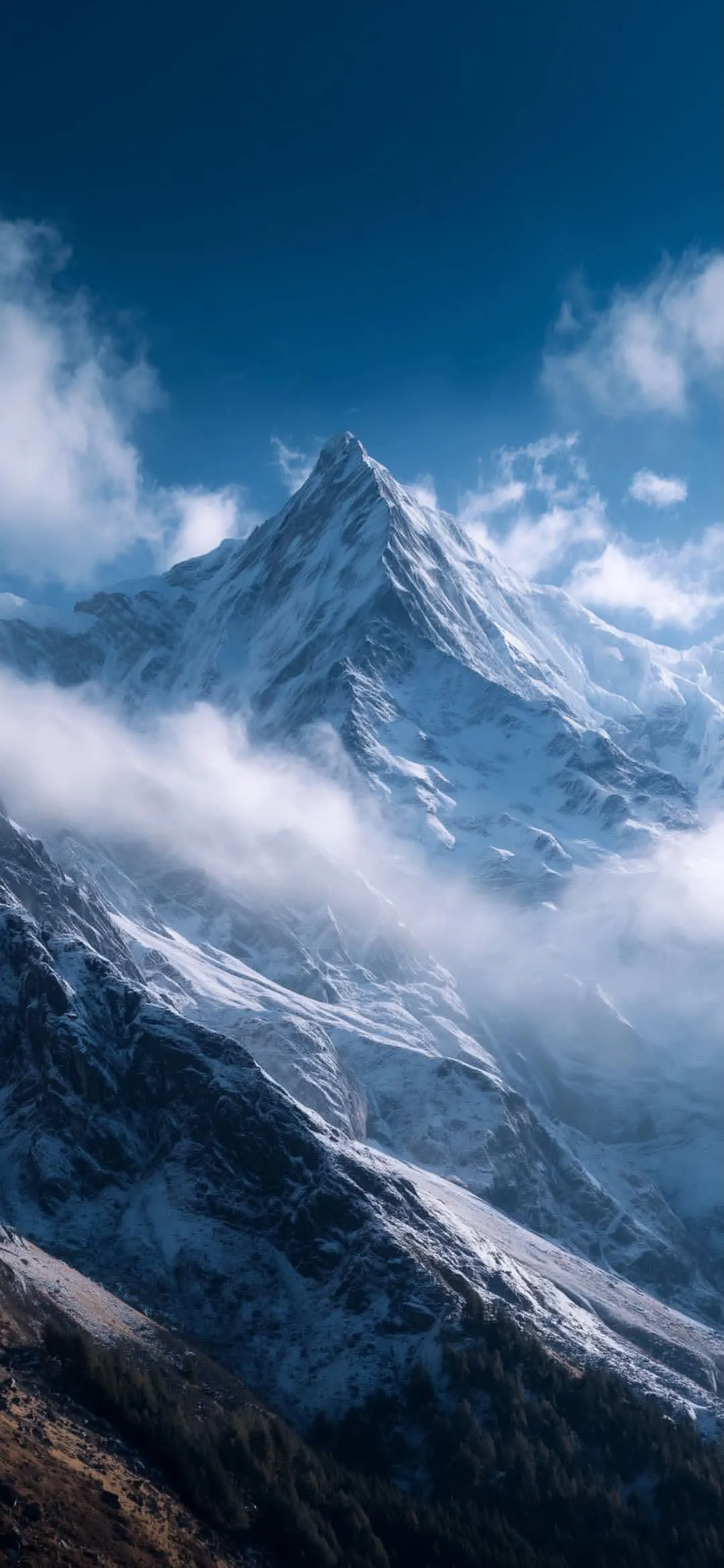
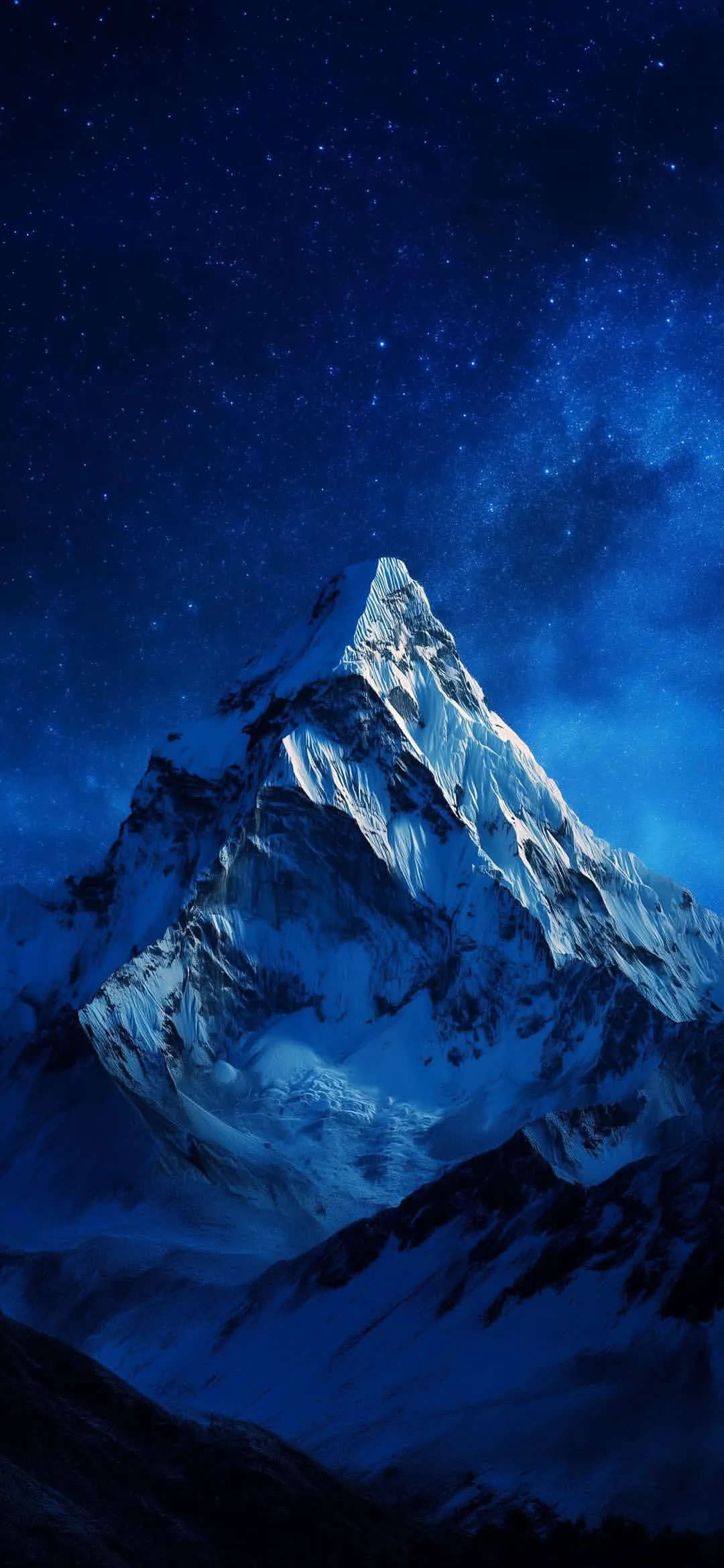
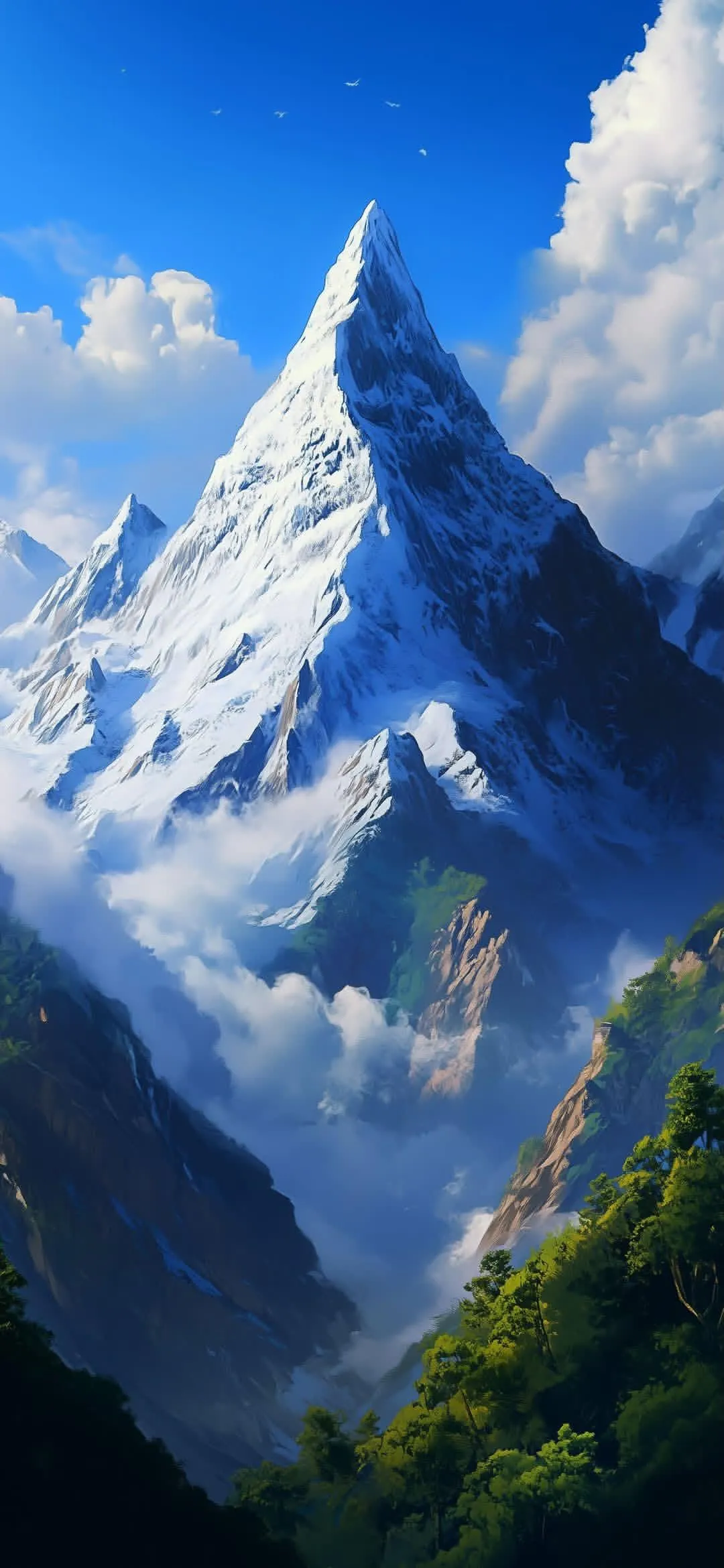
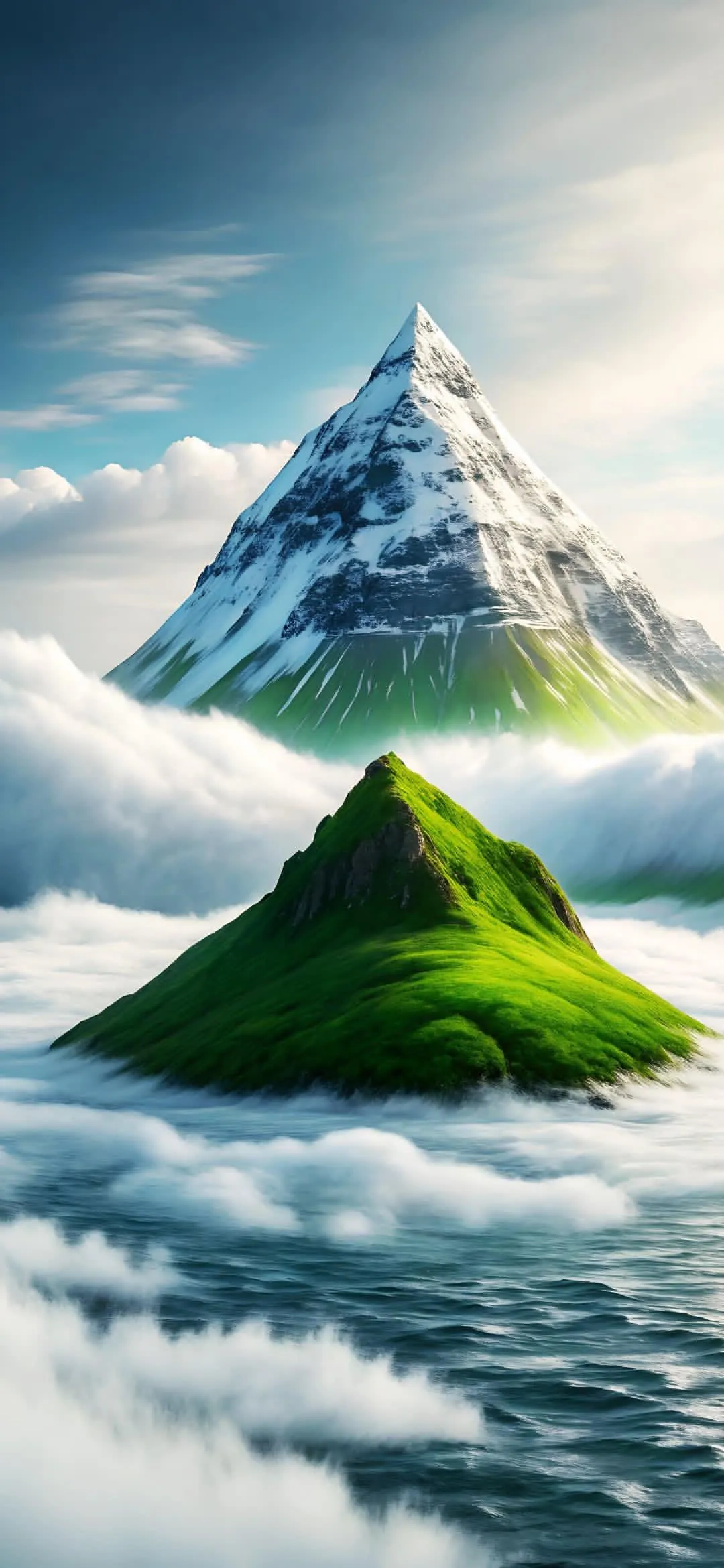

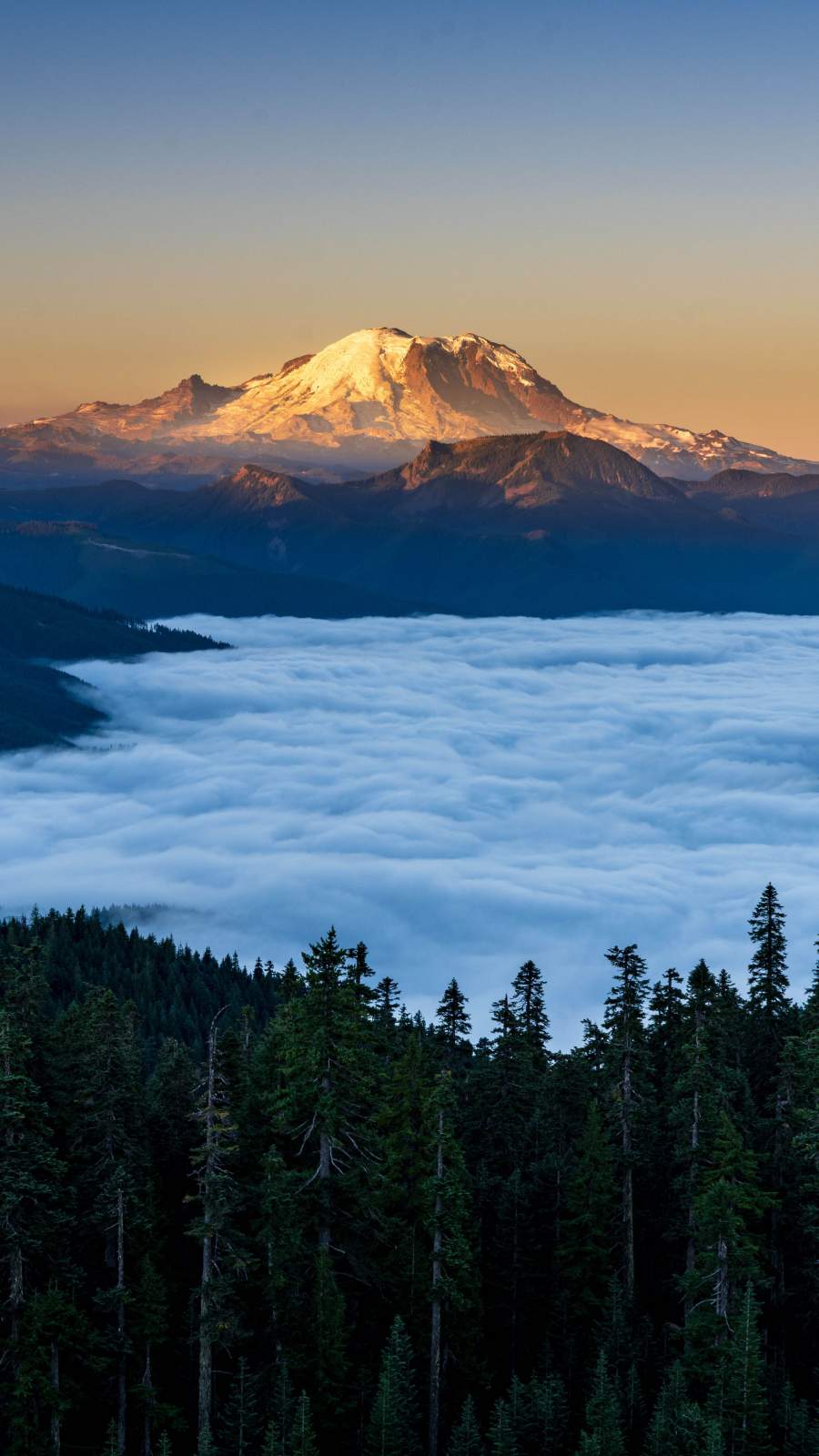
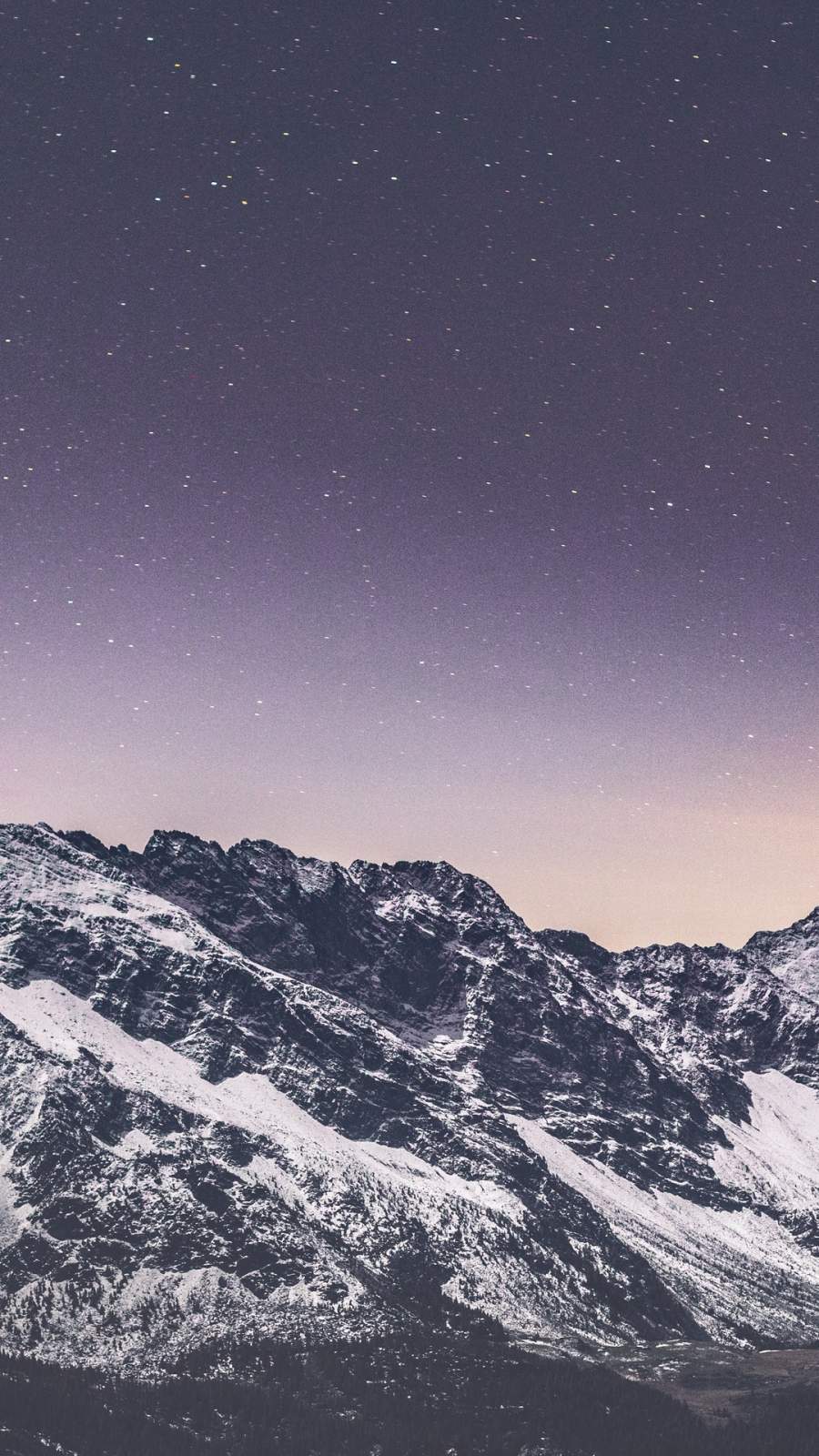
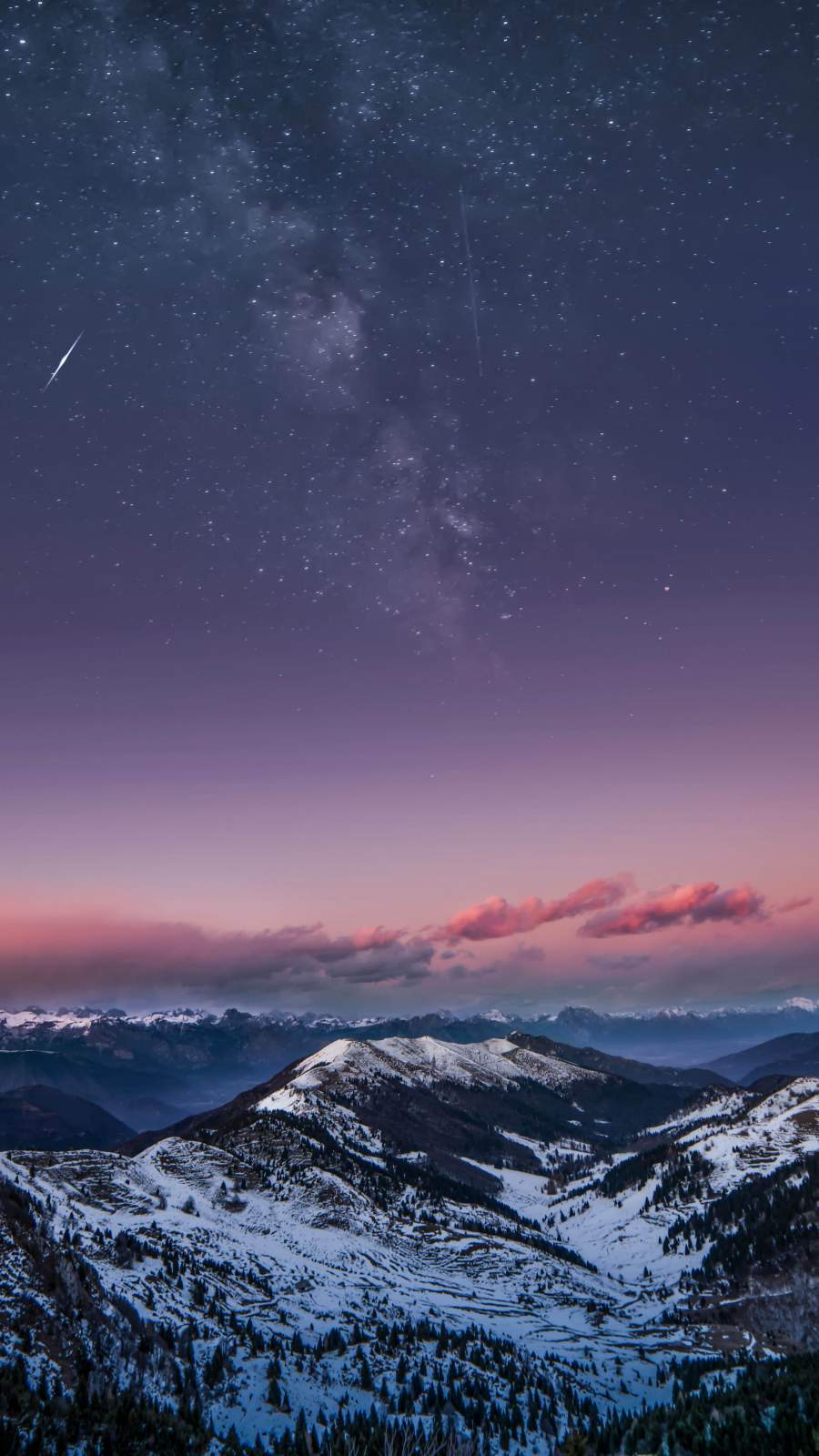
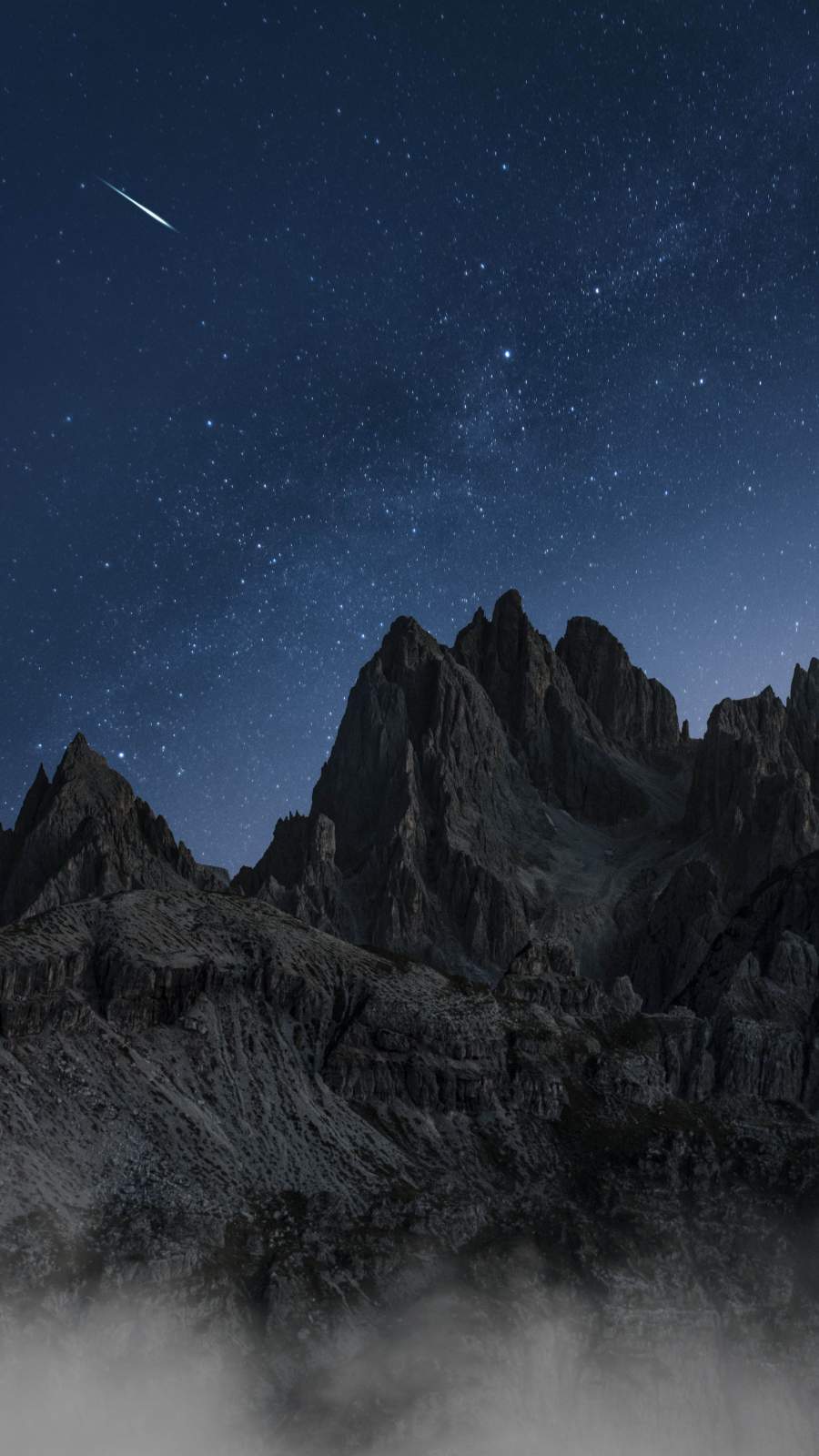
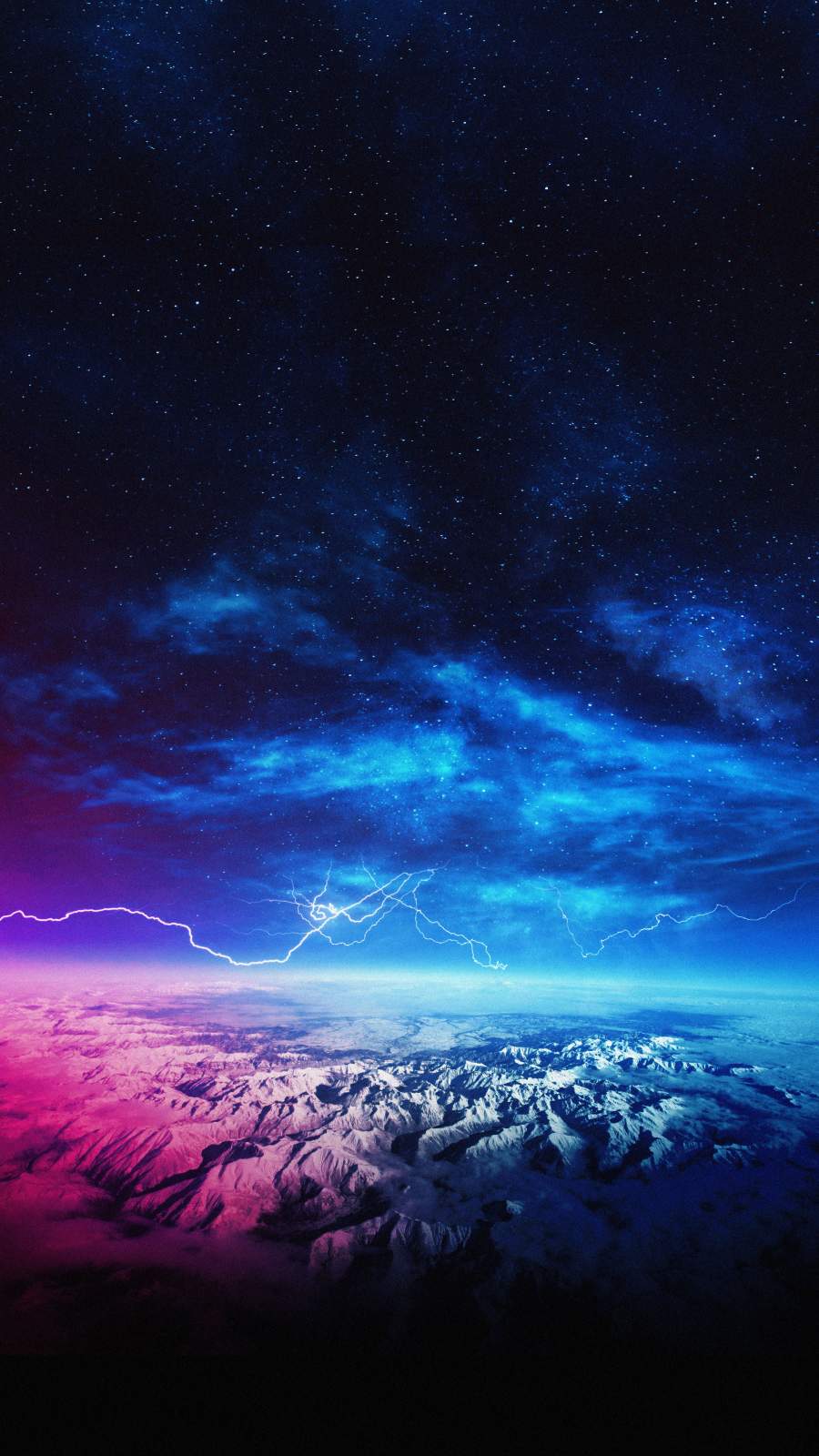
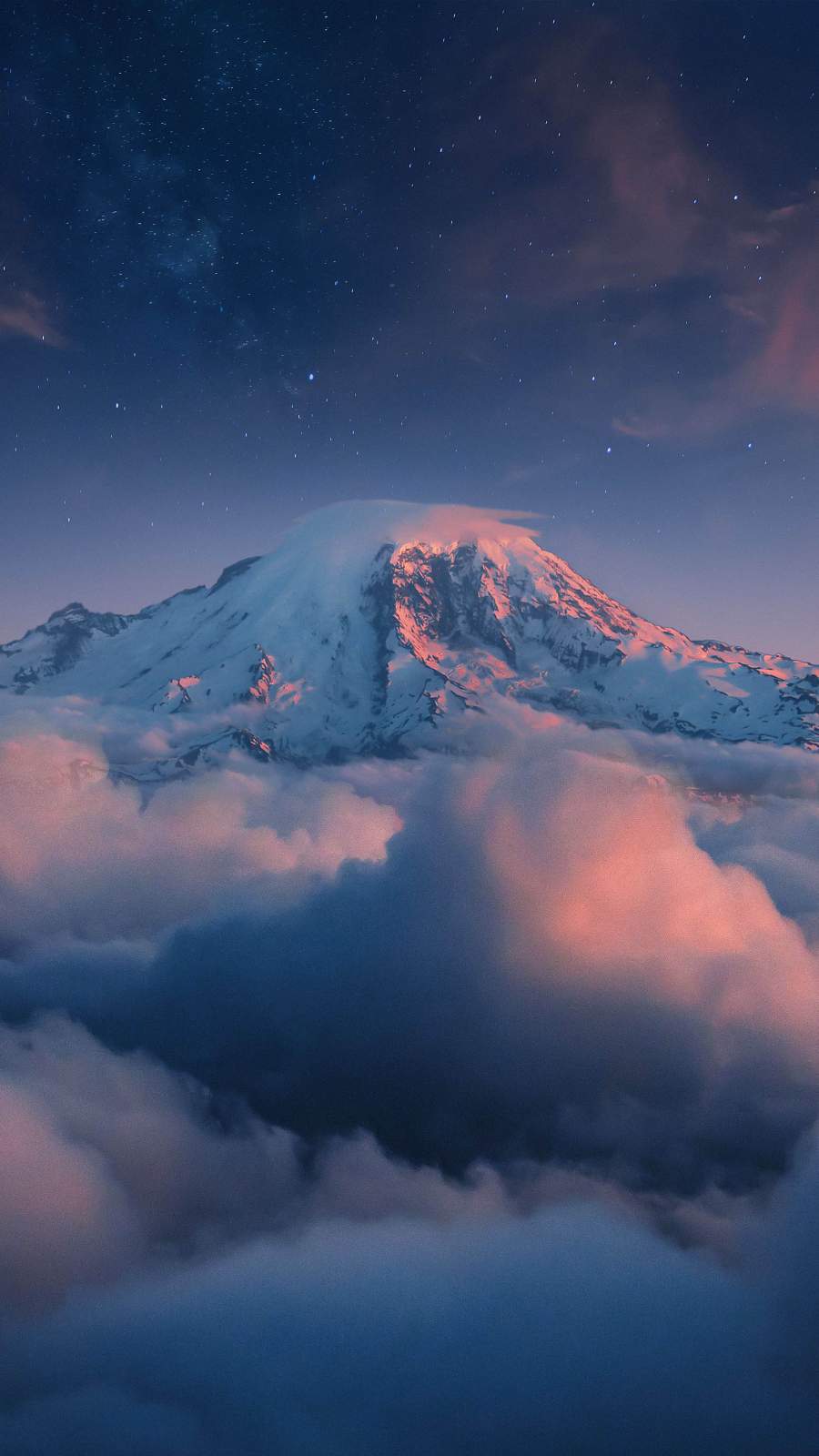

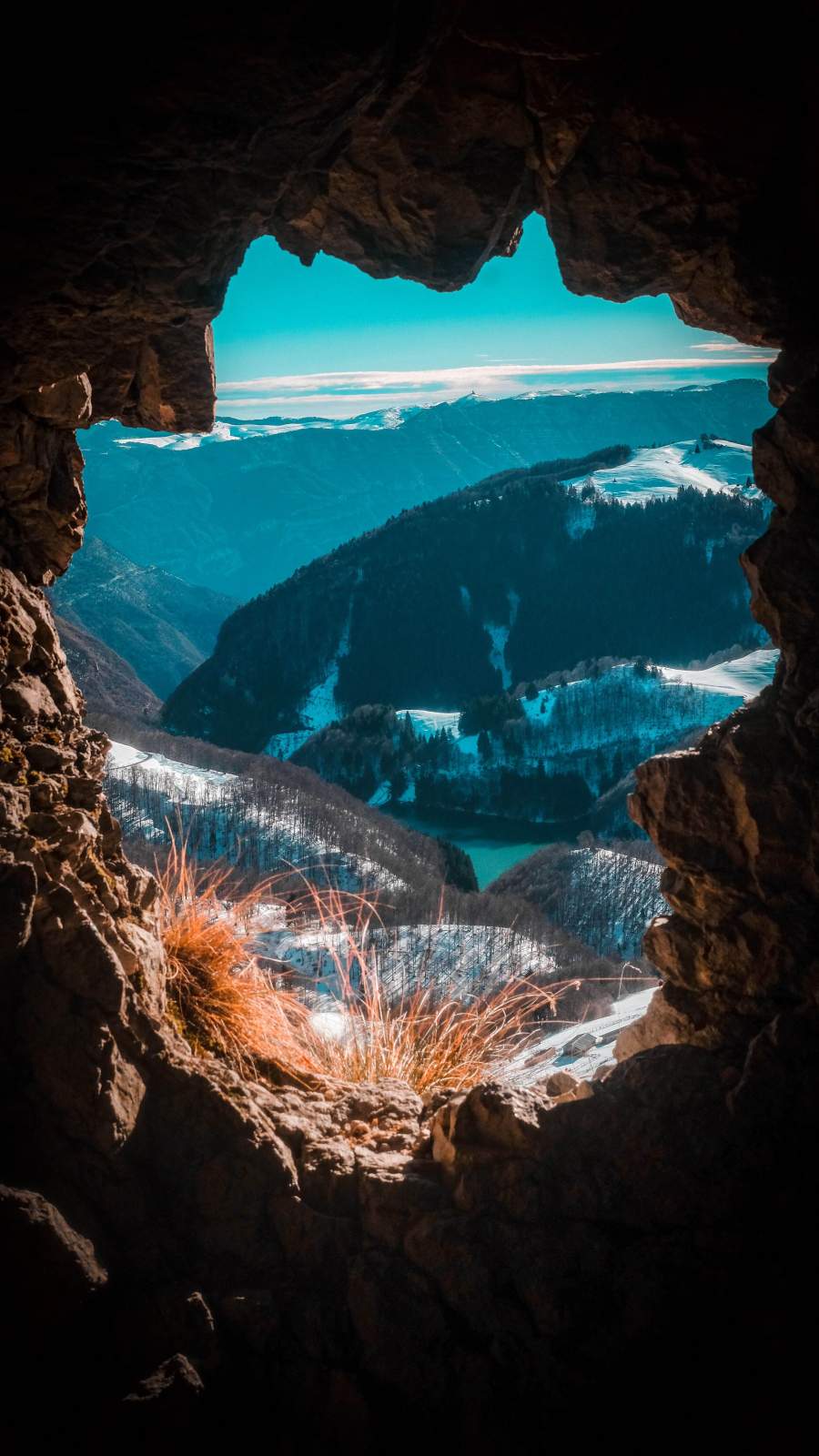
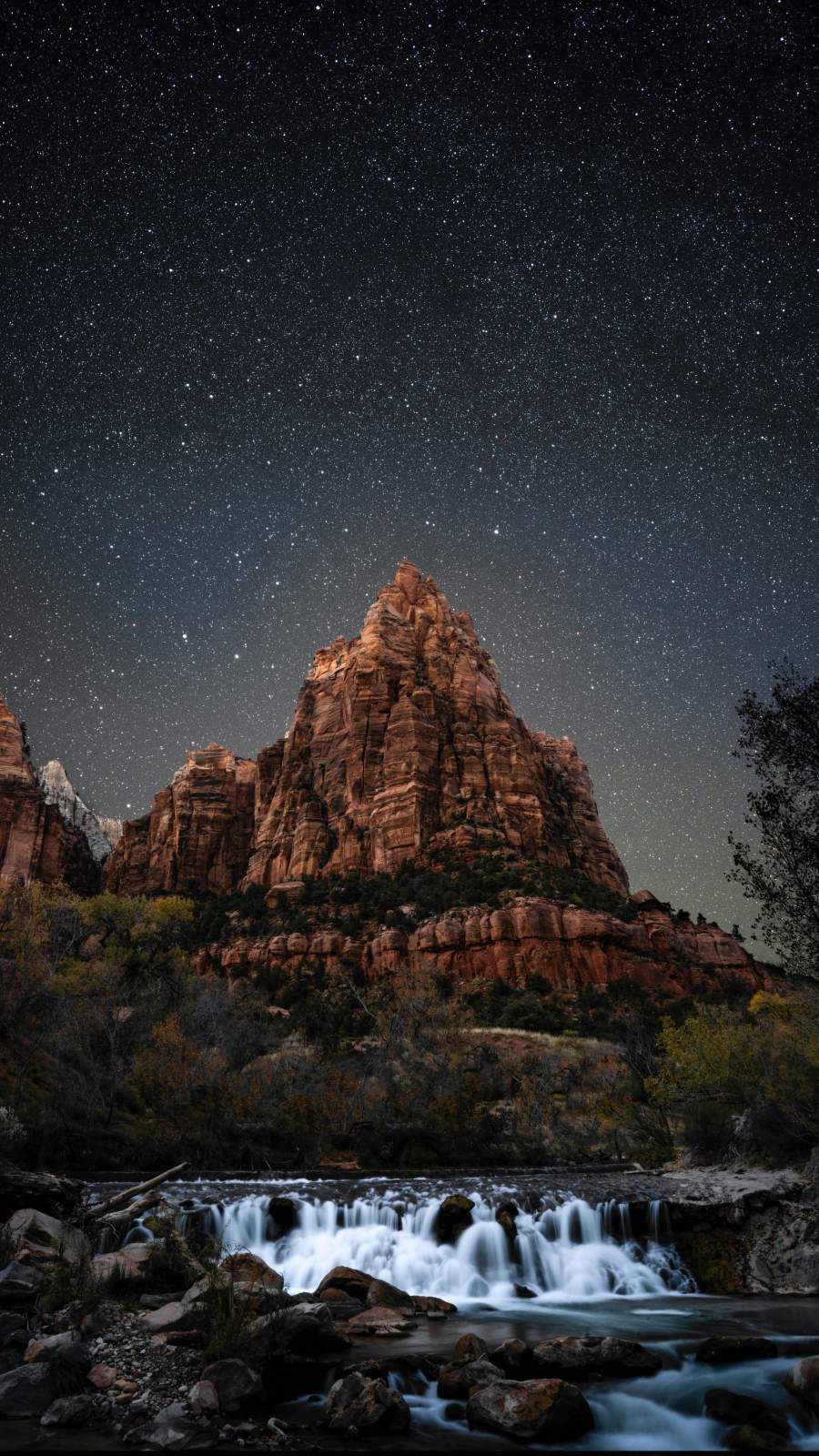
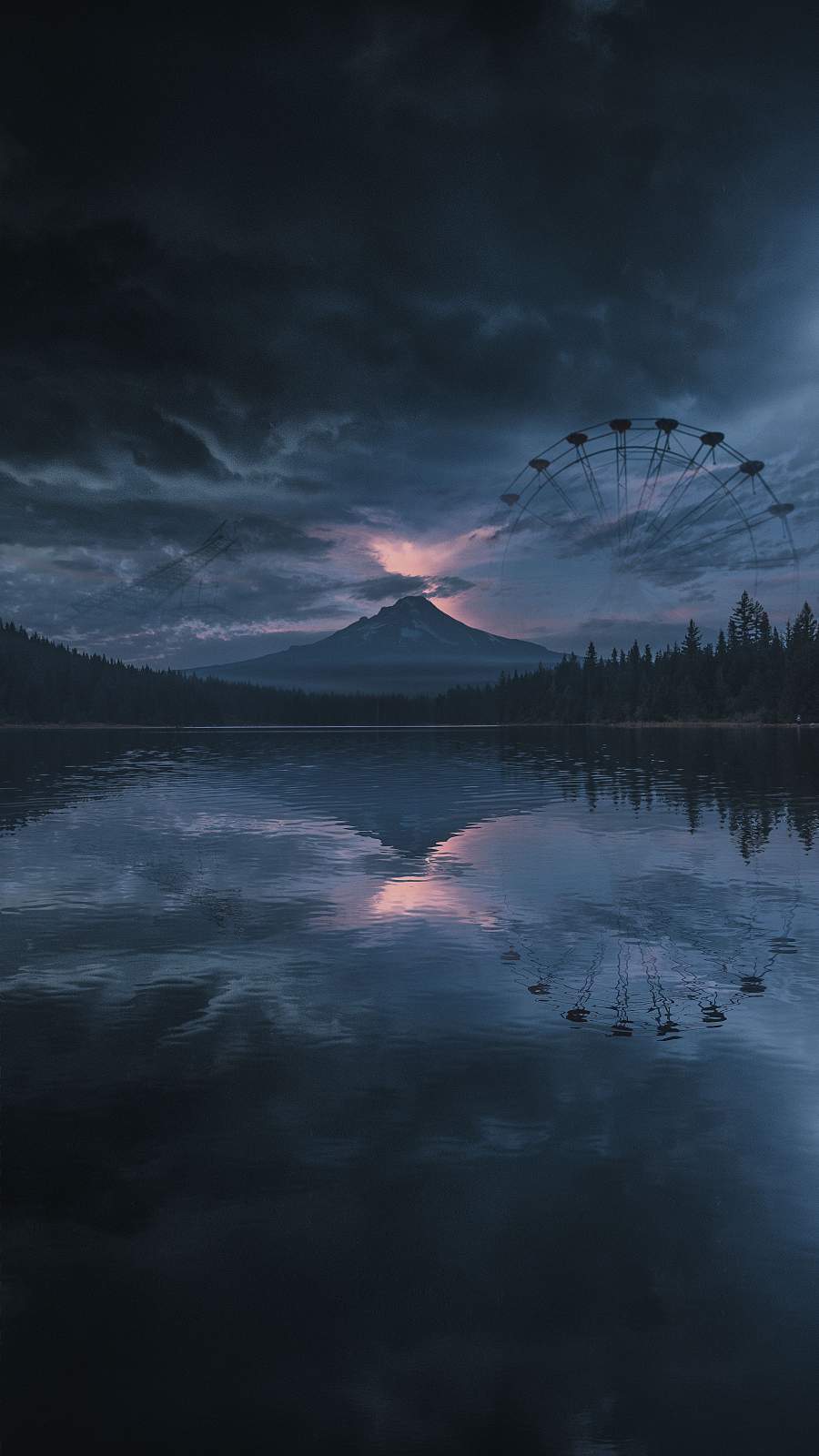
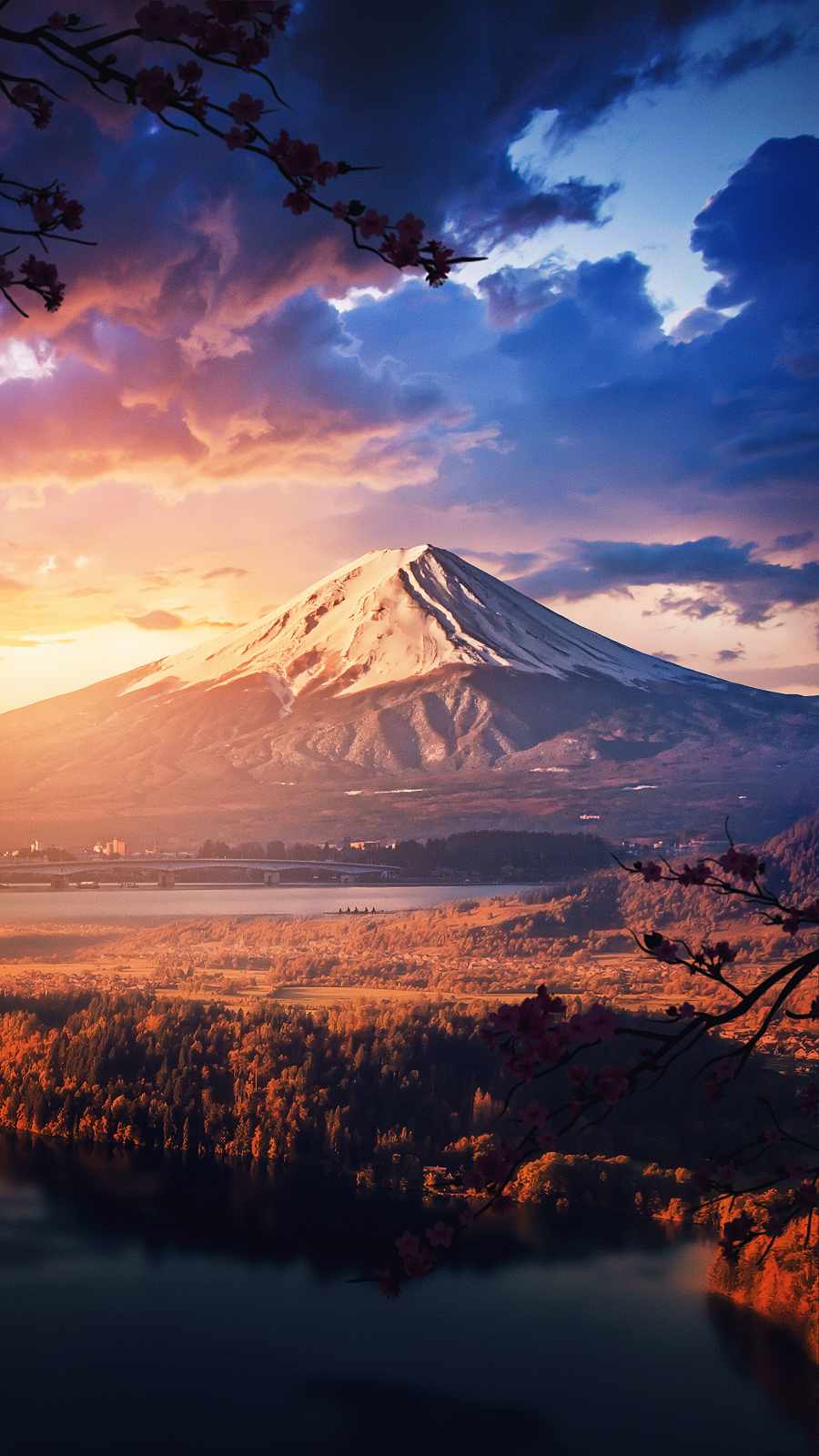
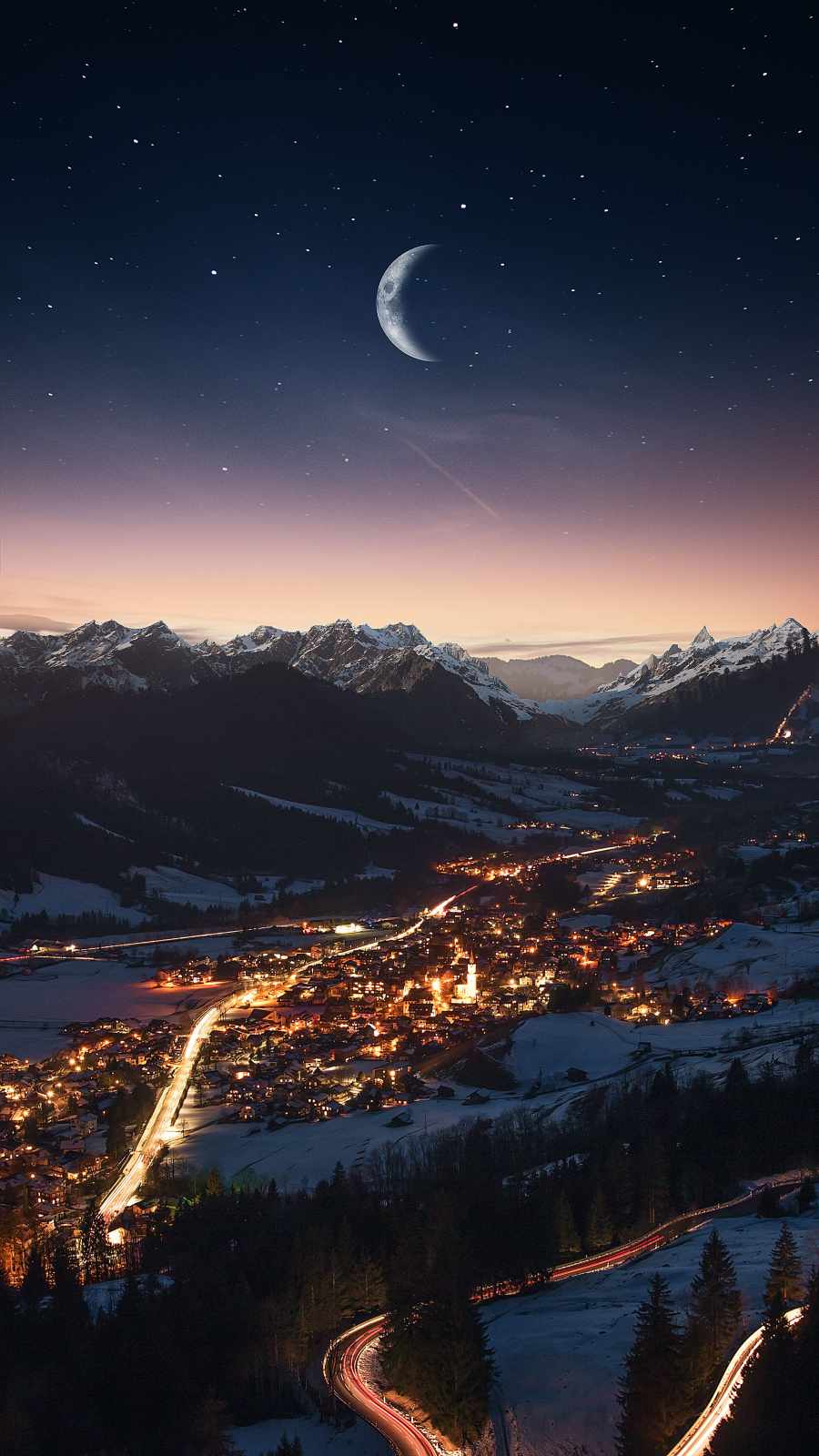
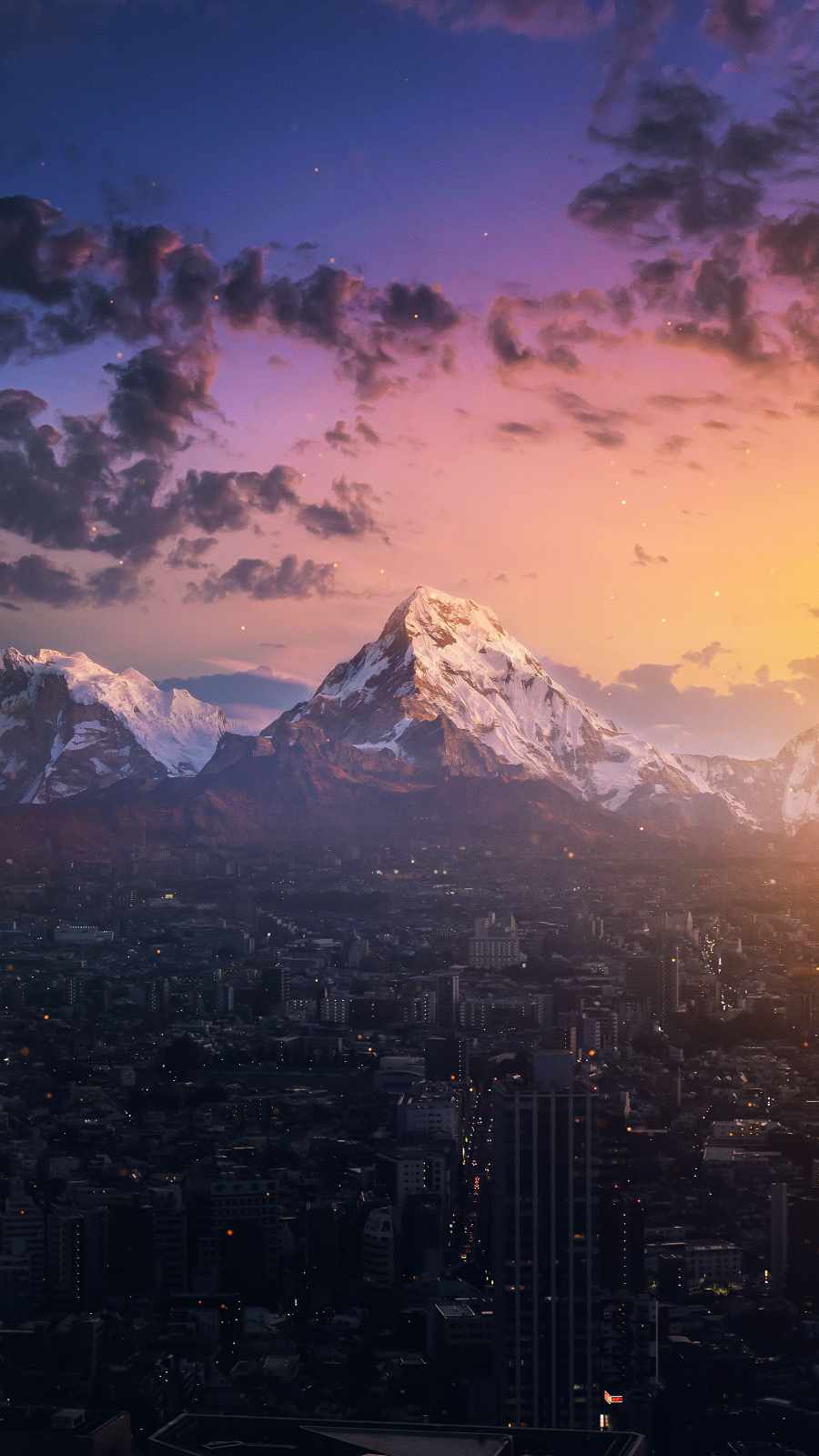
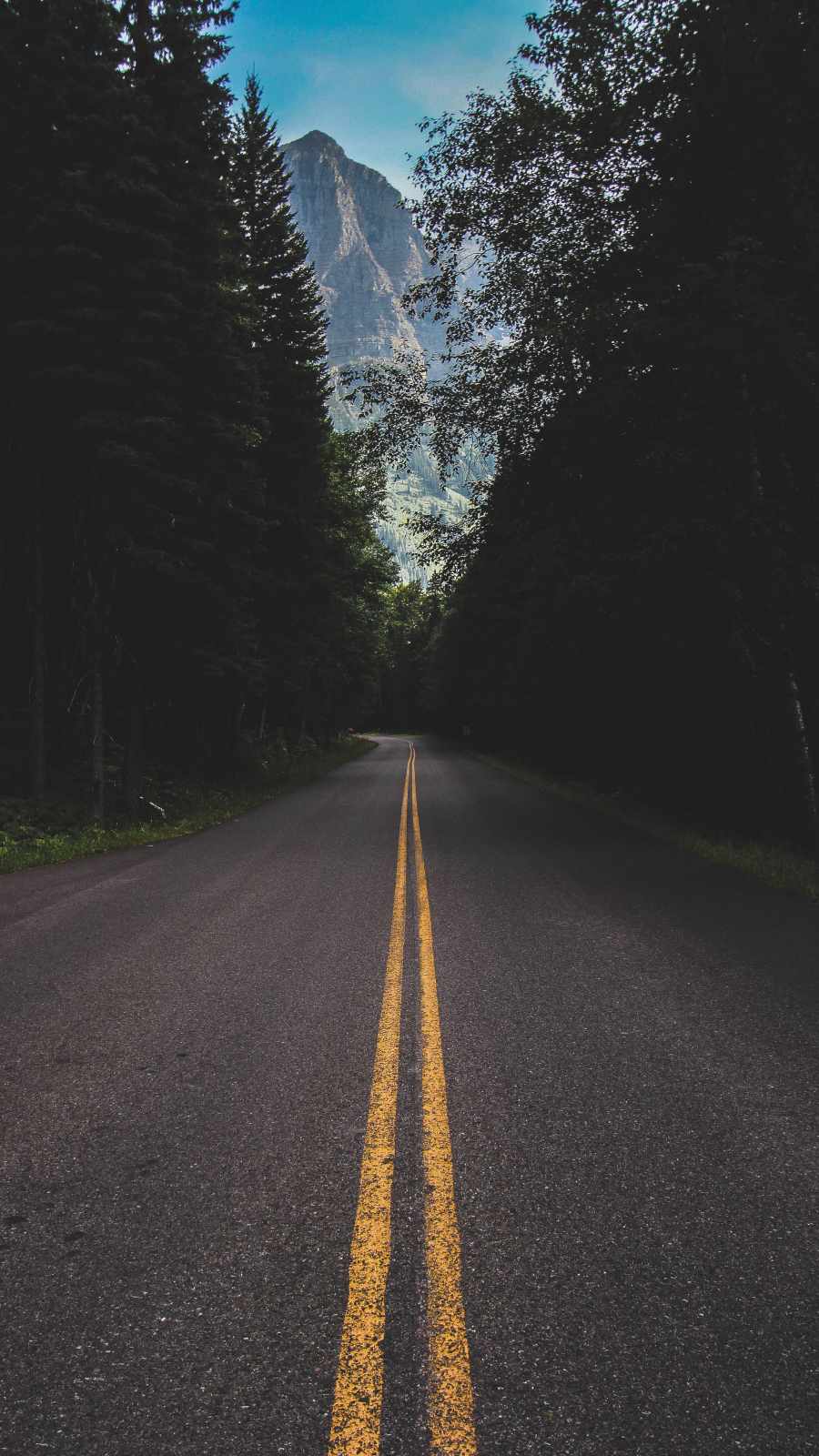
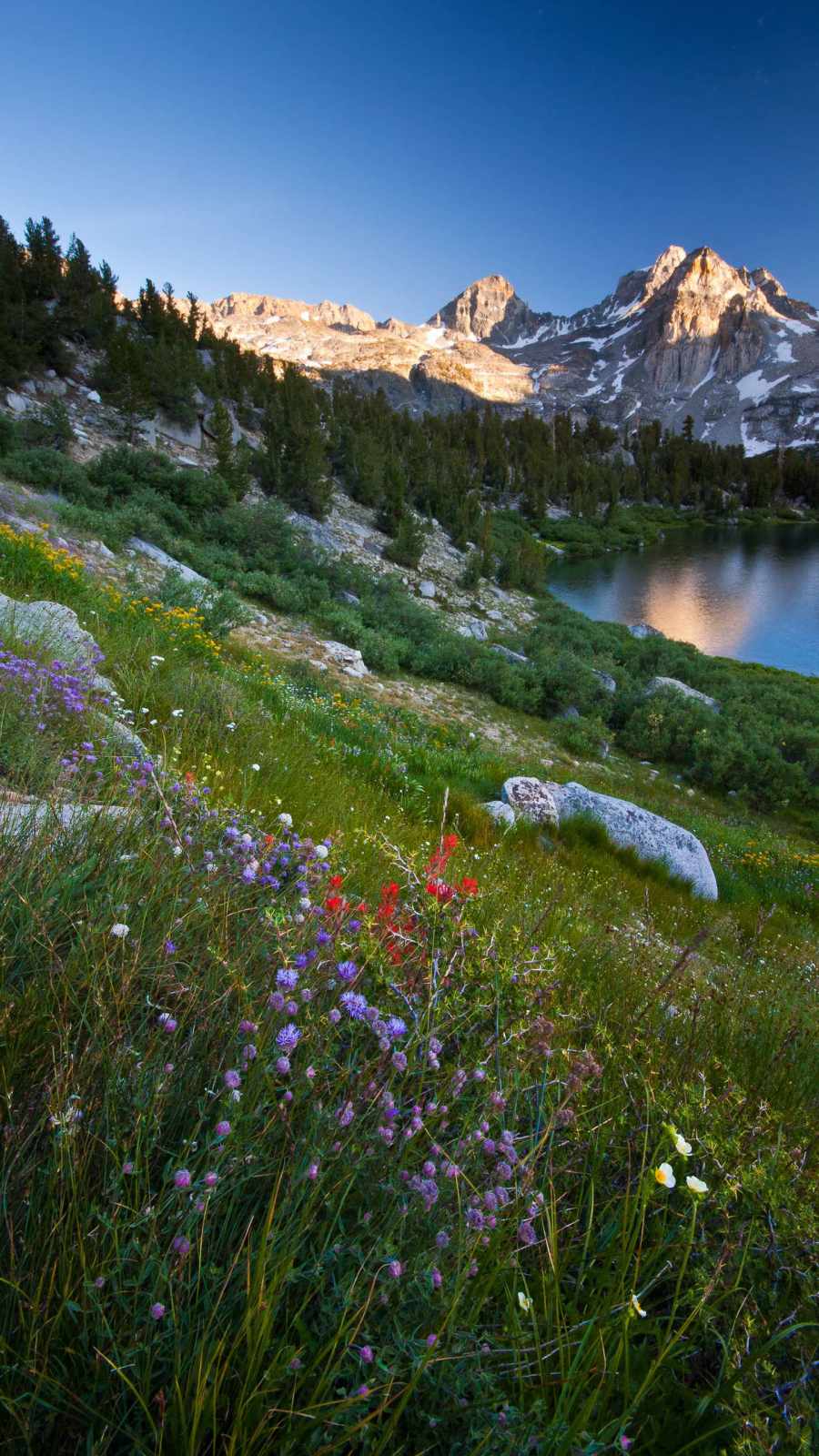
This set intentionally avoids repeating the same lighting and mood across every image:
- Daytime peaks above the clouds — classic blue-sky shots with a single summit breaking through a sea of white cloud cover below. These are the most versatile in the set and hold up well under almost any home screen layout.
- Alpenglow and sunset tones — peaks lit in pink, purple, and gold as the sun sits low on the horizon. These carry more color intensity and work best as lock screens where they can be appreciated without app icons competing for space.
- Night and starlit summits — deep blue and near-black skies scattered with stars, sometimes with a faint horizon glow. Excellent for dark mode setups, since they blend almost seamlessly into a dark dock and app grid.
- Human-scale shots — a lone climber’s silhouette against a massive backdrop, or a warmly lit lodge glowing beside a still lake at dusk. These add a narrative element the pure landscape shots don’t have, and tend to feel more personal on a lock screen.
- Stylized and painterly pieces — a few images lean slightly toward illustration rather than straight photography, useful if the rest of your phone setup (icons, widgets, theme) leans more artistic than photorealistic.
Every wallpaper here is sized correctly for current iPhone displays, so nothing ends up cropped awkwardly around the notch, Dynamic Island, or home indicator.
Getting the crop and mood right
A wallpaper that looks great as a thumbnail can still look wrong once it’s actually behind your icons. A few things worth checking before you settle on one:
- Use the built-in preview and reposition tool. iOS lets you drag an image around before locking it in — don’t skip this step. Peaks with a clear single point work best centered slightly above the middle third of the screen, so the summit doesn’t get buried under the time display.
- Think about lock screen versus home screen separately. A vivid sunset shot might be the first thing you want to see when you tap your phone awake, but it can feel busy once your full app grid is sitting on top of it. Save the calmer, darker peaks — like the night sky or misty summit shots — for the home screen, and let the more dramatic color work live on the lock screen instead.
- Match your dark mode habits. If your phone flips between light and dark automatically, the deep-blue night peaks and shadowed ridgelines hold their contrast far better across both modes than bright daytime shots, which can look slightly washed out once dark mode kicks in.
- Grab the full-resolution file. Images pulled from messaging apps or social feeds are almost always compressed on the way through. Whenever you can, save the original so fine detail in the rock and snow texture doesn’t turn soft or blocky once it’s stretched across your screen.
Final thought
There’s a reason mountain photography keeps outperforming more trend-driven wallpaper categories: it doesn’t need a gimmick to hold your attention. A good peak shot works quietly in the background of your phone for months, still looks sharp next to whatever icon pack or widget layout you’re using next, and never really goes out of style. This set was built around exactly that — real elevation, real light, and crops made to actually fit an iPhone screen instead of just being resized to fit.