Dark Jesus iPhone Wallpapers: Battery-Saving AMOLED Picks
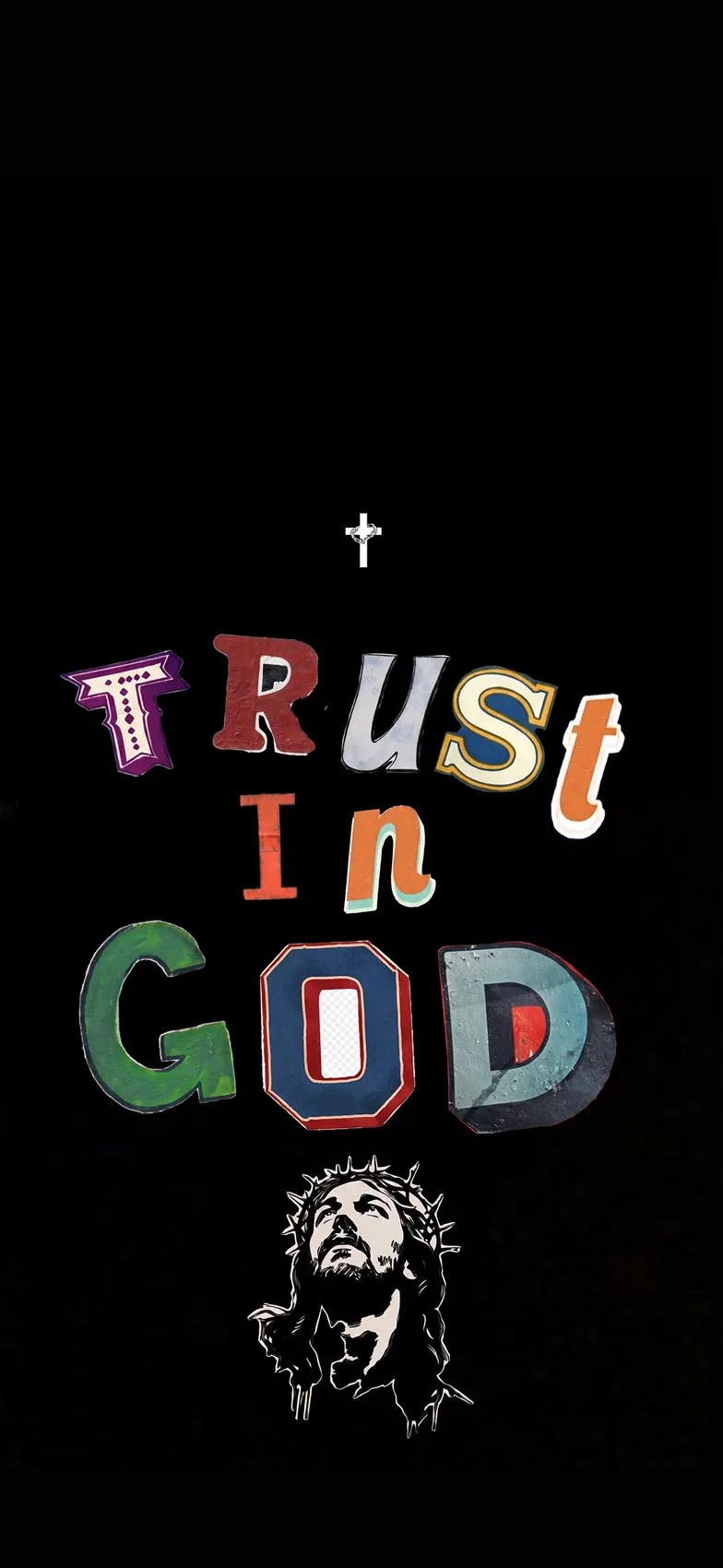
There’s a specific kind of wallpaper that manages to feel both spiritually meaningful and genuinely practical, and dark Jesus iPhone wallpapers sit right at that intersection. Built around deep, true blacks rather than busy imagery, these designs let a cross, a silhouette, or a single scripture verse glow quietly against total darkness — a look that’s not only striking on modern iPhone screens but also easier on your battery. This guide breaks down why dark, AMOLED-style wallpapers work so well for faith-based designs, the range of visual approaches within this style, and how to set everything up properly on your iPhone.
Why Dark Wallpapers Are a Smart Choice on iPhone
Every iPhone since the iPhone X has used OLED (Apple’s term for its version of AMOLED) display technology, which works fundamentally differently from older LCD screens. On an OLED panel, each pixel produces its own light and color, which means a true black pixel is simply turned off completely rather than lit up dimly. The practical result: a wallpaper that’s mostly black doesn’t just look more dramatic — it genuinely uses less power, since a large portion of the screen isn’t drawing energy at all.
That single fact has made “dark wallpaper” one of the most searched-for combinations across nearly every aesthetic category, and faith-based design is no exception. A dark Jesus wallpaper gets the benefit of that battery efficiency while also delivering strong visual contrast — a softly lit cross or a glowing outline stands out far more dramatically against pure black than it would against a busy, bright background.
The Range of Styles Within Dark Jesus Wallpapers
Even within a “dark and black” aesthetic, there’s real variety depending on the mood you want:
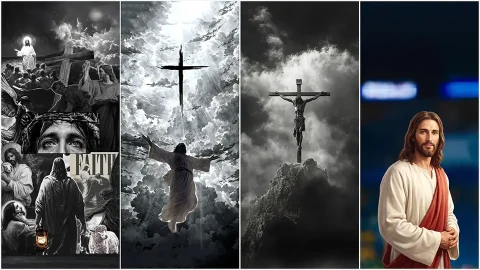
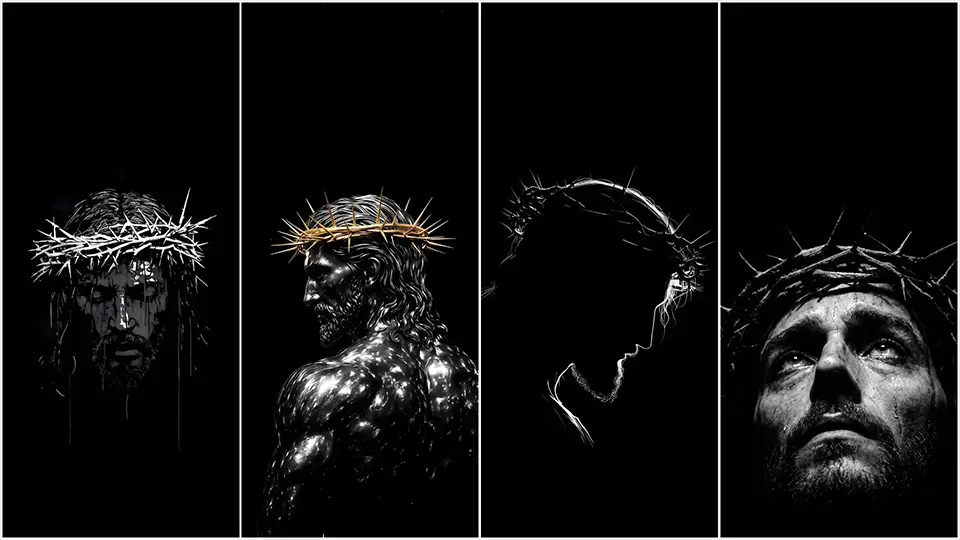
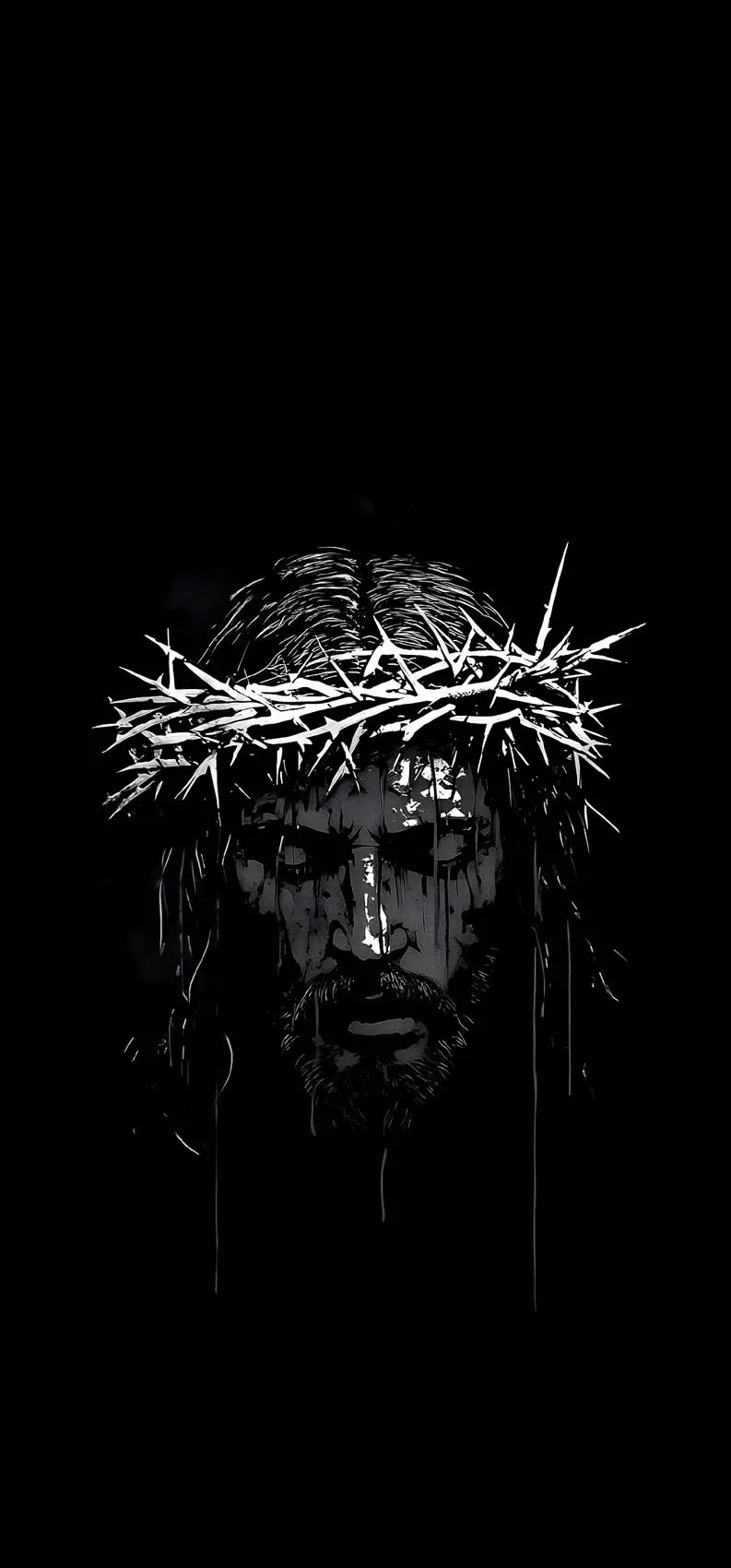
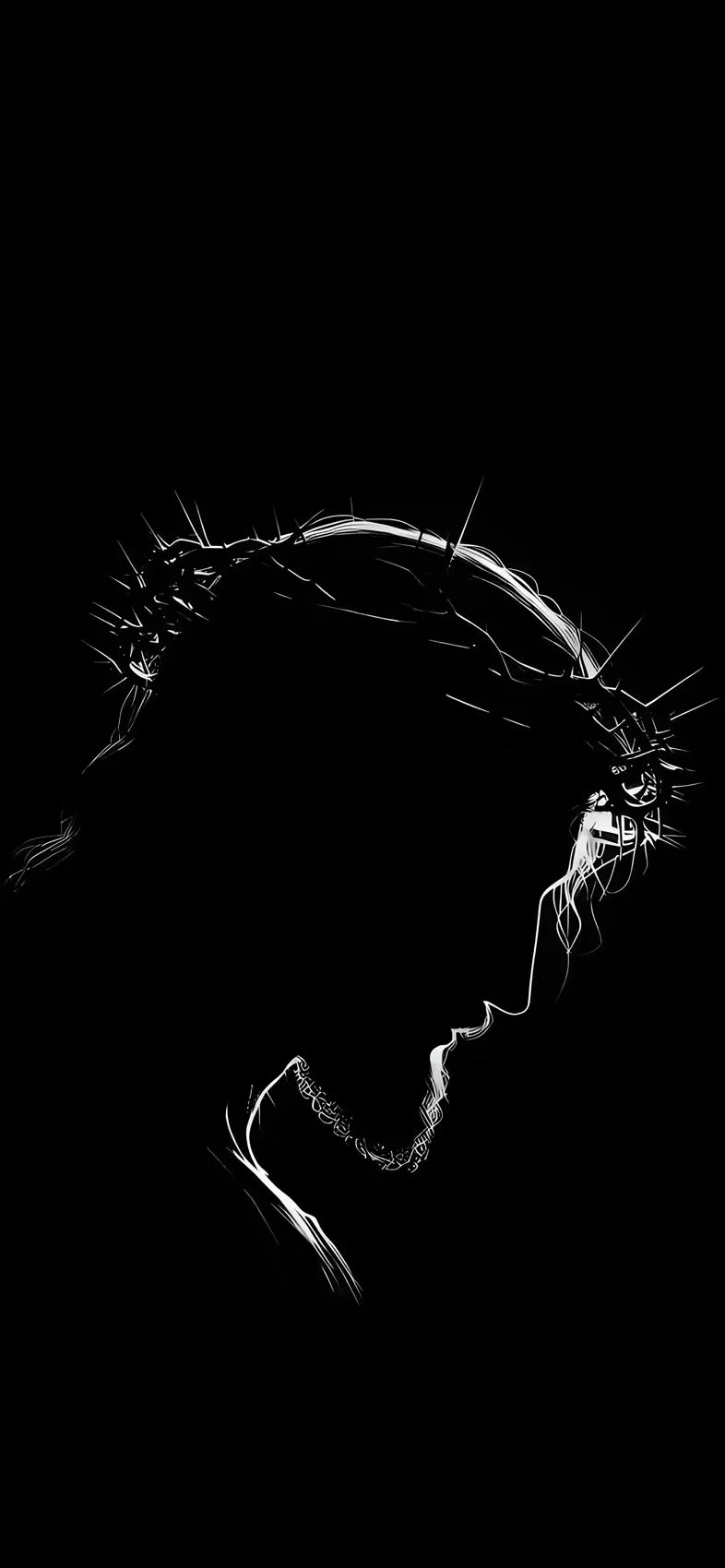
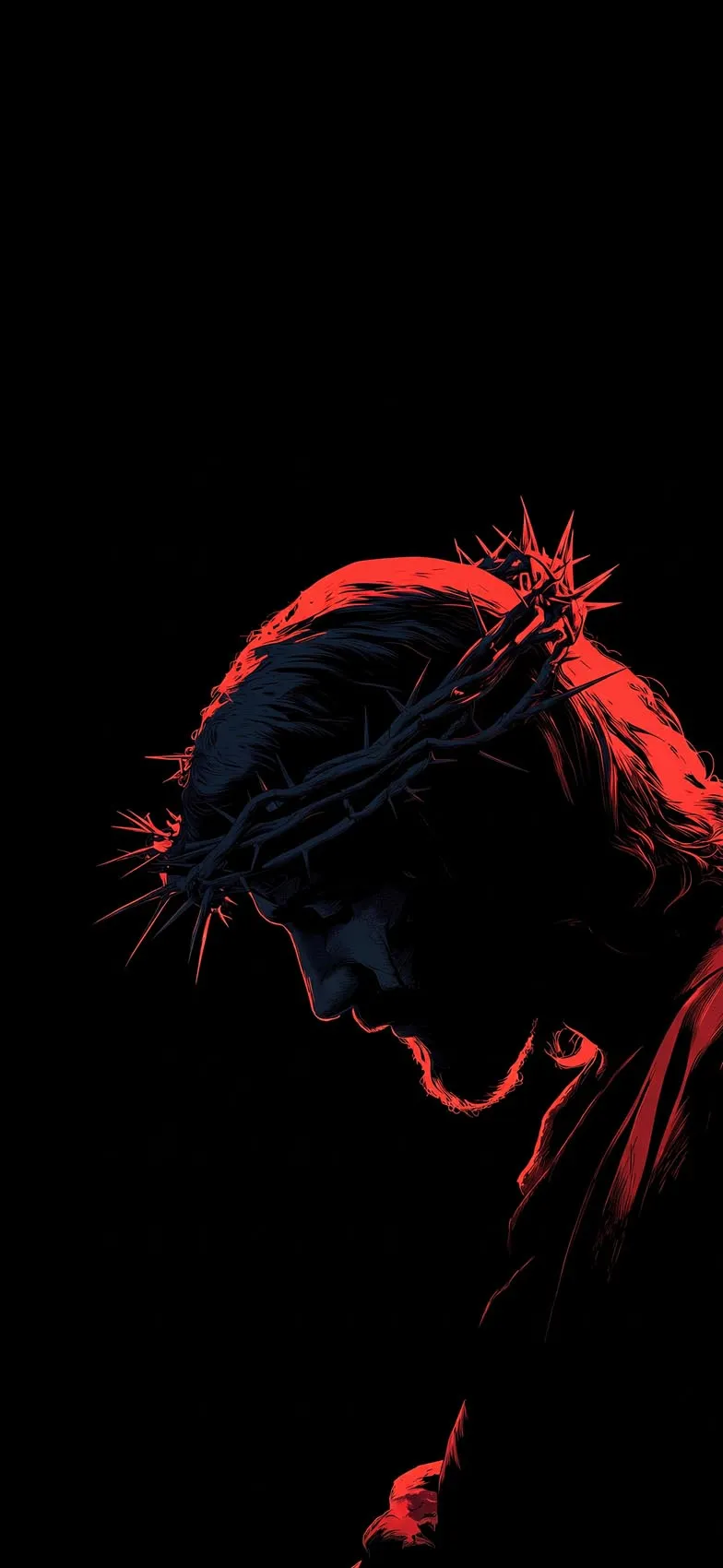
Silhouette compositions. A dark, outlined figure of Jesus — often shown from behind, in prayer, or standing with arms open — set against a completely black or near-black background. These tend to feel contemplative and quiet, letting the shape speak for itself without heavy detail.
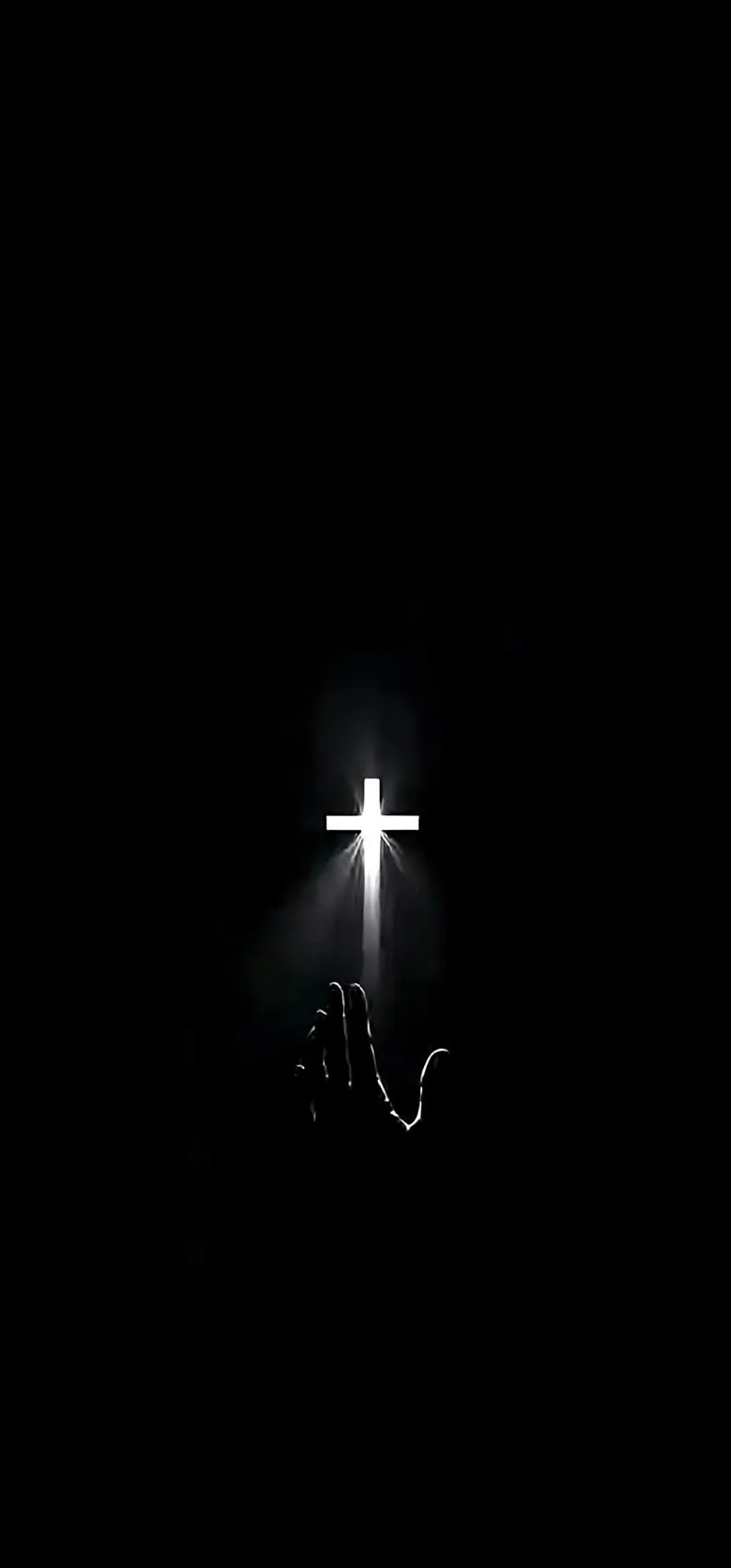
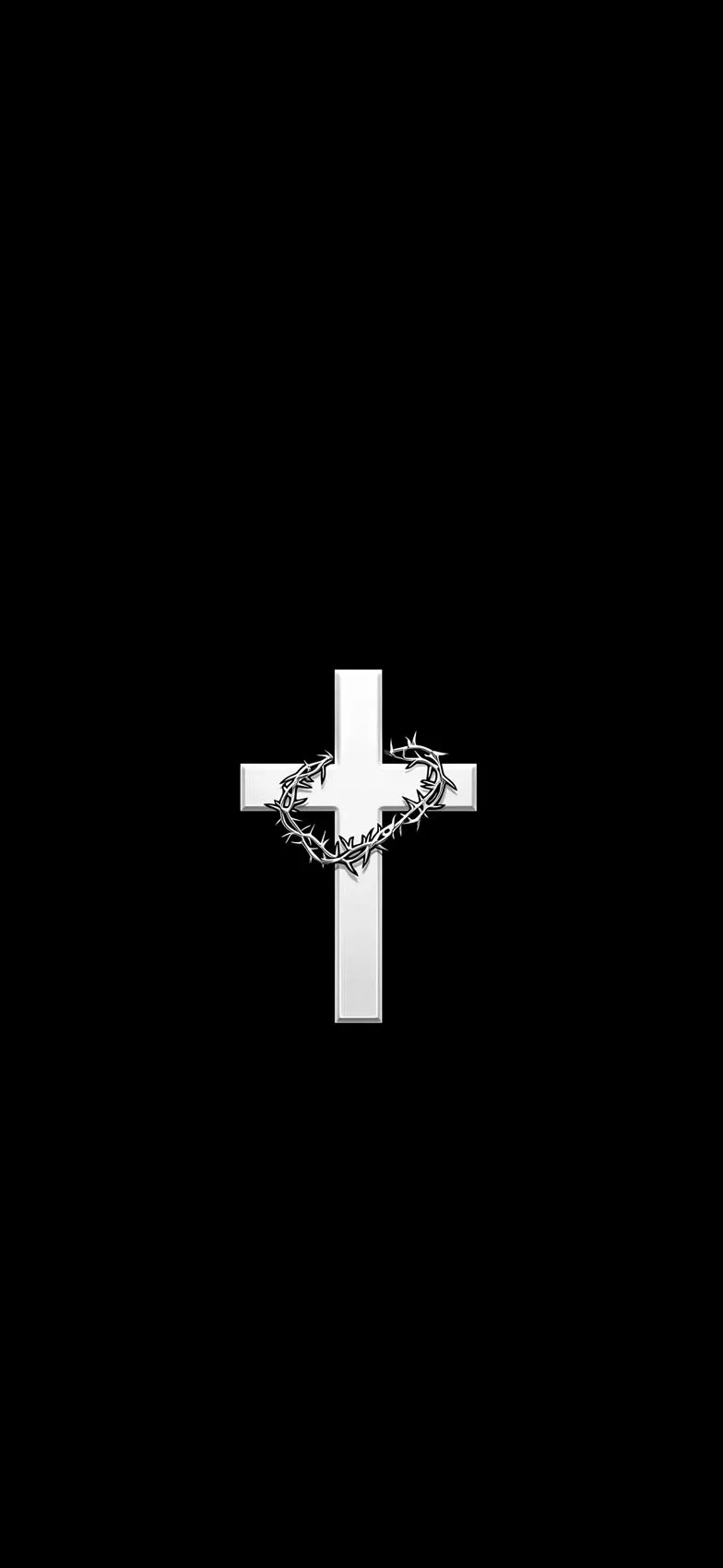
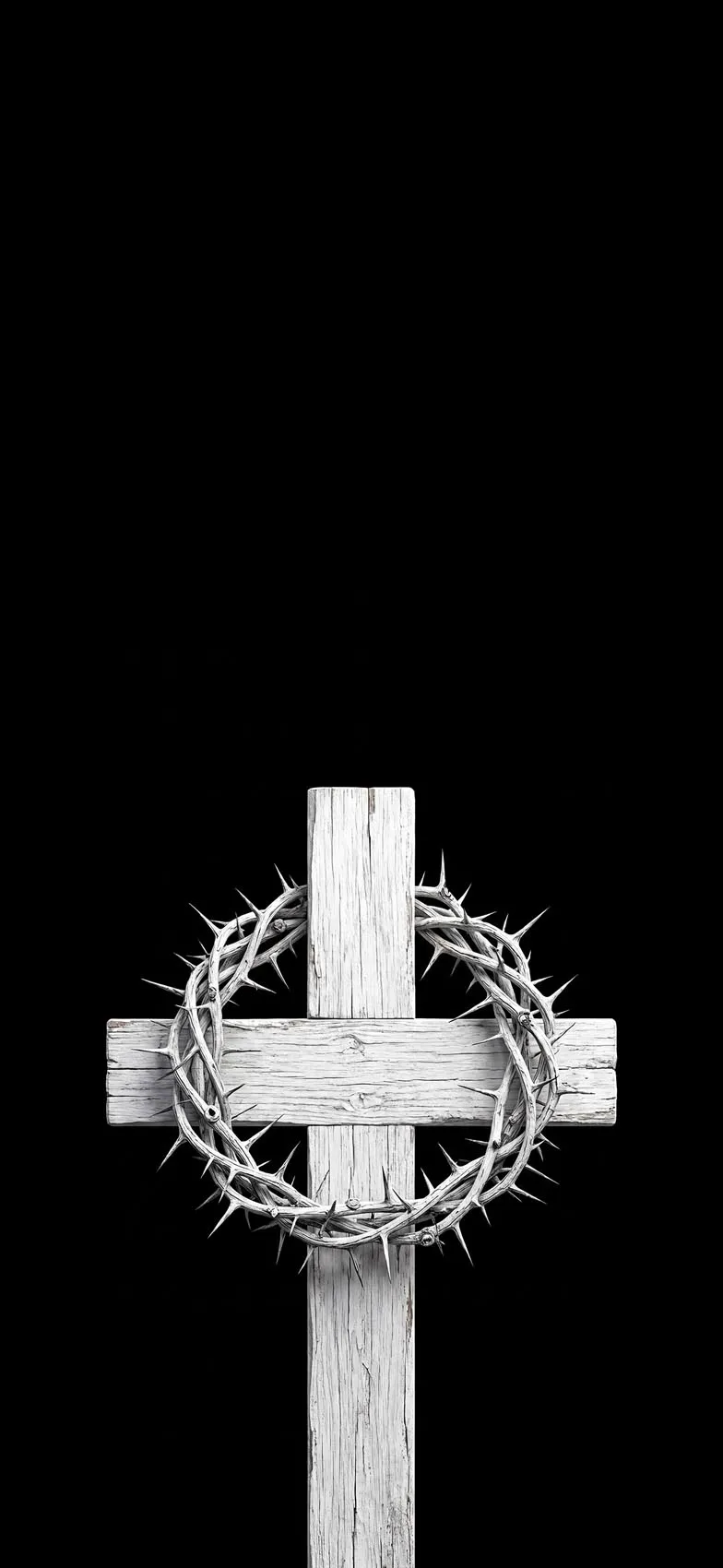
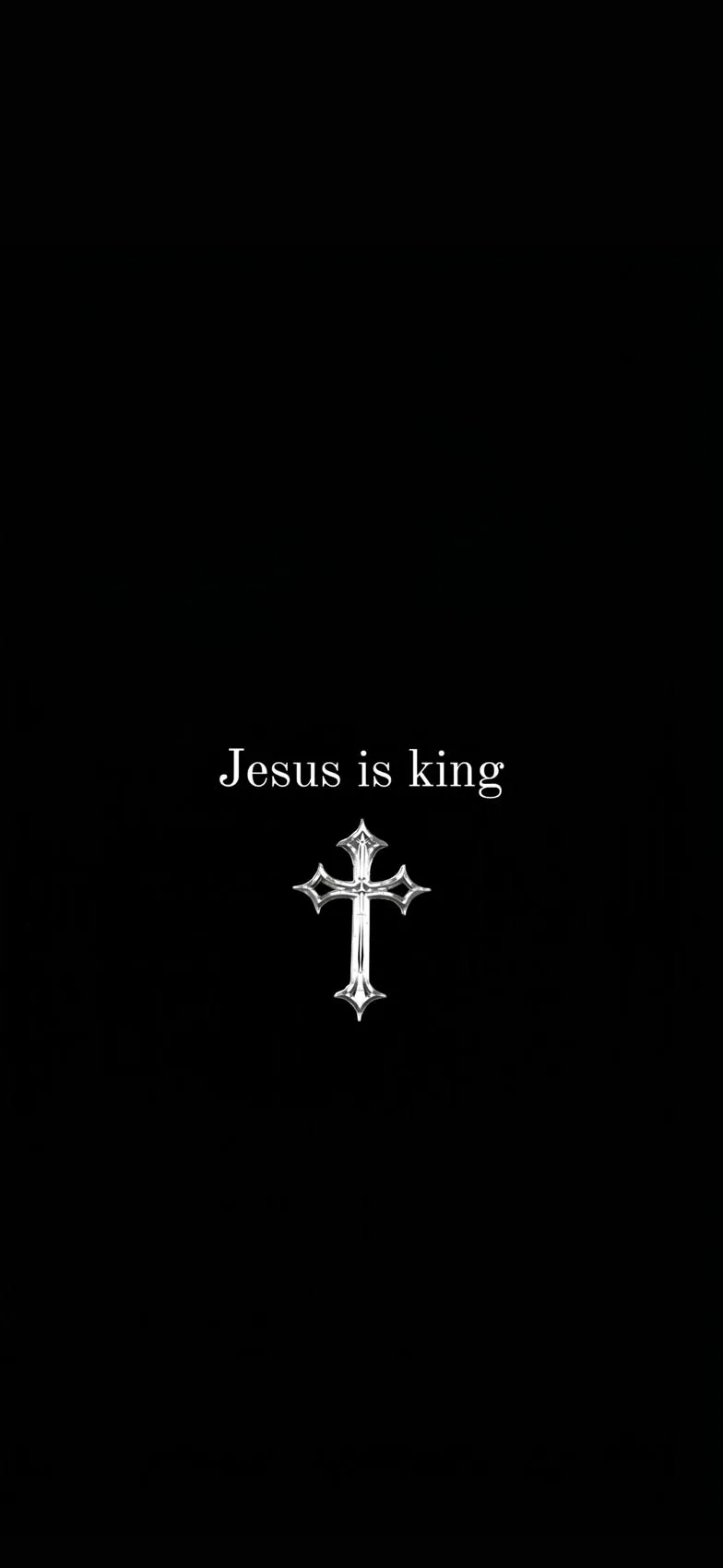
Glowing cross designs. A single cross rendered in soft light, gold, or white against total darkness is one of the most enduring images in this category. The simplicity makes it versatile — recognizable and meaningful without needing any additional imagery or text.
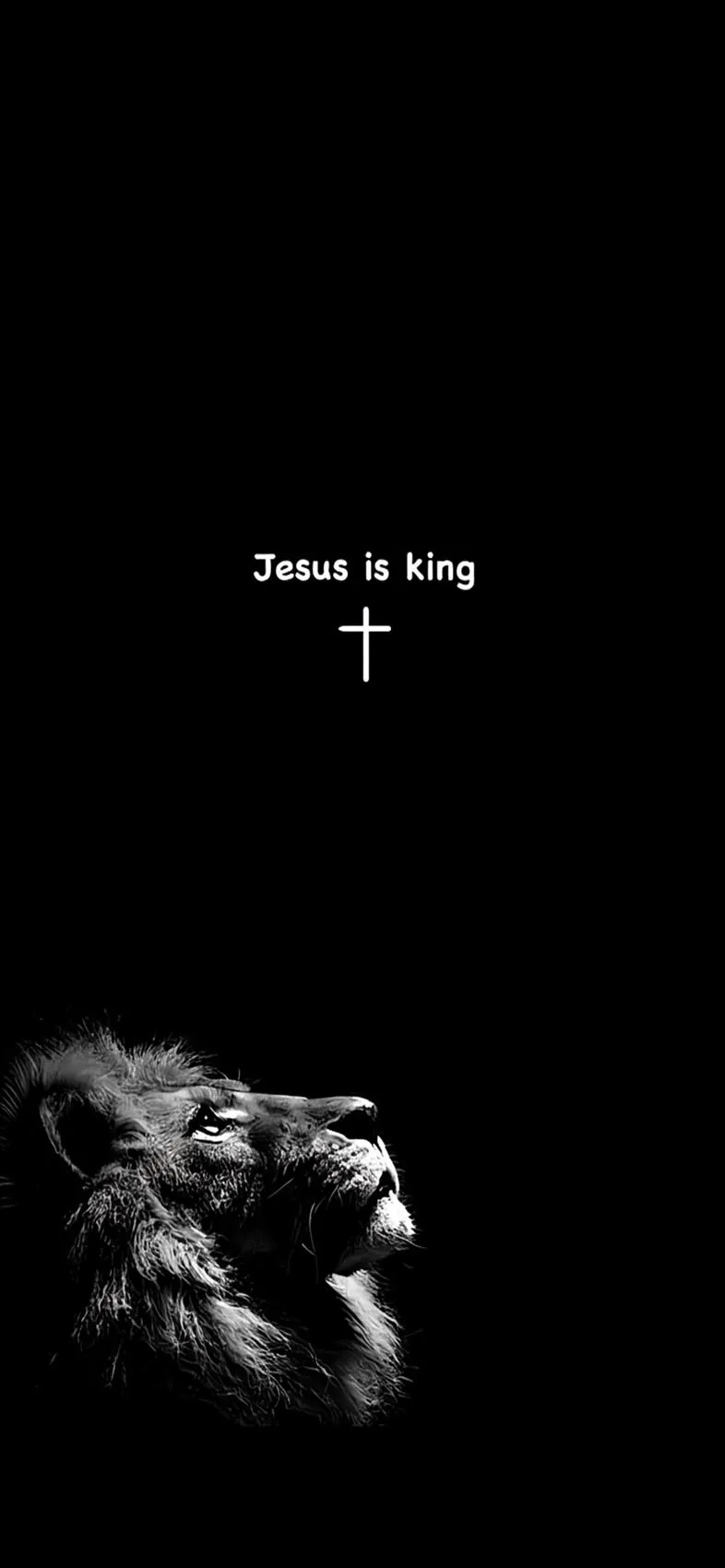
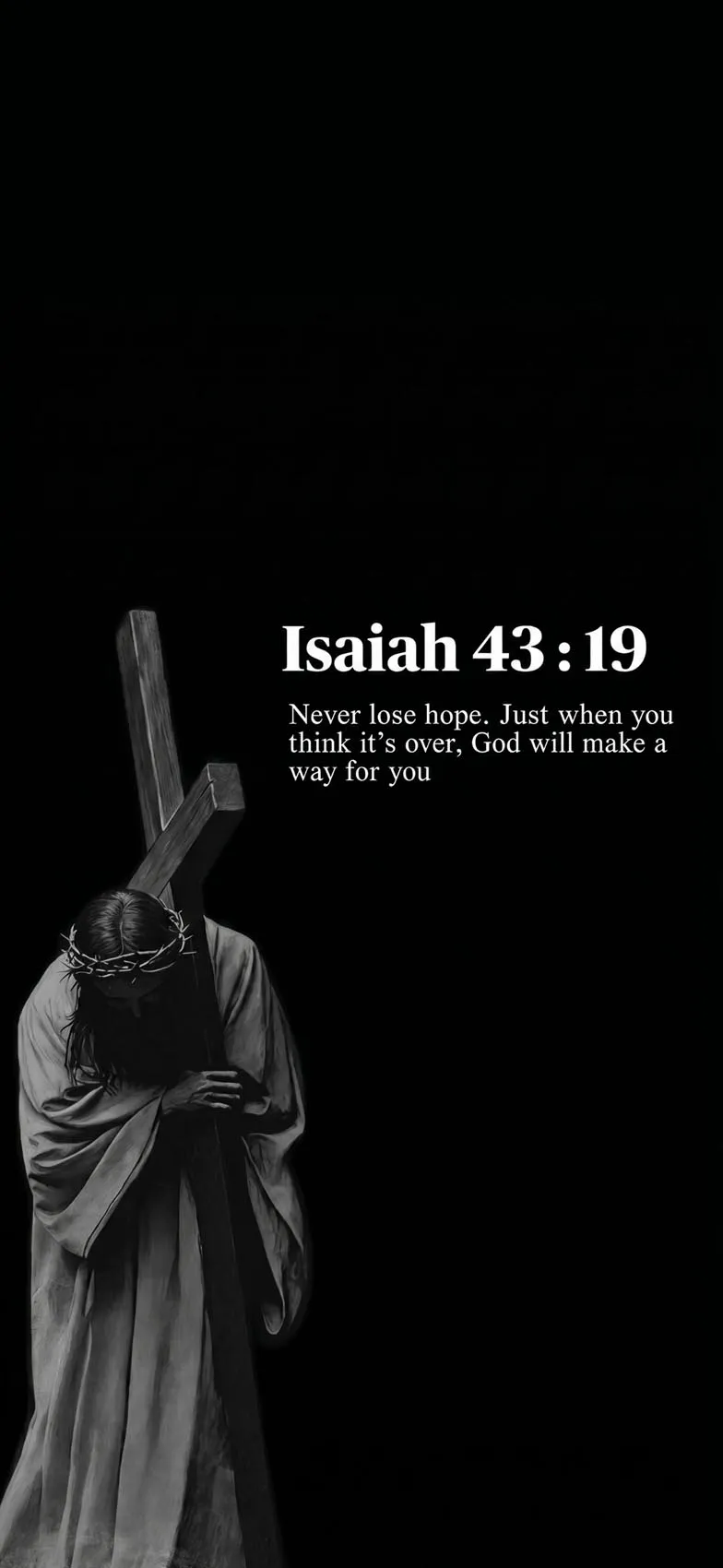
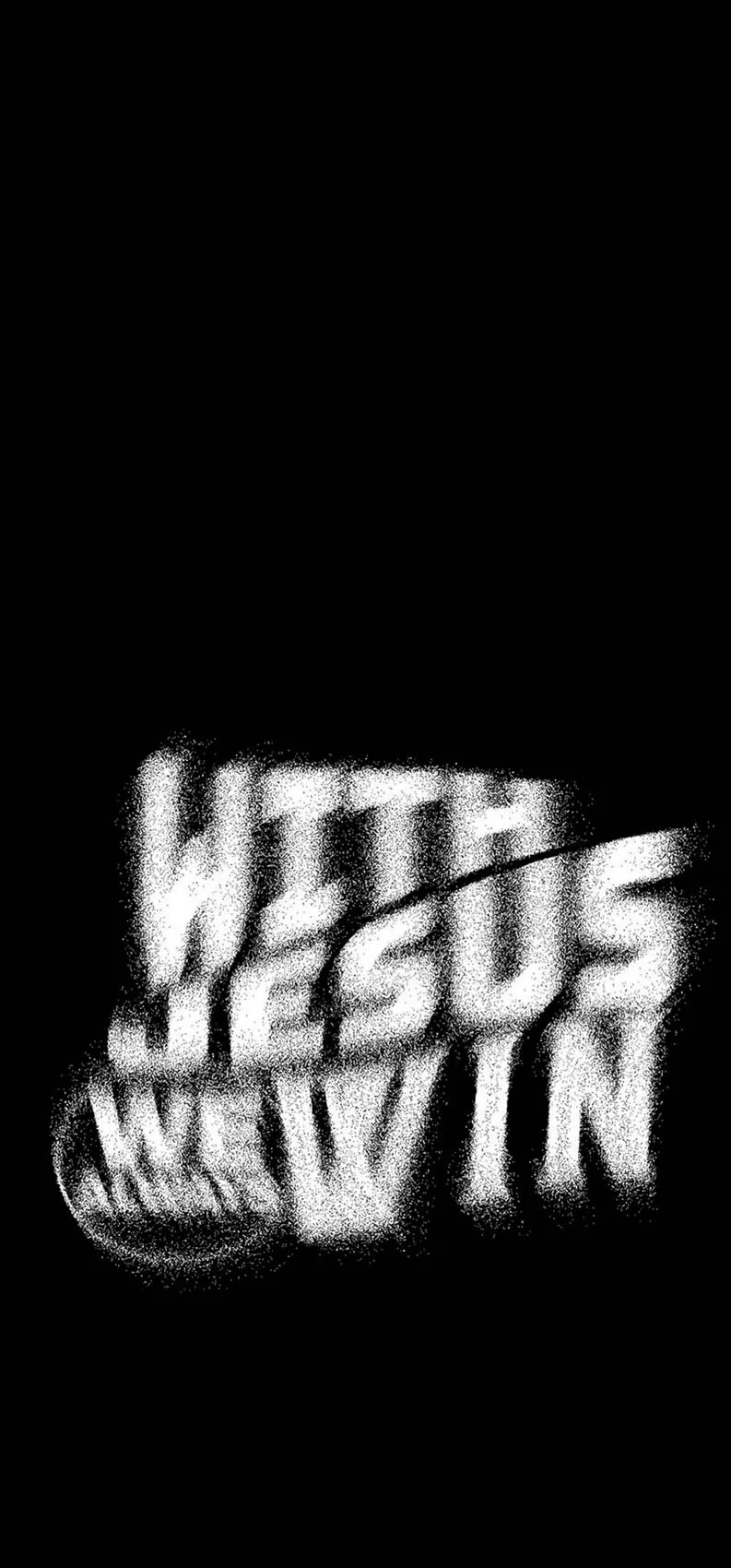
Scripture-on-black typography. Pairing a short Bible verse in clean, minimal font against a pure black background creates a striking, almost editorial look. This style works especially well if you want the words themselves to be the visual centerpiece rather than an image.
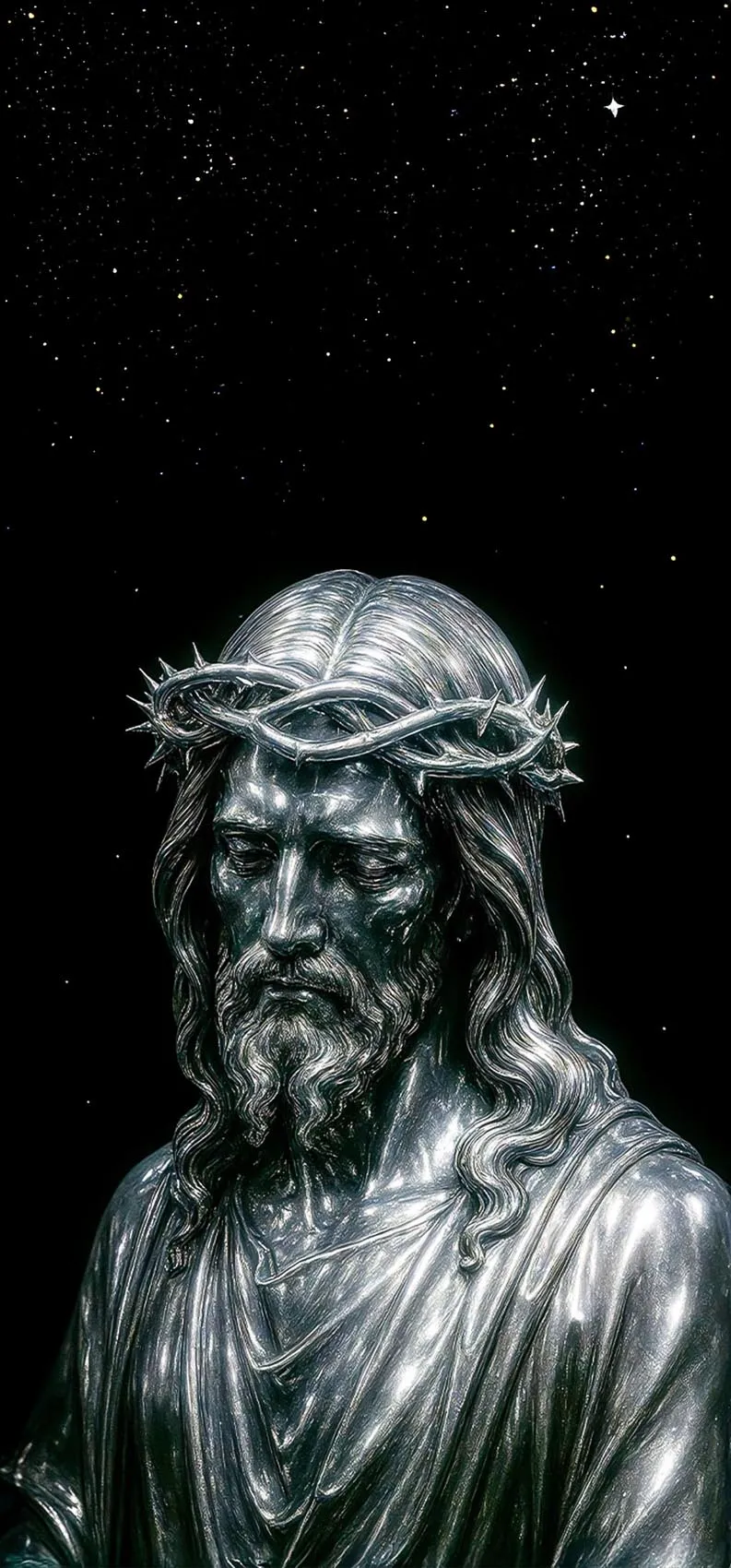
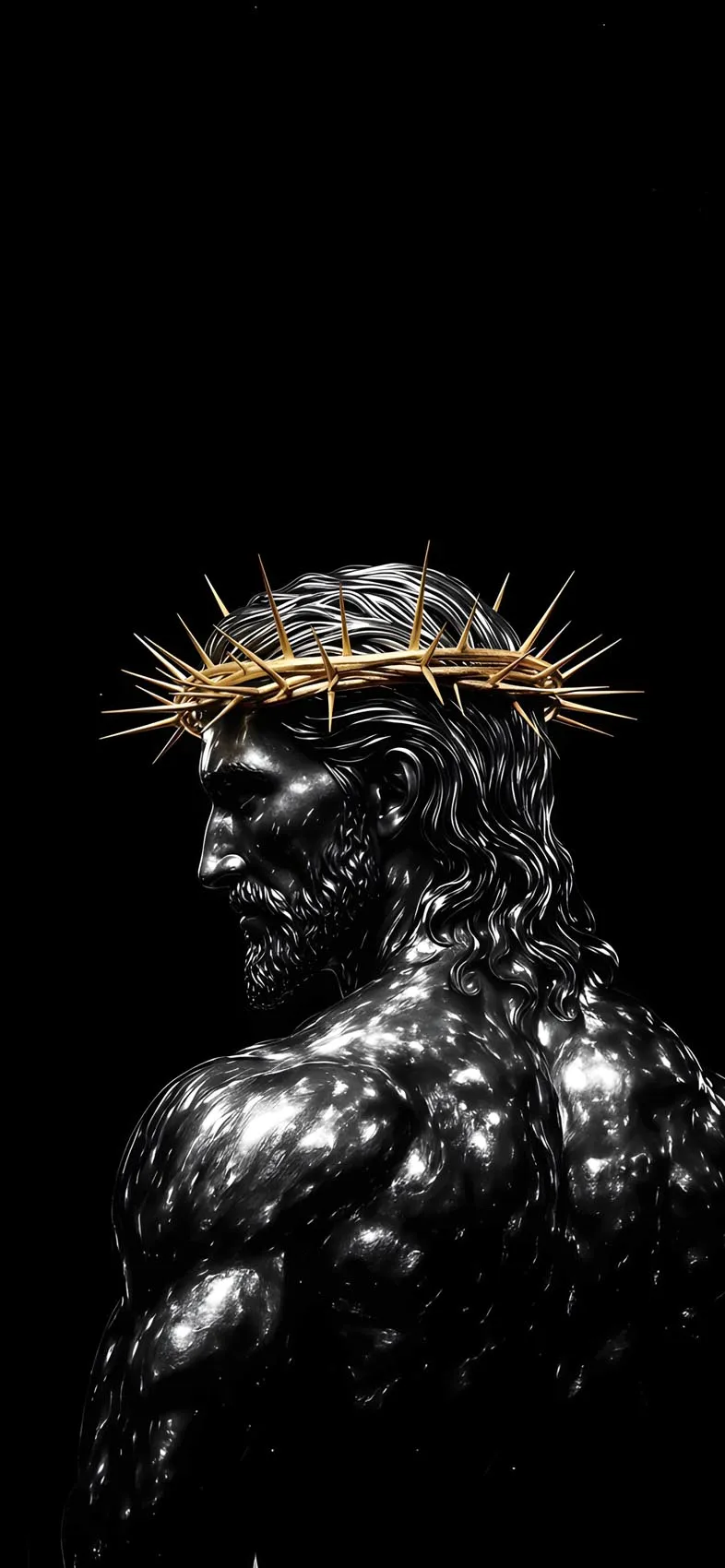
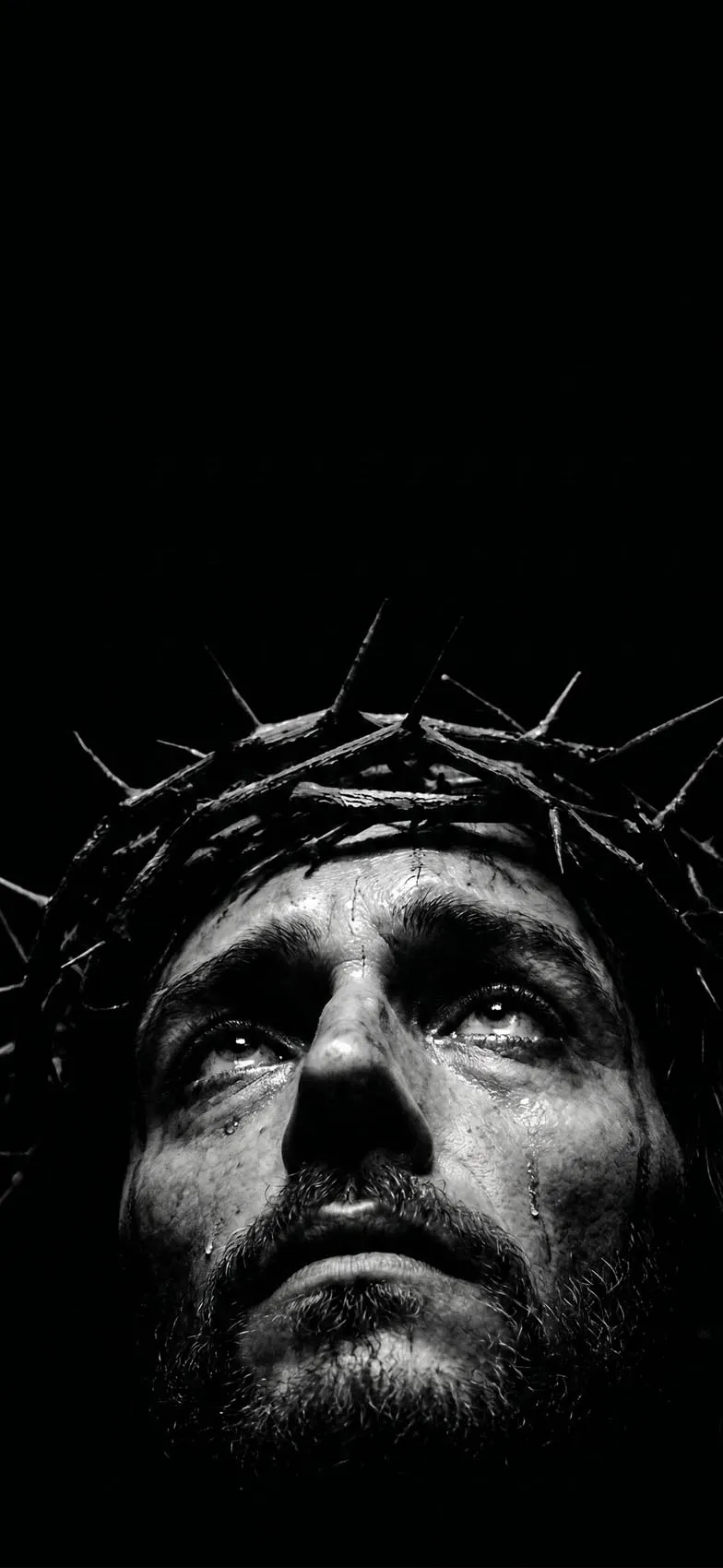
Muted, low-light photographic scenes. Some designs use darker, moodier renderings of biblical scenes or figures — heavy shadow, a single light source, deep browns and blacks — giving a more cinematic, painterly feel compared to a flat black background.
Radiant light-in-darkness imagery. A common visual metaphor in this space is a single beam or glow of light cutting through near-total darkness, sometimes with a subtle cross or figure barely visible within it. This style leans more symbolic and abstract than literal.
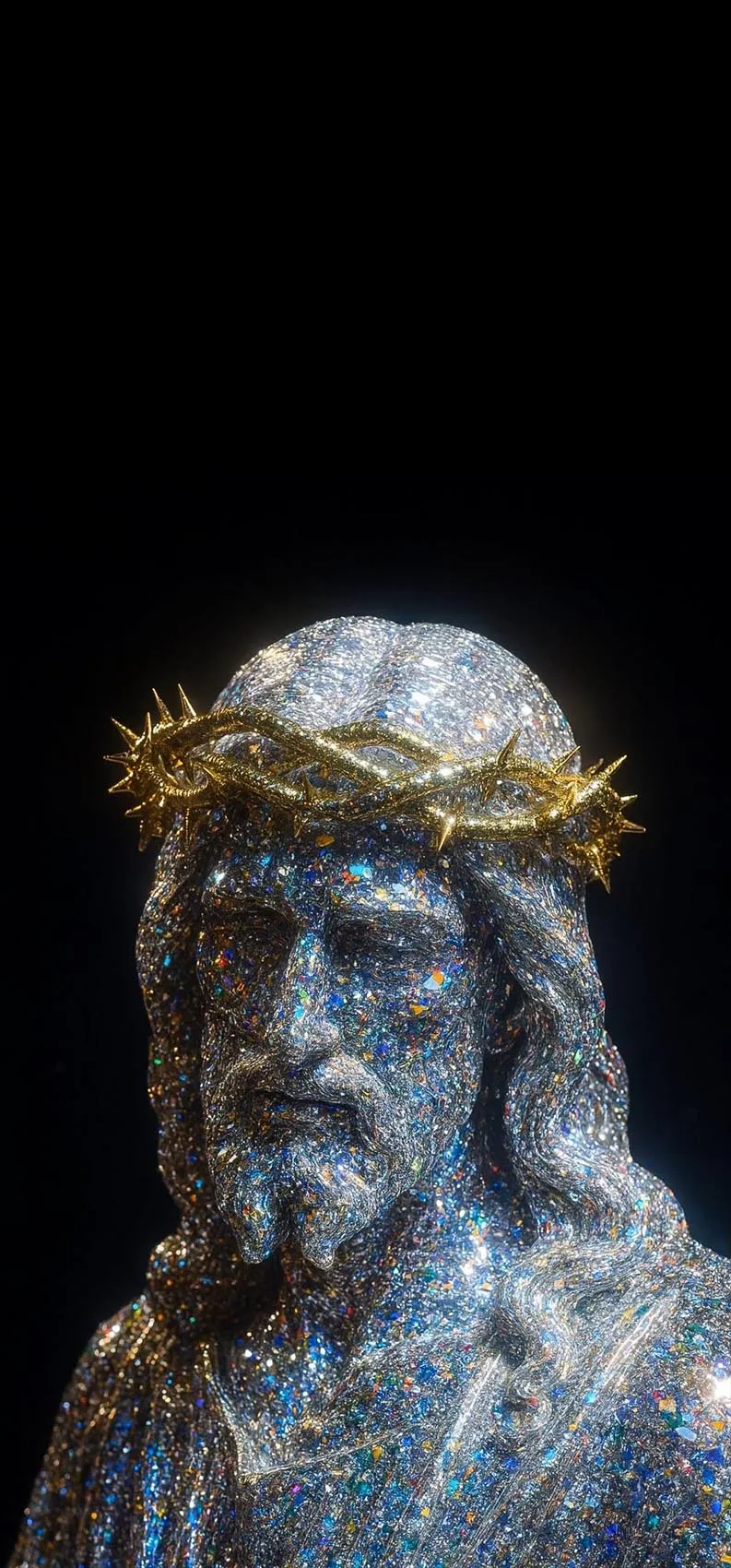
Deep navy or charcoal variations. Not every “dark” wallpaper needs to be pure black — some designs use very deep blues or charcoal grays instead, which still deliver most of the battery-saving benefit on OLED screens while feeling slightly warmer than true black.
What to Look for in Image Quality
Because these designs rely so heavily on smooth transitions between black and softly lit elements, compression quality matters even more than usual. A heavily compressed JPEG can introduce visible banding or blotchiness in areas that are meant to be a smooth, deep black — which undermines the entire point of the design. Look for images saved as high-quality PNG when possible, since PNG handles flat color and fine gradients without the same compression artifacts JPEG can introduce.
As always, “4K” in these searches is shorthand for a sharp, richly detailed image rather than a literal display specification, since iPhone screens use resolutions between roughly 1170×2532 and 1290×2796 pixels depending on the model. Starting from a high-resolution source file simply ensures the image stays crisp once it’s scaled to fit your specific screen.

How to Set a Dark Jesus Wallpaper on iPhone
- Save the image to your Photos app.
- Open Settings and tap Wallpaper.
- Tap Add New Wallpaper, then choose Photos.
- Select your image and adjust the zoom so any glowing element (a cross, a silhouette, a verse) sits centered and isn’t cropped awkwardly.
- Choose whether to apply it to your Lock Screen, Home Screen, or both, then tap Set.
- Pair the wallpaper with Dark Mode in your iPhone’s display settings so your entire interface — menus, keyboard, and app icons — stays visually consistent with the black background.
Styling Tips for the Best Result
- Keep widget text white or light gray so it stays legible against the black background.
- If your wallpaper includes scripture text, avoid adding extra widgets directly over it — let the words have their own space.
- Build a small rotating set of two or three dark designs (a glowing cross, a silhouette, a verse) so you can switch styles without losing the cohesive dark aesthetic.
- Remember that this style is also genuinely practical: if all-day battery life matters to you, a mostly black Lock Screen is one of the simplest changes you can make.
Final Thoughts
Dark Jesus iPhone wallpapers offer a rare combination of visual impact, spiritual meaning, and real battery savings on modern OLED screens. Whether you’re drawn to a glowing cross, a quiet silhouette, or a single verse rendered in clean white text on black, choosing a high-quality, well-compressed image and pairing it with Dark Mode will give you a Lock Screen that feels both intentional and effortlessly polished.