Download Official iPhone 18 Pro Wallpapers [4K UHD Original]
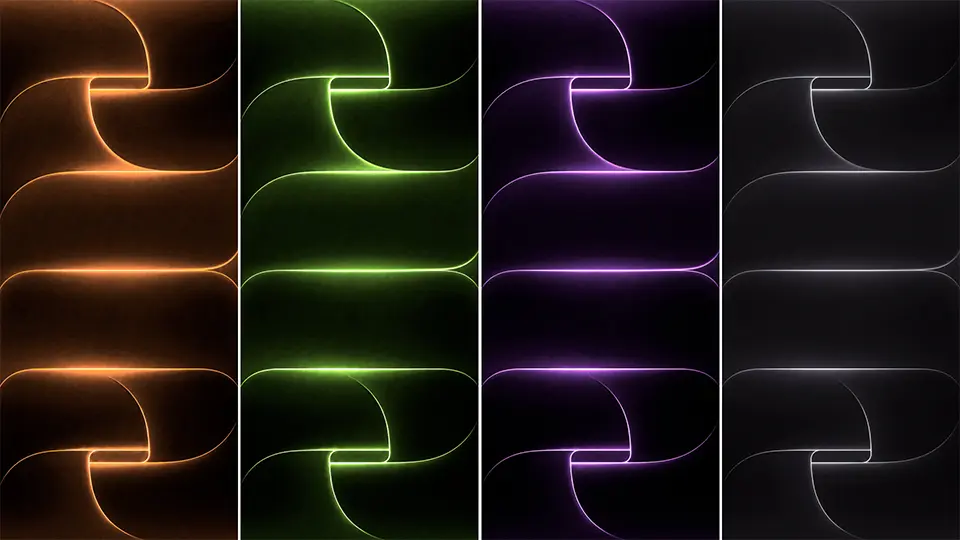
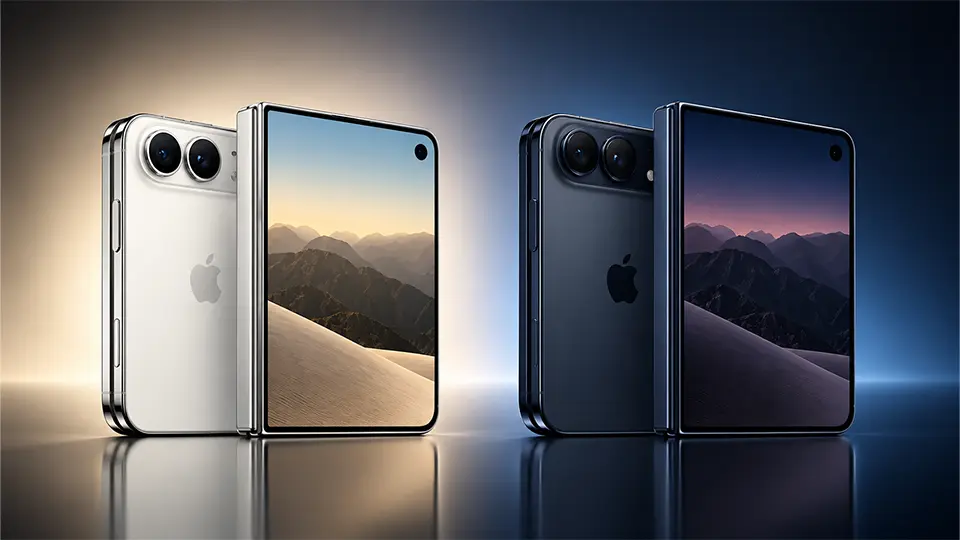
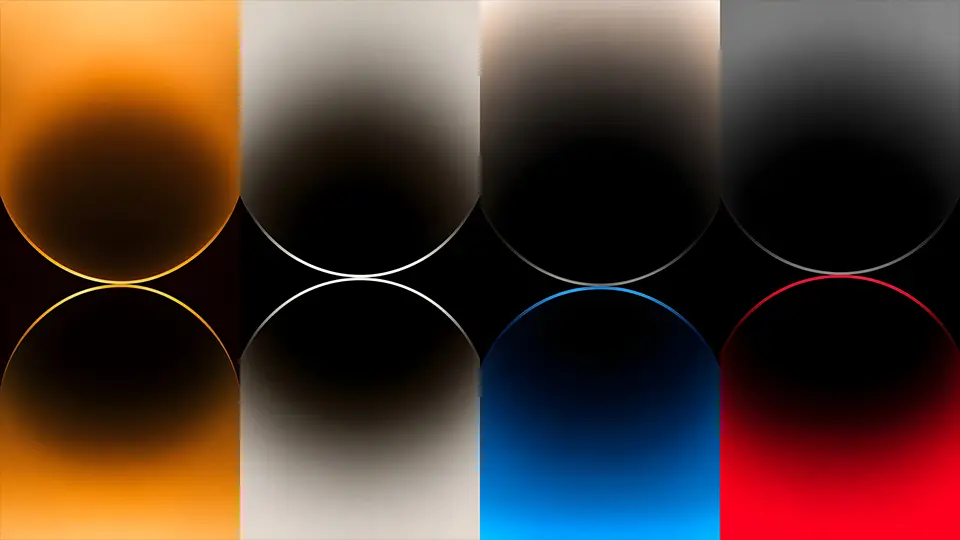
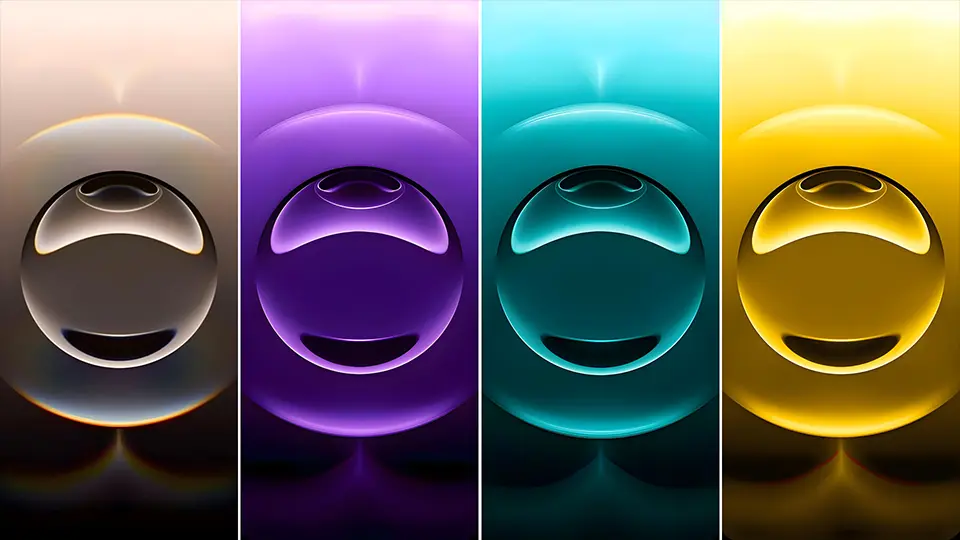
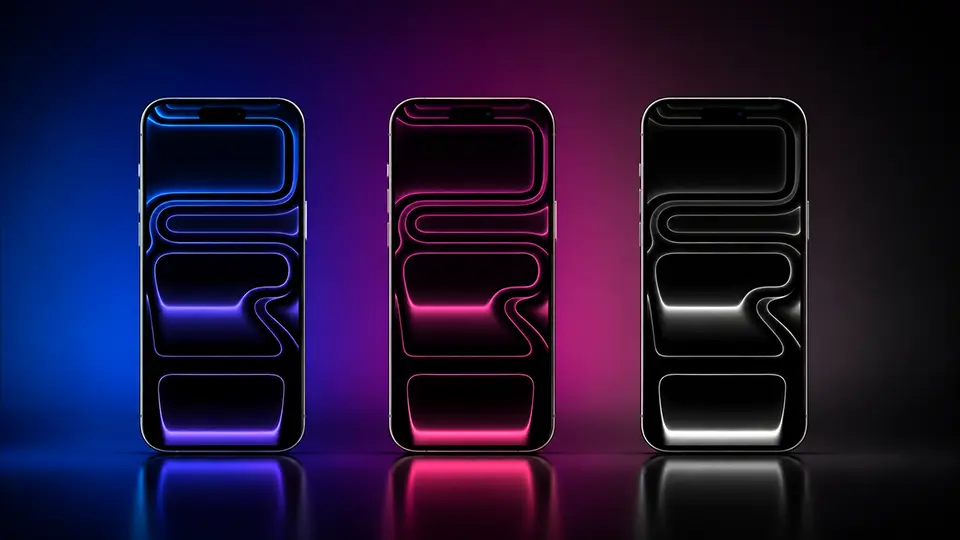
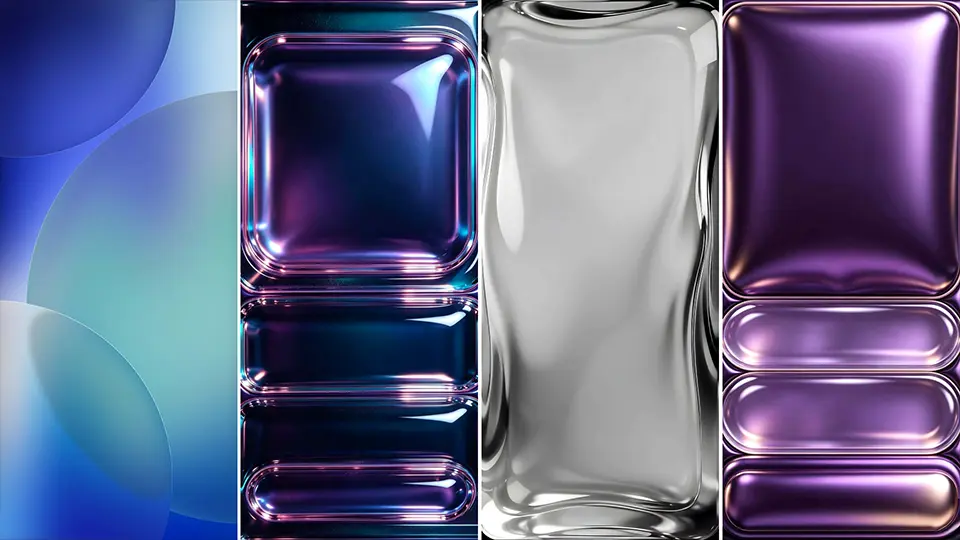
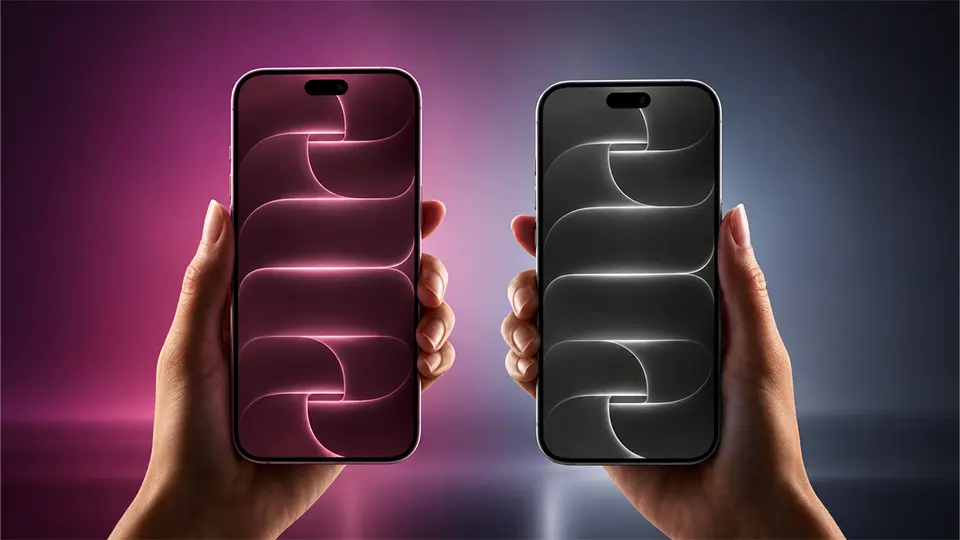
Every new iPhone launch brings a fresh set of stock wallpapers, and the iPhone 18 Pro and Pro Max are no exception. These original 4K UHD backgrounds are built specifically for the new generation’s display, showcasing Apple’s latest design language through soft gradients, refined color tones, and the kind of polish that only comes from wallpapers made to match the exact hardware they run on.
Whether you already own the new iPhone or just want to bring its signature look to your current device, this collection makes the official wallpapers easy to download and set up.
What’s New in the iPhone 18 Pro Wallpaper Set
Each iPhone generation tends to introduce its own visual identity through its default wallpapers, often reflecting the new color options and display characteristics of that year’s models. The iPhone 18 Pro collection continues this tradition, offering:
- Smooth gradient tones designed to complement the new color finishes available on the Pro and Pro Max models
- High dynamic range detail that takes full advantage of the display’s contrast and brightness capabilities
- Depth-optimized compositions that look great behind Lock Screen widgets and the clock
Available Resolutions
To get the sharpest results, make sure you’re downloading the resolution that matches your specific device:
- iPhone 18 Pro – standard Pro display resolution
- iPhone 18 Pro Max – larger Pro Max display resolution
Using the correct resolution avoids stretching or cropping issues, especially important on the Lock Screen where the wallpaper needs to sit cleanly behind widgets and notifications.
Download iPhone 18 Pro Wallpapers
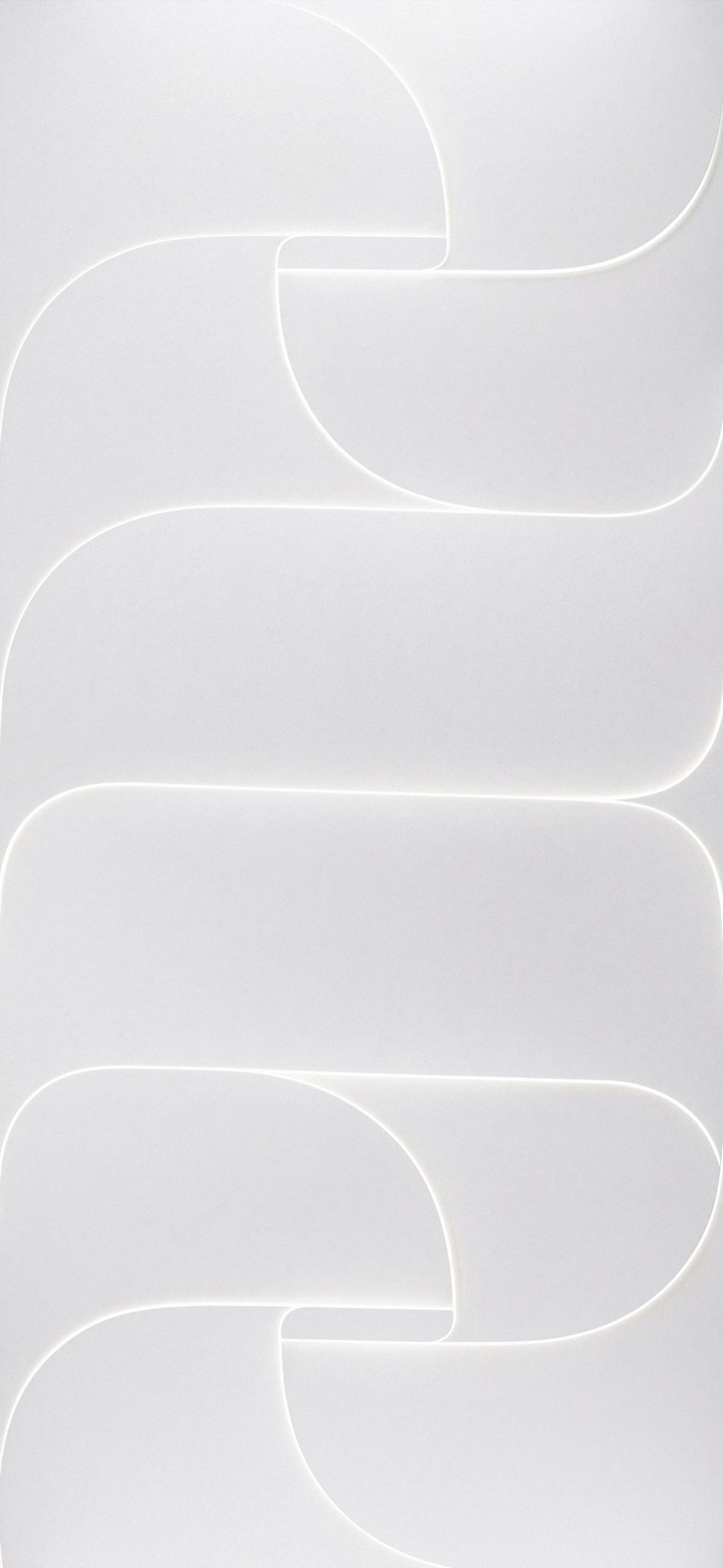
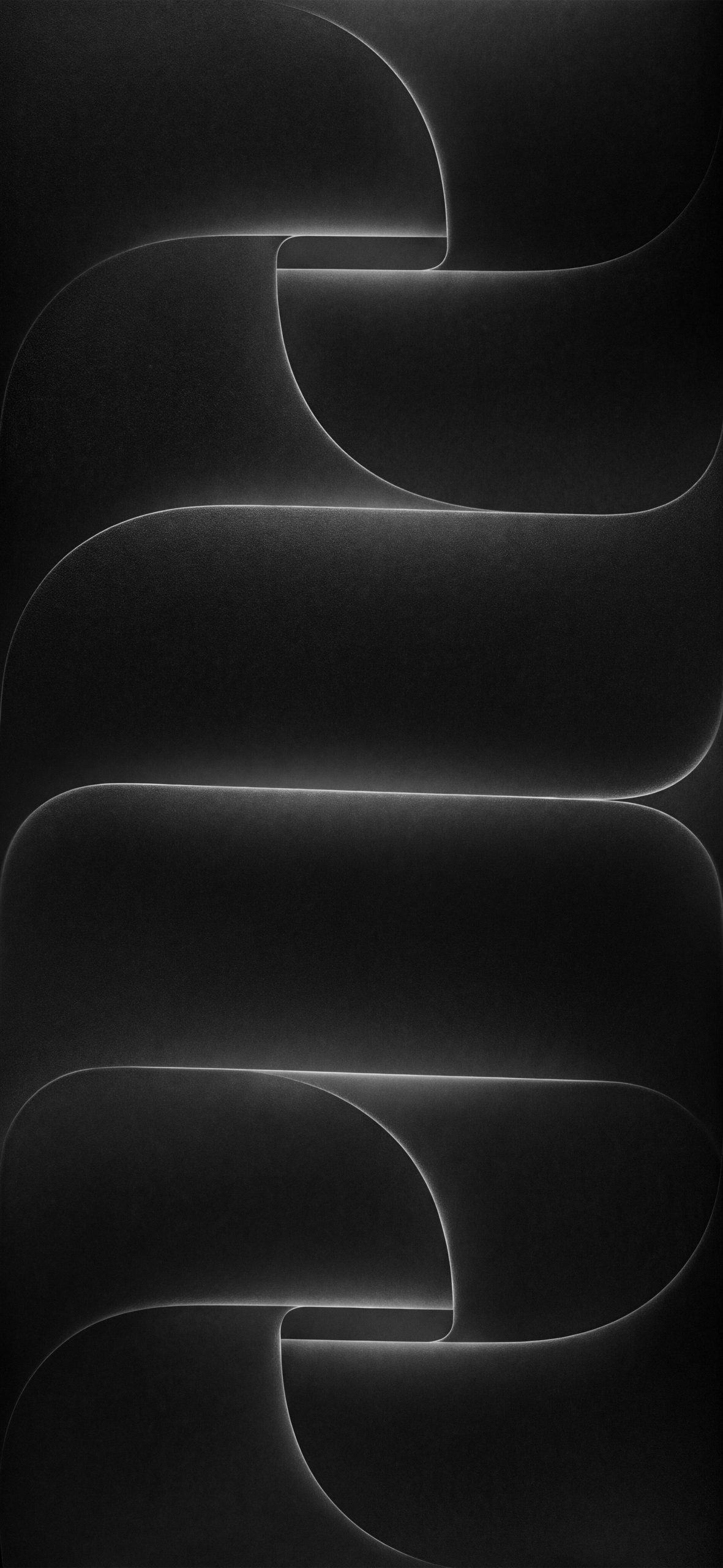 Download Image
 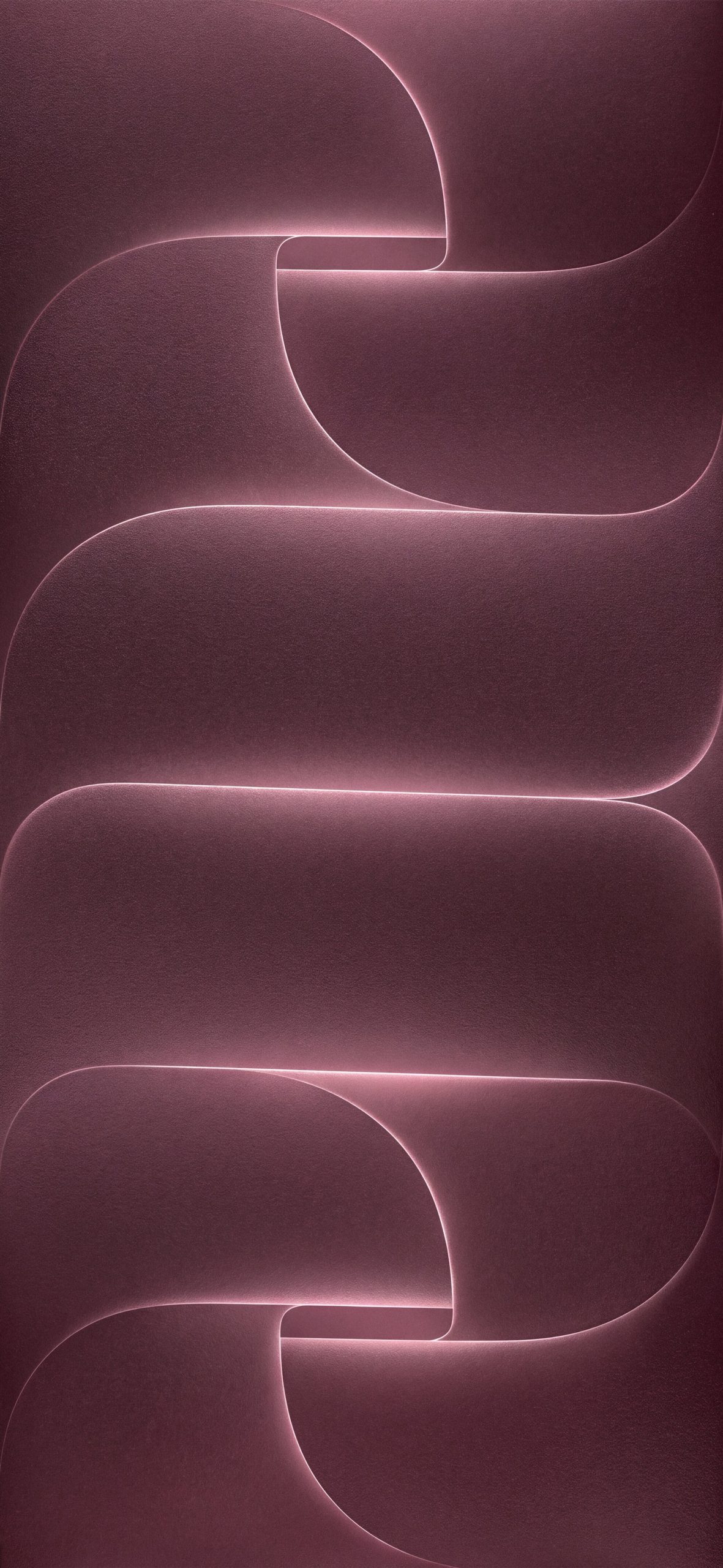 Download Image
 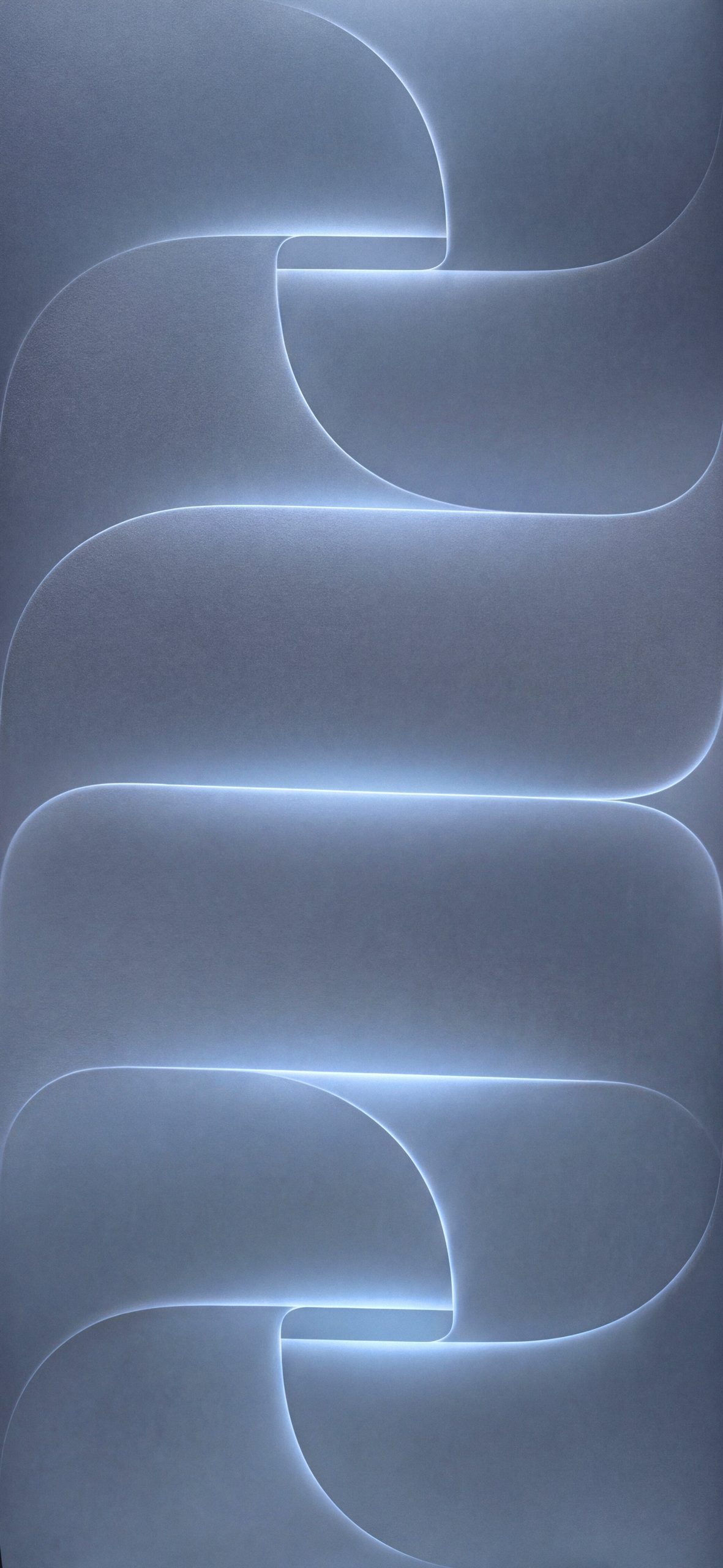 Download Image
How to Set Up Your Wallpaper
- Save the wallpaper image to your Photos app.
- Go to Settings > Wallpaper > Add New Wallpaper.
- Select Photos and choose the downloaded image.
- Adjust positioning if needed.
- Apply it to your Lock Screen, Home Screen, or both.
Tips for Getting the Best Look
- Match your device color: Some of these wallpapers are designed to complement specific finishes, so try a few to see which pairs best with your model.
- Keep the original file: Avoid re-compressing these images through third-party apps, since that can flatten the subtle gradient detail that makes them look premium.
- Try both screens: Some designs work better as a Lock Screen background, while simpler variants suit a cleaner Home Screen with app icons.
Final Thoughts
The official iPhone 18 Pro and Pro Max wallpapers offer a clean, polished look that’s tuned specifically for the new hardware. Whether you’re setting up a new device or just want to bring the latest Apple aesthetic to your current phone, these 4K UHD originals are worth downloading and trying out.
For More Apple Wallpapers Please Visit to our Pinterest Page.