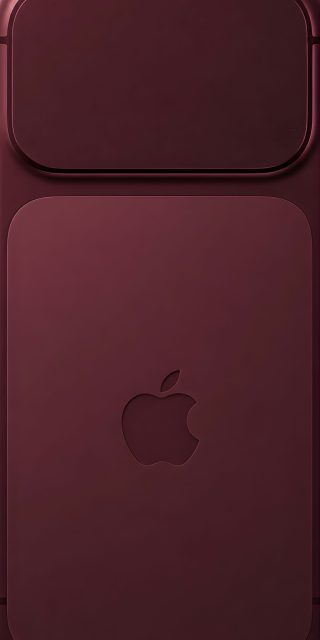
Original Apple iPhone 18 Pro Wallpaper Collection [4K Resolution]
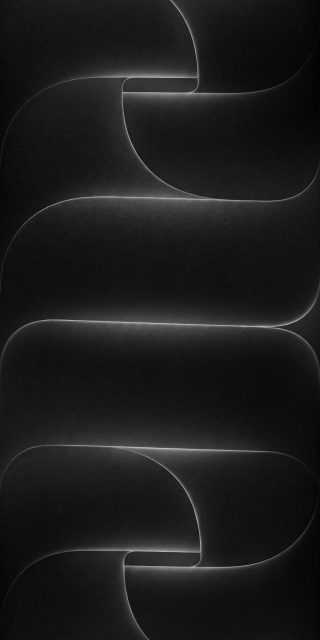
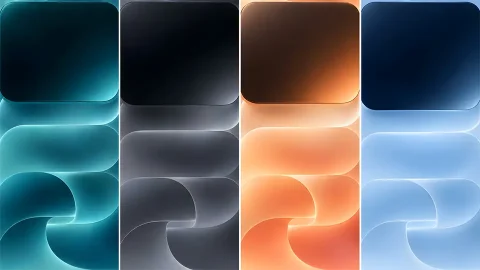
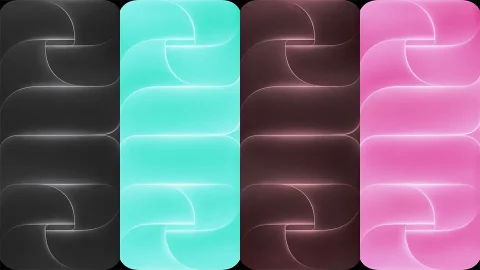
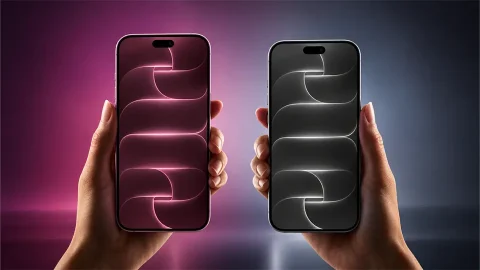
This year’s iPhone stock wallpapers take a striking new direction. Instead of soft, flat gradients, the iPhone 18 Pro collection is built around a stacked, ribbon-like curve pattern with a glowing edge that traces every fold. The result feels sculptural and almost architectural, like layered metal or fabric catching a single light source. This original 4K resolution set brings that design to your device in nine distinct colorways.
What’s Included in the Collection
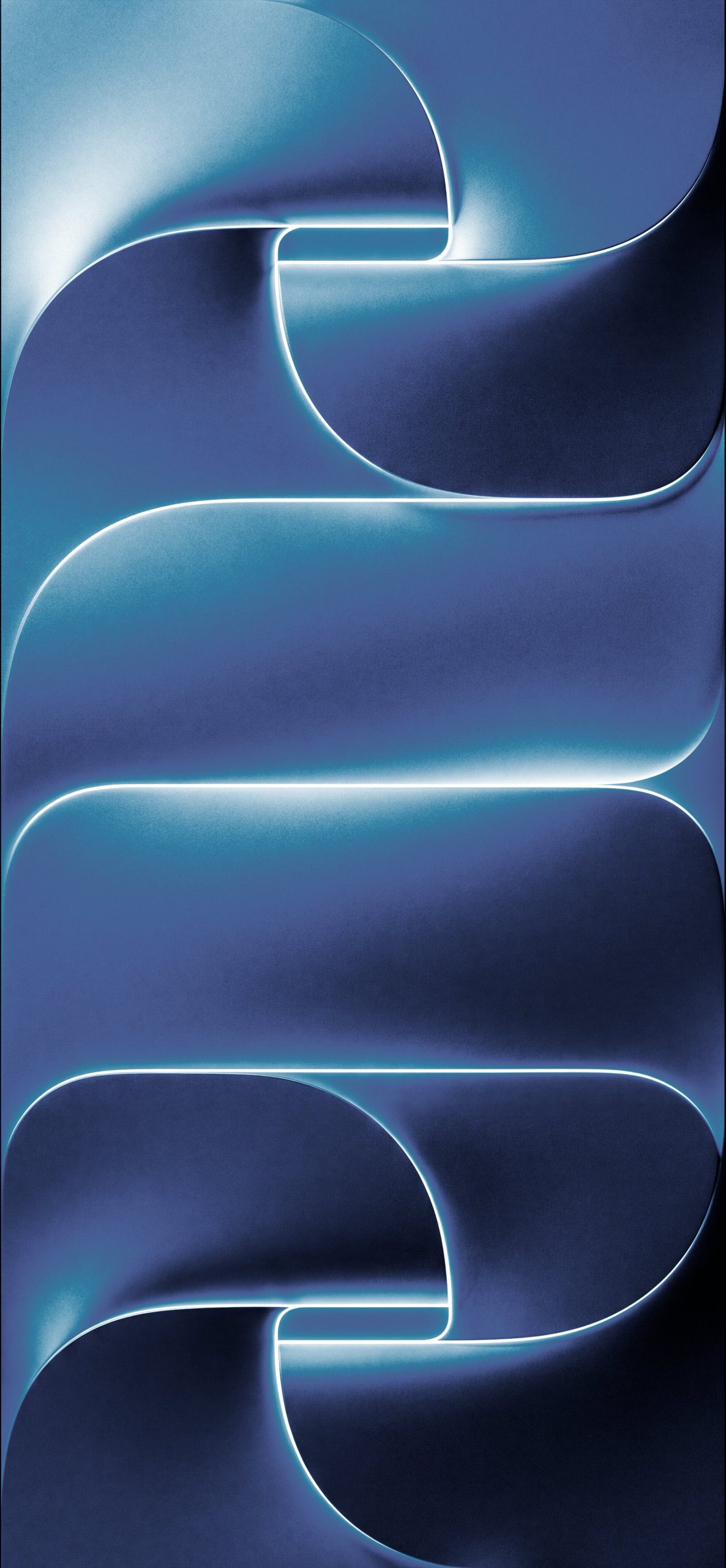
1. Blue Curve Glow A cool, brushed-metal blue tone with a soft white glow tracing each curve, giving the design a clean, technical feel.
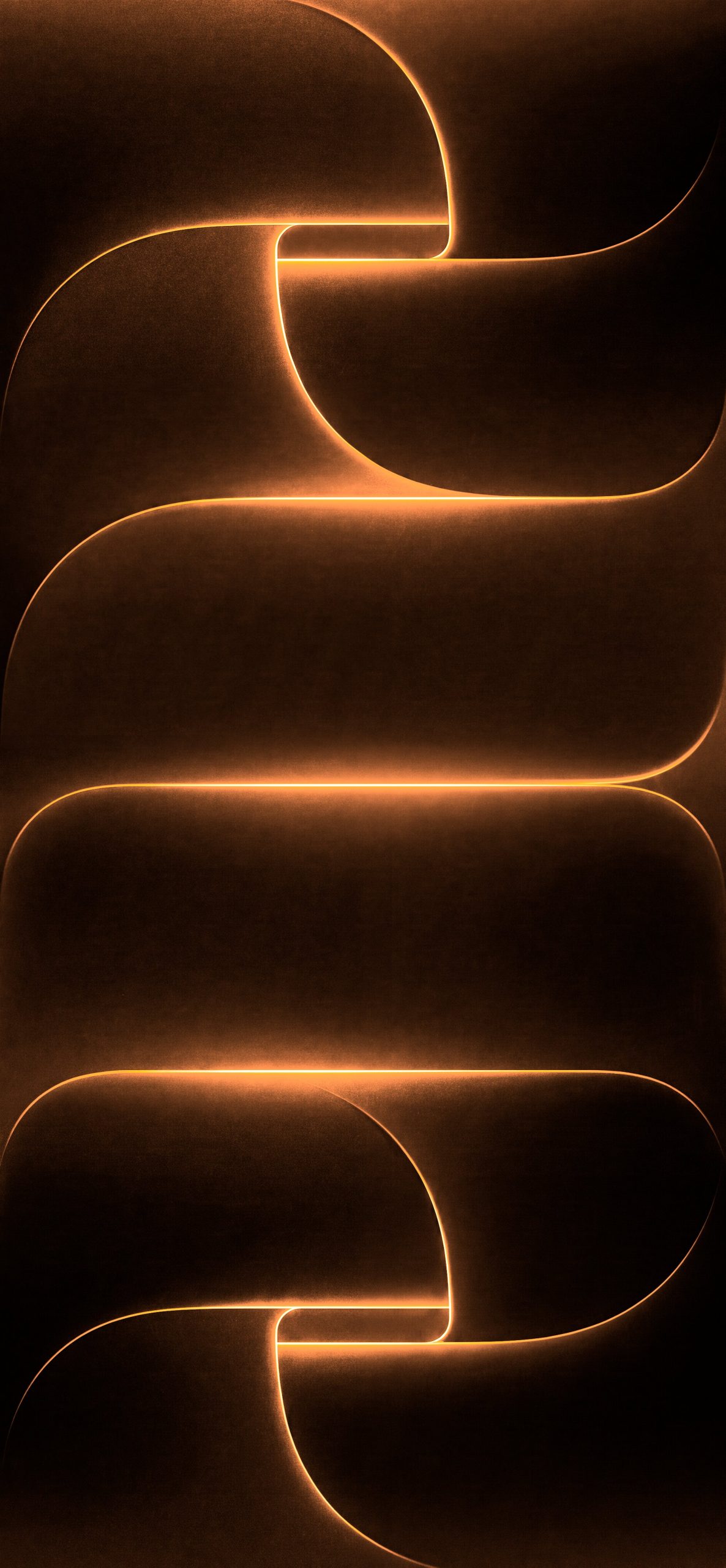
2. Dark Amber Glow Warm bronze and orange tones with a glowing amber outline, offering a cozy, premium look against a near-black background.
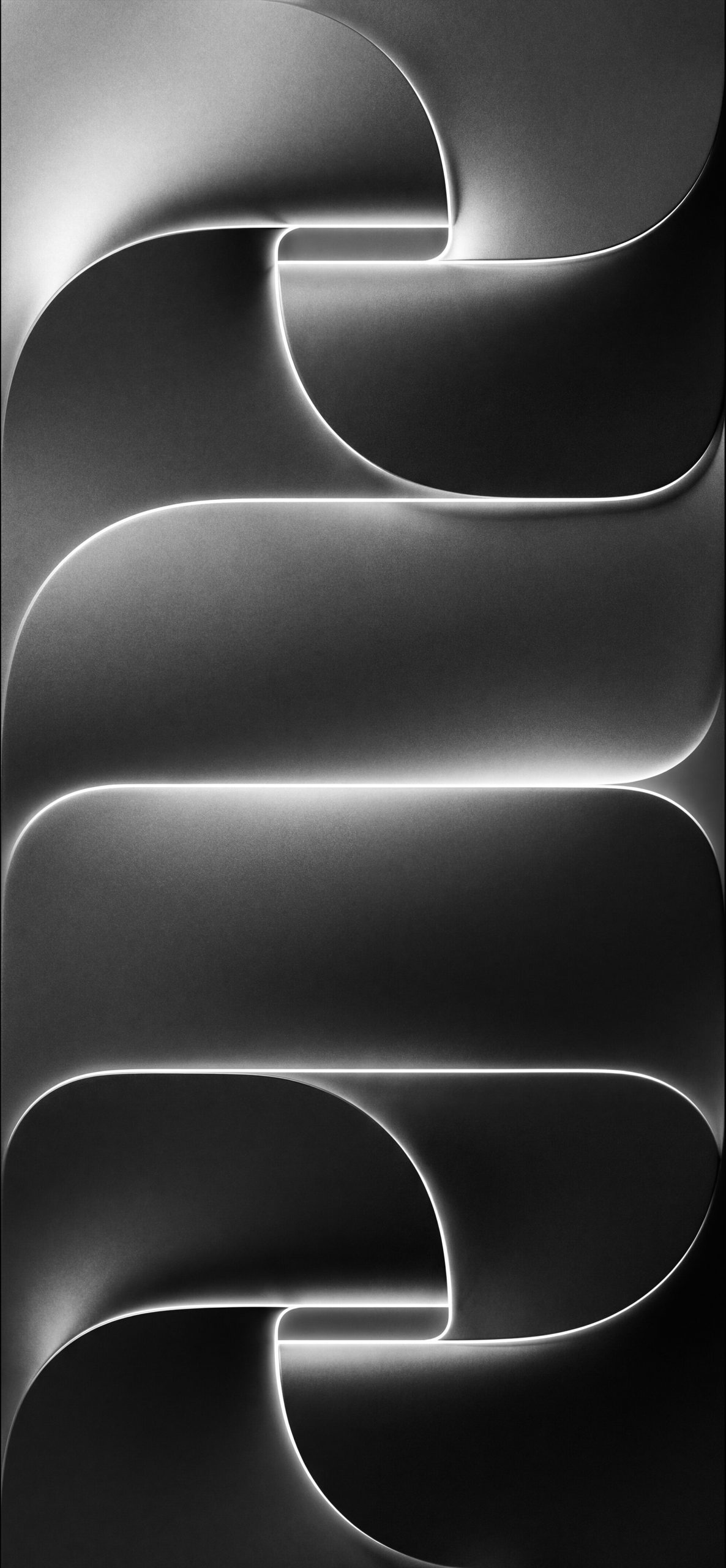
3. Deep Dark & Obsidian Two near-monochrome variants in charcoal and black, where the glowing edge becomes the main source of contrast and detail.
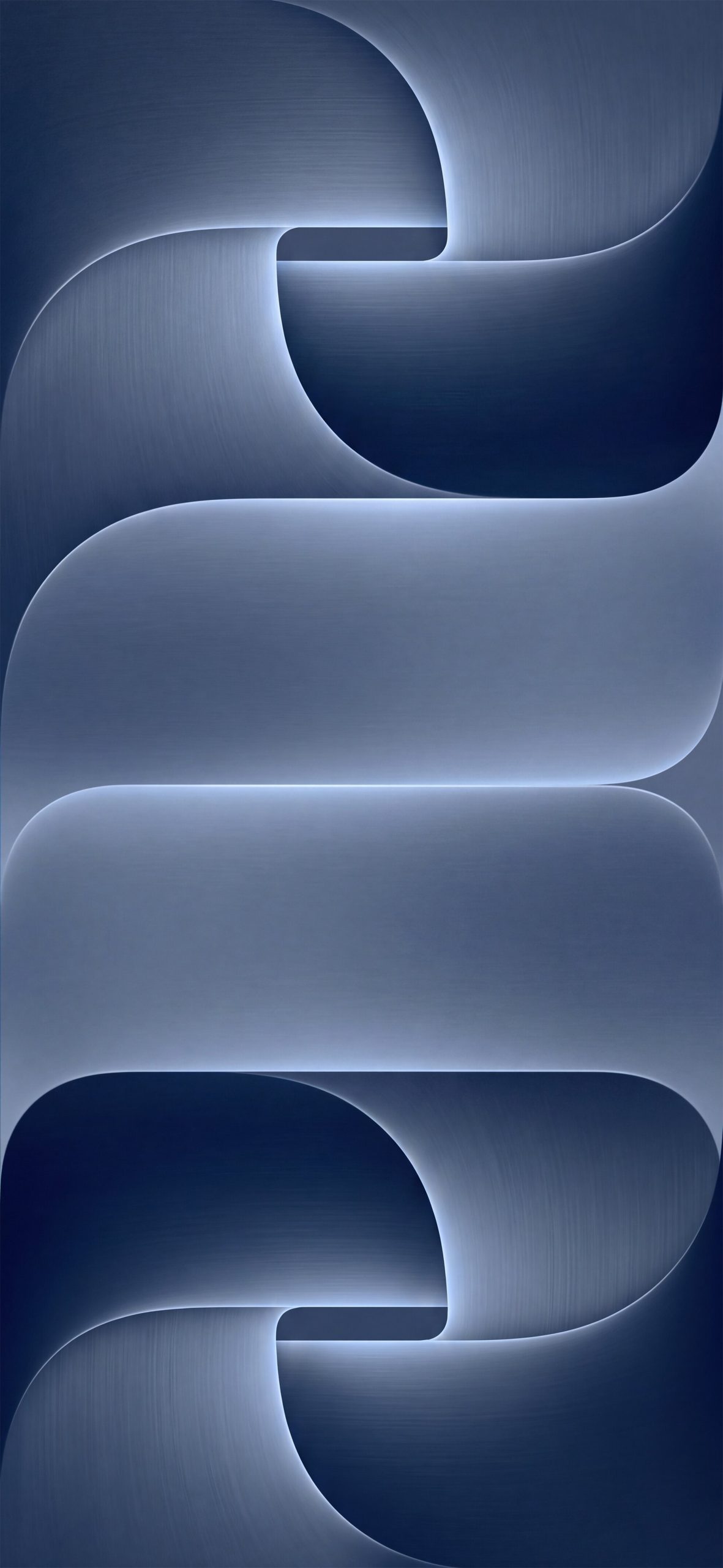
4. Midnight A darker, moodier take on the blue palette, leaning into deep navy tones for a more subdued Lock Screen.
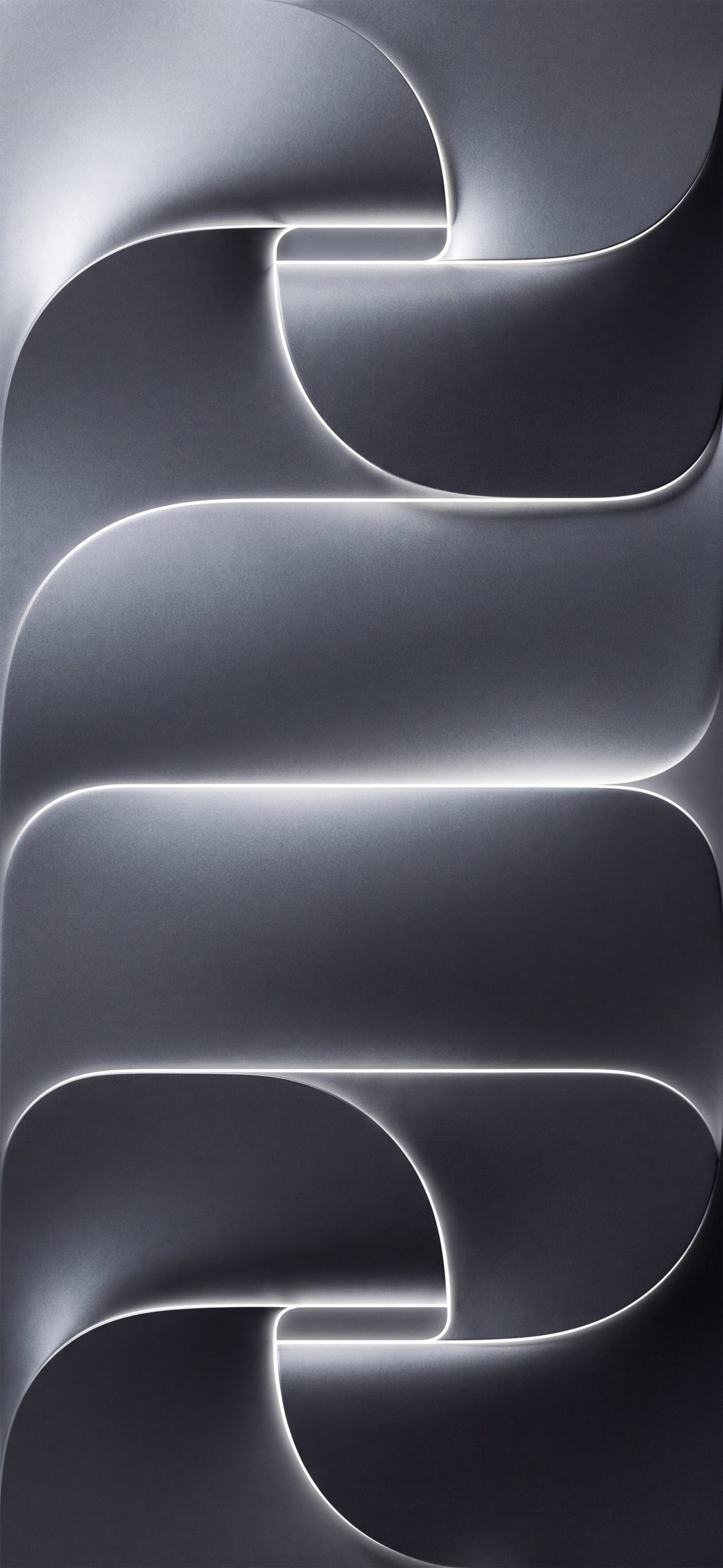
5. Monochromatic Geometric A brushed-silver, grayscale version that keeps the focus entirely on form and light rather than color.
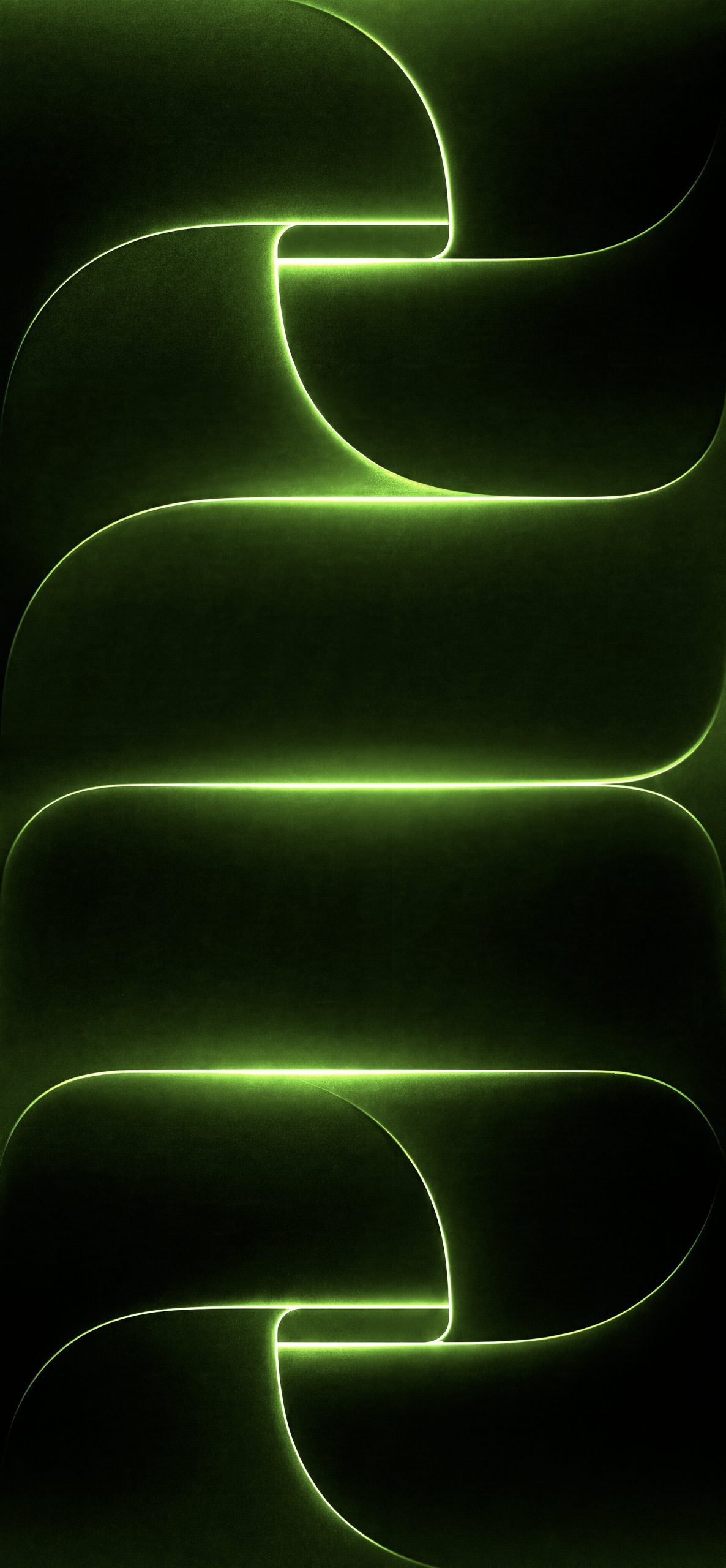
6. Neon Green Lines A high-contrast black background with a vivid green glow, giving the design a more energetic, tech-forward feel.
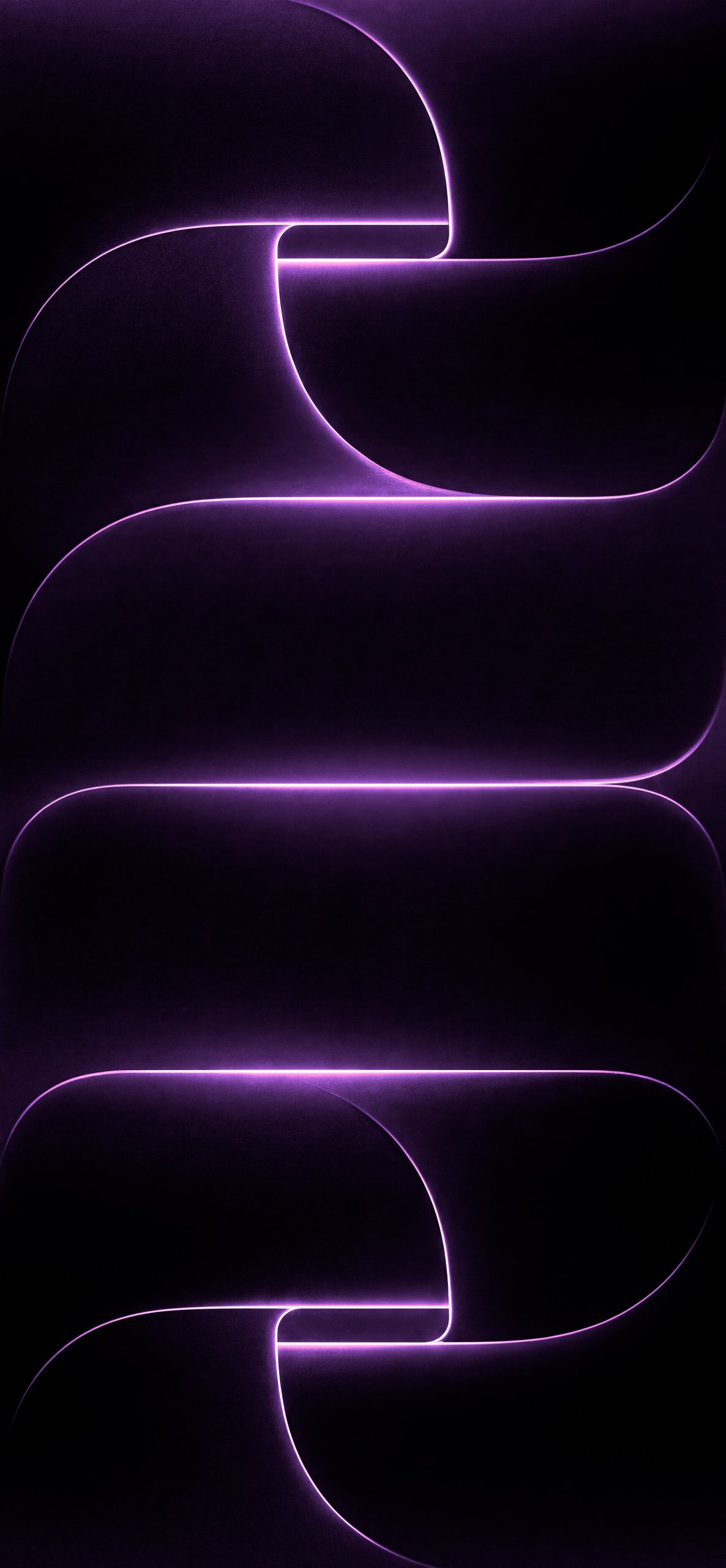
7. Neon Purple Glow Deep purple tones with a bright violet edge light, striking a balance between moody and vibrant.
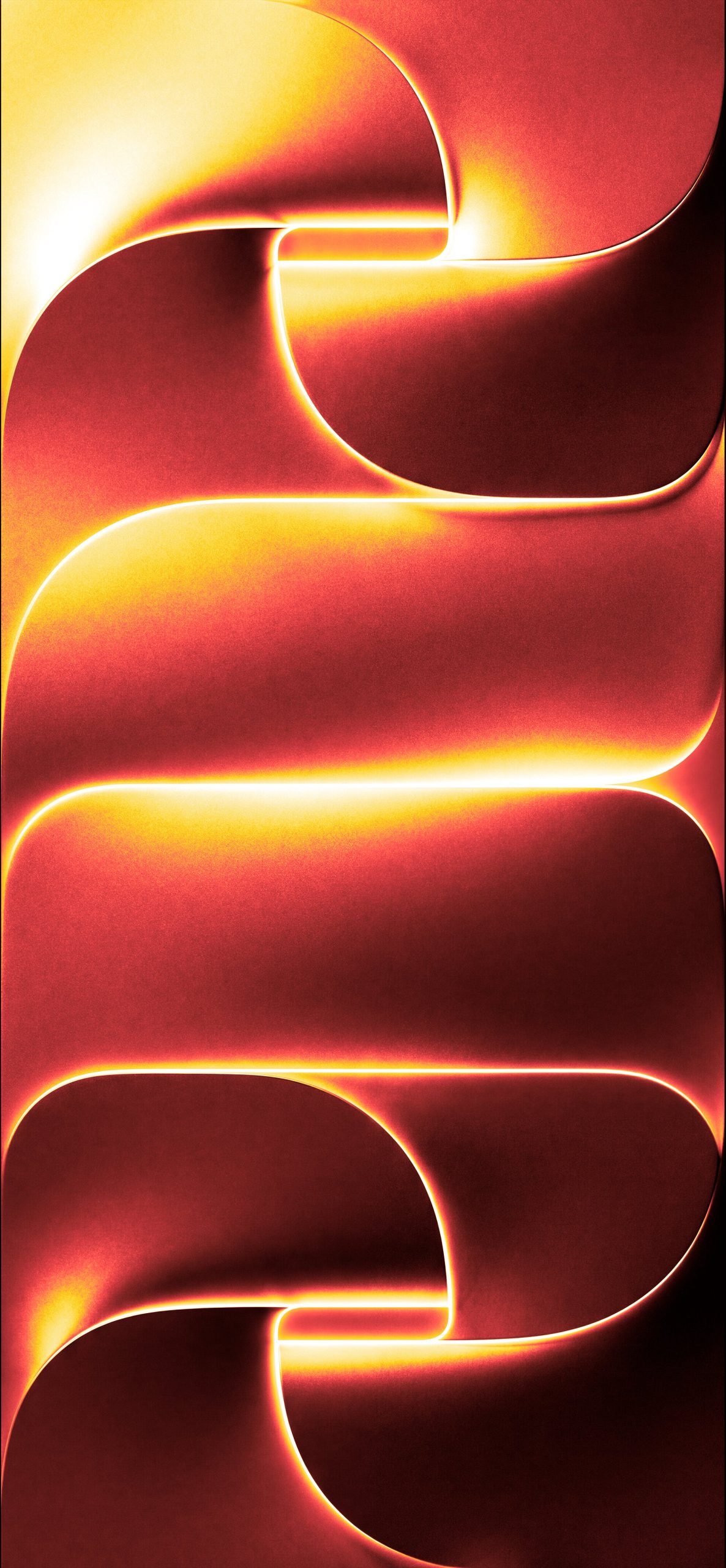
8. Orange-Red Wave Glow The warmest option in the set, blending fiery reds and yellows into a glowing sunset-like gradient.
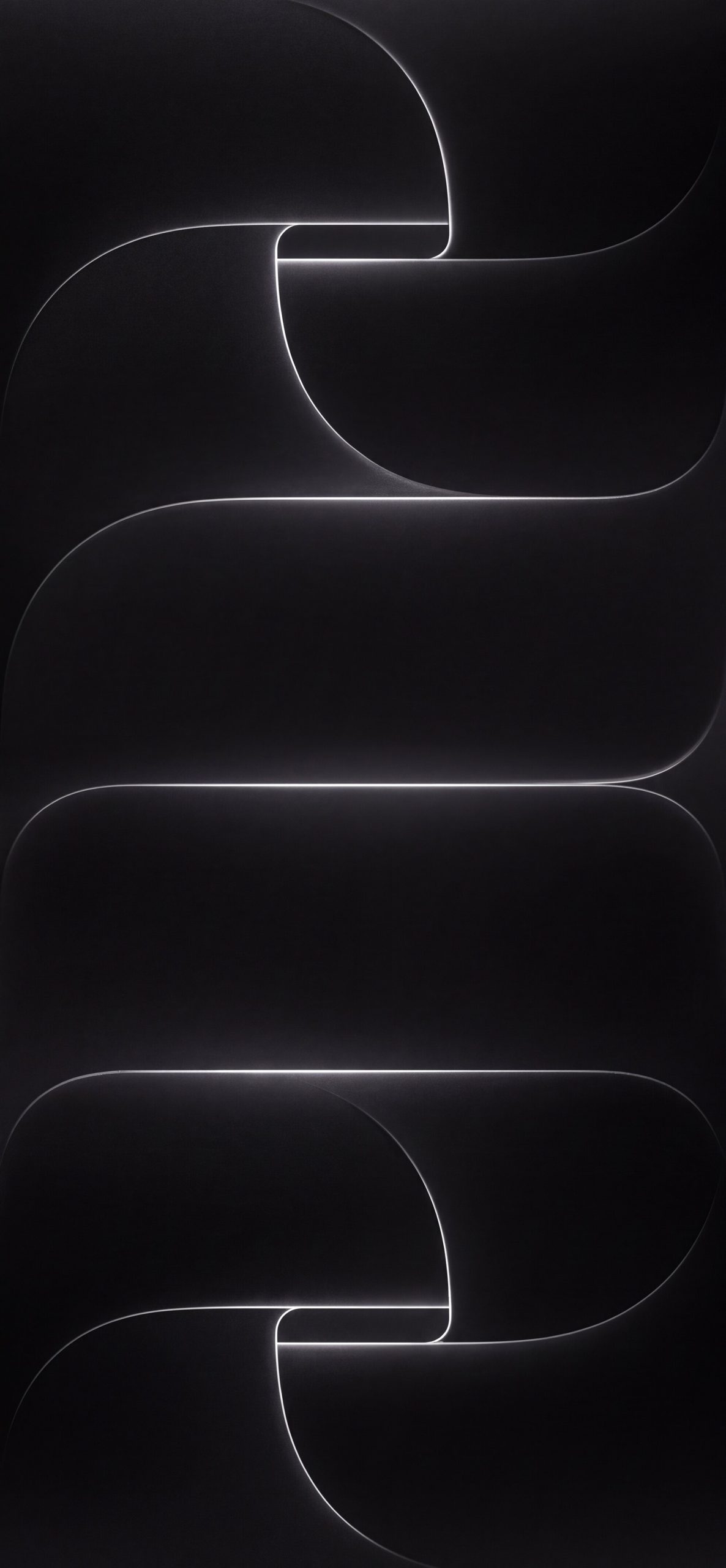
9. Dark Minimalist Glowing Lines An almost entirely black variant where only the thin glowing edge lines are visible, making it the most understated and minimal option in the set.
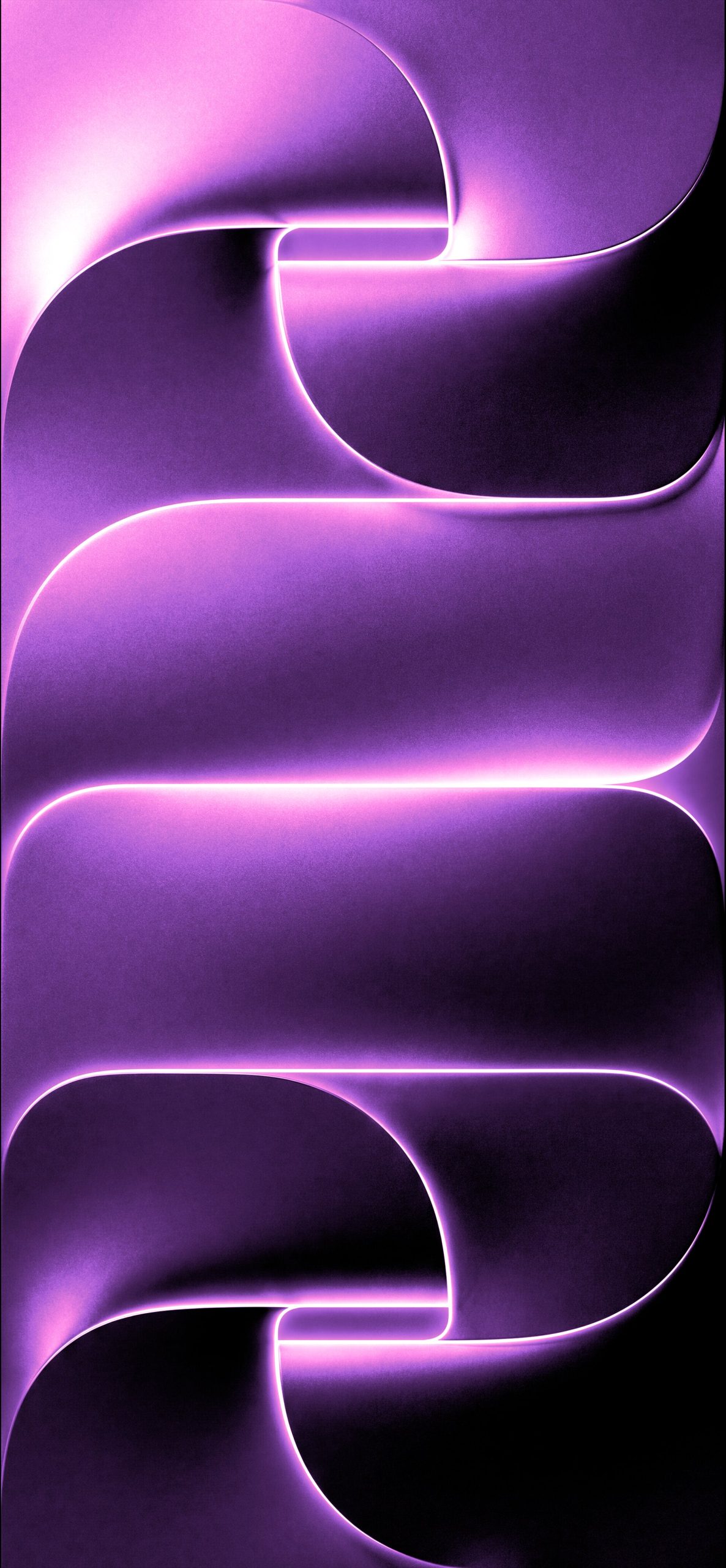
10. Vibrant Purple Neon Glow A brighter, more saturated purple version with a strong magenta-pink light source, giving it a bolder, more vibrant feel than the standard purple glow variant.
How to Set It Up on iPhone
- Save your chosen wallpaper to Photos.
- Go to Settings > Wallpaper > Add New Wallpaper.
- Select Photos and choose your image.
- Adjust the crop to fit your screen.
- Apply it to your Lock Screen, Home Screen, or both.
Tips for Choosing Your Wallpaper
- Match your device color: Cooler tones like blue and monochrome pair naturally with silver or gray finishes, while amber and red tones suit warmer device colors.
- Consider contrast: The darker variants make Lock Screen widgets and text stand out more clearly.
- Try more than one: Since all nine share the same design structure, switching between colors is an easy way to change your phone’s mood without changing the layout.
Final Thoughts
The iPhone 18 Pro wallpaper collection offers a cohesive, elegant design language across nine colorways, giving you plenty of room to match your personal style while keeping that same sculpted, glowing aesthetic.
For More Apple Wallpapers Please Visit to our Pinterest Page.
You Might Also Like :
- Download Official iPhone Duo Wallpapers [4K UHD Original]
- Download Official iPhone 18 Pro Wallpapers [4K UHD Original]
- Download Official iPhone 17 Pro Dark Wallpapers in 4K (Original Quality)
- Official iPhone 17 Pro Wallpapers [Free High-Res 4K Download]