iOS 27 Pastel Depth Effect Wallpapers: Soft 3D Lock Screens
The Lock Screen stopped being a static image the moment Apple introduced Depth Effect, and every iOS release since has leaned further into that layered, three-dimensional feel. With iOS 27, that trend continues — and one of the most visually rewarding ways to use it is with soft, pastel-toned imagery. Rather than bold, high-contrast photos, pastel Depth Effect wallpapers rely on gentle color palettes and a clear foreground subject to create a Lock Screen that feels calm, dimensional, and quietly polished. This guide walks through how Depth Effect works, why pastel tones pair with it so well, the best types of images to look for, and how to set everything up correctly.
How Depth Effect Actually Works
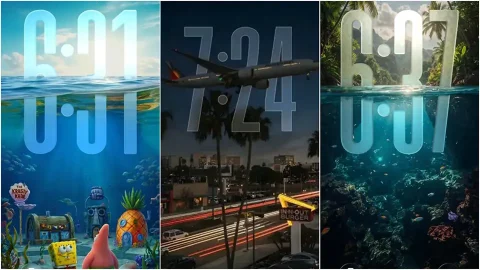
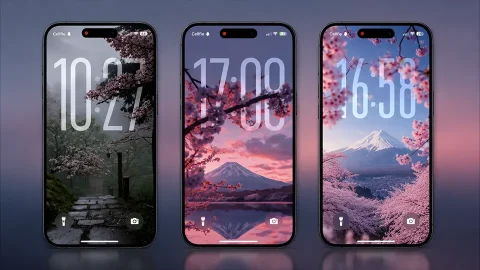
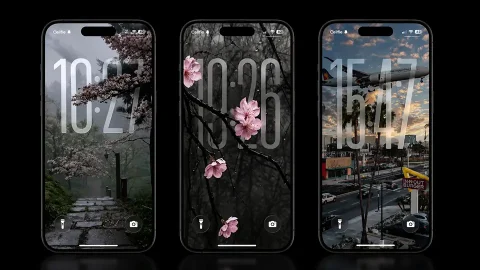
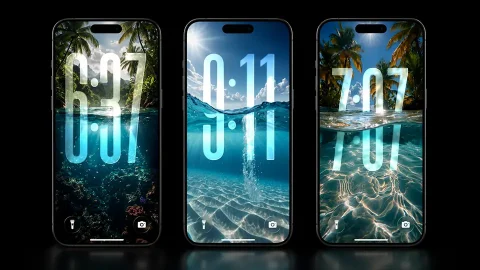
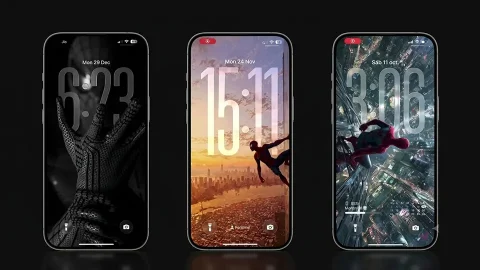
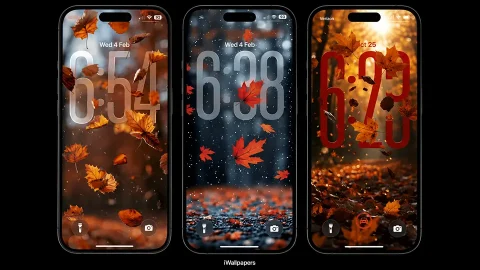
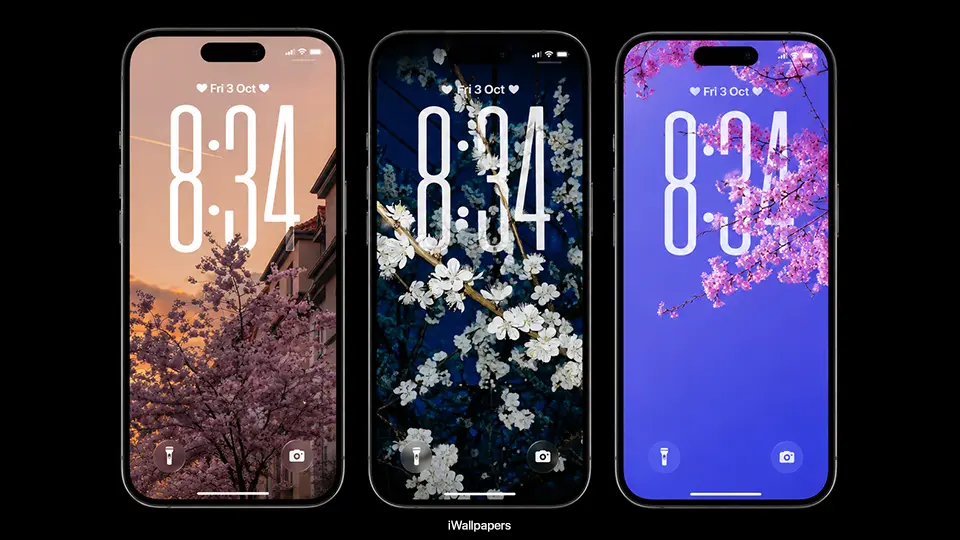
Depth Effect is the feature that lets a wallpaper’s subject appear to sit in front of the clock, date, and widgets on your Lock Screen rather than behind them like a flat backdrop. iOS analyzes the image to separate a clear foreground subject — a person, an object, a flower, an animal — from its background, then places your Lock Screen elements in between the two layers. The result is a subtle parallax effect: as you tilt your phone or swipe between Lock Screens, the foreground subject shifts slightly against the background, creating a sense of real depth rather than a flat picture.
Not every photo works well for this. The feature needs a distinct subject with a relatively clean edge against its background — a flower with a plain sky behind it, a pet against a blurred yard, a person against a simple wall. Busy, cluttered images with no clear subject-background separation tend to confuse the depth detection and produce a less convincing effect.
Why Pastel Tones Are Ideal for This Feature
Pastel color palettes — soft pinks, lavenders, pale blues, muted yellows — pair especially well with Depth Effect for a few practical reasons. First, pastel images typically have gentle, low-contrast backgrounds, which makes it easier for iOS to isolate the foreground subject cleanly. A flower against a soft gradient sky, for example, gives the depth algorithm a much easier job than a high-contrast, busy photograph.
Second, pastel tones keep your Lock Screen legible. Because these palettes are naturally soft rather than harsh, your clock, date, and notification text stay easy to read without needing extreme contrast adjustments. This is part of why pastel Depth Effect wallpapers have become such a popular combination — they deliver the “wow” of a 3D-feeling Lock Screen without sacrificing practicality.
Finally, pastel aesthetics simply photograph and render beautifully with the subtle blur iOS applies to the background layer in Depth Effect mode. The soft colors blur into an almost dreamlike wash, which enhances rather than competes with the sharper foreground subject.
Best Types of Images for Pastel Depth Effect Wallpapers
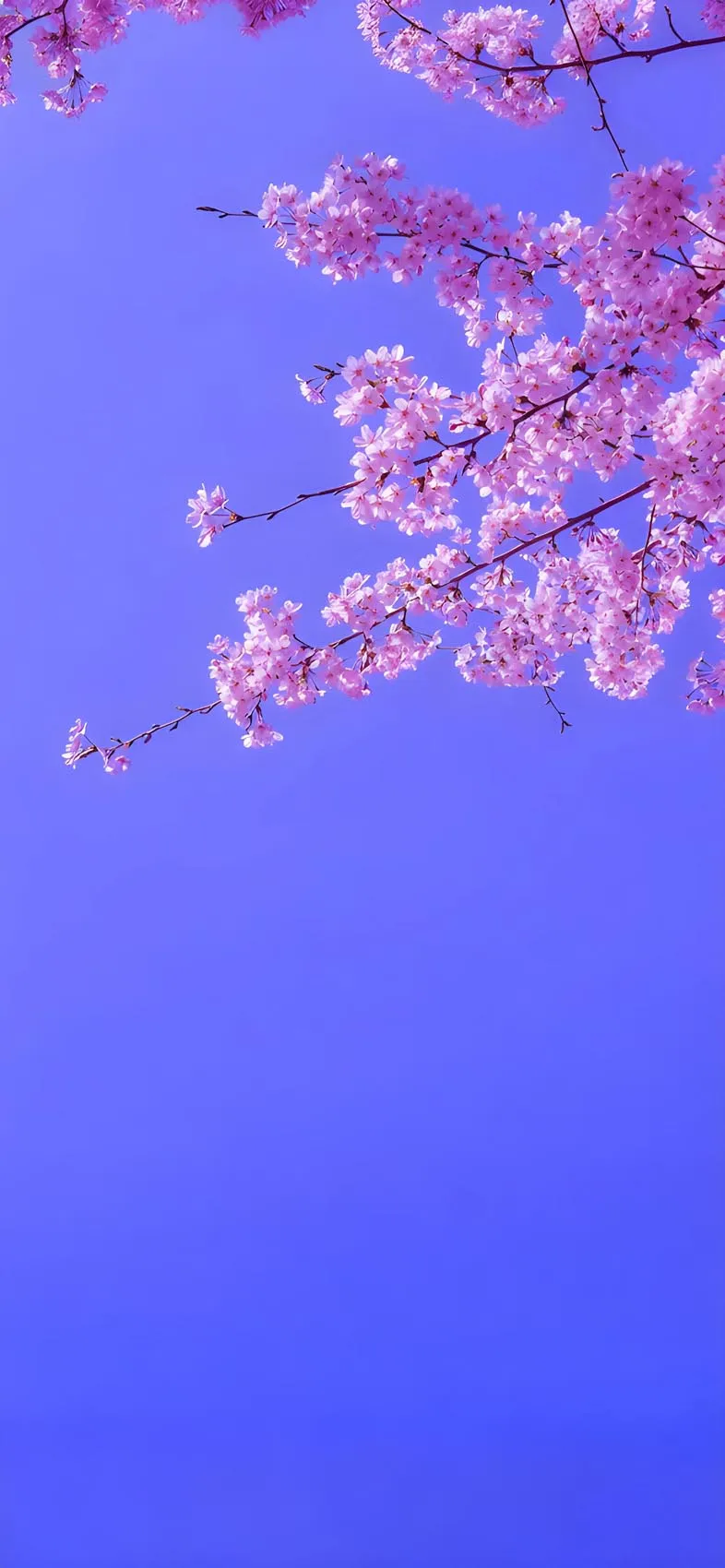
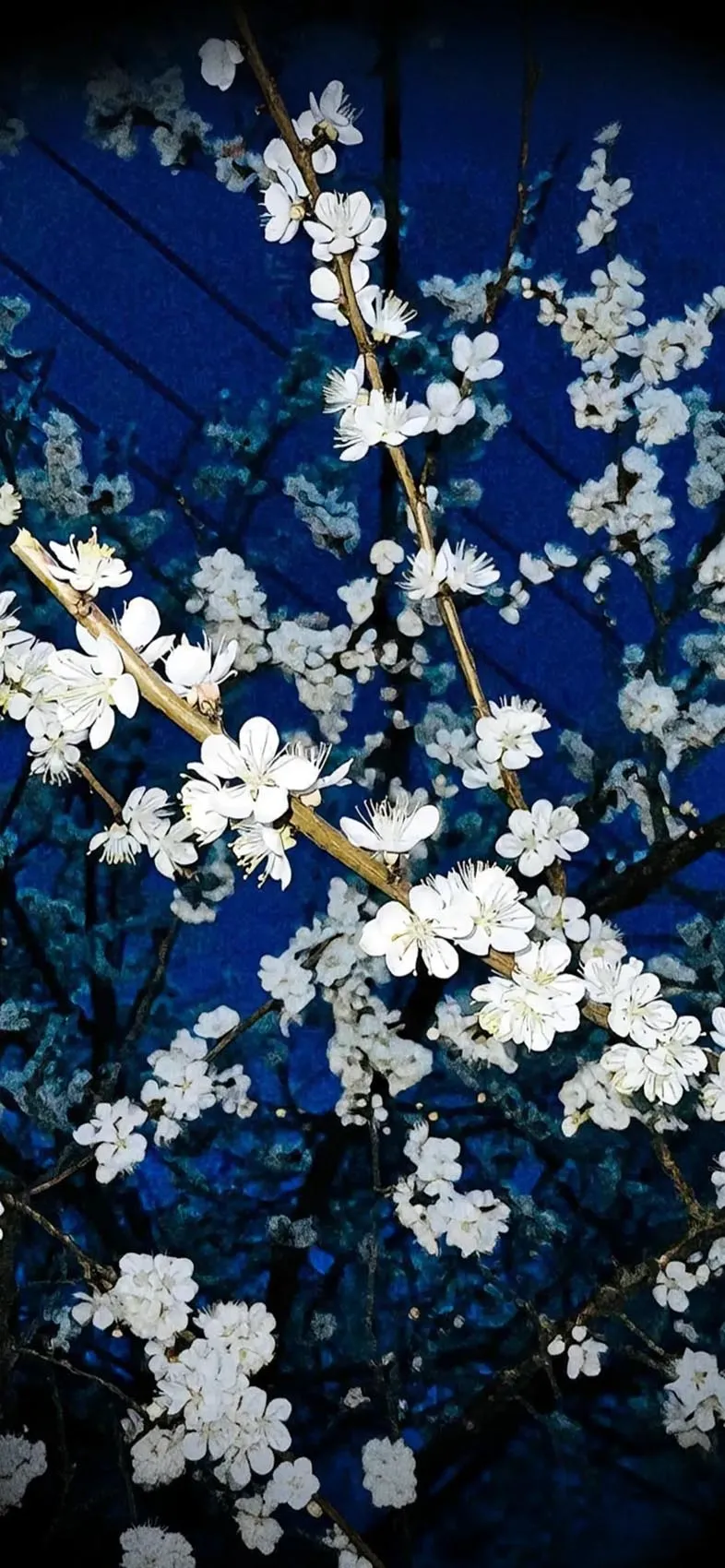
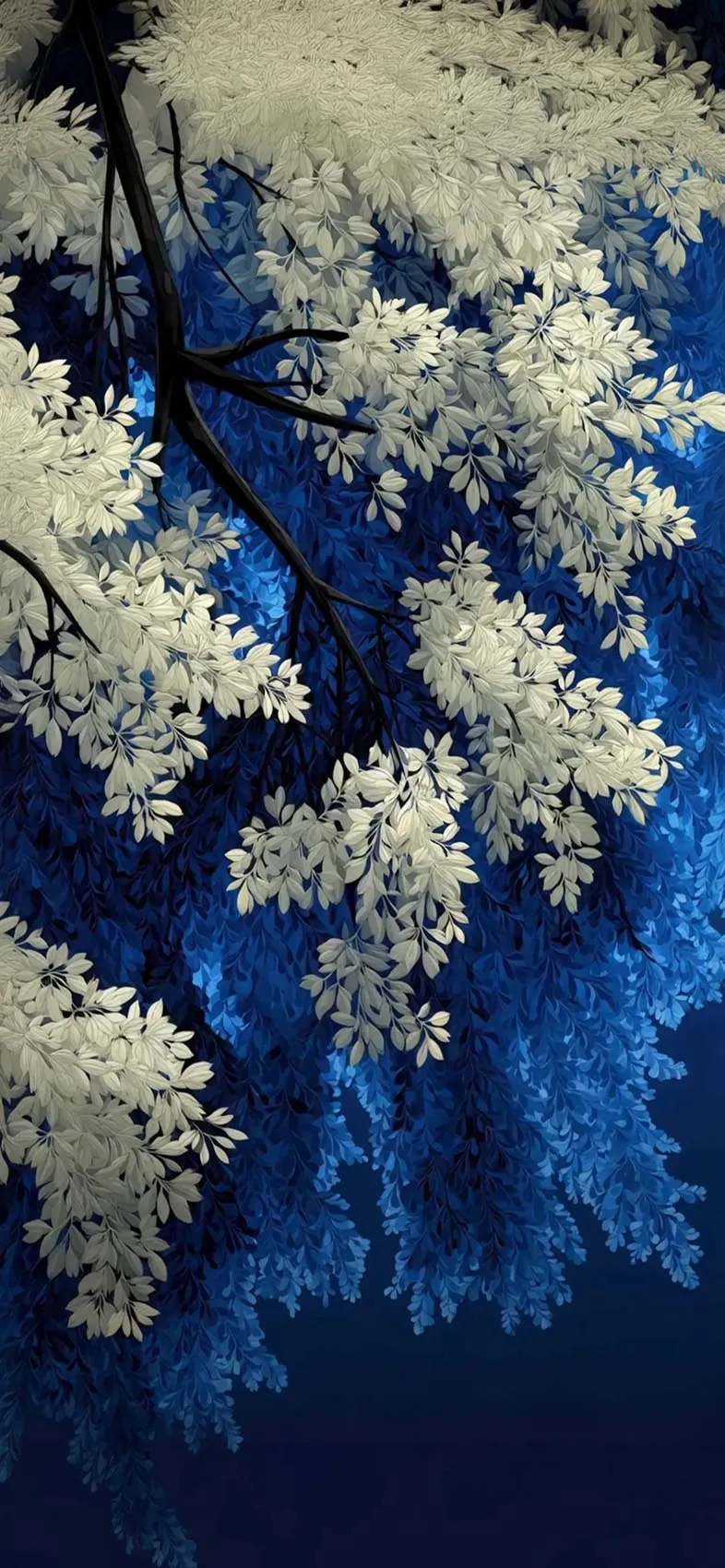
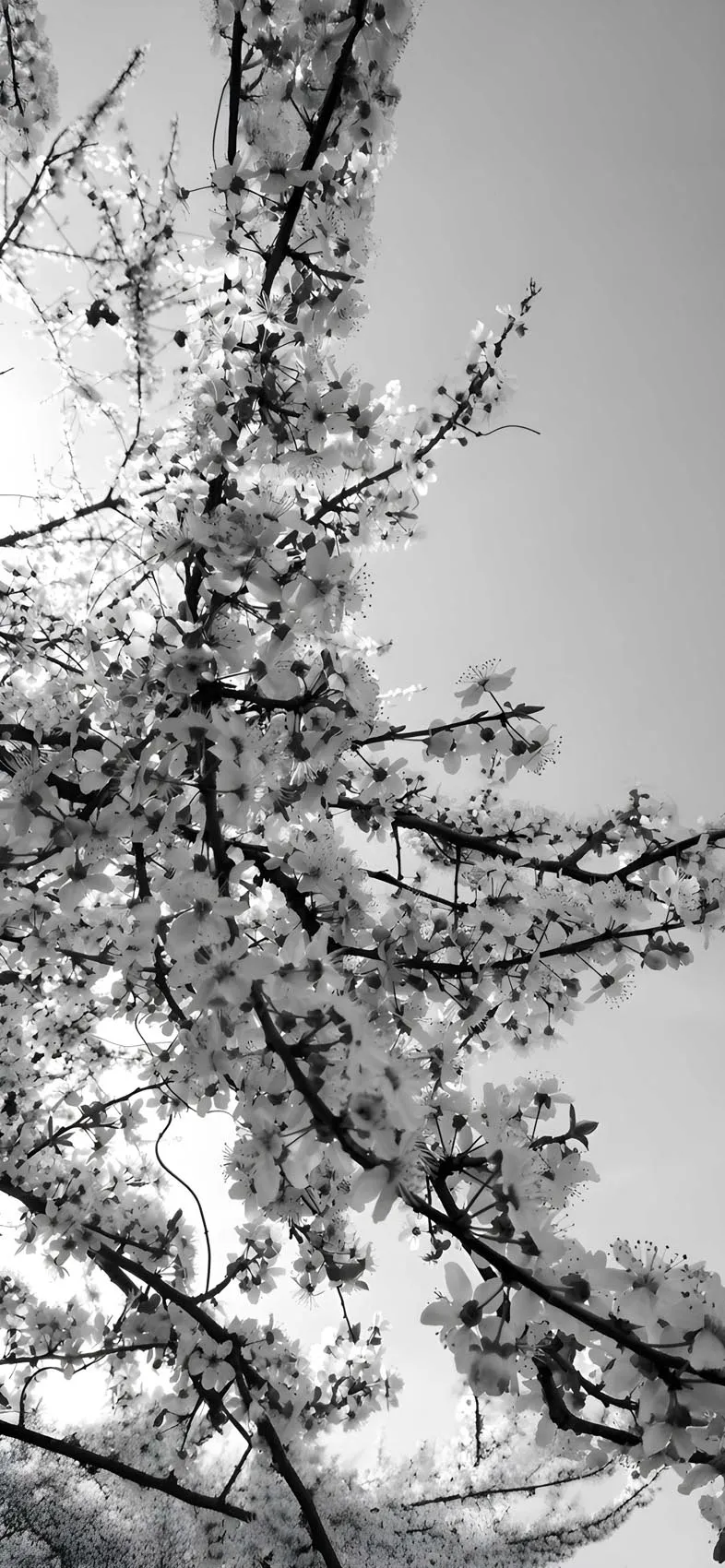
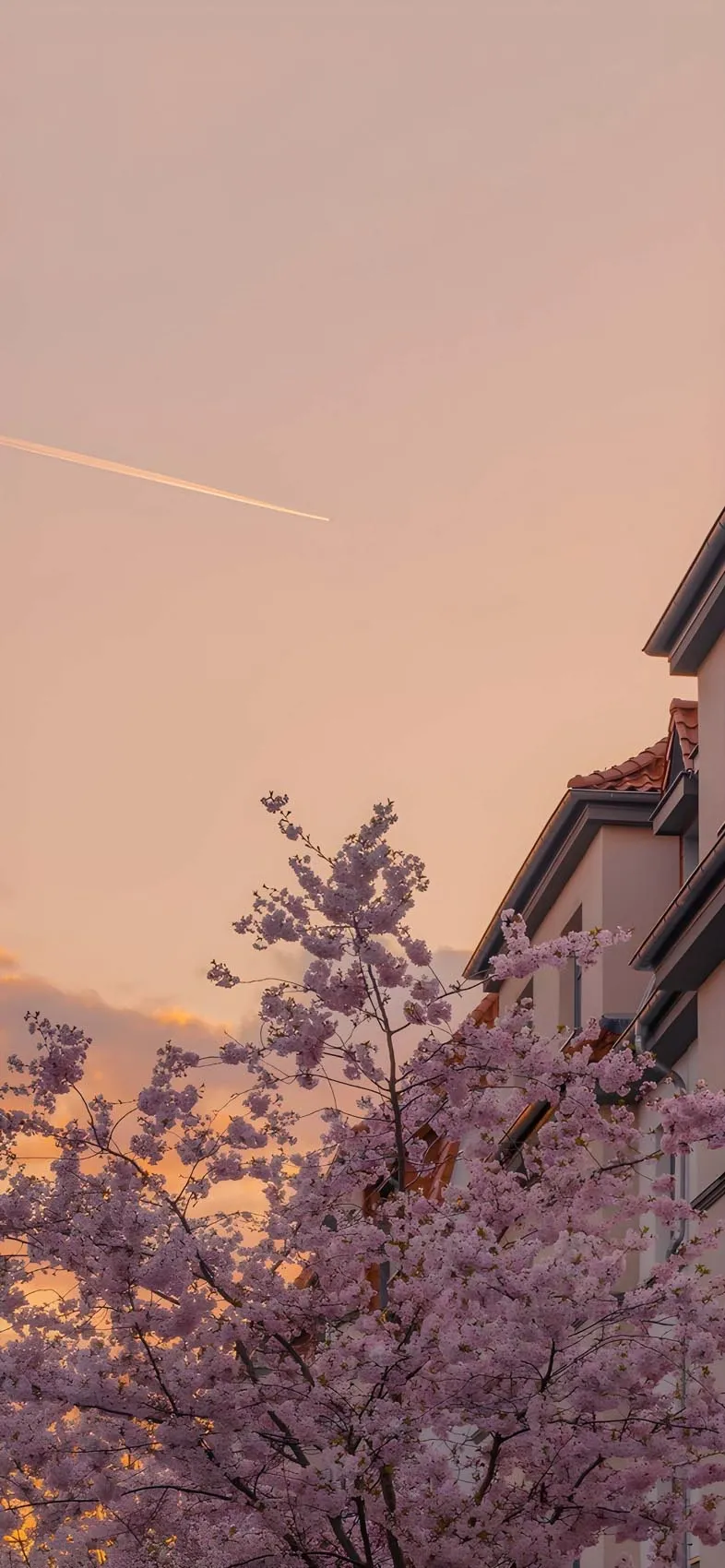
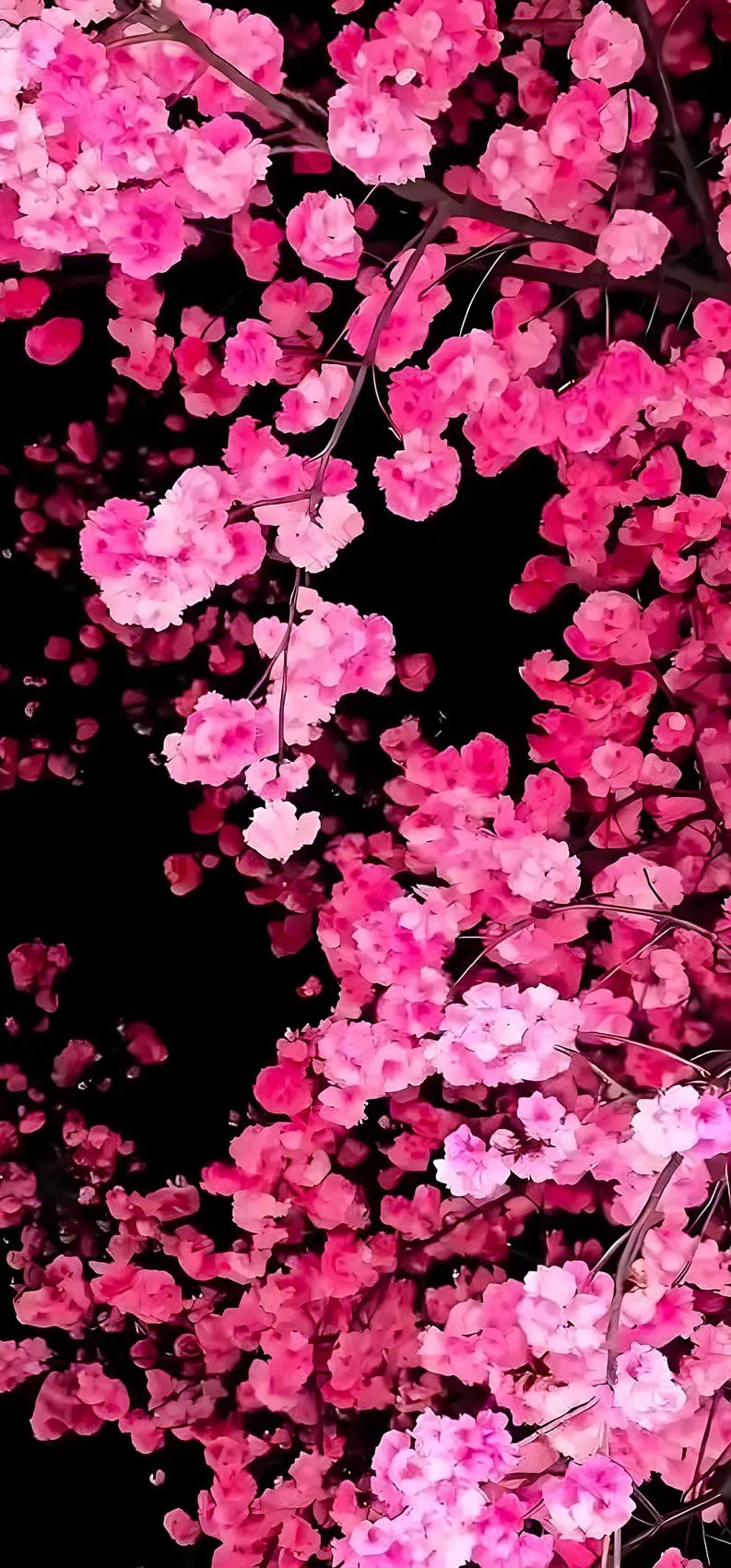
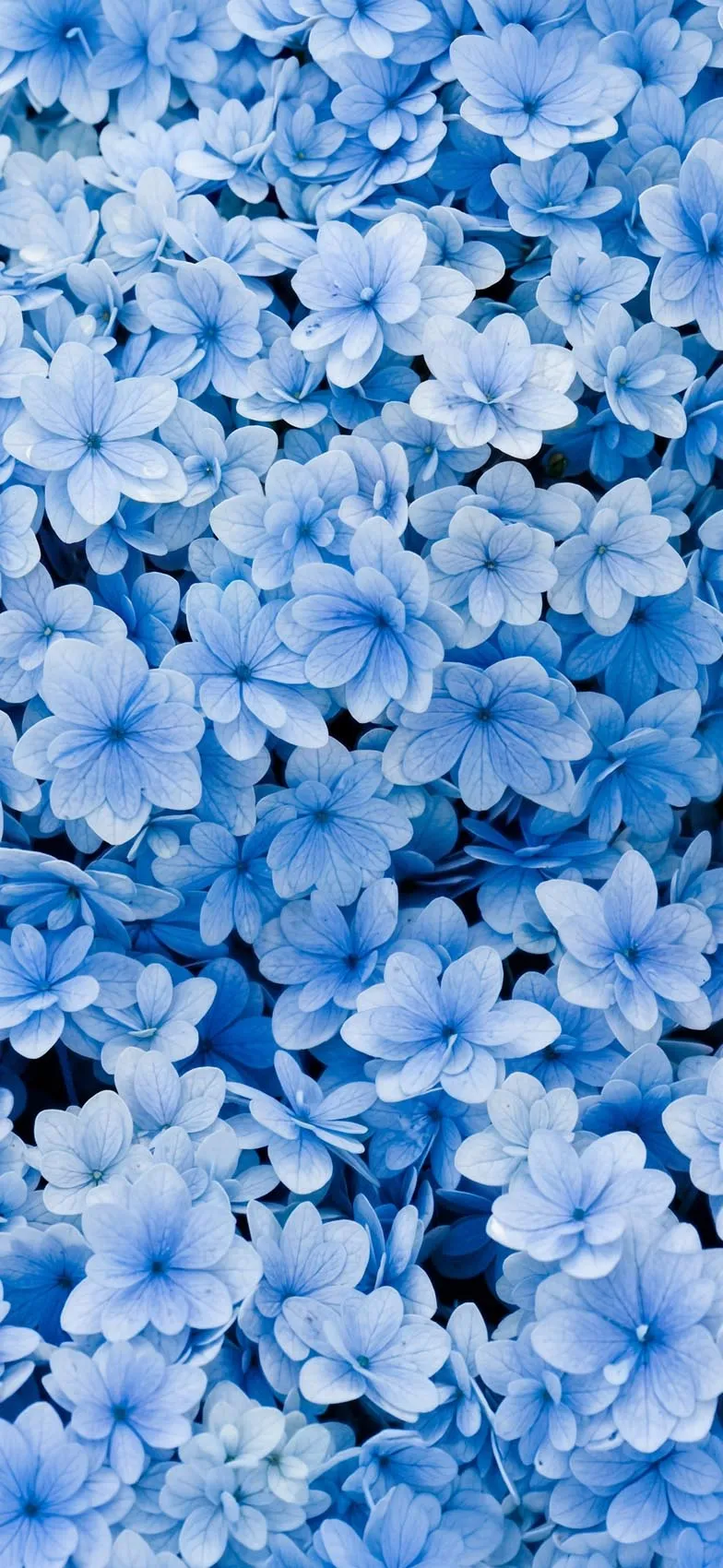
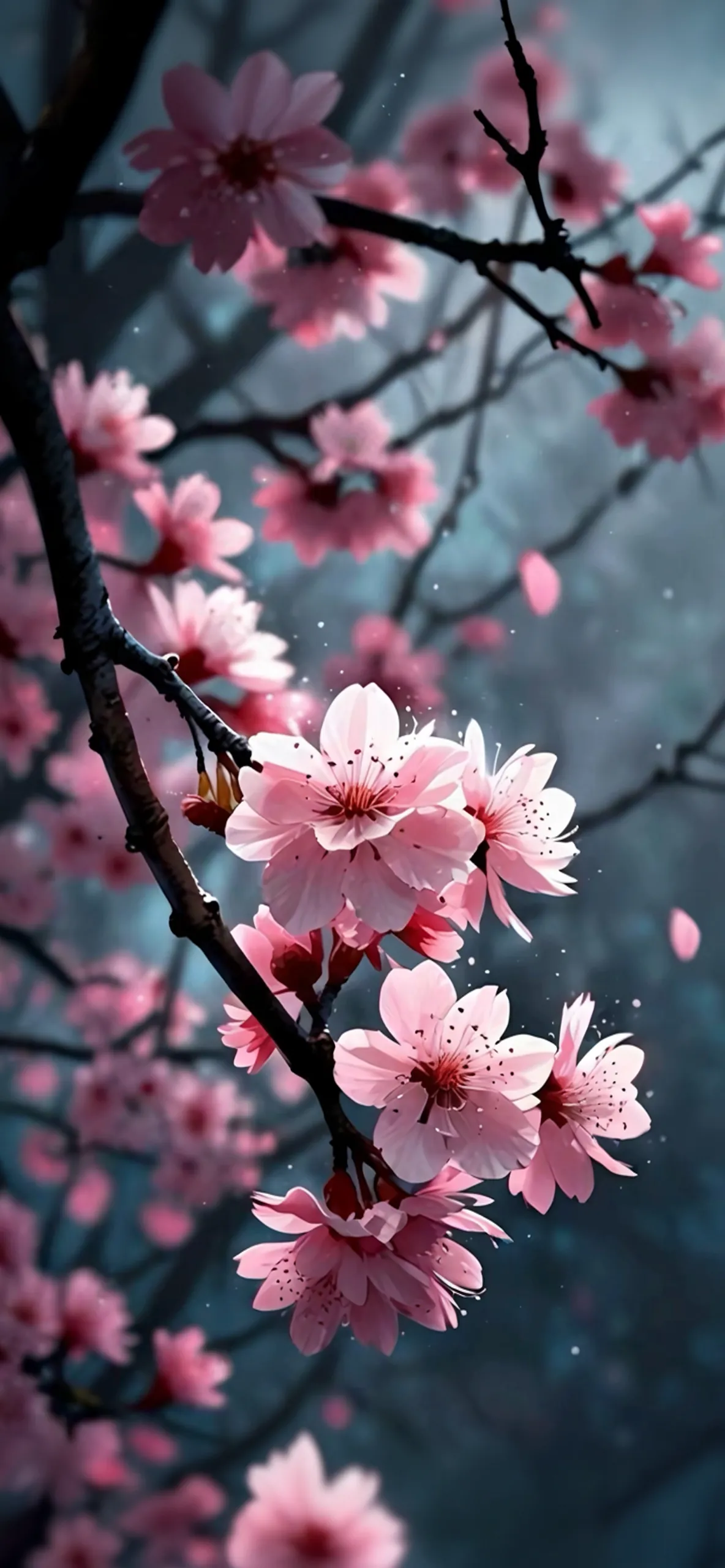
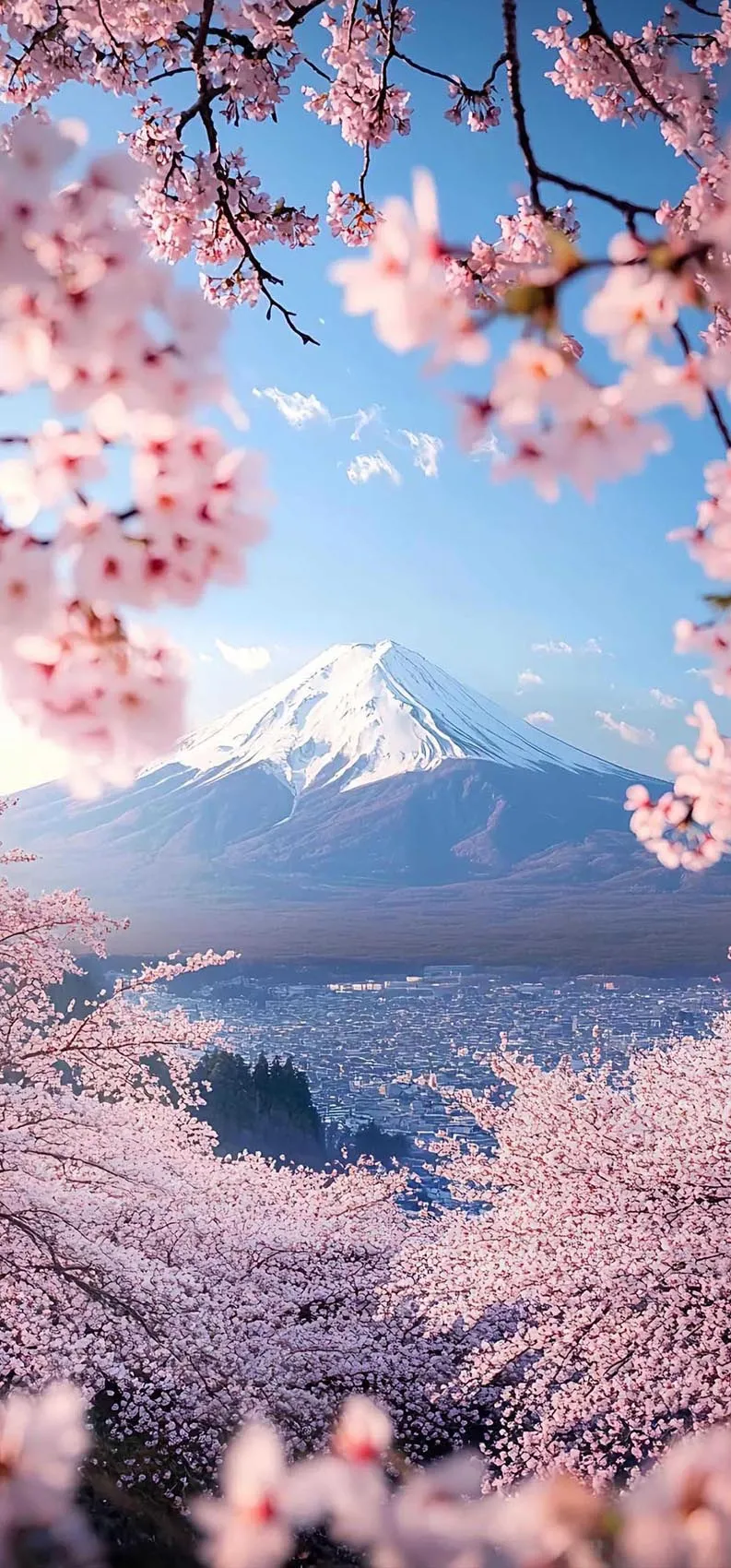
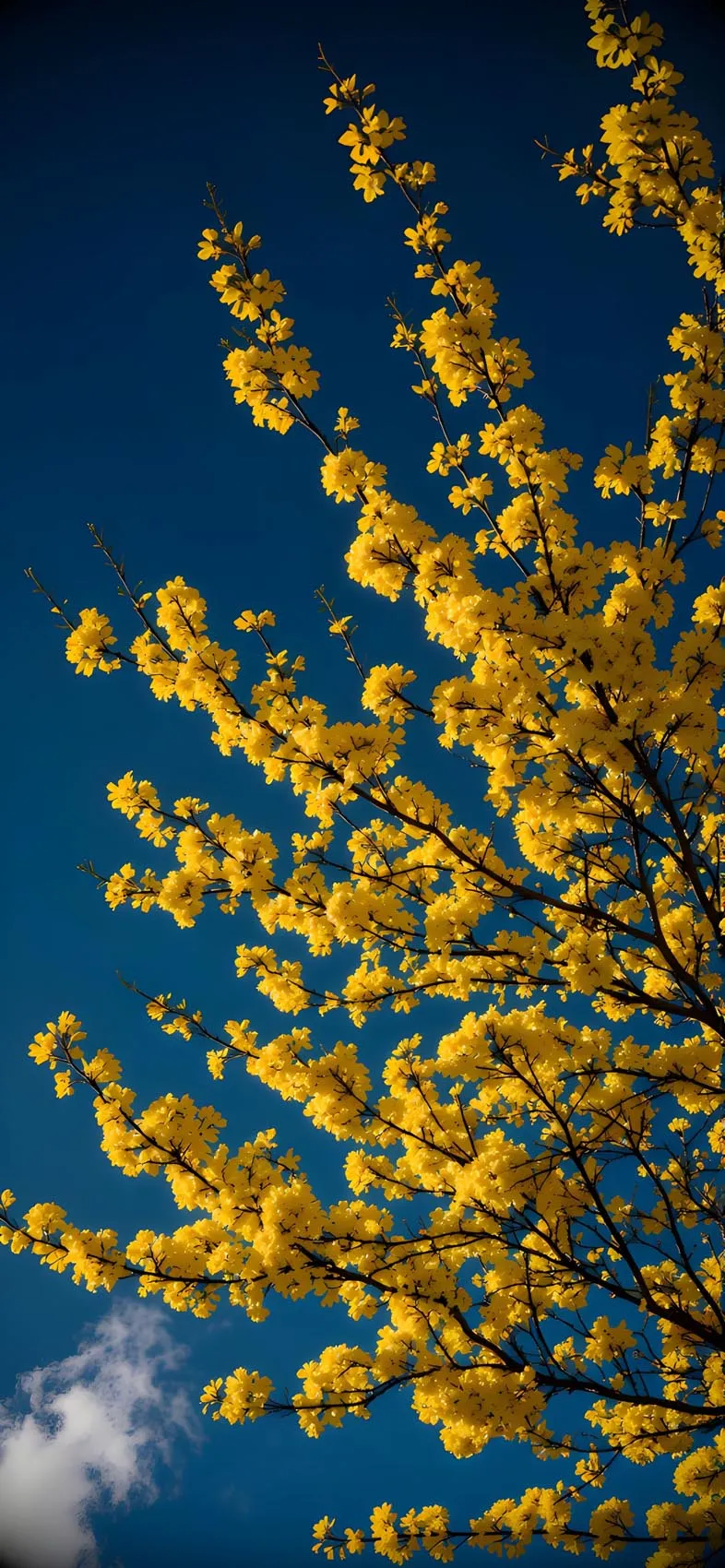
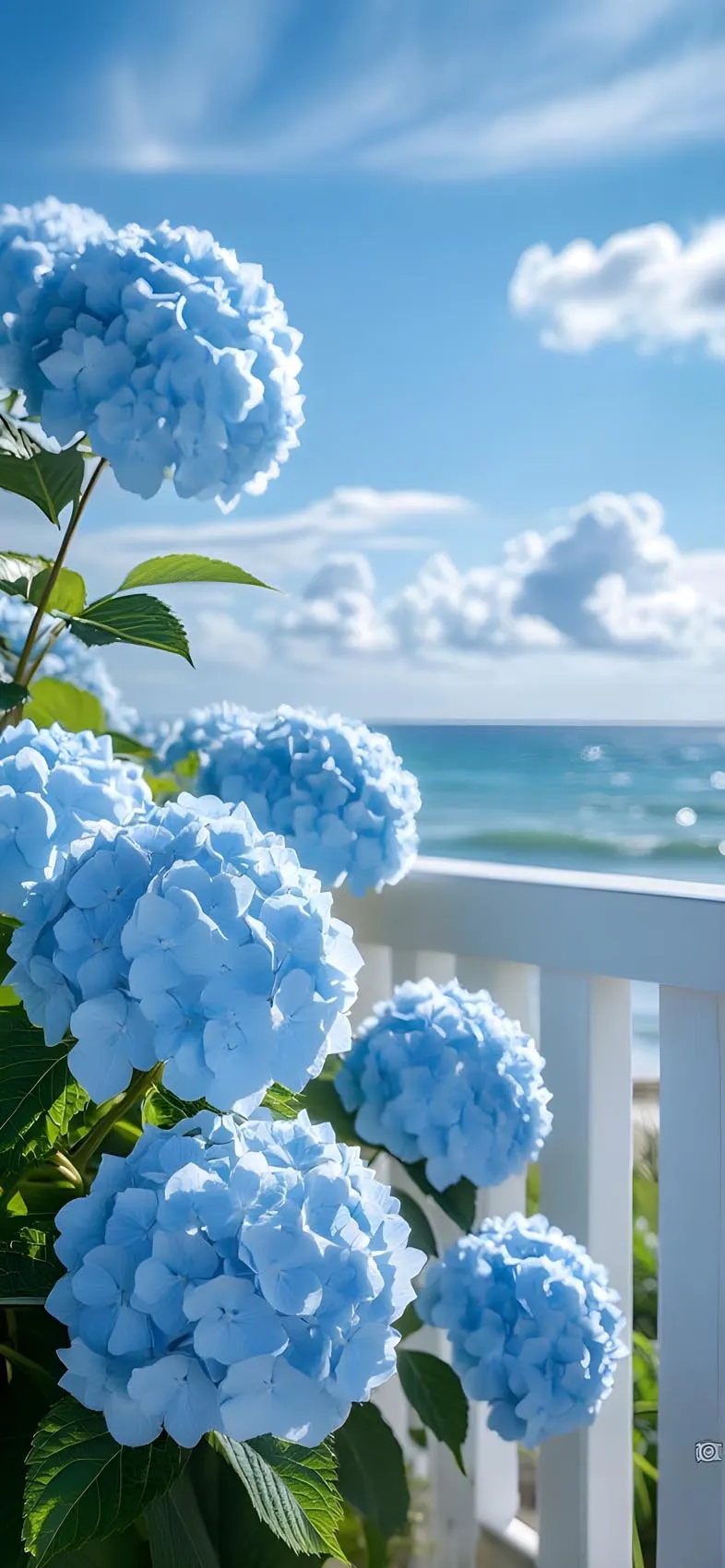
Single flowers or plants. A flower shot against a soft pastel gradient sky is one of the most reliable choices — the stem and petals give iOS a clear subject to separate, and the pastel background blurs into a soft wash behind your Lock Screen elements.
Solo pets or animals. A cat, dog, or bird photographed against a plain pastel-toned wall or blurred background works well, especially if the animal is centered and takes up a moderate portion of the frame.
People in simple settings. Portrait-style photos with a plain or gently colored background (rather than a busy scene) tend to produce a clean, convincing depth effect.
Objects with clear silhouettes. A single object — a vase, a balloon, a simple sculpture — set against a soft pastel backdrop can create a particularly striking, almost editorial-looking Lock Screen.
Abstract shapes and geometric forms. Soft 3D-rendered shapes in pastel gradients are increasingly popular for this exact feature, since they’re specifically designed with a clear foreground element in mind.
How to Set Up a Depth Effect Wallpaper on iOS 27
- Save your chosen pastel image to the Photos app.
- Open Settings and tap Wallpaper.
- Tap Add New Wallpaper, then select Photos.
- Choose your image — iOS will automatically detect whether Depth Effect is available for it.
- If supported, you’ll see the subject shift slightly as you preview the Lock Screen; adjust the zoom and position so the subject is well-centered.
- Tap Set and choose whether to apply it to your Lock Screen, Home Screen, or both.
If Depth Effect doesn’t trigger automatically, try a different image with a cleaner separation between subject and background — busy or low-contrast photos are the most common reason the effect doesn’t activate.
Styling Tips for the Best Result
- Choose a font color for your clock and date that complements the pastel palette rather than fighting it — soft grays or muted tones often look better than pure black or white.
- Avoid overcrowding your Lock Screen with widgets when using Depth Effect, since part of the appeal is the visual space between the foreground subject and the background.
- Test a few different images before settling on one — subtle differences in lighting and background complexity can make a big difference in how convincing the depth effect looks.
- Pair your pastel Depth Effect wallpaper with a matching, softly colored Home Screen icon theme for a cohesive overall look.
Final Thoughts
Pastel Depth Effect wallpapers make the most of one of iOS’s most visually interesting Lock Screen features, combining soft, calming color palettes with genuine dimensional depth. By choosing images with a clean foreground subject and a gentle, low-contrast background, you can create a Lock Screen on iOS 27 that feels both beautifully designed and technically well-suited to how Depth Effect actually works.
Explore More :
- 10 Best Split-View iPhone Depth Effect Wallpapers (4K Download)
- Aesthetic Flower iPhone Wallpapers: Minimalist 4K Picks
- Autumn Depth Effect iPhone Wallpapers: Cozy 3D Lock Screens
- Spider-Man 3D Wallpapers for iPhone (4K HD) – Free Download
- Ocean Depth Effect Wallpapers for iPhone (4K HD) – Free Download
- 15+ iOS 27 3D Spatial Scene Wallpapers for iPhone (4K HD)
- 20+ Blooming Sakura 3D Depth Effect iPhone Wallpapers 4K