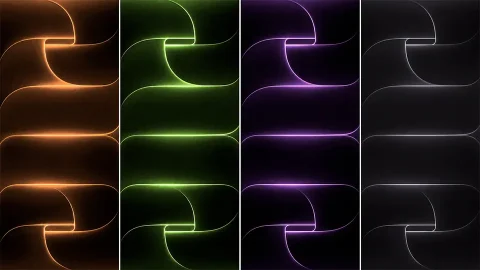
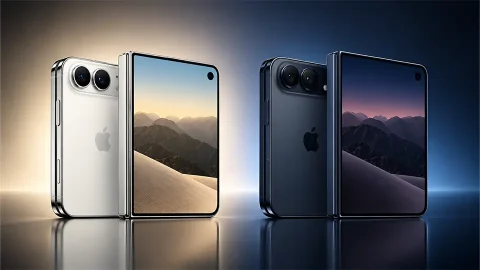
iOS 26 Wallpapers (4K HD) – Download Official Apple Backgrounds
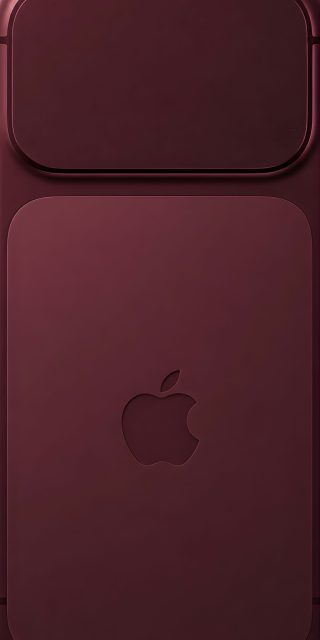
Every new iOS release brings more than just software features — it brings a fresh visual identity, and the stock wallpapers are often the first thing users notice. With iOS 26, Apple has once again refreshed its default background collection, introducing a new set of abstract designs that combine soft gradients, layered shapes, and a refined color palette built specifically for the modern iPhone display. If you’re looking to download the official iOS 26 wallpapers in full 4K HD quality, this guide walks you through what’s new and how to get the most out of them.
What’s New in the iOS 26 Wallpaper Collection
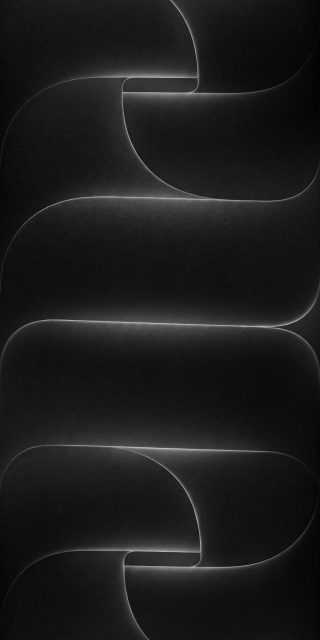
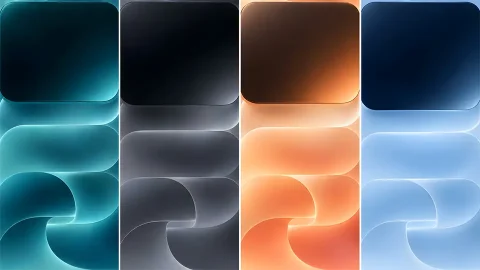
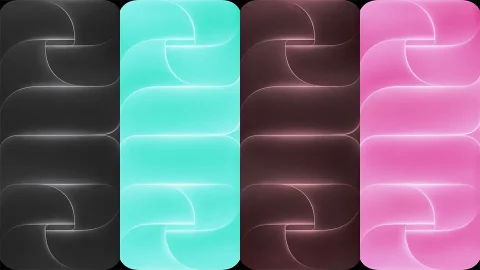
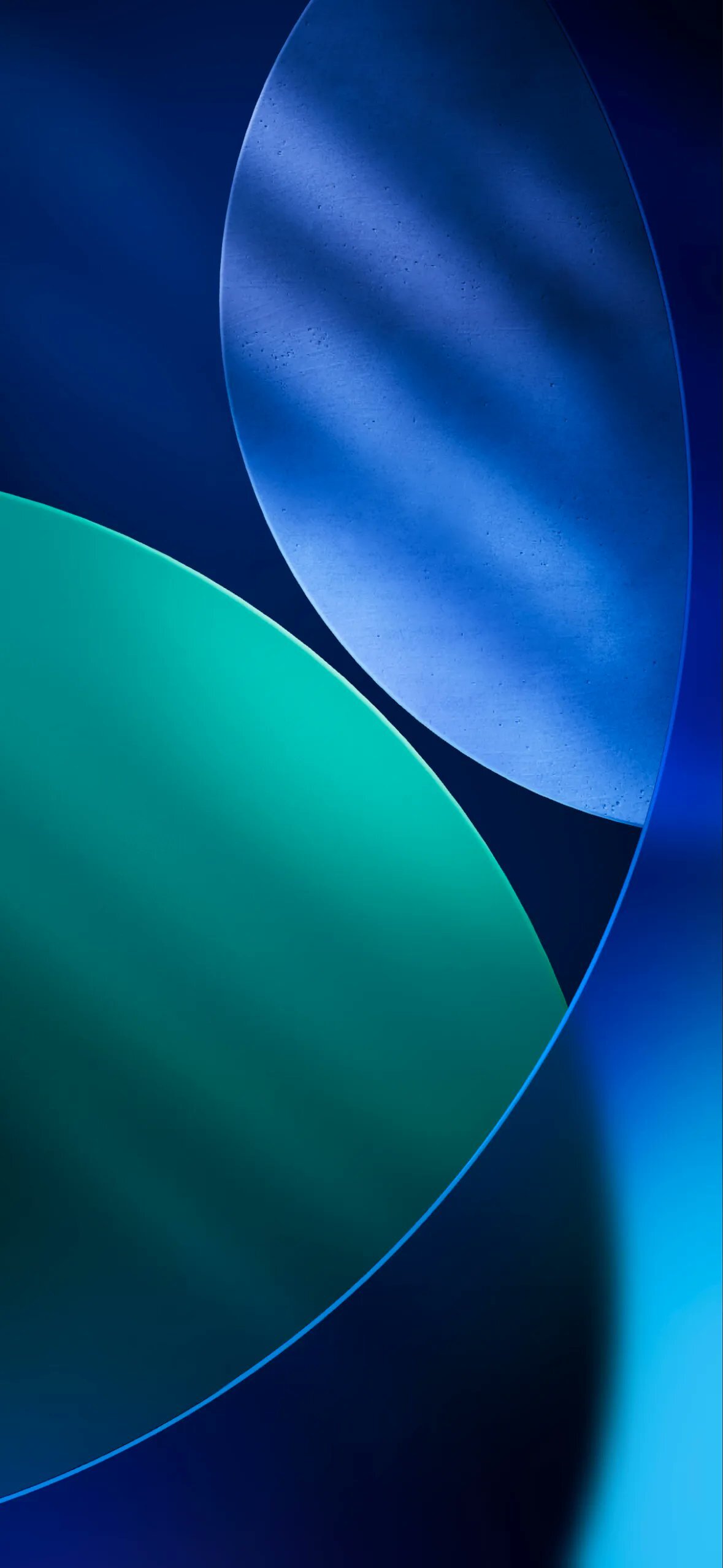
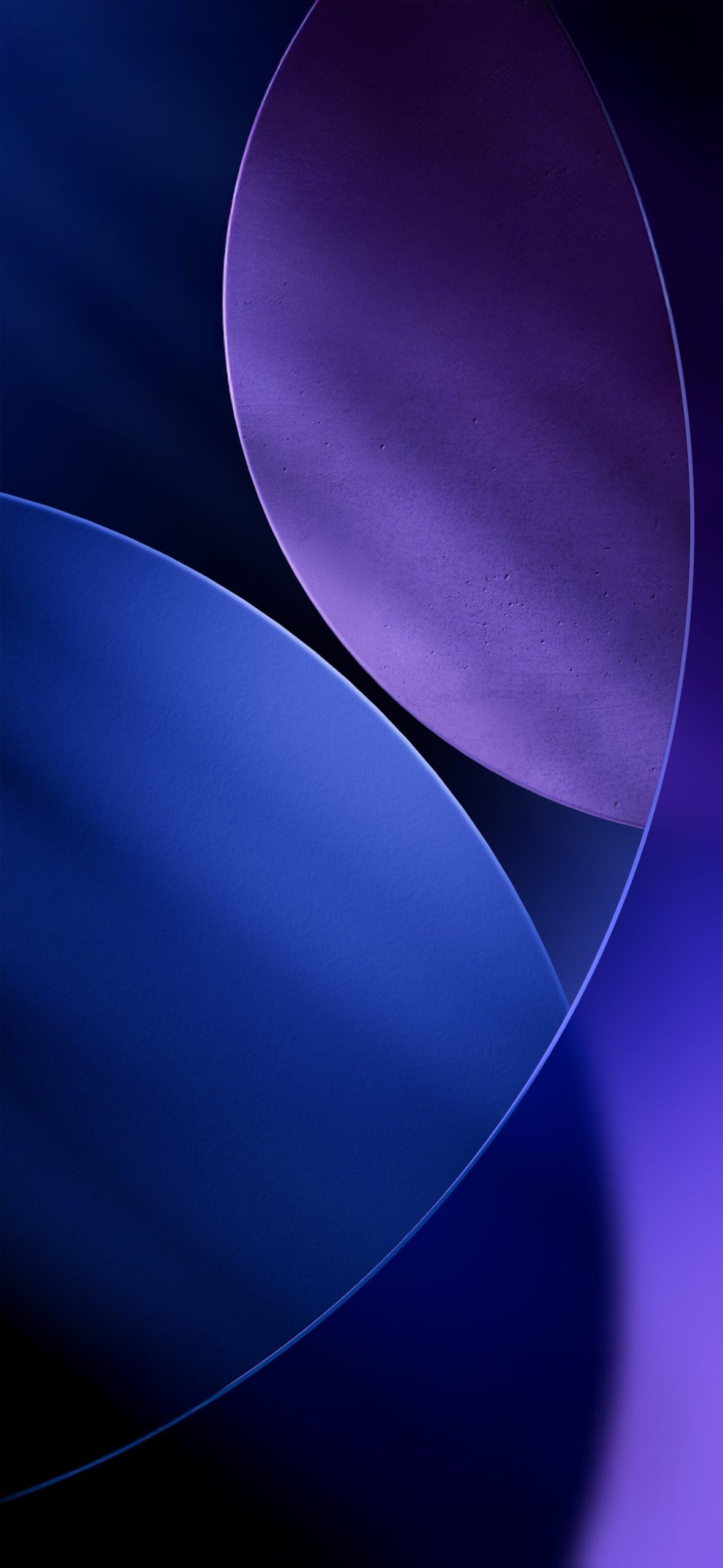
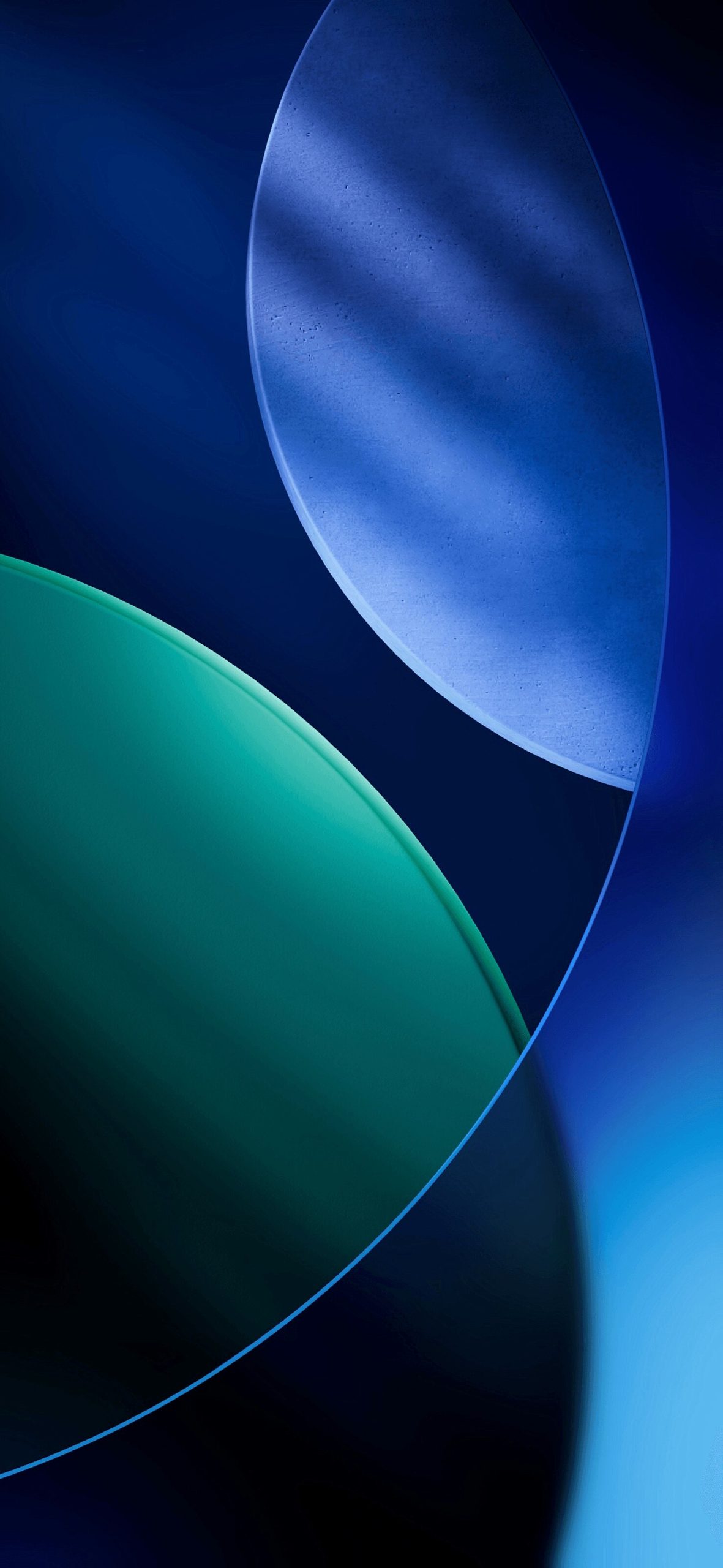
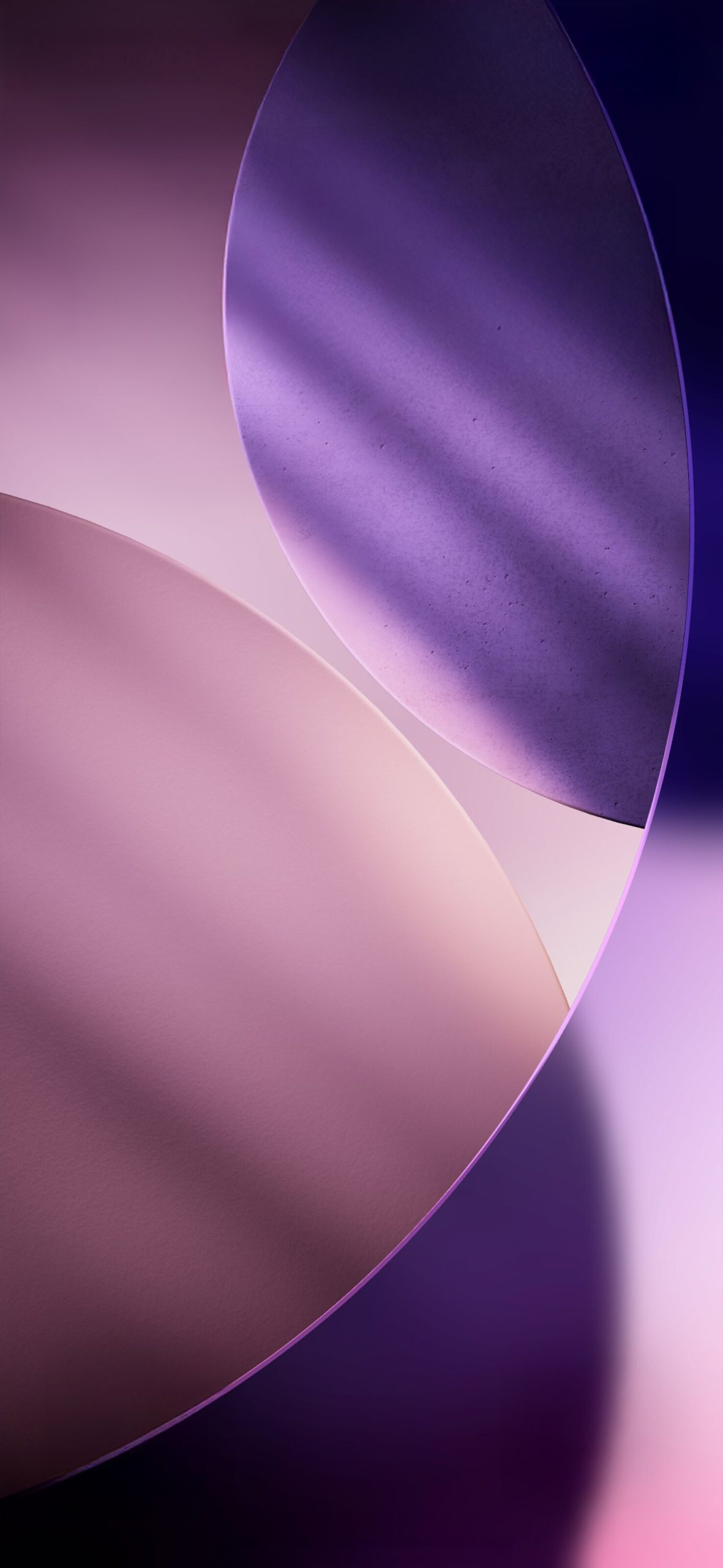
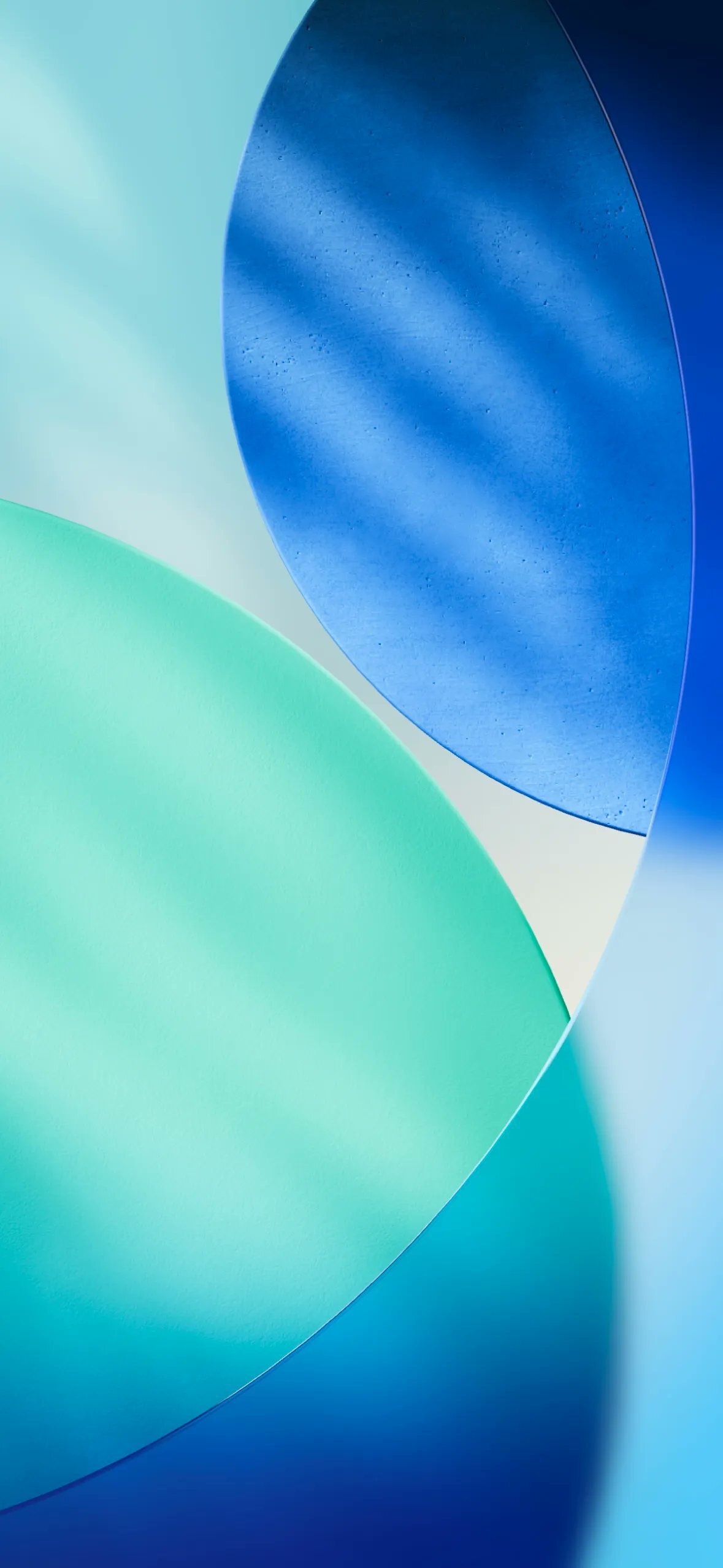
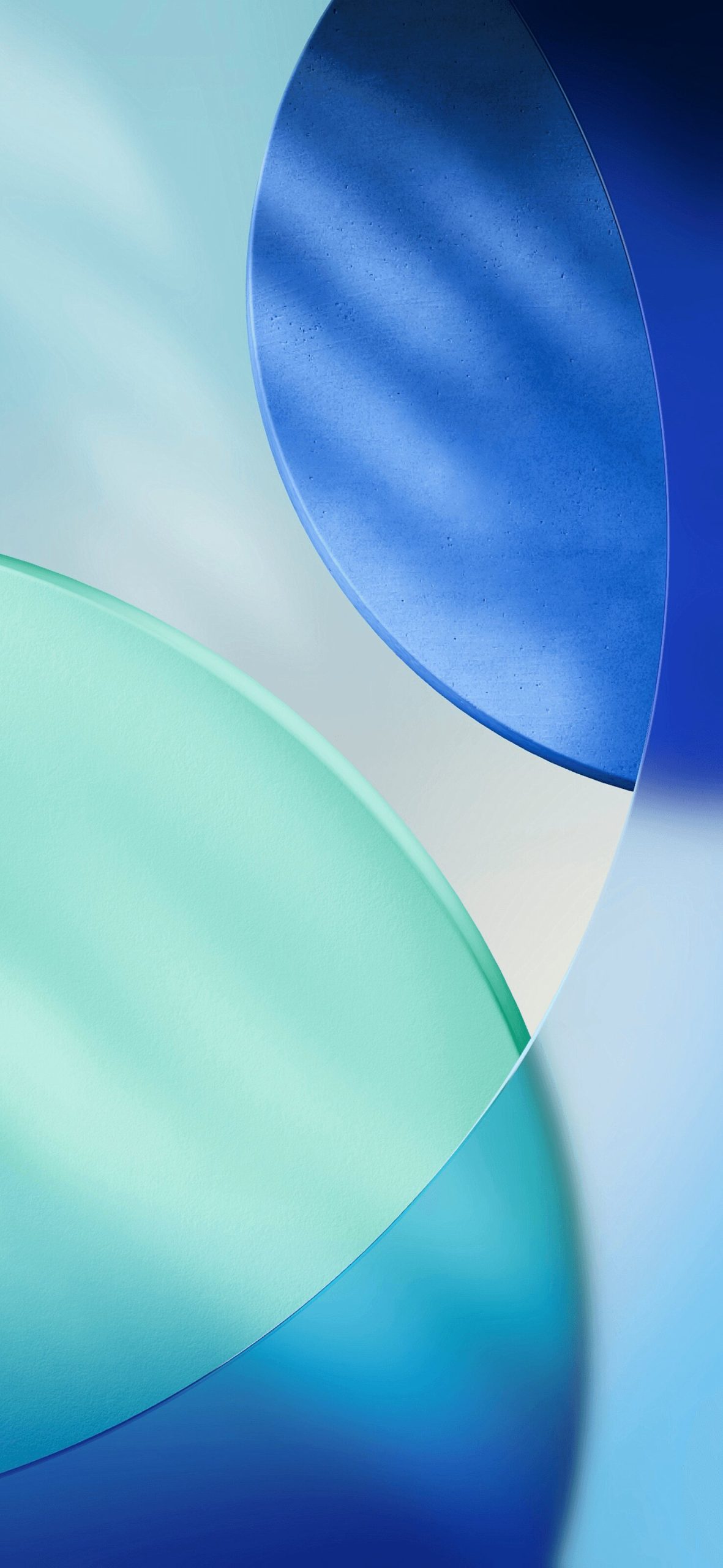
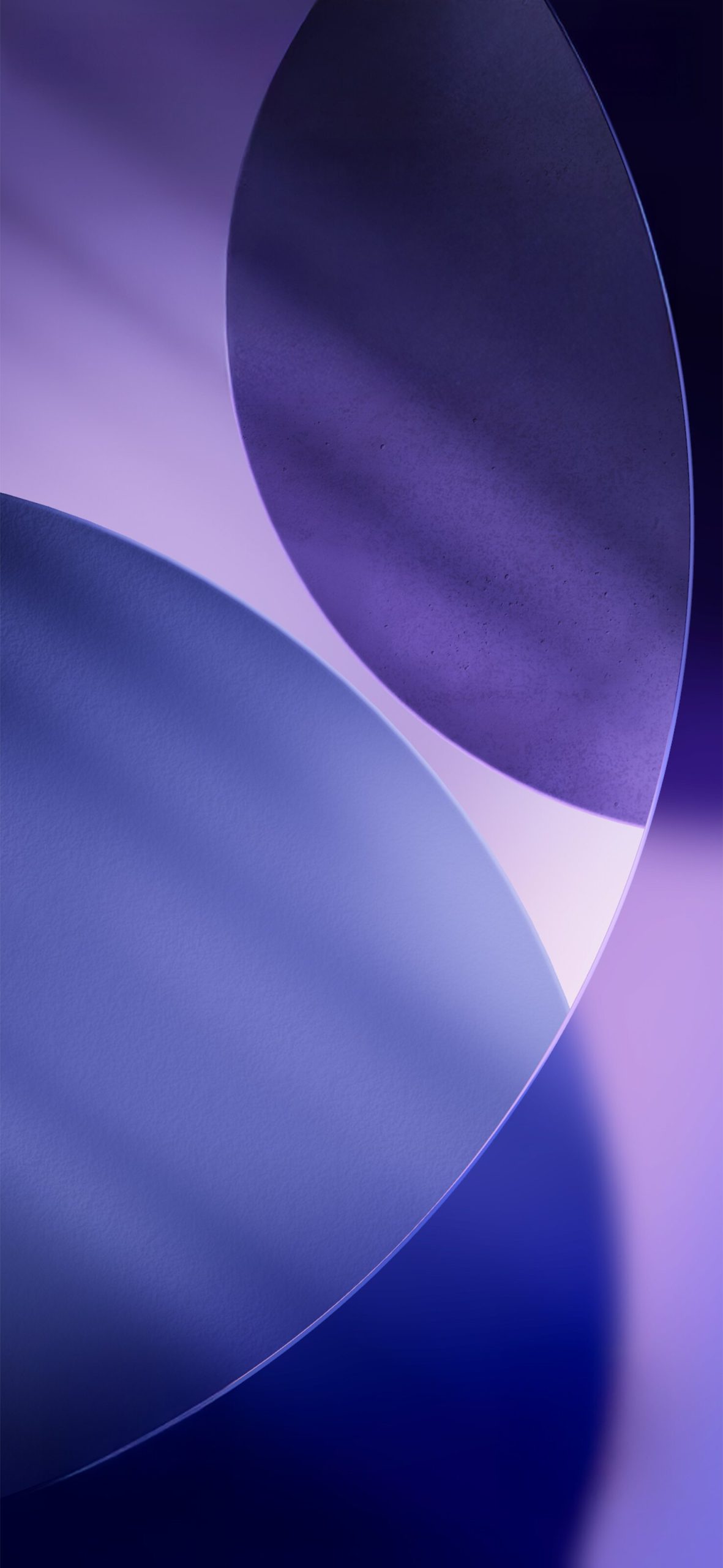
The iOS 26 wallpaper set continues Apple’s shift toward soft, sculptural abstract art rather than literal photography. Instead of landscapes or macro shots, this generation leans into overlapping curved shapes rendered with a subtle textured finish, giving each wallpaper a tactile, almost physical quality when viewed on-screen.
Key characteristics of the collection include:
- Layered curved forms that overlap like petals or folded material, creating depth without needing photorealistic detail
- Dual-tone color pairings — cool blues and teals, or muted purples and lavenders — that shift subtly across the frame
- A soft grain texture on the larger shapes, adding warmth to what would otherwise be a flat gradient
- High resolution exports built for the latest iPhone display sizes, ensuring no pixelation or stretching
This is a noticeable departure from more graphic, high-contrast wallpaper sets Apple has shipped in past iOS versions, favoring a calmer, more ambient aesthetic that works well with iOS 26’s updated interface elements.
Available Resolutions
The official iOS 26 wallpaper pack is typically distributed in a few standard resolutions to match different iPhone screen sizes:
- 1179 x 2556 — standard iPhone display sizes
- 1476 x 3199 / 1476 x 3200 — larger Pro and Pro Max display sizes
Downloading the correct resolution for your specific device ensures the wallpaper fills the screen edge-to-edge without cropping or scaling artifacts, especially important for the Lock Screen where widgets and the clock overlay the image.
How to Set Up iOS 26 Wallpapers on Your iPhone
Once you’ve downloaded your preferred wallpaper file, setting it up takes just a few steps:
- Save the wallpaper image to your Photos app.
- Open Settings > Wallpaper > Add New Wallpaper.
- Tap Photos and select the saved image.
- Adjust positioning if needed, then choose whether to apply it to your Lock Screen, Home Screen, or both.
- If you use Lock Screen widgets, preview how they sit over the image before confirming.
Because the iOS 26 wallpapers use soft gradients rather than busy detail, they tend to pair well with widgets and the Lock Screen clock without visual clutter — one reason this style of wallpaper has become an Apple design staple.
Tips for Choosing the Right iOS 26 Wallpaper
- Match your color mood: The blue-teal wallpapers feel cooler and more minimal, while the purple-lavender tones feel warmer and slightly more dramatic — pick based on the vibe you want your phone to have.
- Think about Dark Mode: Since iOS 26 wallpapers already lean into deep, moody backgrounds in places, they transition well between Light and Dark Mode without looking mismatched.
- Home Screen vs Lock Screen: Consider using a darker variant for your Home Screen (where app icons need contrast) and a lighter variant for your Lock Screen (where you’ll see it most often when picking up your phone).
- Keep the original resolution: Avoid resizing these wallpapers in third-party apps, since re-compression can flatten the subtle grain texture that gives them their signature look.
Why Stock Wallpapers Still Matter
In a world of custom wallpaper apps and AI-generated backgrounds, Apple’s official stock wallpapers remain popular for a simple reason: they’re designed specifically for the hardware they run on. Every gradient, shadow, and color transition in the iOS 26 set has been tuned for OLED displays, ProMotion refresh rates, and the specific way iOS renders translucency in the interface. That level of polish is hard to replicate with generic wallpaper packs.
Final Thoughts
The iOS 26 wallpaper collection is a strong example of Apple’s continued investment in ambient, tactile visual design — soft curves, layered tones, and just enough texture to feel premium without being distracting. Whether you’re setting up a brand-new iPhone or simply refreshing your look for the new iOS version, these 4K HD wallpapers are worth downloading and trying across both your Lock Screen and Home Screen.