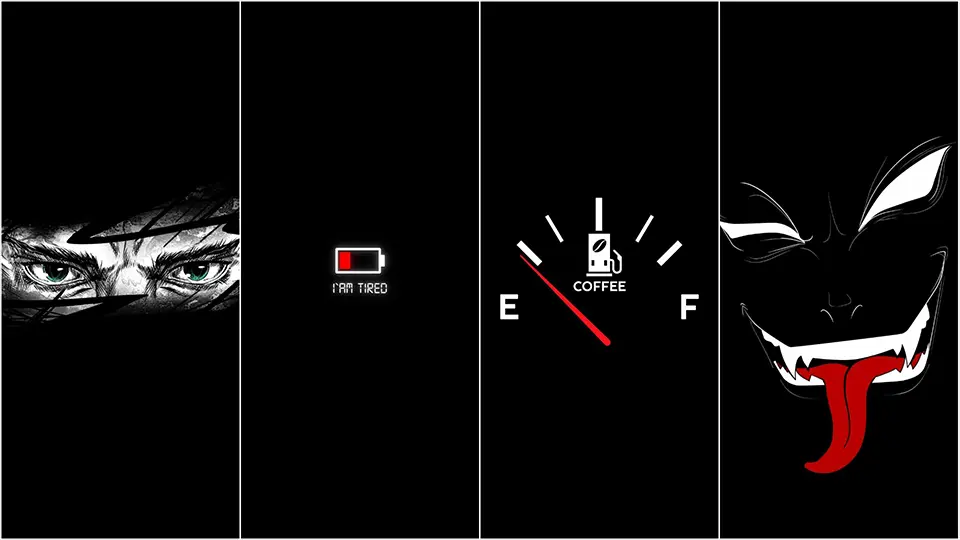
Pure Black Wallpapers
Search “black wallpaper” on any image site and you’ll get thousands of results in seconds. The problem isn’t finding a dark wallpaper — it’s finding one that’s actually pure black rather than a dark gray pretending to be black. That distinction sounds minor, but on modern phone screens it makes a real difference, and it’s worth knowing what to look for before you hit download on the first result that shows up.
Not Every “Black” Wallpaper Is the Same
Most phones today use AMOLED or OLED displays, which light up each pixel individually instead of shining a constant backlight through the whole screen. When a pixel is asked to show true black — the color #000000 — it switches off completely and draws no power at all. That’s the entire reason pure black wallpapers have such a devoted following: a background built around genuine black can measurably extend your battery life, especially if you spend a lot of time looking at your home screen or lock screen throughout the day.
The catch is that plenty of wallpapers marketed as “black” are actually a very dark charcoal gray, something in the range of #0A0A0A to #1A1A1A. To your eye, especially on a bright day or at higher brightness, these look identical to true black. But those pixels are still technically switched on at a low light level rather than fully off, which means you’re not getting the same battery benefit, even if the wallpaper is otherwise gorgeous. Neither version is wrong to use — it just depends on what you’re downloading it for.
What to Look for Before You Download
If your priority is genuine power savings, a few quick checks can save you from downloading the wrong file. Preview the image at full size rather than as a thumbnail, since thumbnail compression often lightens dark areas and makes it harder to judge the actual tone. If the download page lists technical details or a color palette, look specifically for #000000 in the listing — some wallpaper sites and apps now include this information directly, which makes comparison shopping much easier than guessing from the preview image alone.
It’s also worth paying attention to file format. PNG files preserve color information exactly as intended, while JPEG compression can introduce faint noise into flat black areas, subtly shifting some pixels away from true black without changing how the image looks to your eye. If you have a choice between formats for the same wallpaper, PNG is generally the safer pick when true black actually matters to you.
The Styles Worth Searching For
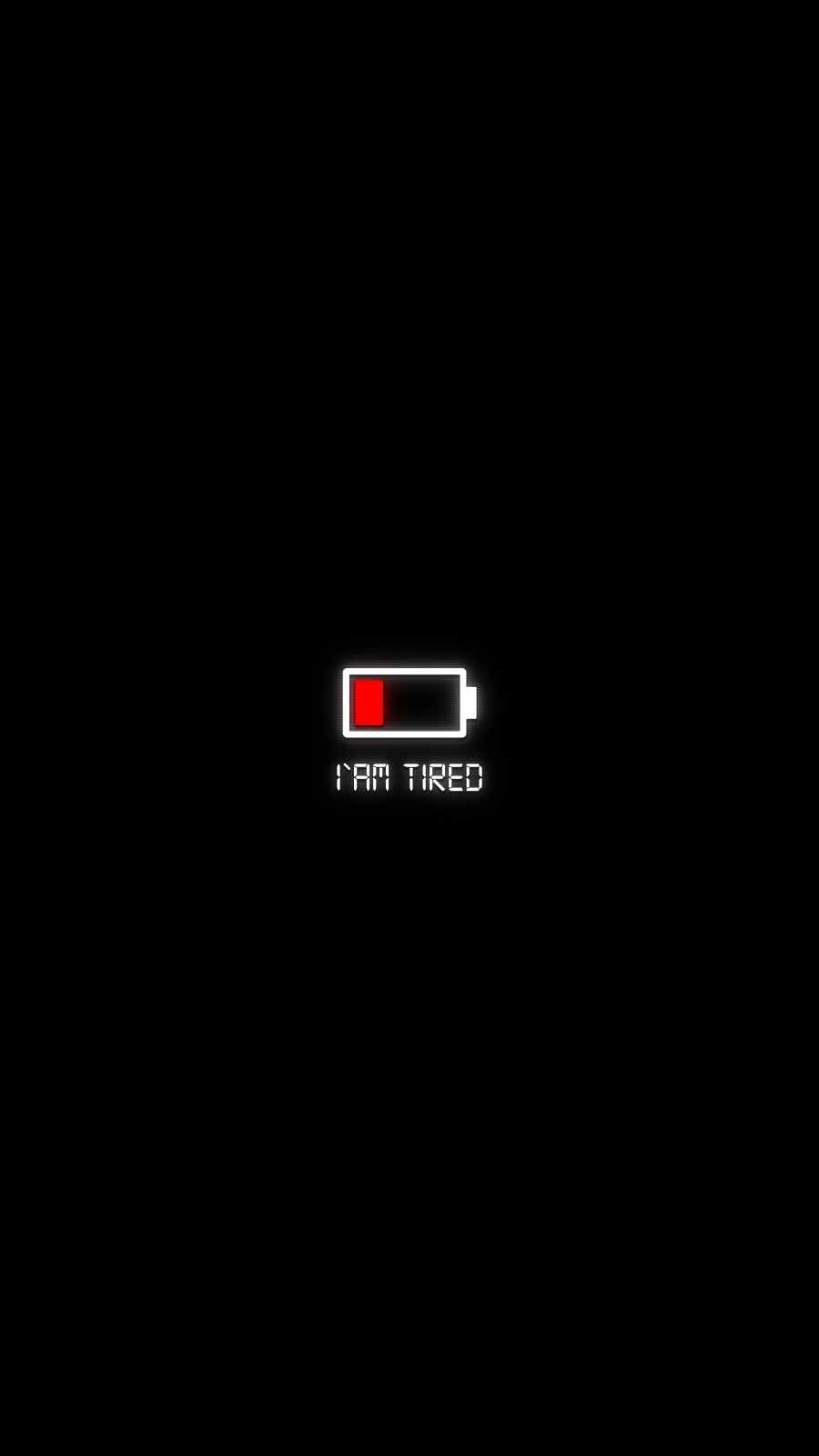
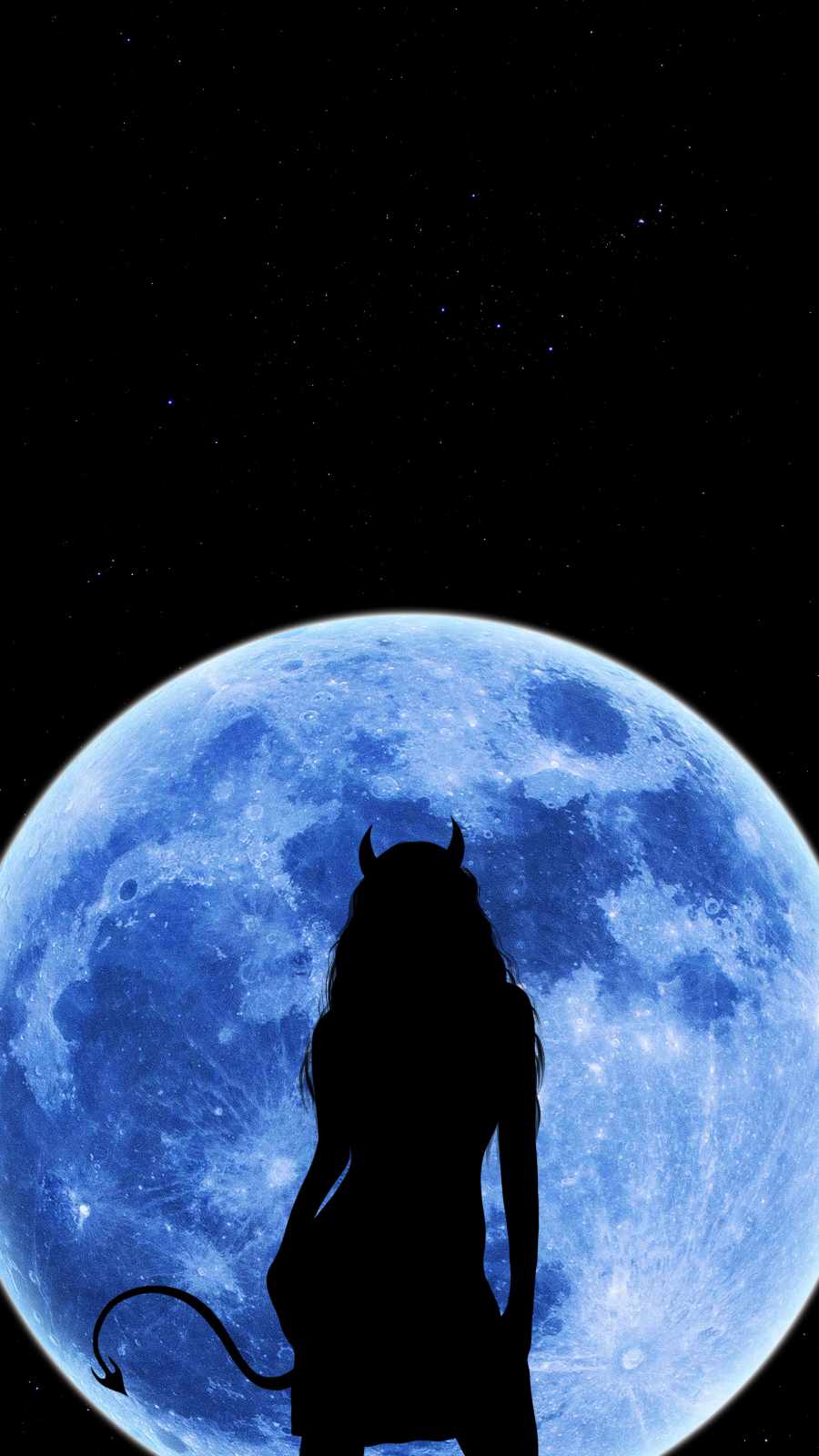
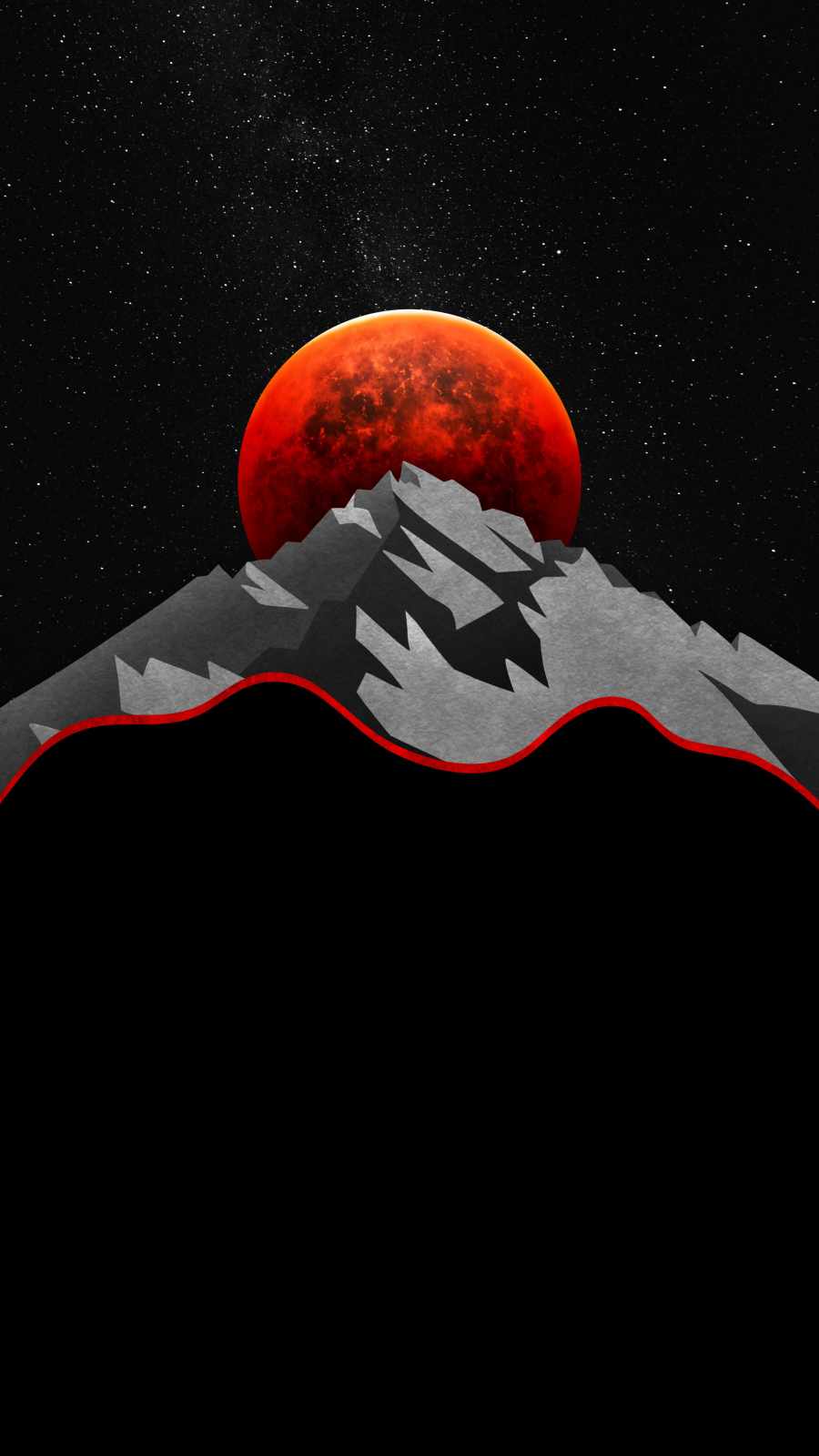
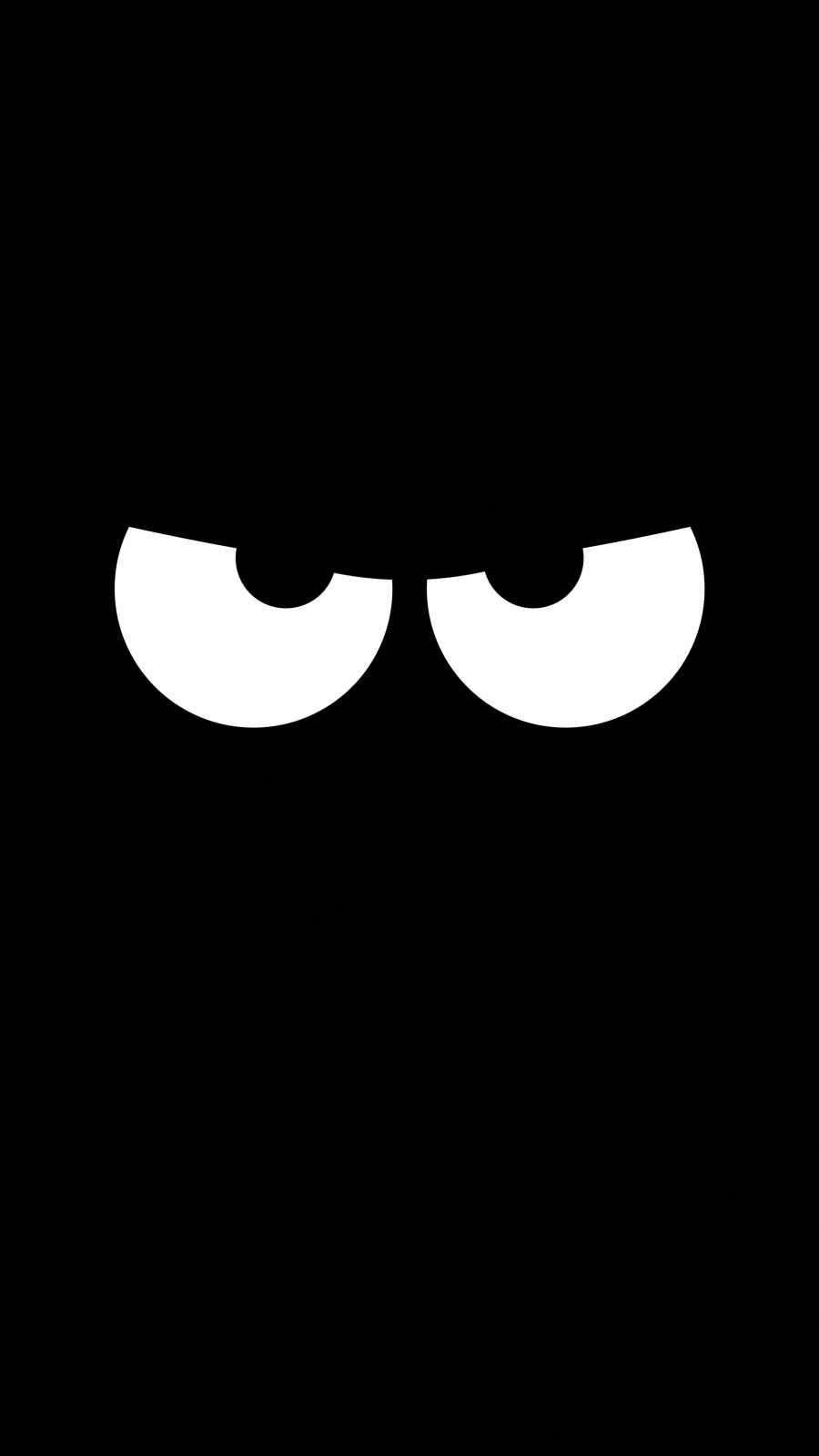
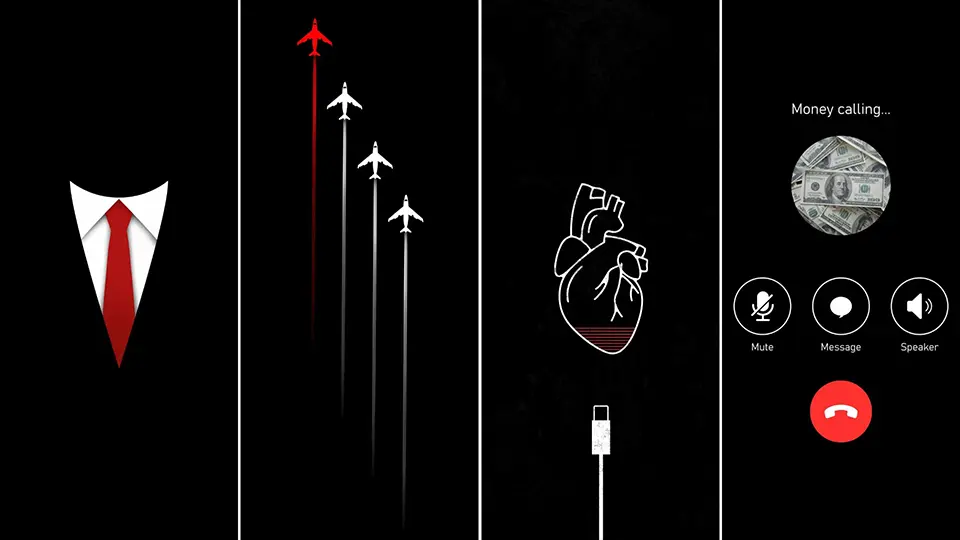
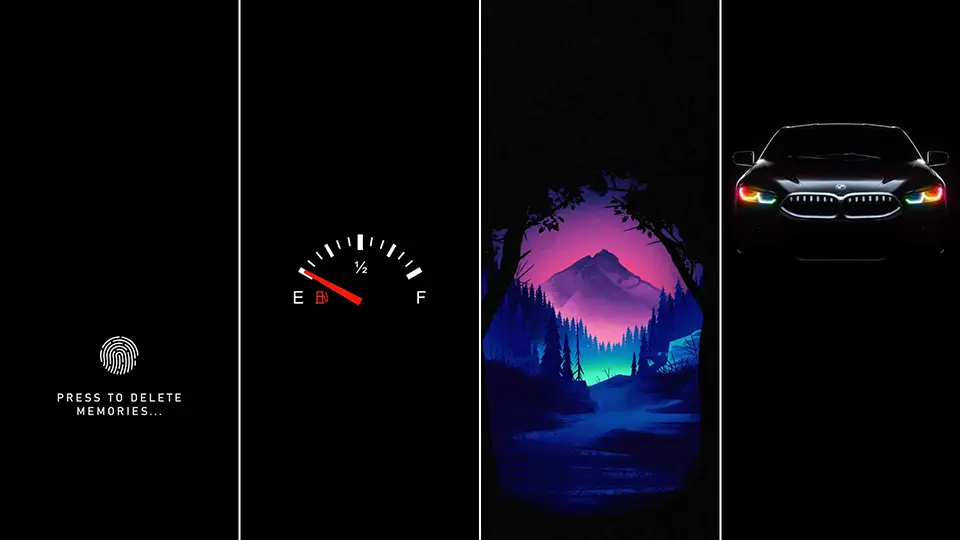
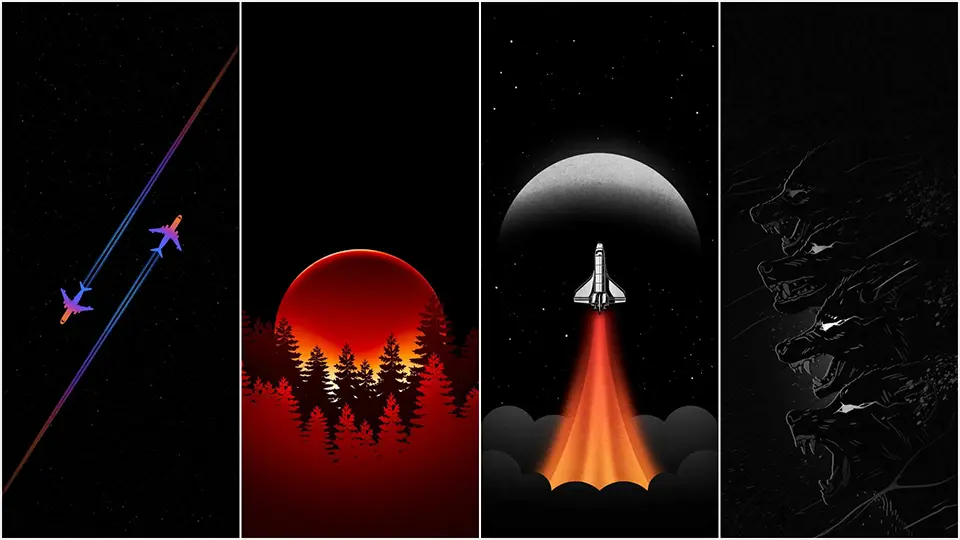
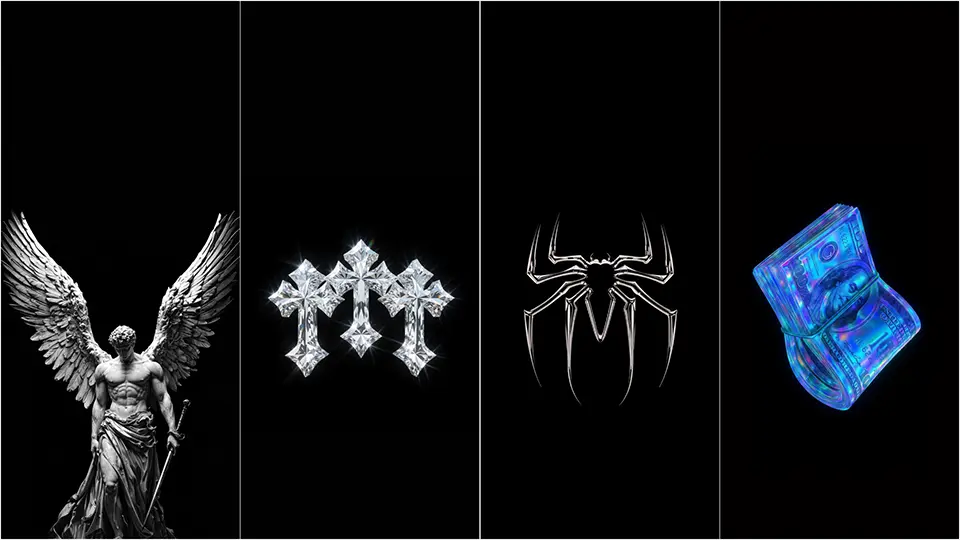
Once you know what you’re looking for, it helps to know the categories that tend to deliver on true black most reliably. Minimalist wallpapers — a thin outline of a mountain, a small logo, or a single geometric shape against a mostly empty background — are usually built with large areas of flat, unbroken black, which makes them easy to verify and highly efficient once you’ve confirmed the color. Space-themed wallpapers featuring stars or a distant galaxy against a mostly dark sky are another strong choice, since the scattered points of light take up very little of the total image, leaving the vast majority of the screen genuinely black.
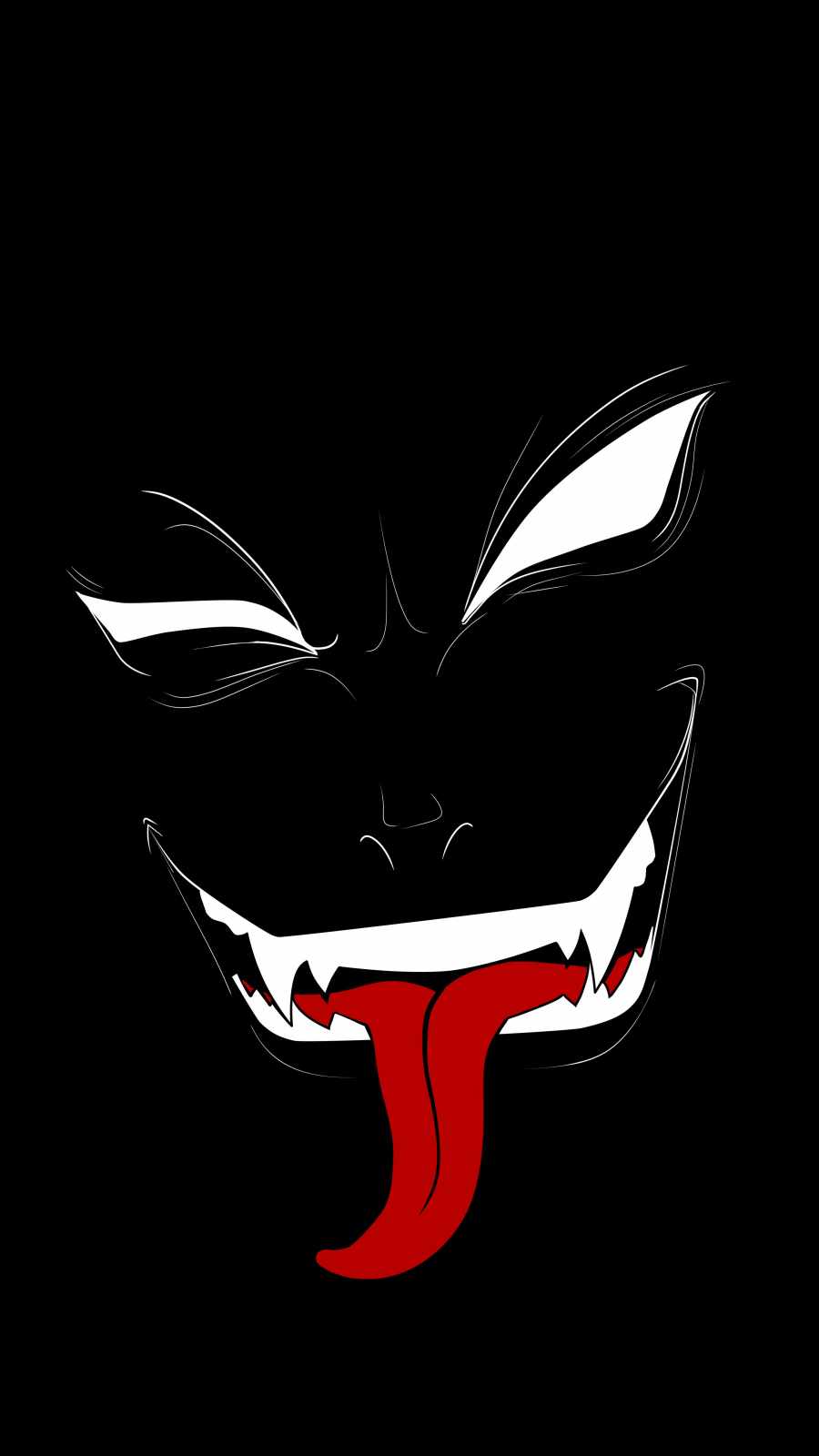

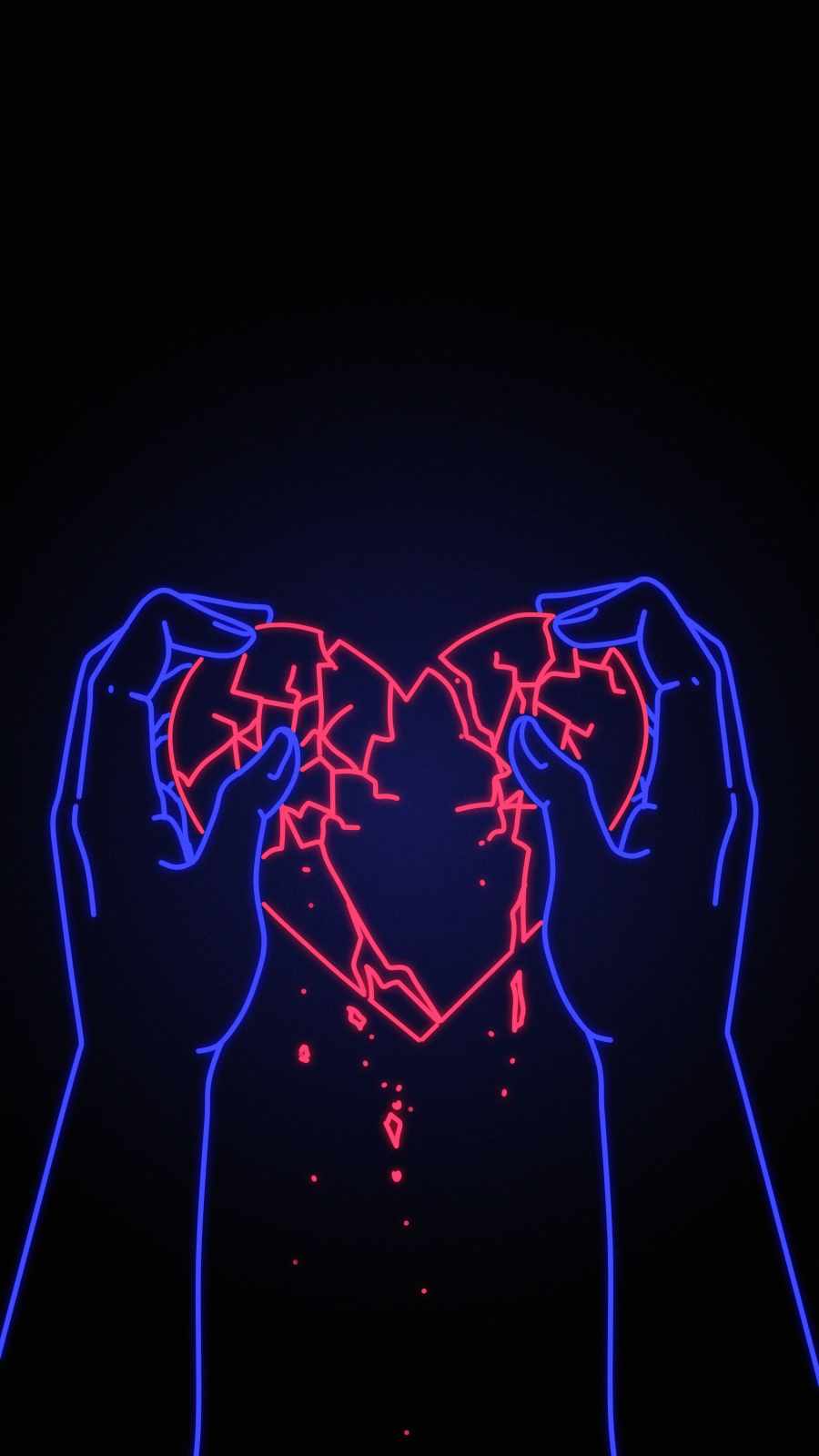
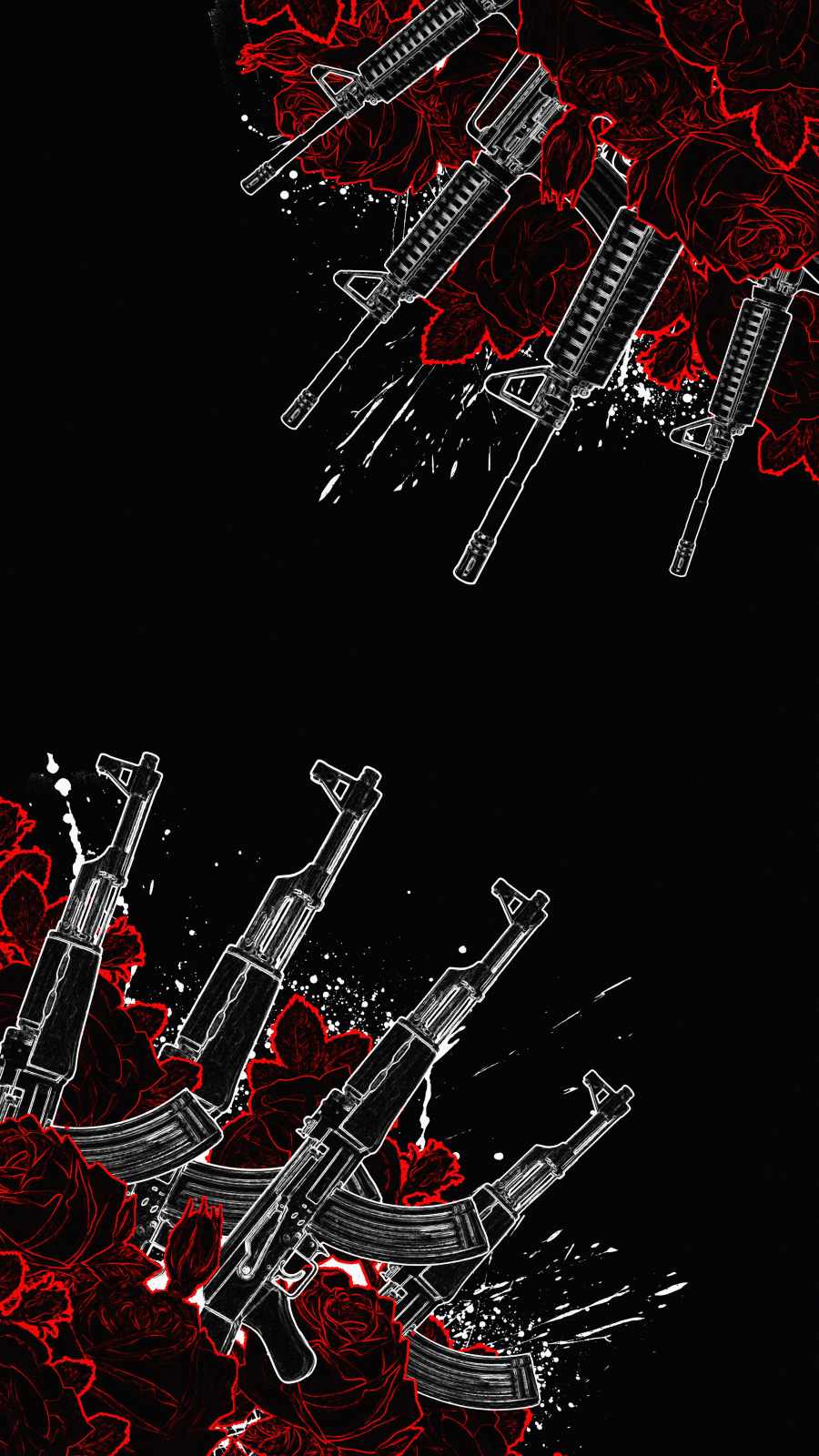

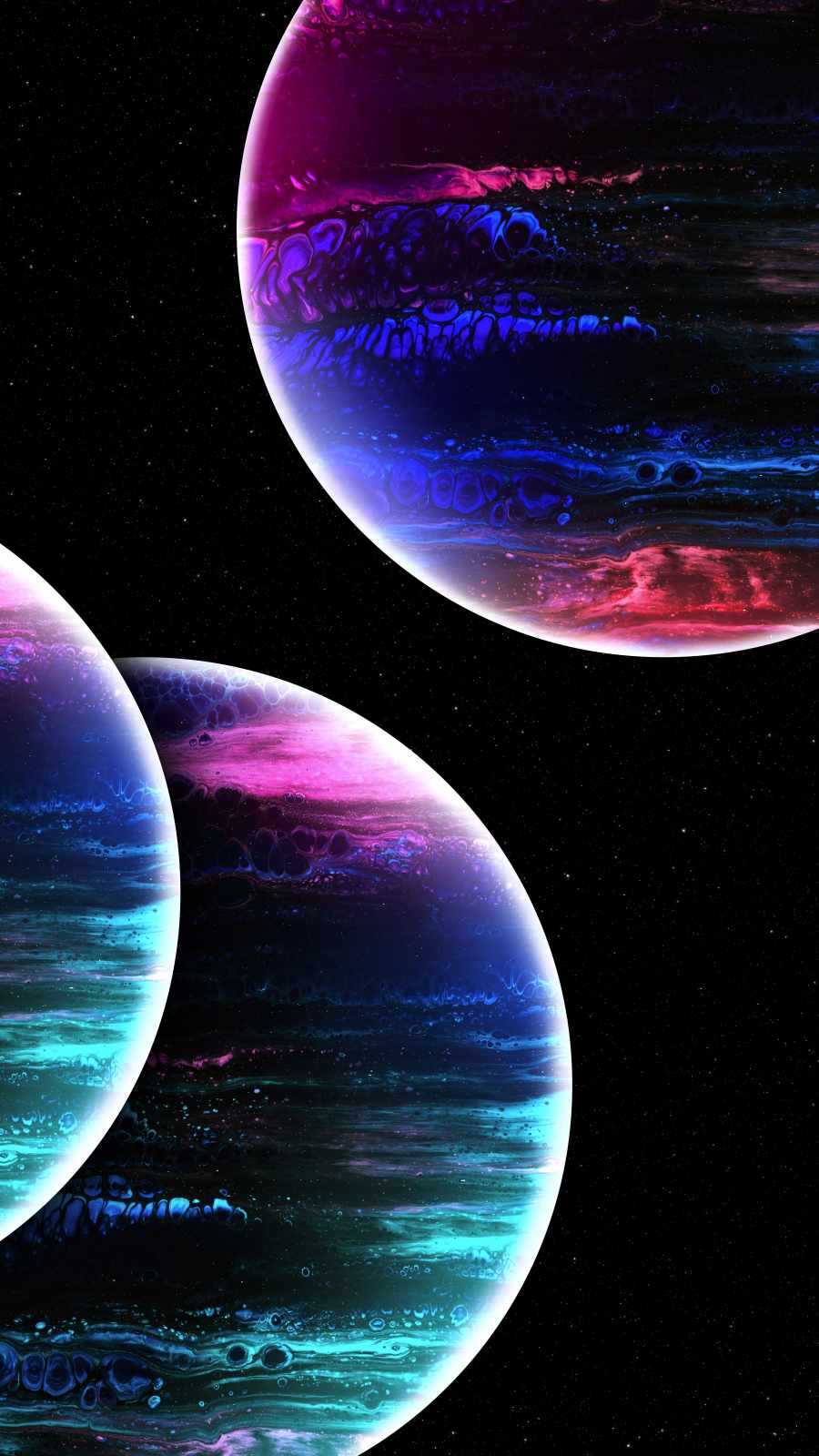
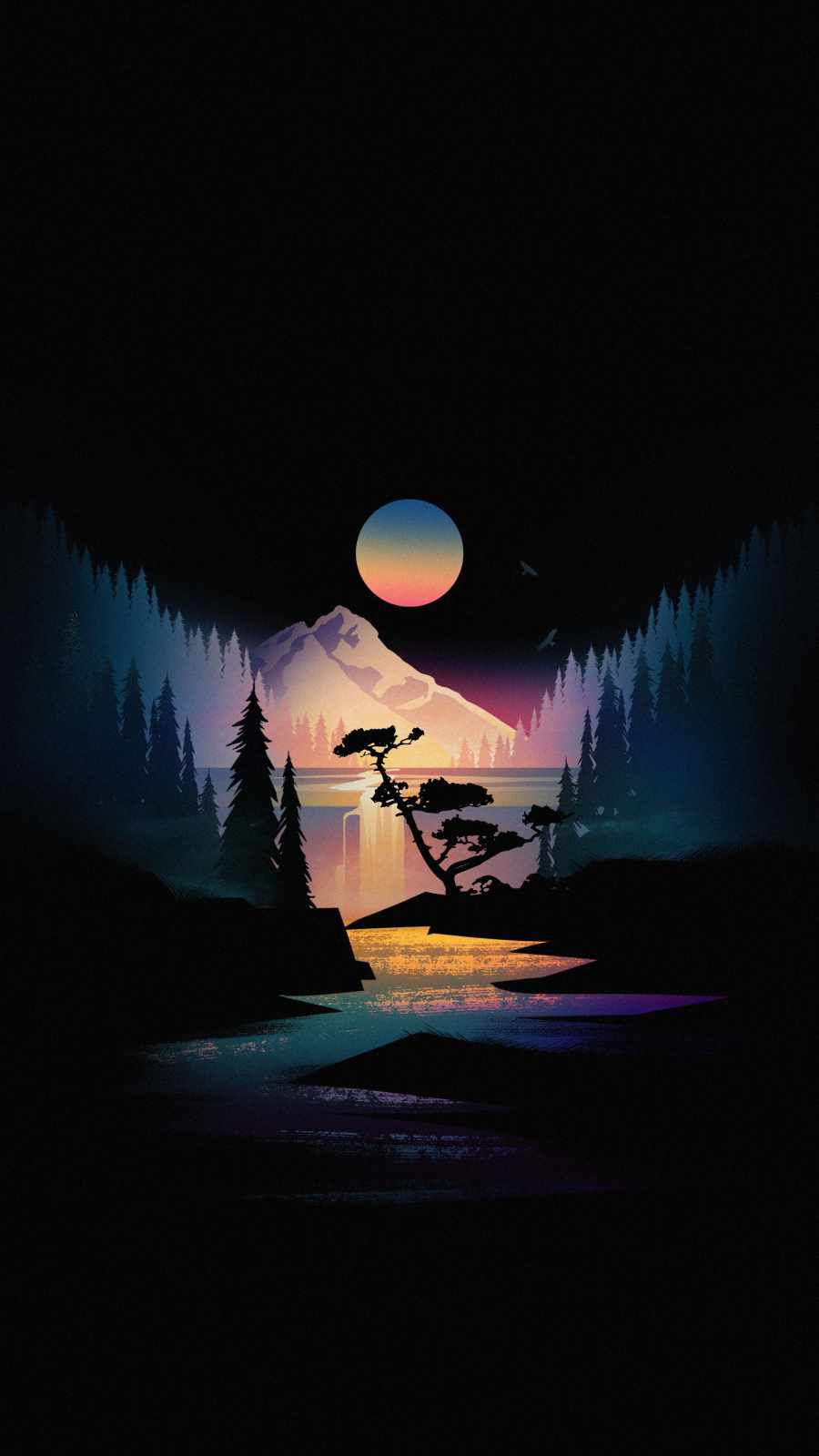
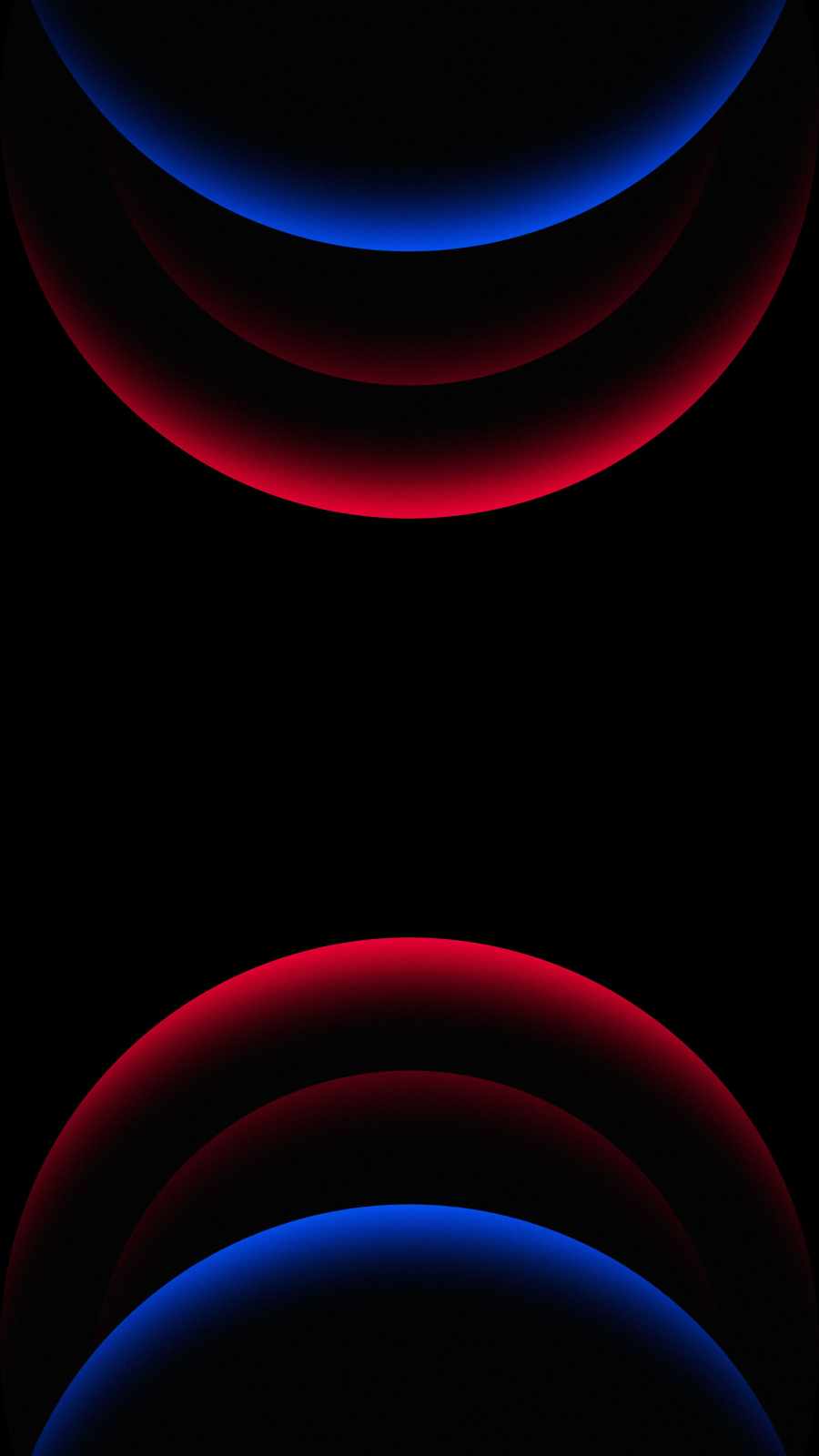

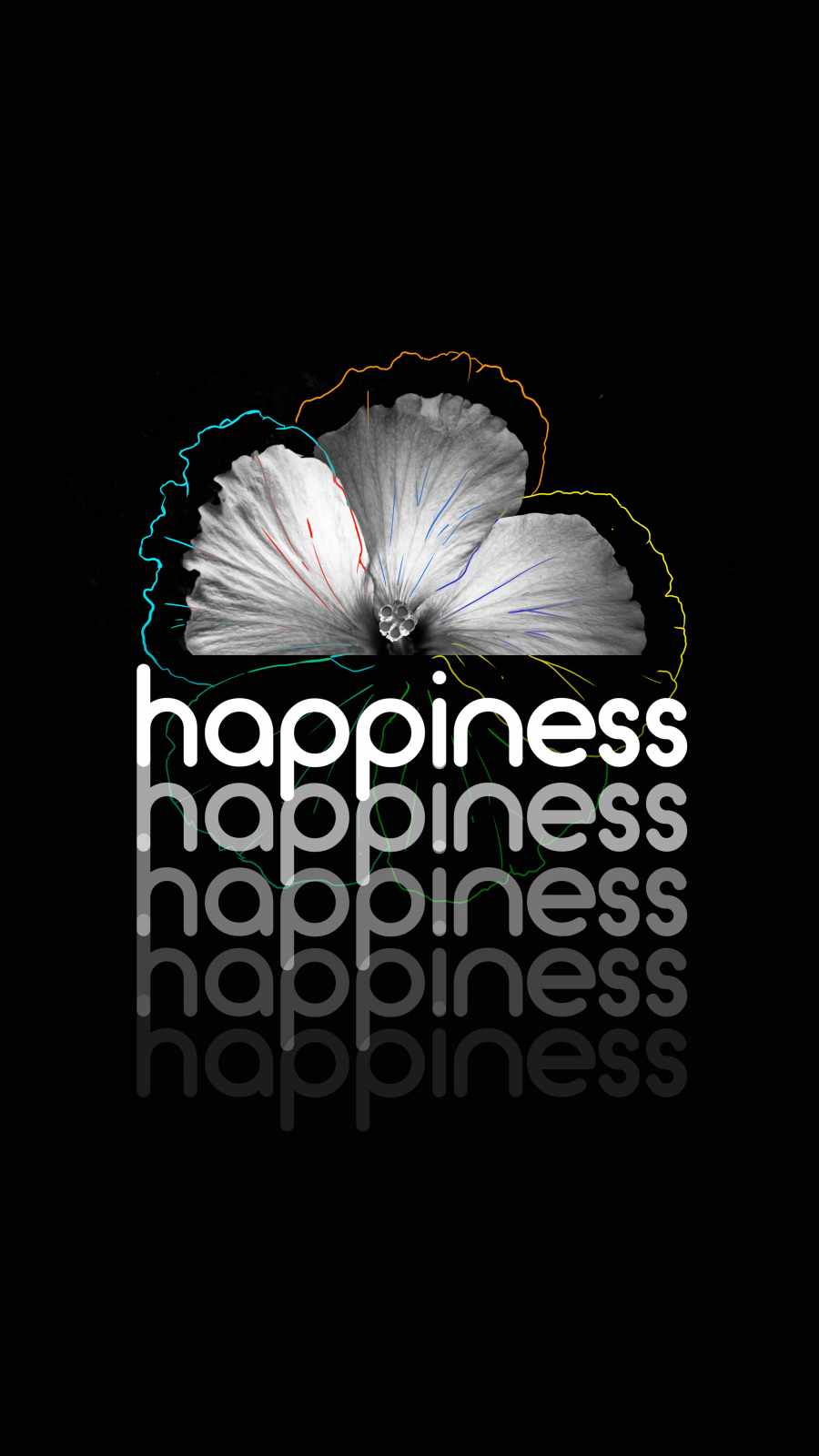
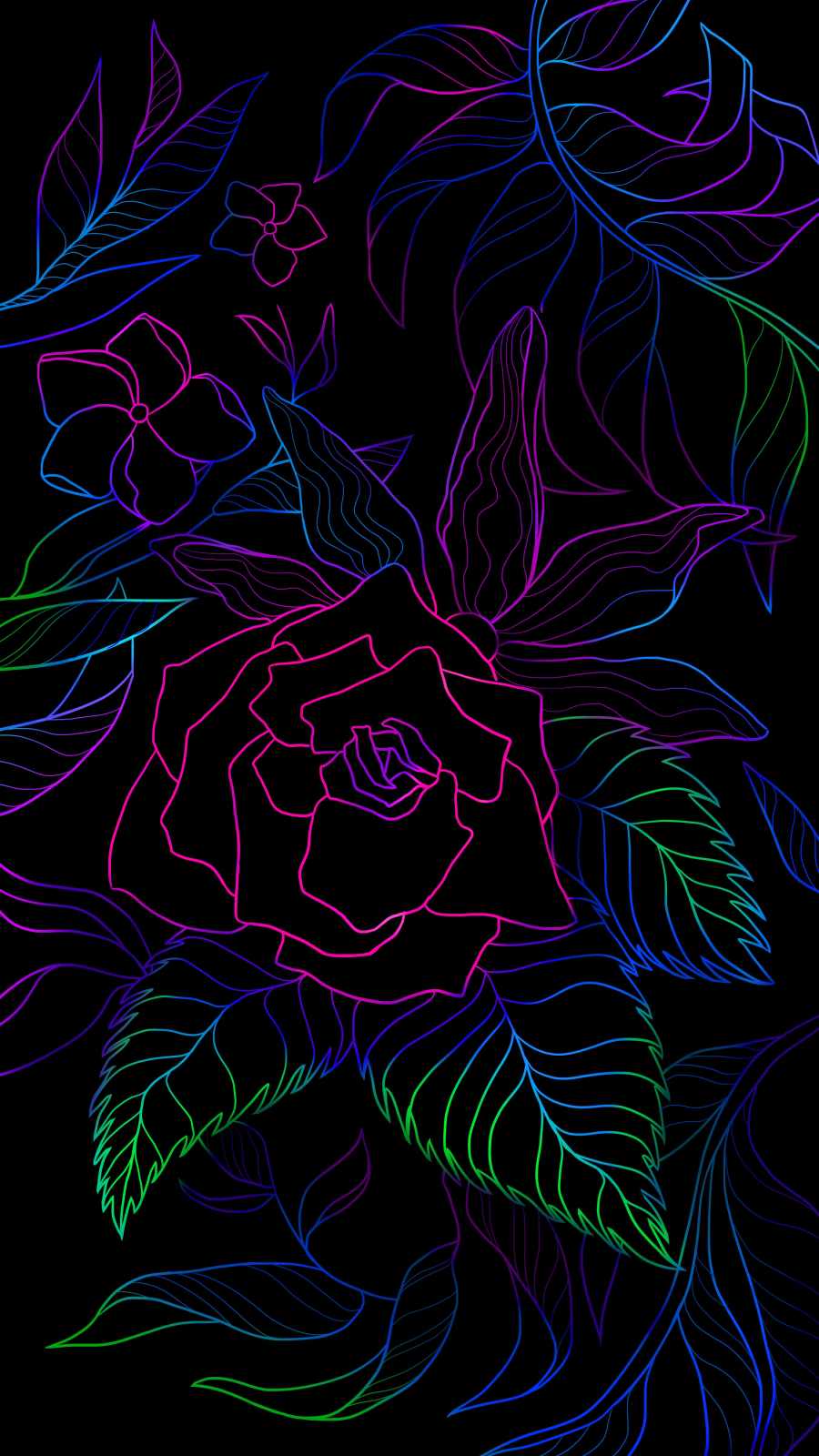
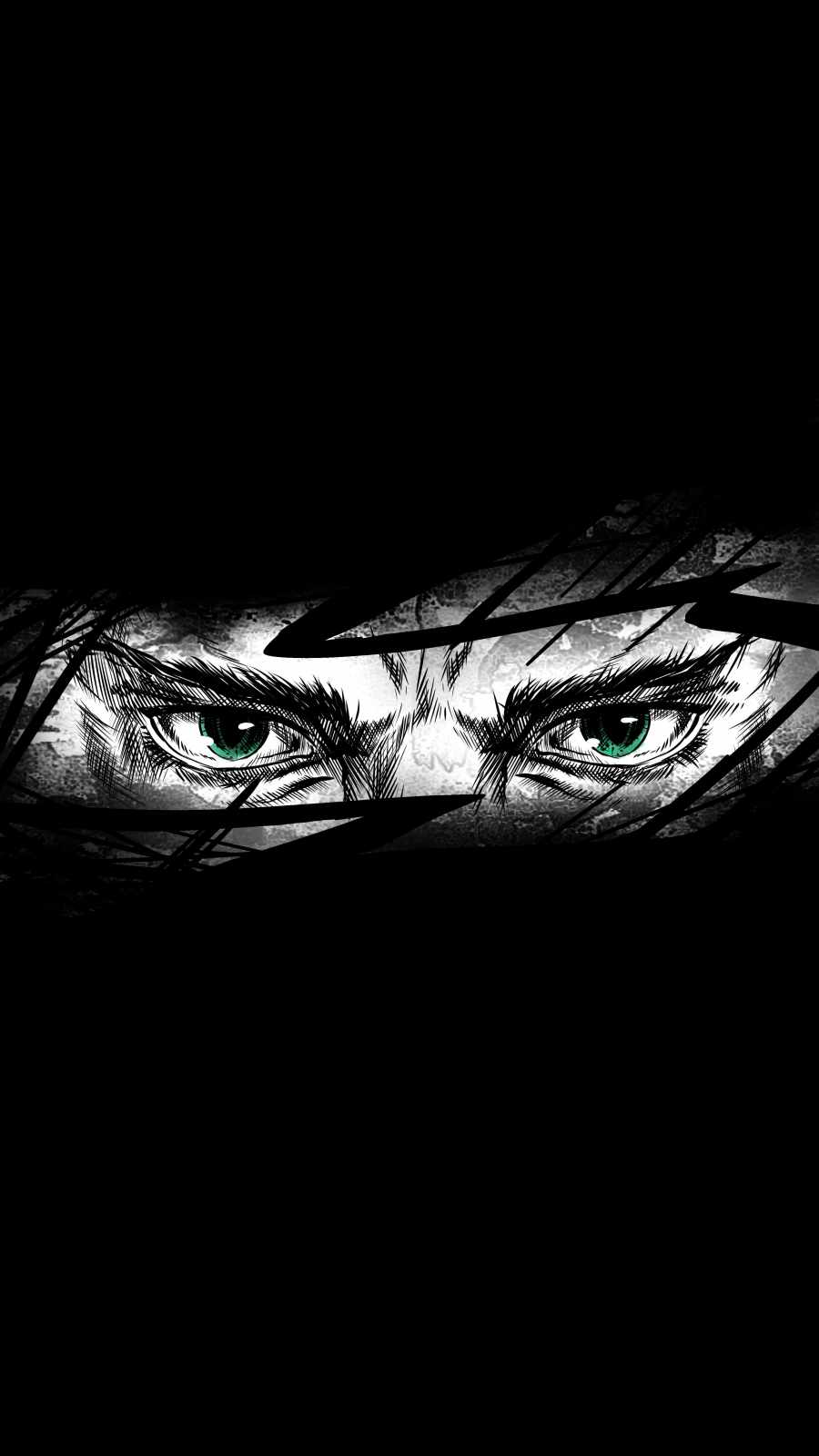

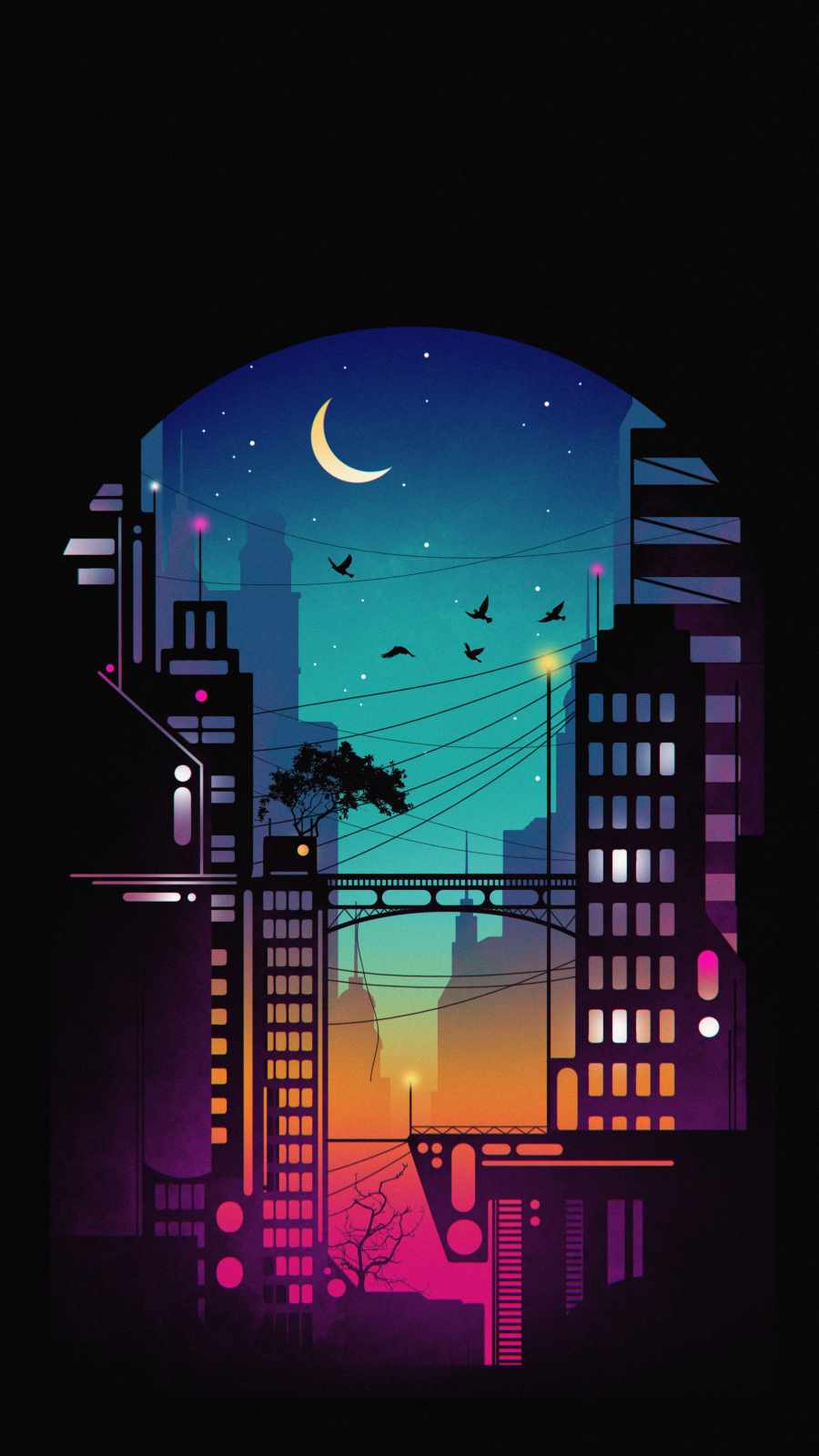
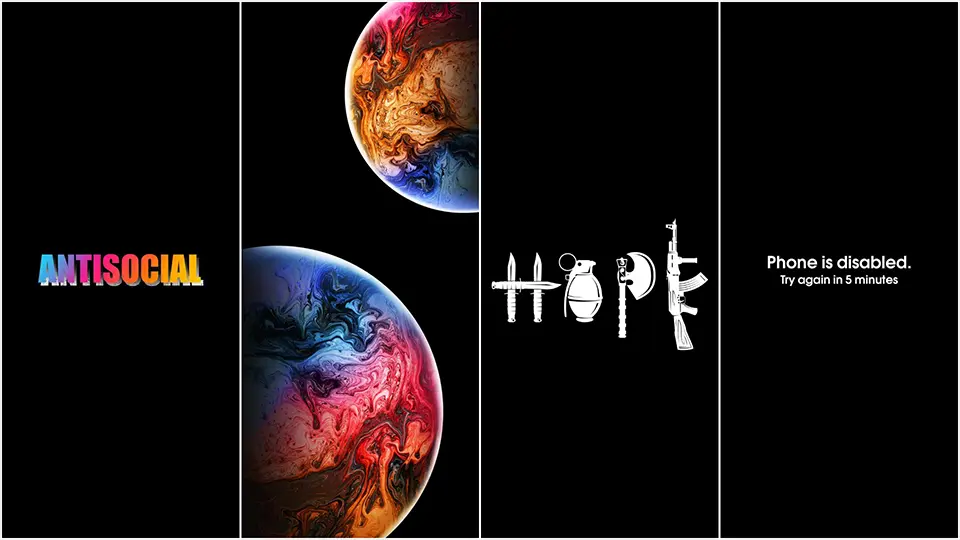
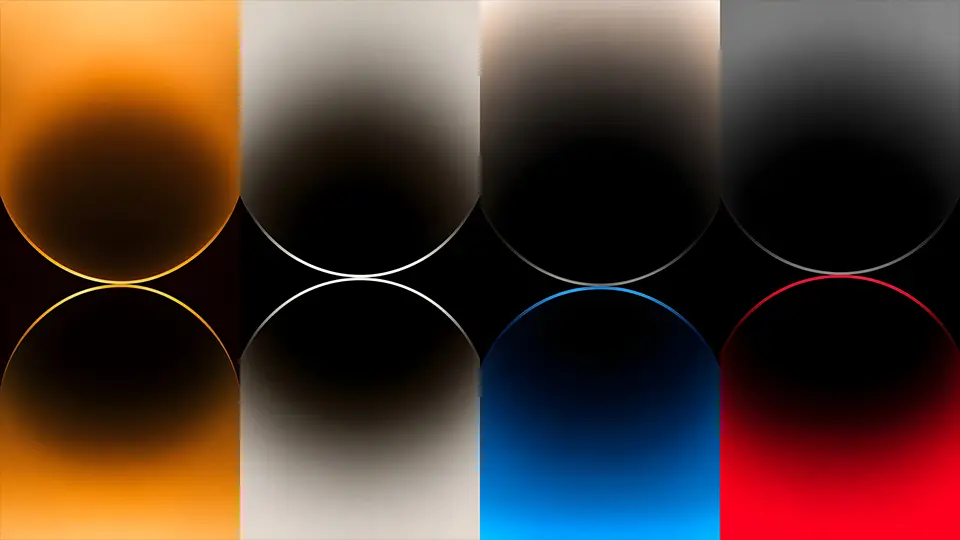
Wallpapers with large gradients, soft glowing backgrounds, or photographic night skies tend to be the trickiest, since gradients by definition blend gradually rather than staying flat, meaning much of the image sits somewhere between true black and a lighter tone rather than committing to either. These can still look striking, but they won’t deliver the same battery advantage as a design built around large, solid black areas.
Making the Most of Your Download
After you’ve settled on a wallpaper, a couple of small habits help you get the full benefit. Turning on your phone’s dark mode setting alongside your new pure black background means your keyboard, notification shade, and most frequently used apps will also default to black rather than white, extending the same power savings well beyond just your home screen. It’s also worth checking your wallpaper settings for any “dynamic” or “depth effect” option, since some phones apply a subtle brightness or blur layer by default that can slightly wash out a true black image without you realizing it.
Final Thoughts
A genuinely pure black wallpaper download is easy to find once you know what separates it from the dark-gray imitations filling up most search results. Look for solid, uncompressed black areas, prefer PNG files when battery life matters, and lean toward minimalist or space-themed designs that keep non-black elements to a minimum. With those few checks in place, you’ll end up with a wallpaper that looks just as good as any other dark background — and actually earns its reputation for saving battery too.







1 thought on “Pure Black Wallpaper Download: Get True #000000 Backgrounds”