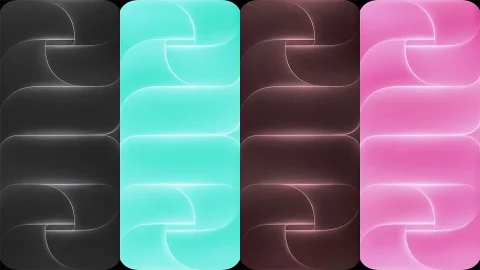
Official Apple HomeView Wallpapers (4K Download)
Apple has always paid attention to the visual details of its products, and its wallpapers are no exception. The official Apple HomeView wallpaper collection brings that familiar Apple-inspired design language to your iPhone, offering a fresh selection of backgrounds for anyone who enjoys clean, modern visuals.
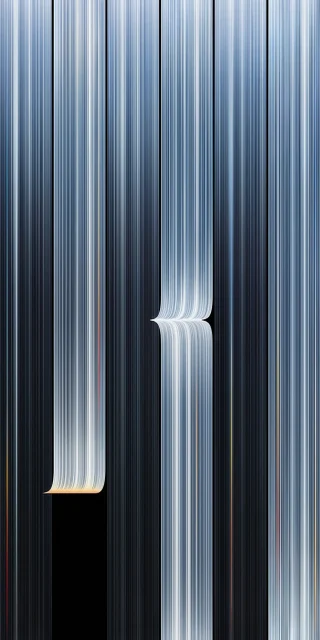
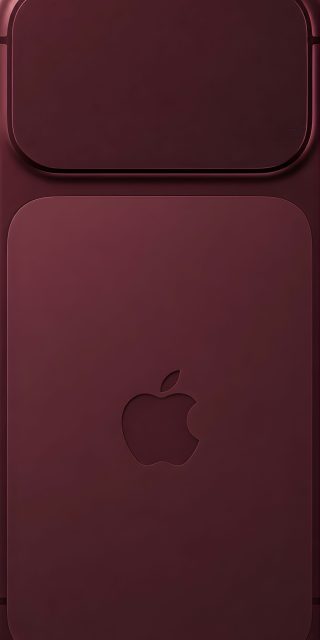
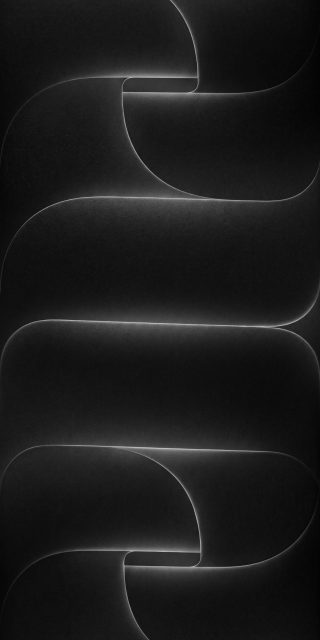
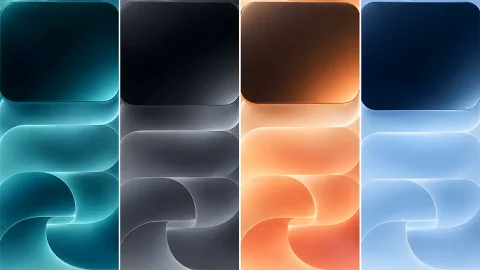
This collection includes 40 HomeView wallpapers, giving you plenty of options to refresh your iPhone’s lock screen and home screen. Whether you prefer a simple background or something with more visual character, there are multiple designs to explore.
Download 40 Official Apple HomeView Wallpapers
The collection features 40 wallpapers in high resolution, making it easy to find a design that suits your personal style. Each background is available to download and use on your iPhone without needing to crop a low-quality screenshot or rely on compressed previews.


With a collection of this size, you can experiment with different looks instead of sticking to the same wallpaper every day. Try one design on your lock screen and another on your home screen, or keep a few favourites saved for later.


Give Your iPhone a Fresh Apple-Inspired Look
HomeView wallpapers are a good choice if you enjoy Apple’s clean visual aesthetic. Rather than using busy backgrounds that compete with app icons and lock screen widgets, these wallpapers offer another way to personalise your device while keeping its interface looking organised.


You can also pair your favourite design with different clock styles, widgets, and icon arrangements to create a more personalised setup. The wallpapers work well for everyday use, whether you prefer a minimal lock screen or a coordinated home screen appearance.


How to Download and Set HomeView Wallpapers on iPhone
Browse the collection below and choose the wallpaper you like. Open your preferred image in full resolution and save it to your Photos app. Once downloaded, open the image, tap the Share icon, and select Use as Wallpaper. Adjust the positioning to your preference, then tap Add to apply it to your Lock Screen and Home Screen.
Final Thoughts
If you enjoy Apple’s original visual style, this collection of 40 official Apple HomeView wallpapers is worth exploring. Download your favourite 4K backgrounds, try different combinations, and give your iPhone a fresh appearance without changing anything about the device itself.
Whether you want a new lock screen or a complete home screen refresh, these HomeView wallpapers offer plenty of choices in one collection.