
Official iPhone 17 Stock Wallpapers [Original Quality]
Every time Apple drops a new generation of smartphones, they rewrite the playbook on mobile visual identity. The launch of the iPhone 17 generation is no exception. Alongside sleek new chassis finishes and the power of next-generation software, Apple has introduced a gorgeous suite of factory-stock wallpapers engineered specifically to make your display feel vibrant and ultra-thin.
The best part? You don’t need to purchase a brand-new device to enjoy this high-end look. Whether you are sporting an older iPhone or customizing an Android phone, you can instantly give your phone a modern, flagship-tier refresh. Here is your ultimate guide to the official iPhone 17 wallpapers, featuring uncompressed 4K download overviews and a seamless depth-effect setup tutorial.
The Design Evolution: Linear Geometry & Fluid Elements
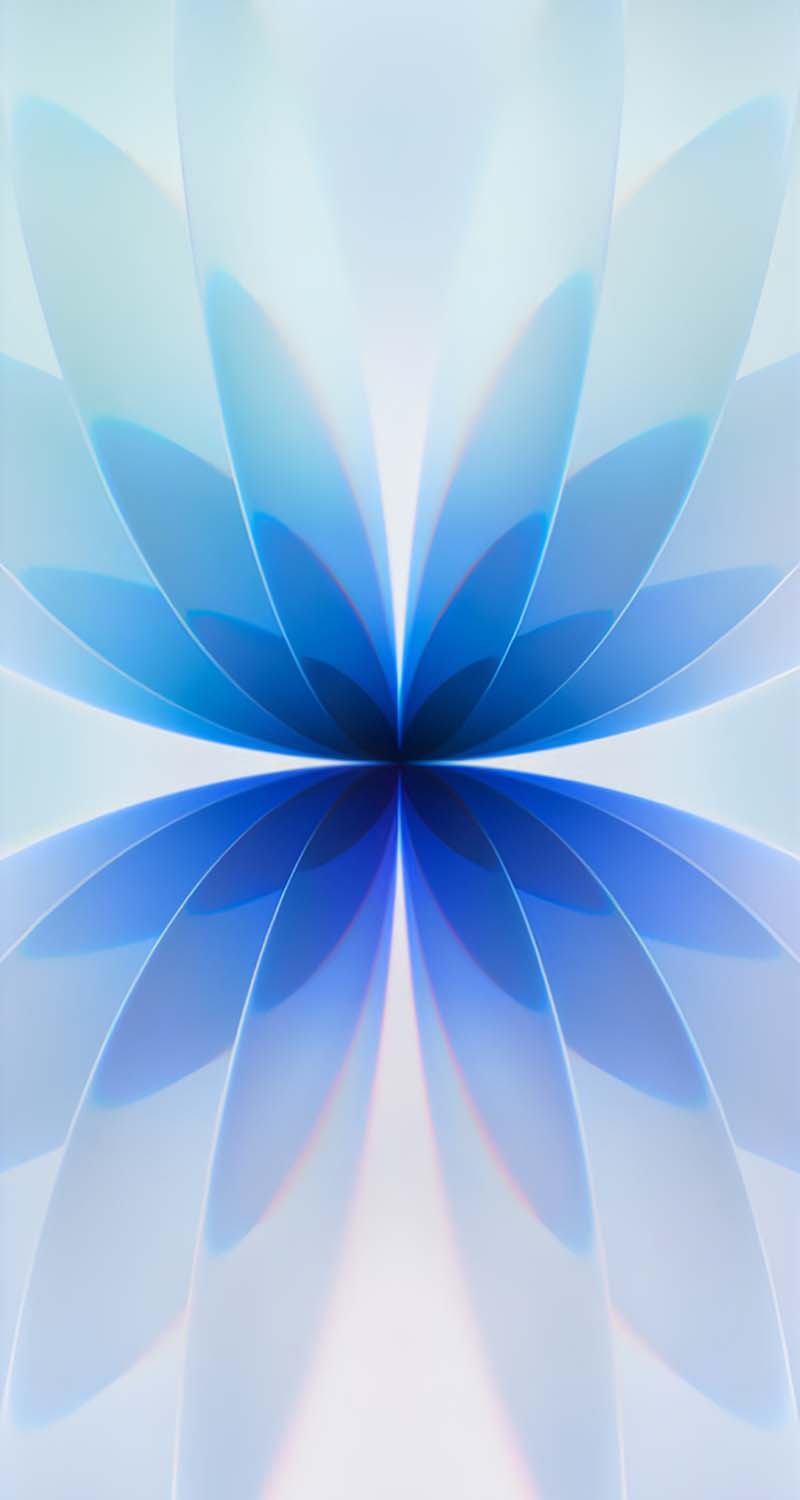
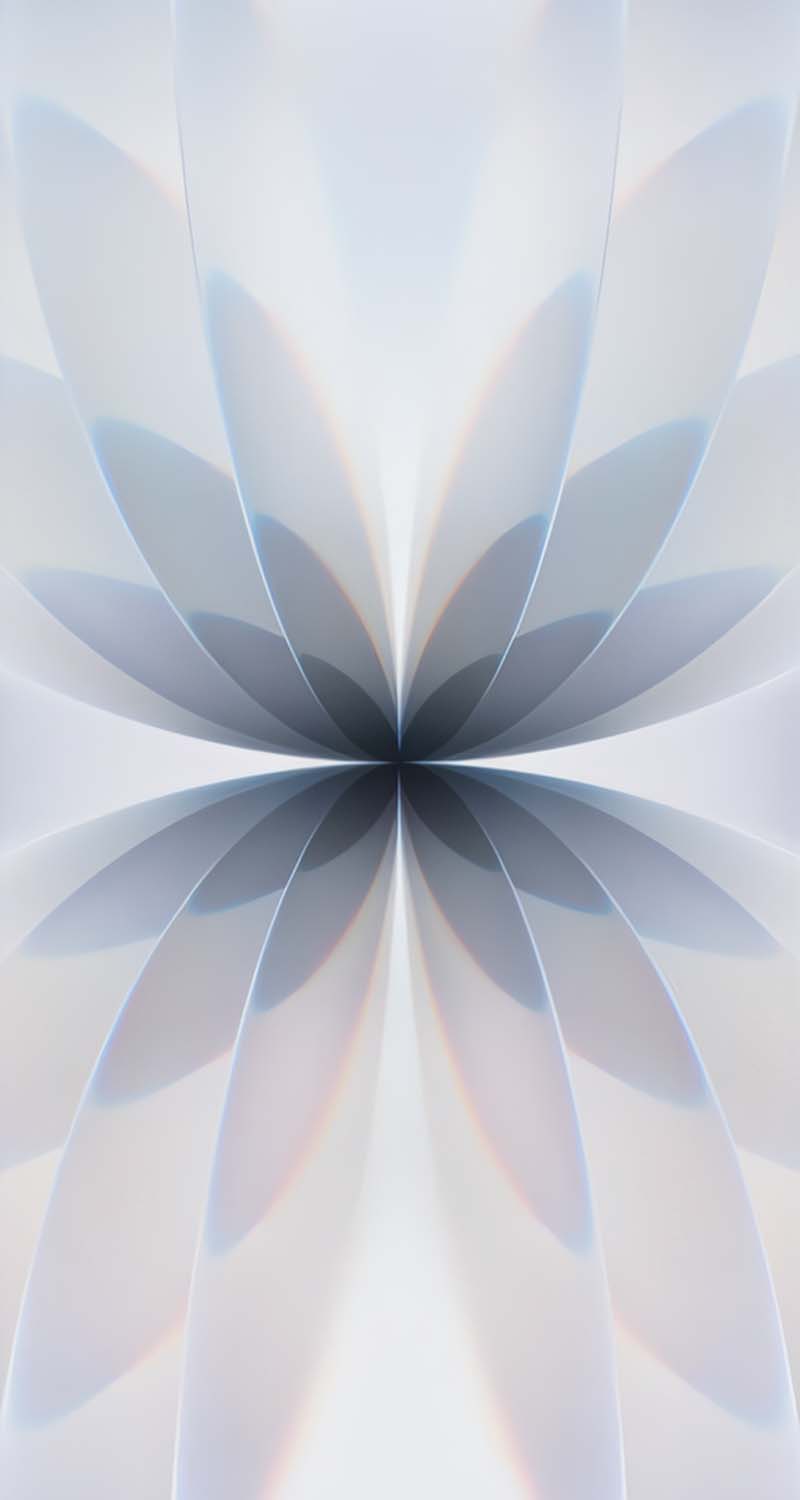
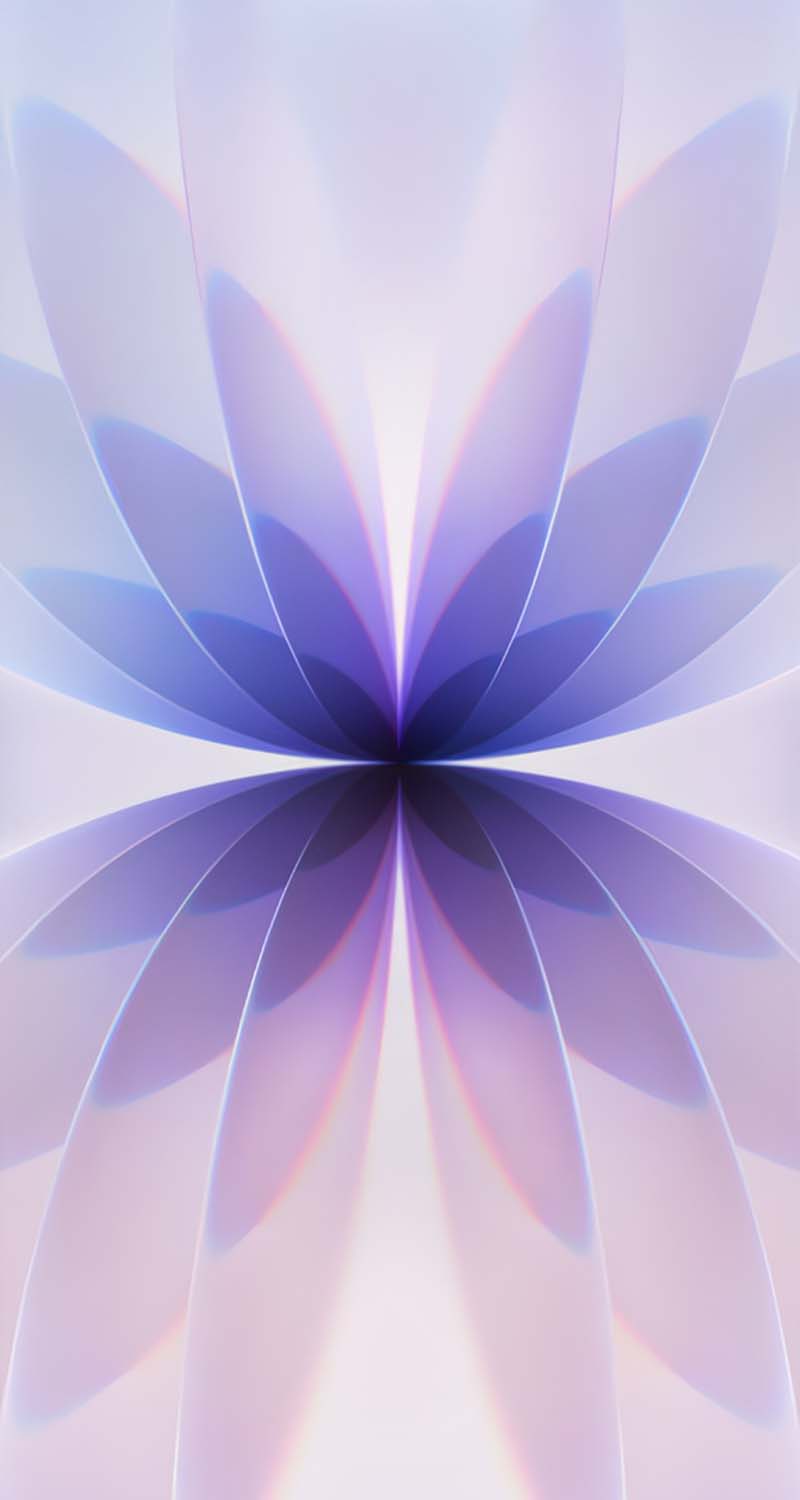
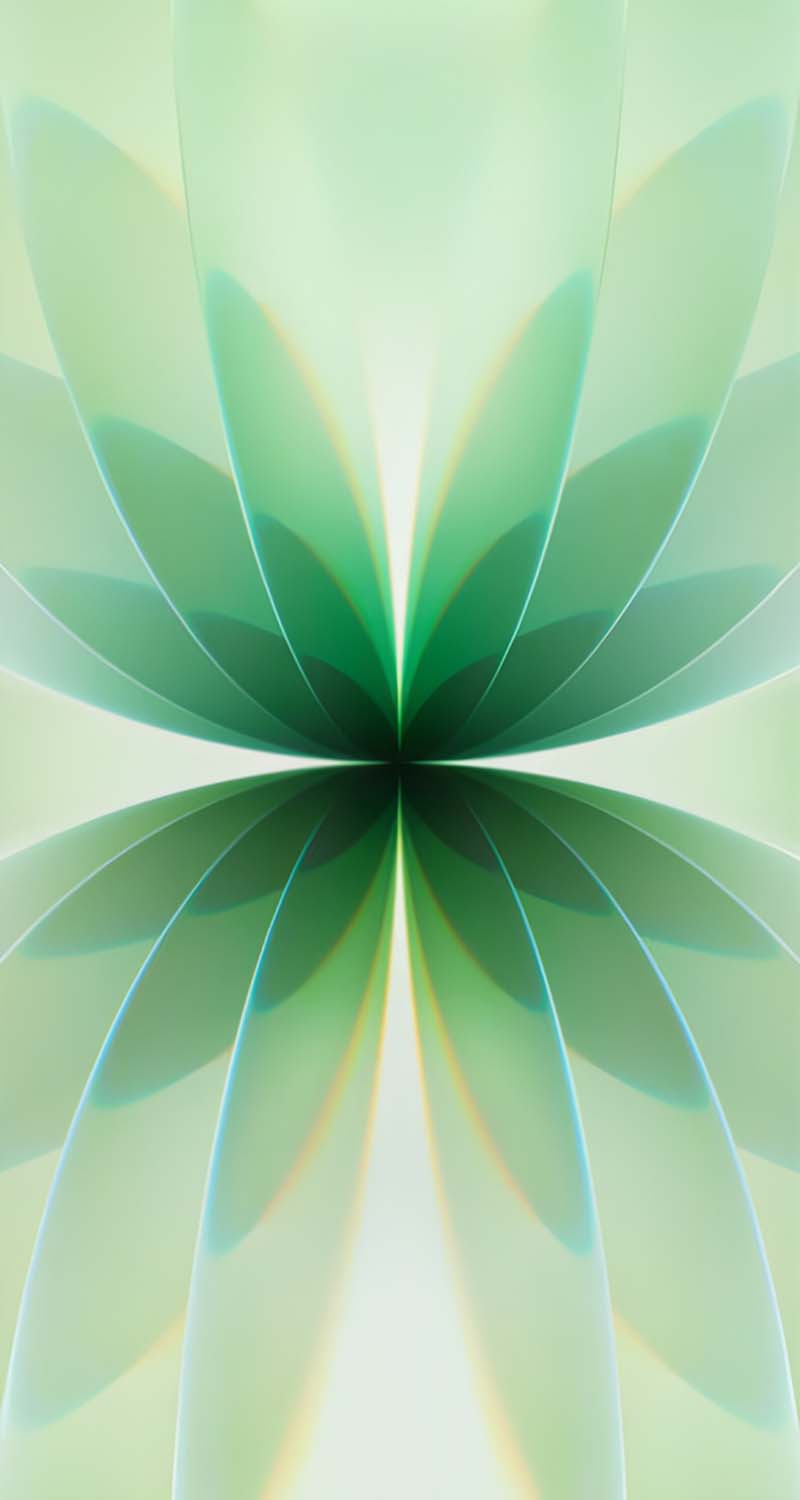
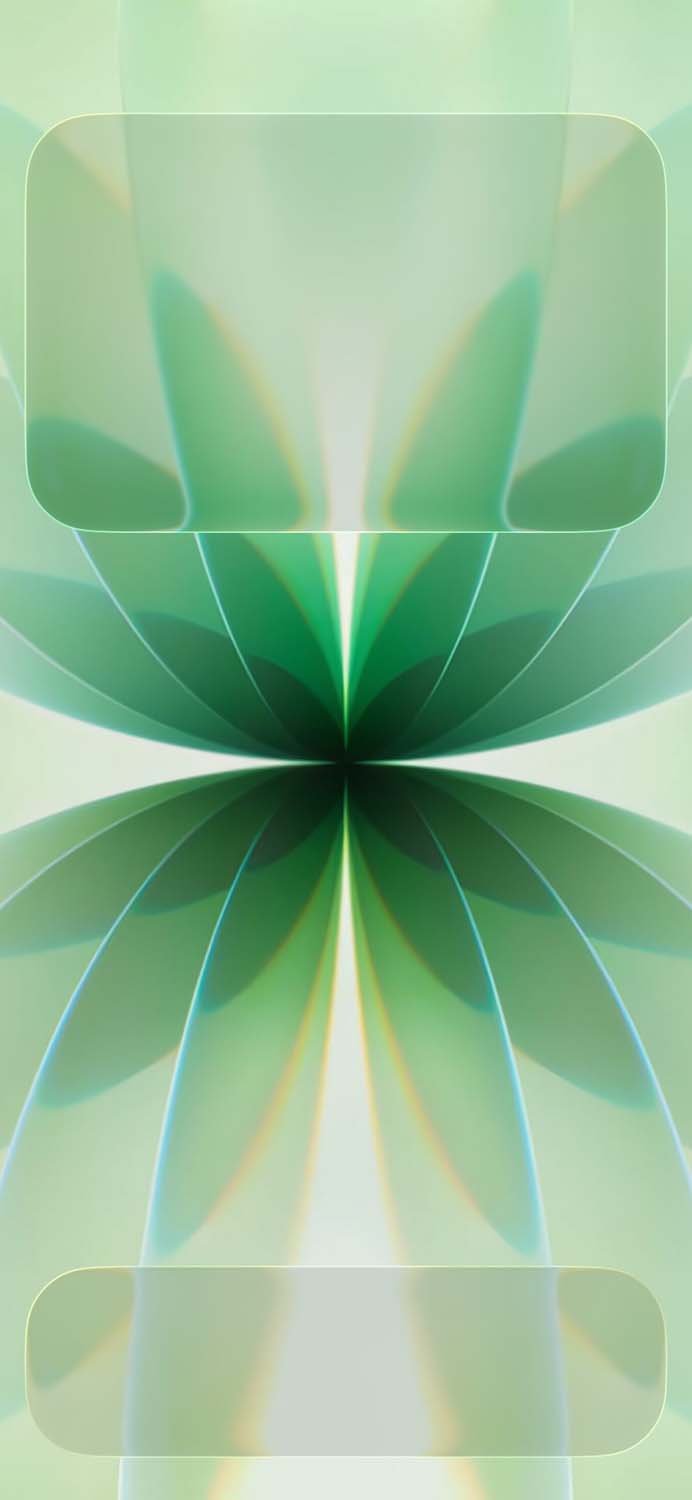
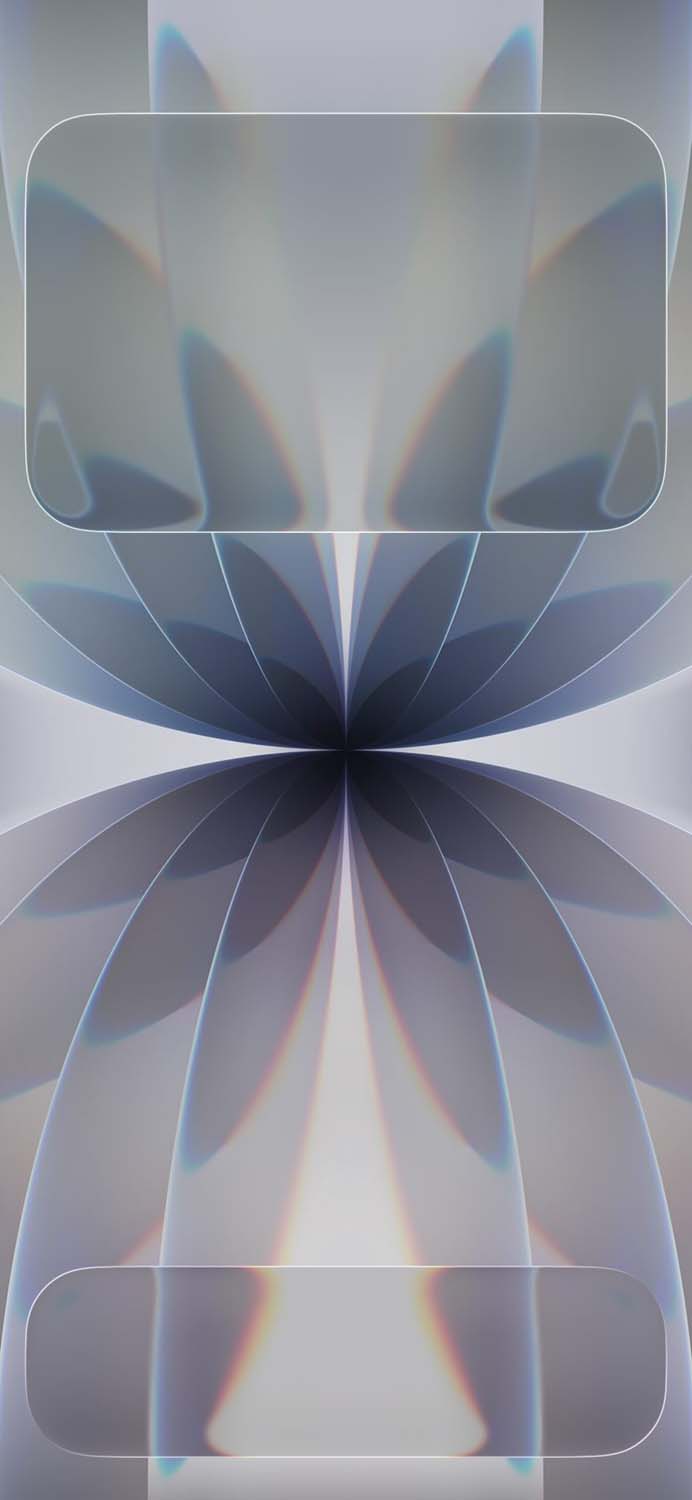
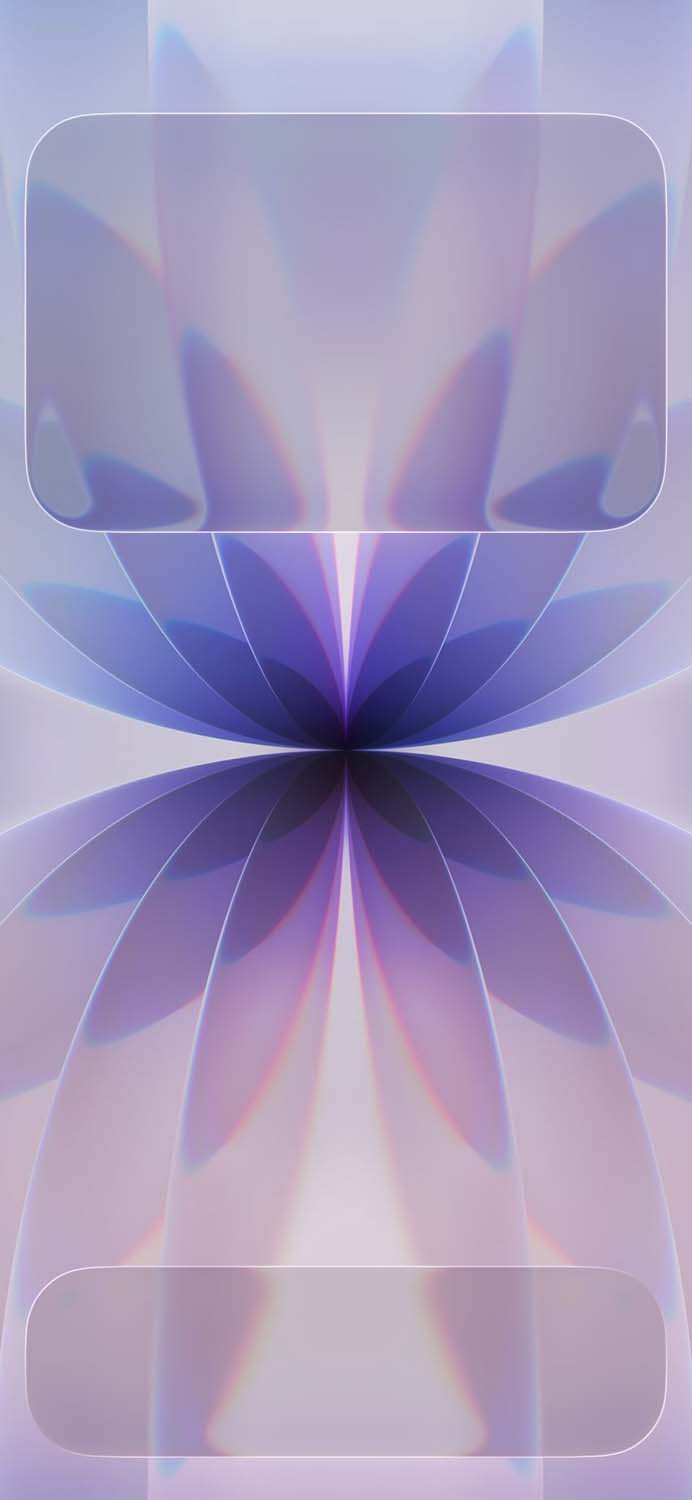
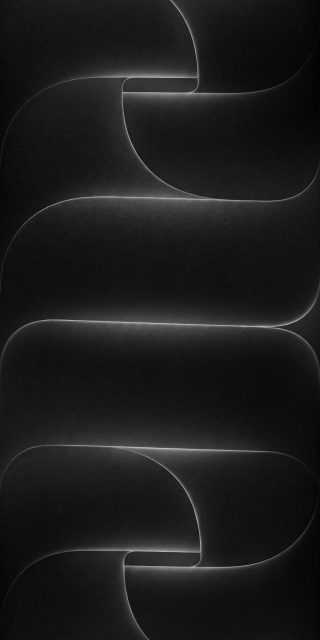
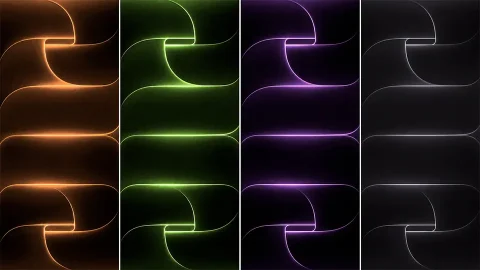
Apple’s design philosophy for the baseline iPhone 17 wallpaper collection represents a dynamic evolution from previous years. This year, the artwork shifts away from rigid structural models, opting instead for a hypnotic mix of kinetic light ribbons and fine-line geometry. On the device itself, the default wallpaper actually shifts and moves dynamically based on how you tilt your phone—though the static 4K files offer the exact same premium look for any screen.
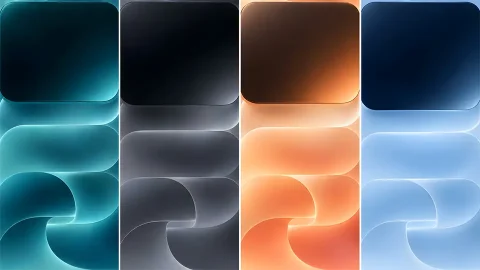
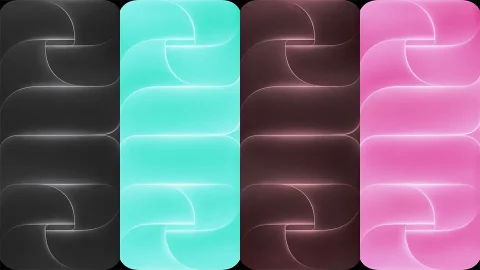
To perfectly complement the color-infused glass back panels of the phone chassis, the stock wallpapers are meticulously color-matched to the official retail lineup options, including:
Lavender & Mist Blue: Soft, calming pastel gradients that create an incredibly peaceful, high-contrast backdrop on modern displays.
Sage: A fresh, organic muted green tone that brings an aesthetic, earth-inspired vibe to your lock screen.
White & Black: High-contrast, sleek monochrome layouts tailored explicitly for minimalist lovers who want a completely clutter-free setup.
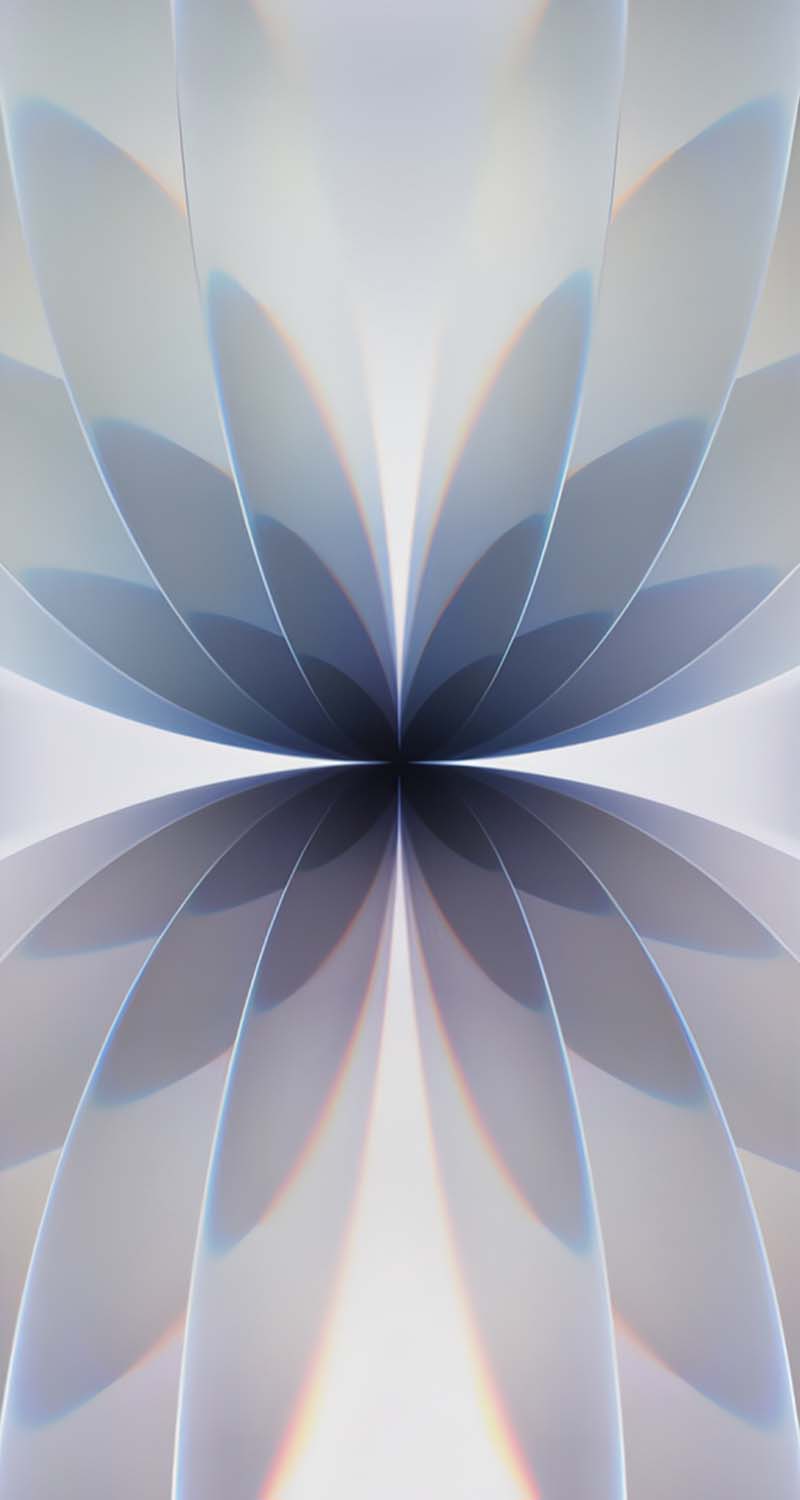
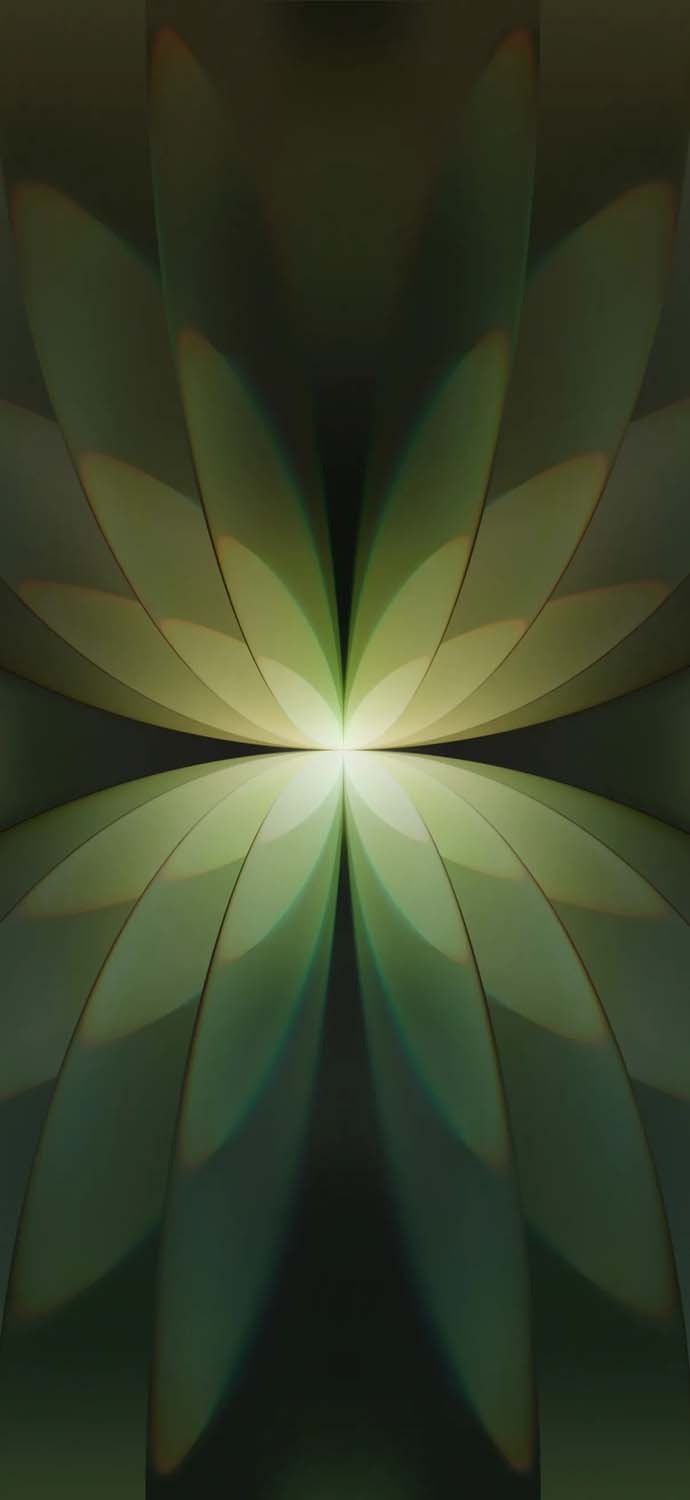
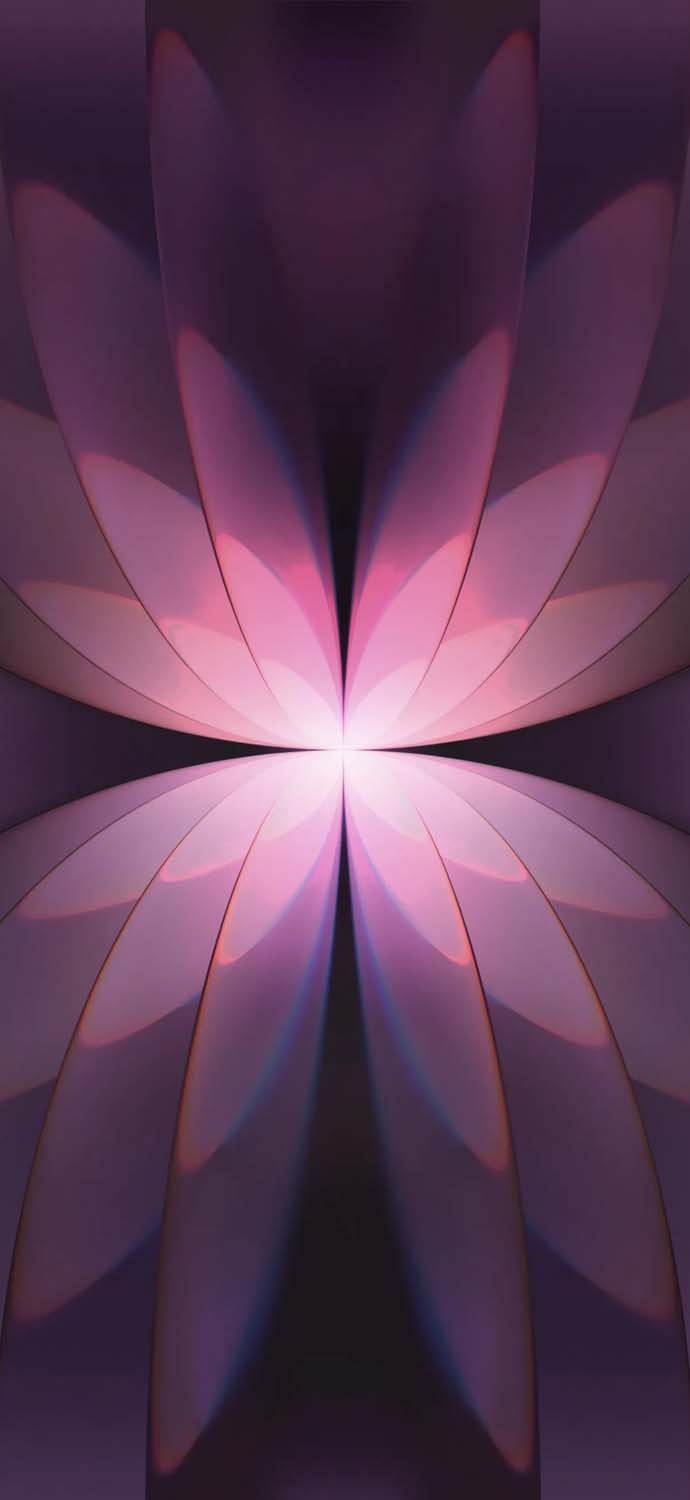
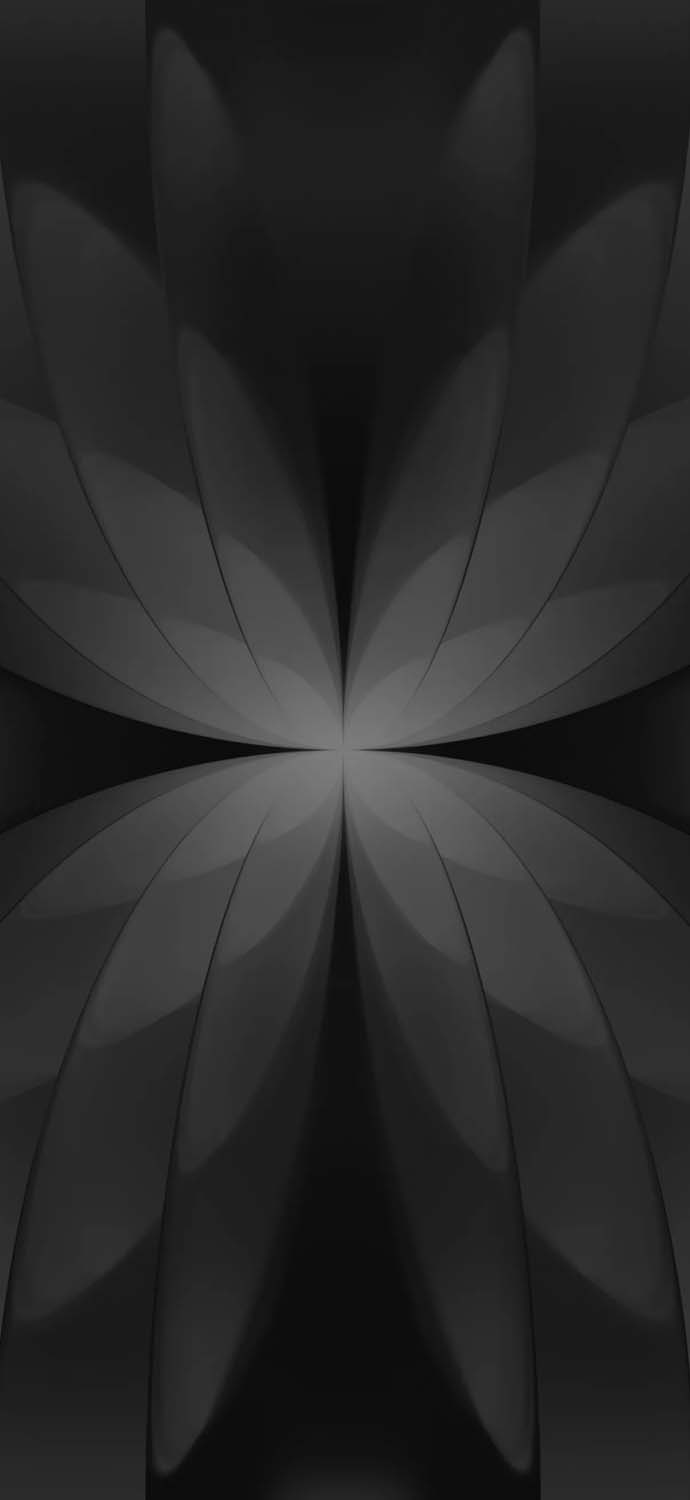
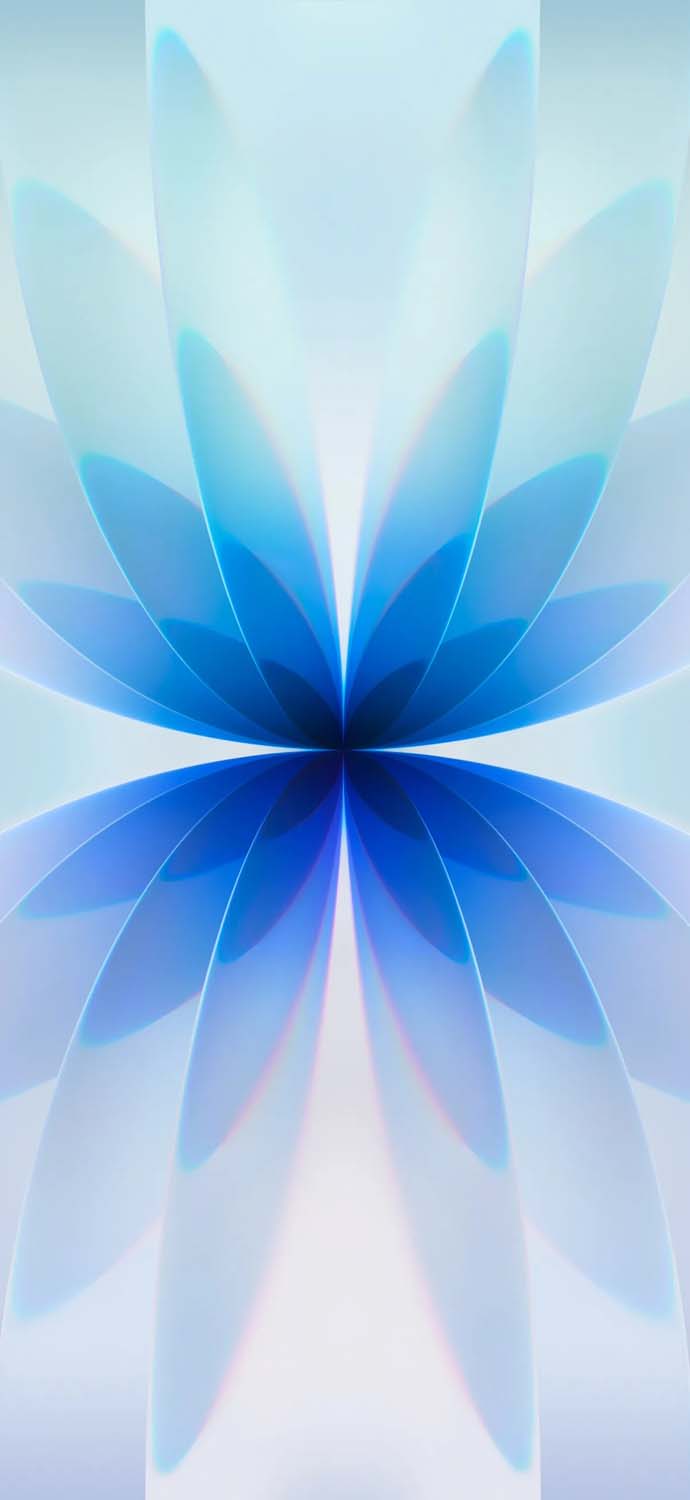
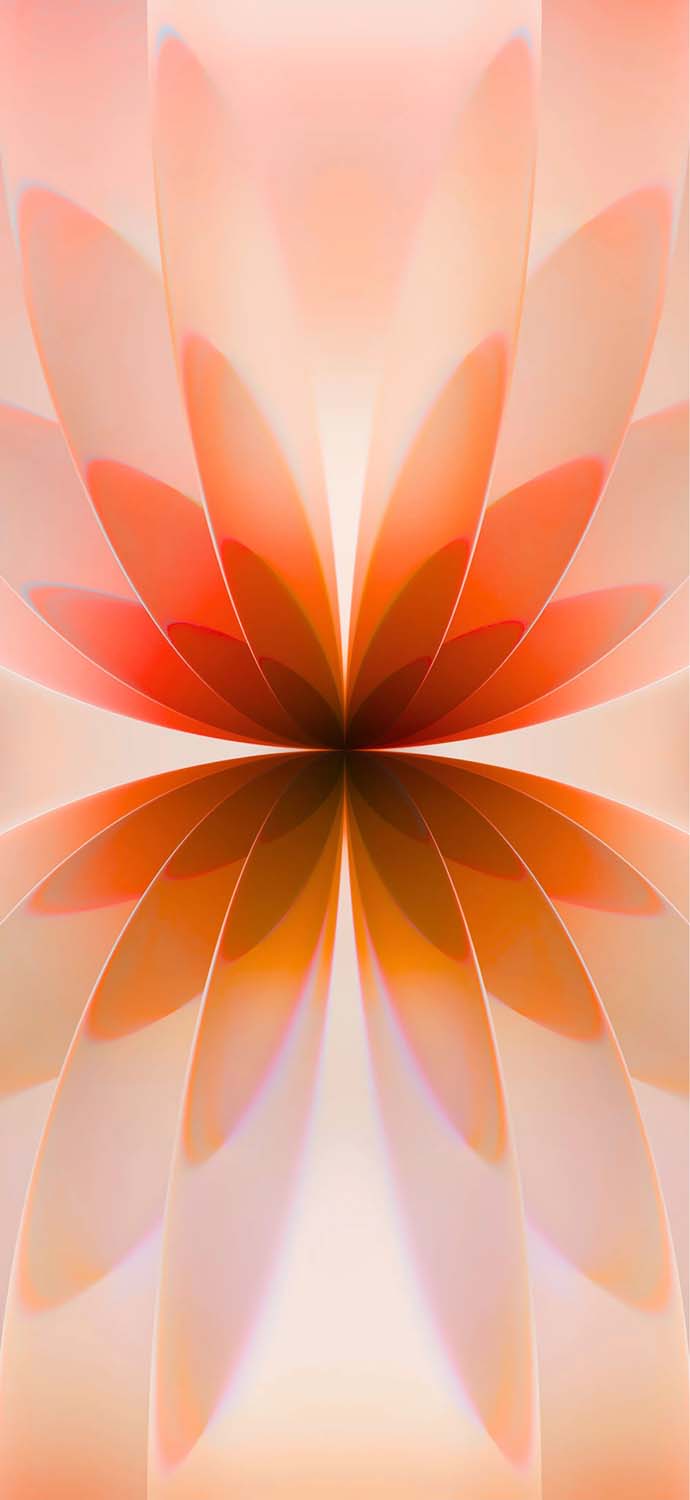
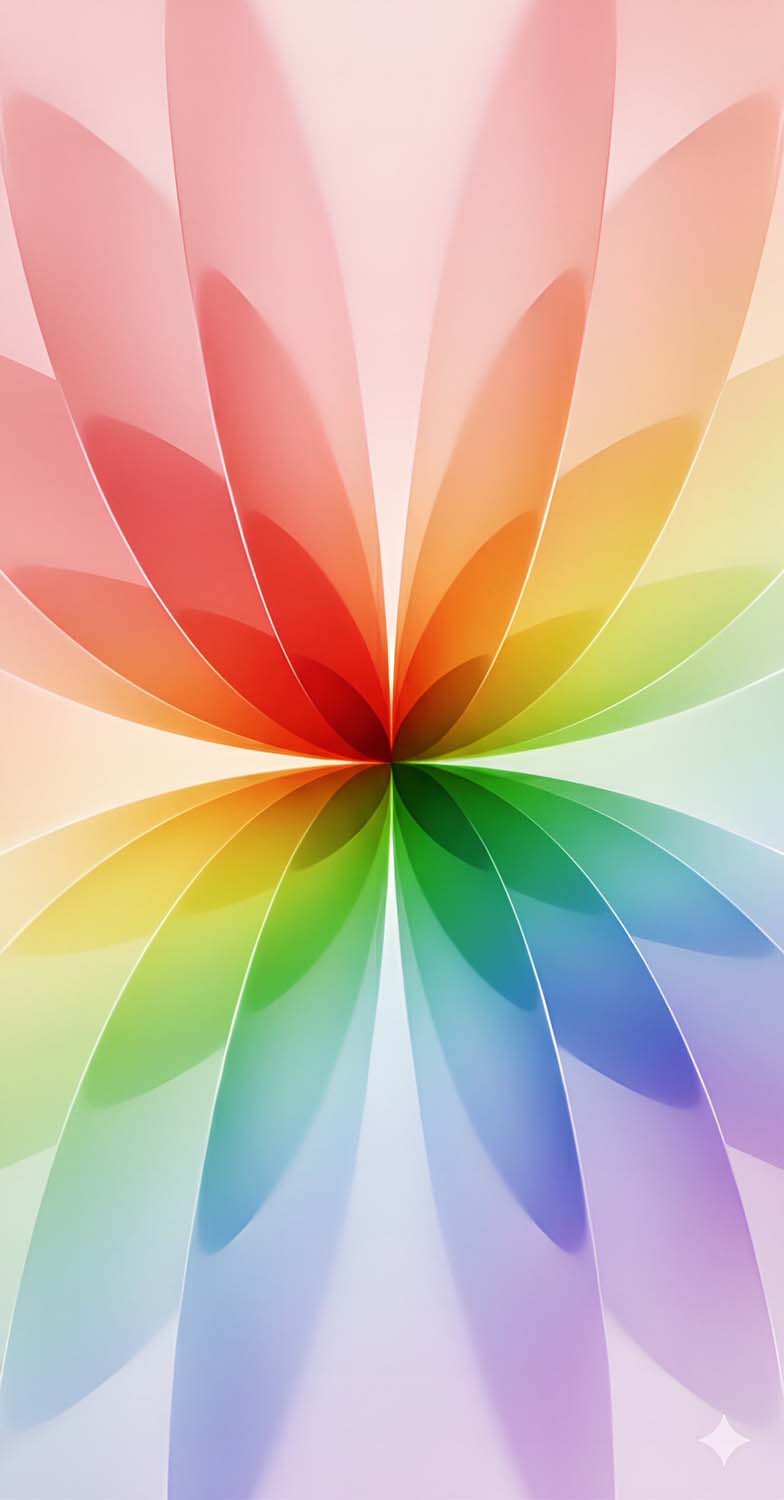
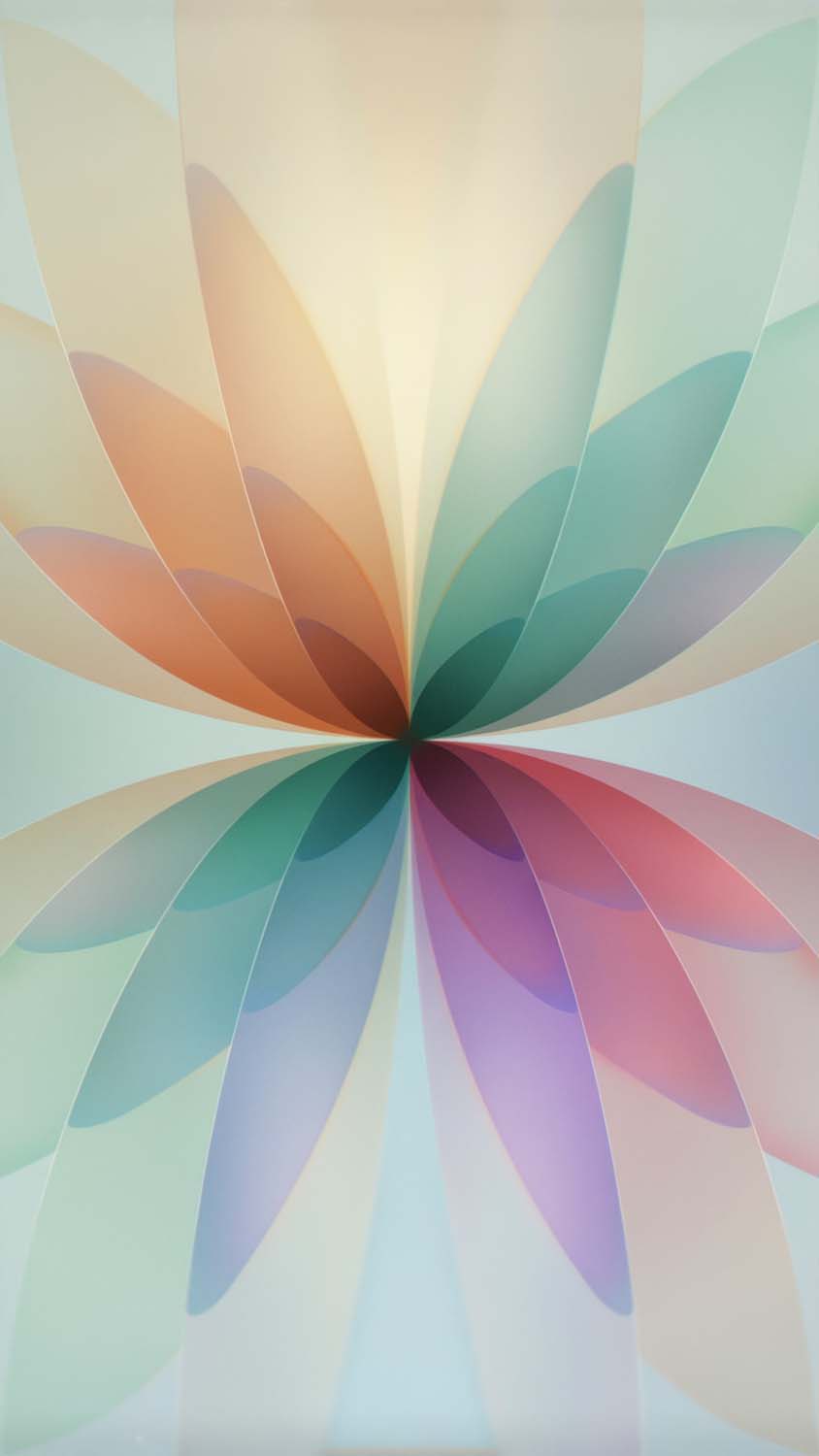


Why You Must Avoid Compressed Images and Download Original 4K Quality
When hunting for stock backgrounds online, many images you find on social media or casual hosting platforms are highly compressed copies. Compression strips away essential color depth, introducing blocky artifacts, muddy gradients, and pixelation—all of which look terrible on high-density displays.
To give your device the authentic flagship aesthetic, our download library offers the original, uncompressed 4K assets pulled straight from the system file structure. Utilizing the true high-DPI (dots per inch) assets guarantees several key visual advantages:
Fluid Transitions: The sweeping light paths and star-like ambient nodes remain flawlessly smooth, completely eliminating ugly color banding across your screen.
AMOLED Optimization: The dark variations of the gradients utilize deep, true black pixels. On modern OLED screens, this allows your device to shut off individual pixels completely, preserving your battery life.
Aggressive Framing Freedom: The massive resolution gives you the total freedom to pinch-to-zoom or crop the artwork during system setup without losing a single drop of crisp detail.
Tutorial: How to Set Up iPhone 17 Wallpapers with Depth Effects
Modern smartphone operating systems allow you to add stunning layers of depth to your lock screen layout. Follow these simple steps to apply your new stock background seamlessly.
Method 1: Setting Up on an iPhone (iOS 16 or Newer)
Save your chosen high-resolution wallpaper directly to your Photos application.
Lock your device, wake up the screen, and press and hold a blank section of your Lock Screen until the layout customizer appears.
Tap the blue Plus (+) icon to generate a new layout, then tap Photos from the top row.
Select your downloaded 4K iPhone 17 stock wallpaper from your camera roll.
Position the image. Thanks to the deliberate placement of the geometric lines and light paths, you can let the artwork subtly overlap your system clock. To activate this, tap the three dots (…) in the bottom right corner and make sure Depth Effect is checked.
Hit Done in the upper right-hand corner to finalize your clean look.
Method 2: Setting Up on an Android Device
Open your device’s Gallery or Photos app and locate the downloaded asset.
Tap the menu icon (usually three vertical dots) and select Set as Wallpaper.
Choose whether you want to apply it to your Lock Screen, Home Screen, or as a synchronized pair.
Manually adjust the framing matrix to center the vibrant fluid gradients perfectly, then tap Apply.
Elevate Your Screen Interface Instantly
You don’t need a hardware upgrade to enjoy the refreshed, high-end styling of Apple’s latest generation. By applying the official uncompressed stock assets, you can completely transform your current smartphone’s daily interface into something sleek, ultra-modern, and premium.
Explore our secure, free direct-download gallery below, save your favorite lavender, sage, or mist blue colorways in glorious 4K resolution, and give your phone the flagship look it deserves immediately!
Explore More:
- Download Official iPhone 17e Wallpapers in 4K | New Floral Glass Collection
- Official iPhone 16 Wallpapers [Free High-Res Download]
- Official iPhone 16 Pro Wallpapers [Free High-Res 4K Download]
- Official iPhone 17 Pro Wallpapers [Free High-Res 4K Download]
- Download Official iPhone Air Wallpapers in Full 4K Resolution
- iPhone 15 Pro Wallpapers | Download 4K & HD Titanium Backgrounds
- iPhone 14 Pro Stock Wallpapers | Download Official 4K & HD
- iPhone 14 Stock Wallpapers (Official 4K HD) – Free Download
- iPhone 13 Official Wallpapers: Full HD Stock Background Download

2 comments