
Official iPhone 17 Pro Wallpapers [Free High-Res 4K Download]
Every year, Apple sets a new benchmark for premium smartphone aesthetics, and the launch of the flagship iPhone 17 Pro and iPhone 17 Pro Max is no exception. Alongside major internal changes like the A19 Pro chip and a advanced thermal cooling system, Apple introduced a stunning visual refresh for its home and lock screens. Running on the latest iOS 26 operating system, these devices feature factory-stock backgrounds meticulously designed to complement their hardware colorways.
The best part? You do not need to drop a thousand dollars on a brand-new device to enjoy this high-end aesthetic. Whether you are upgrading an older iPhone model or personalizing a flagship Android phone, you can instantly give your screen a premium, modern face-lift. Here is your ultimate guide to the official iPhone 17 Pro stock wallpapers, complete with uncompressed 4K files and a setup tutorial optimized for advanced depth effects.
The Design Aesthetic: Metallic Vapor & Hidden “Pro” Typography
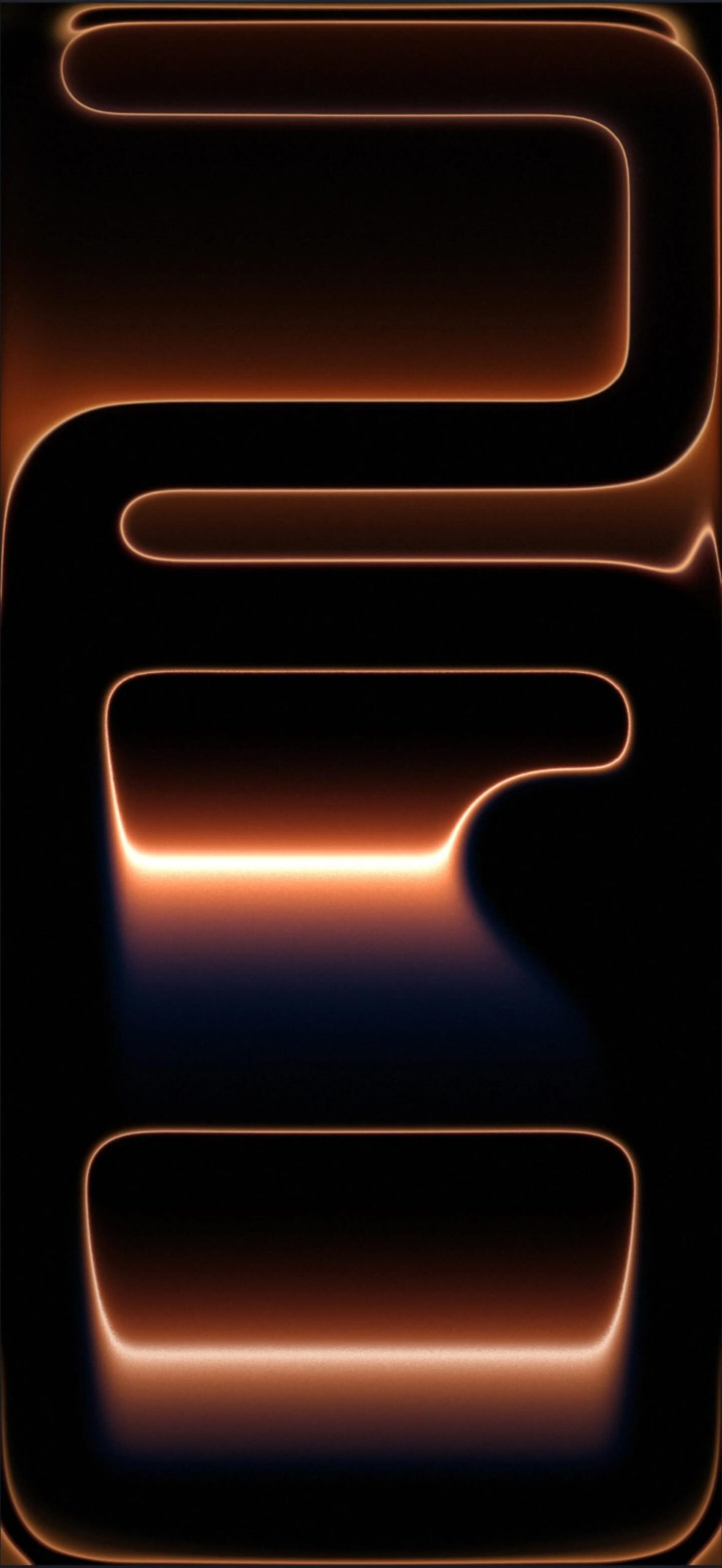
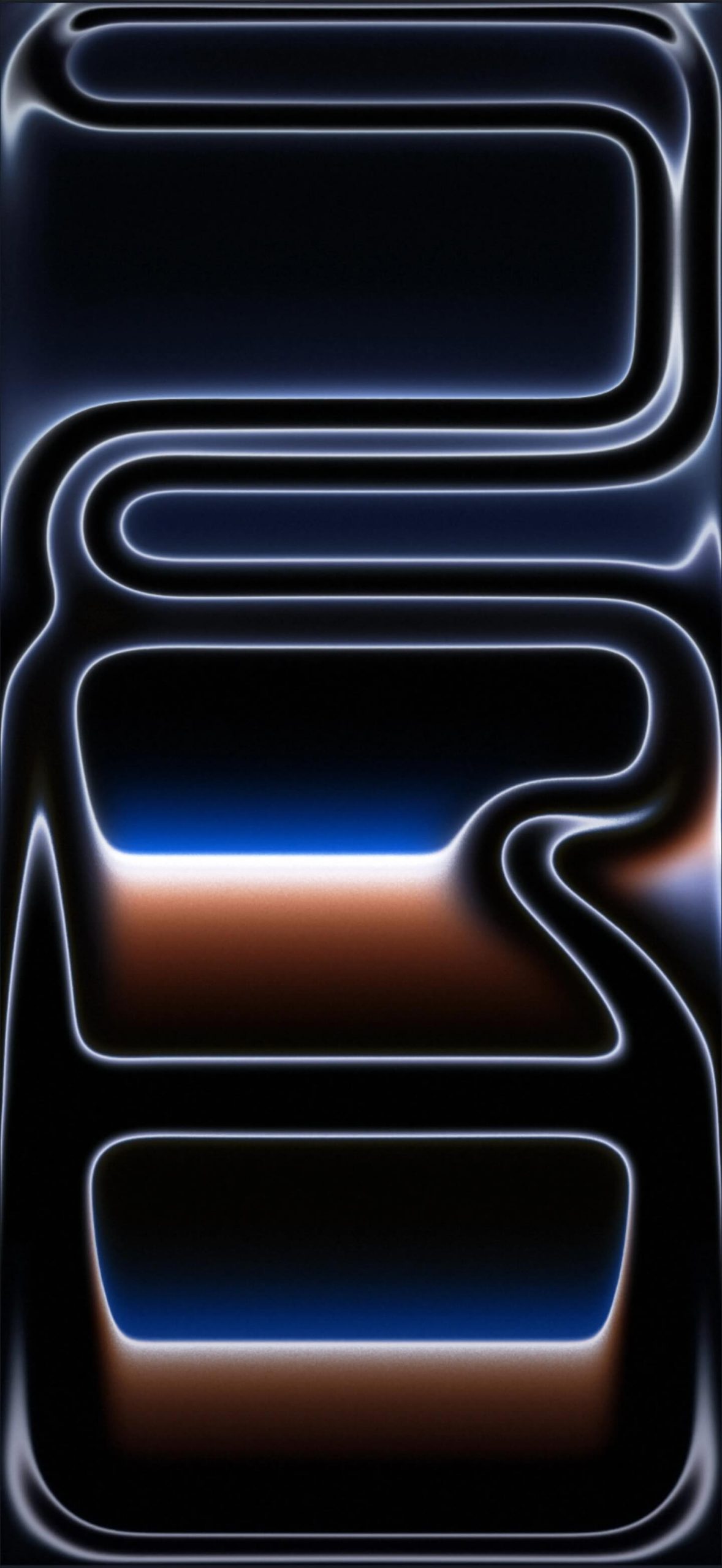
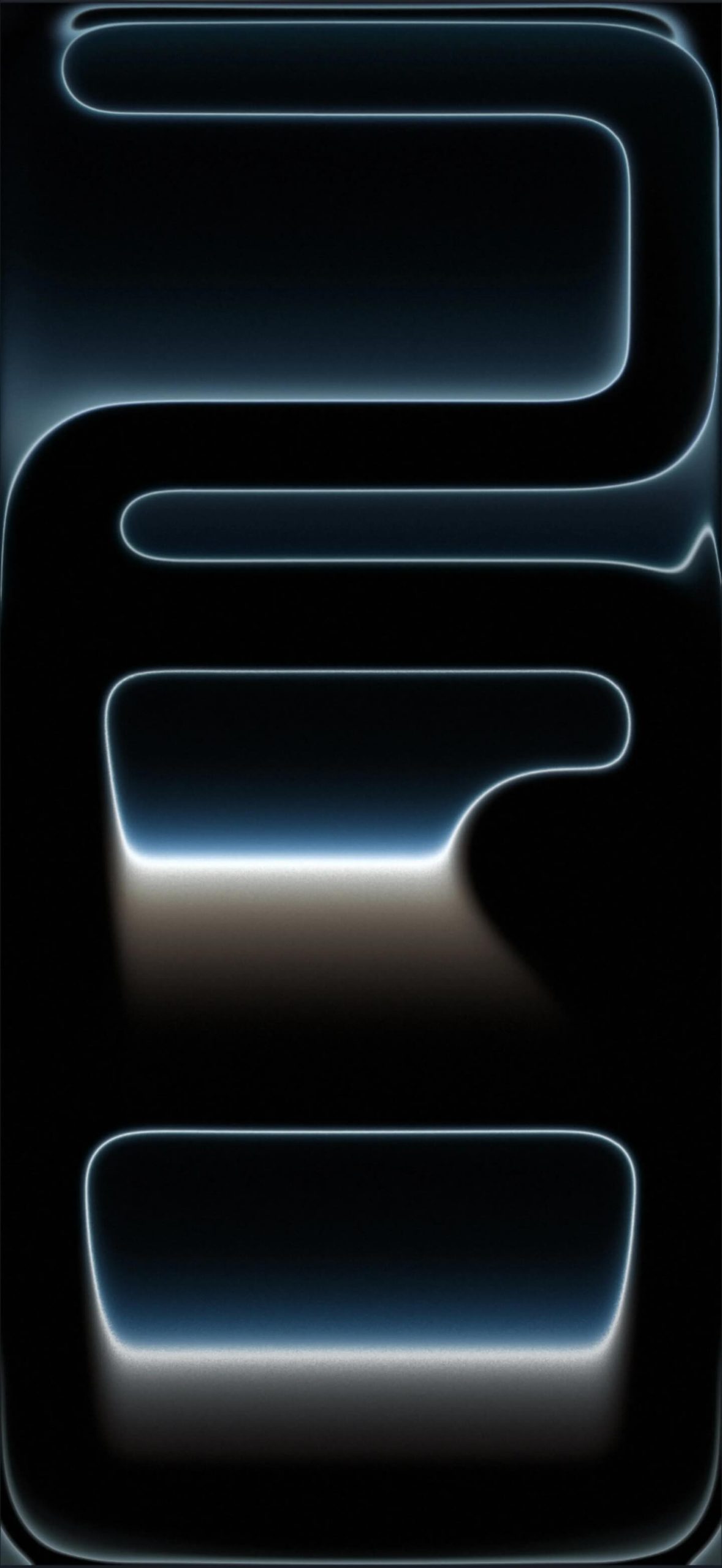
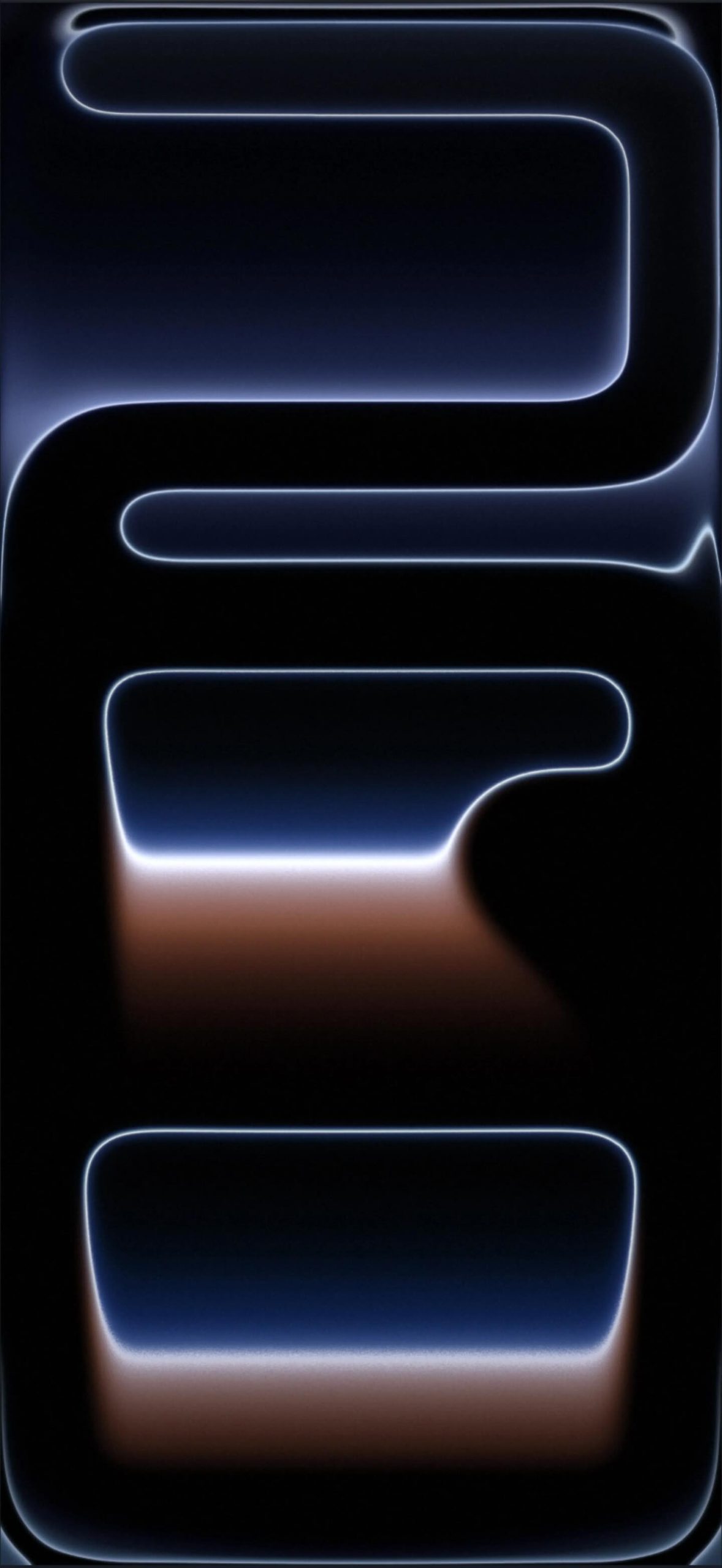
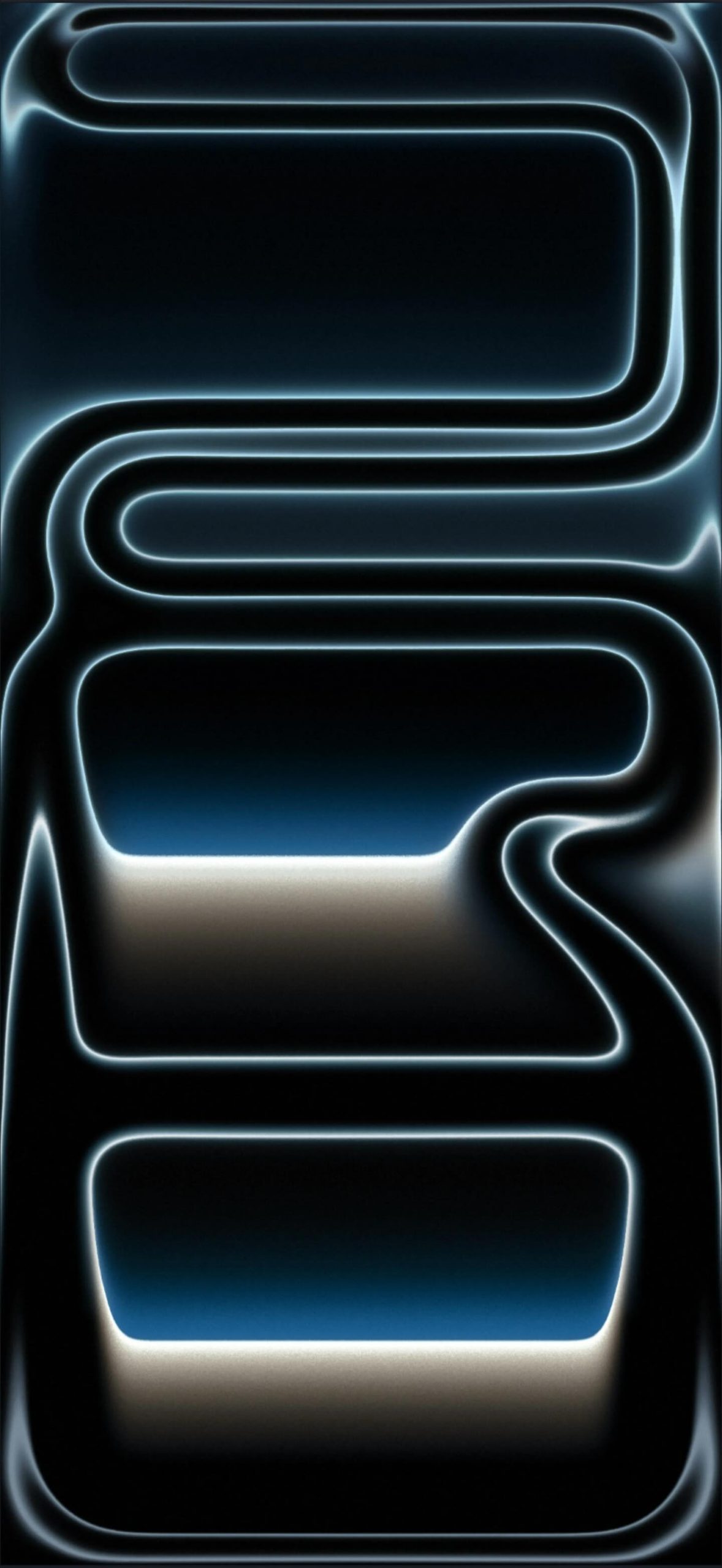
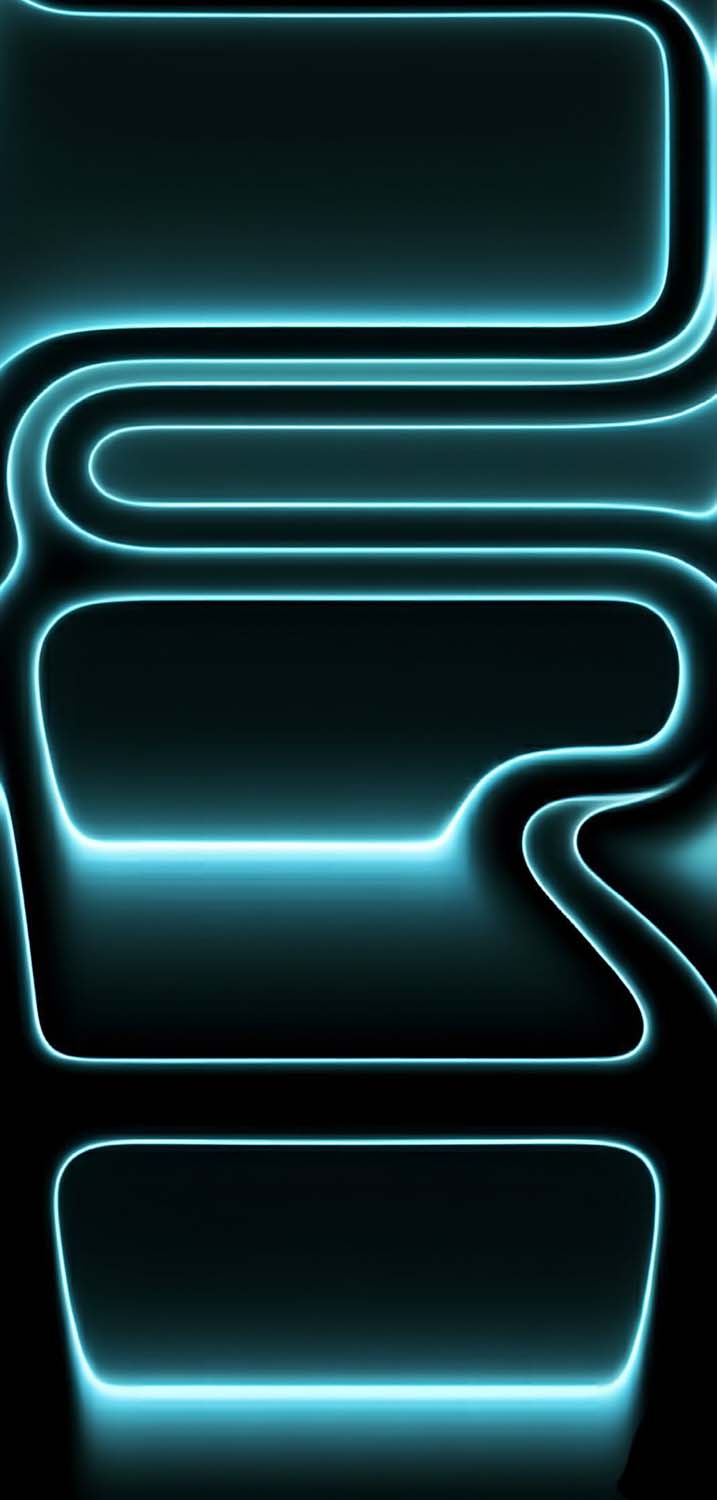
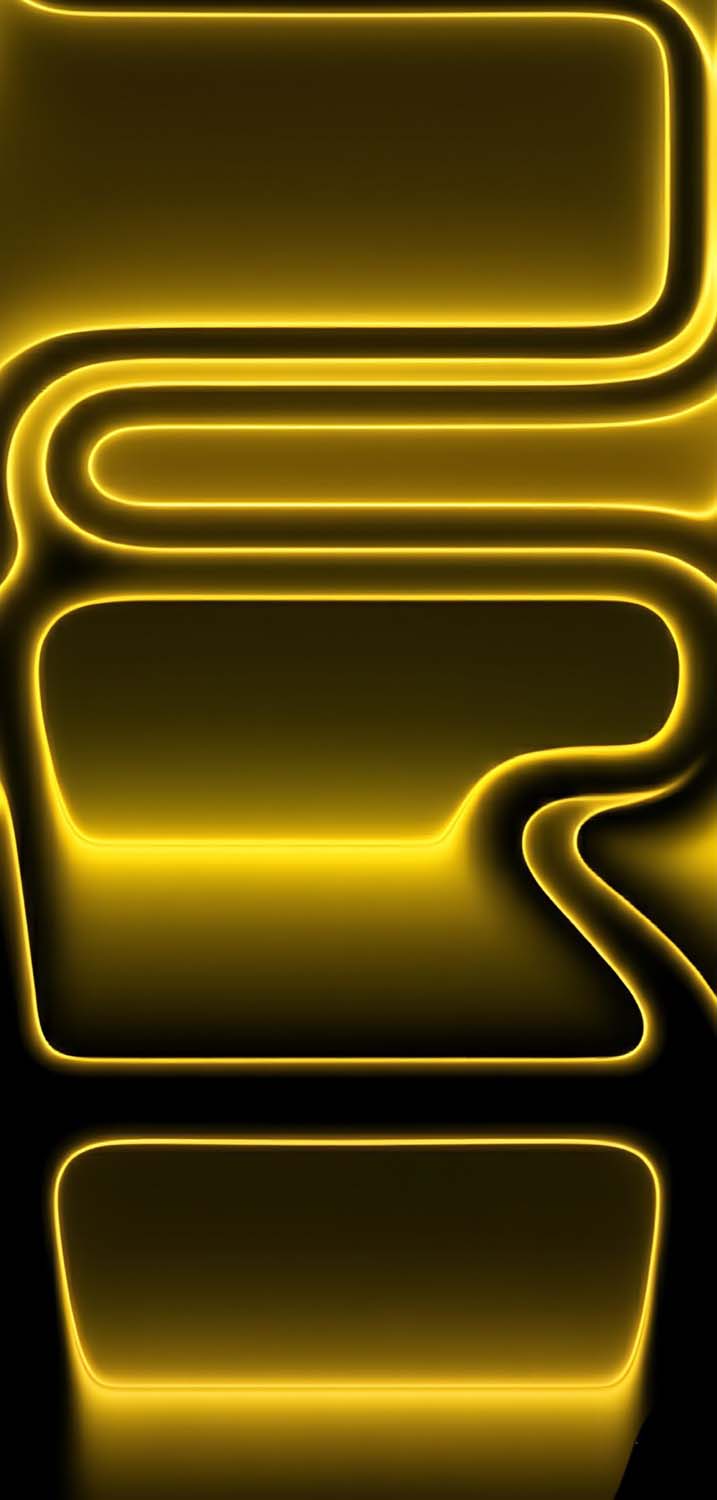
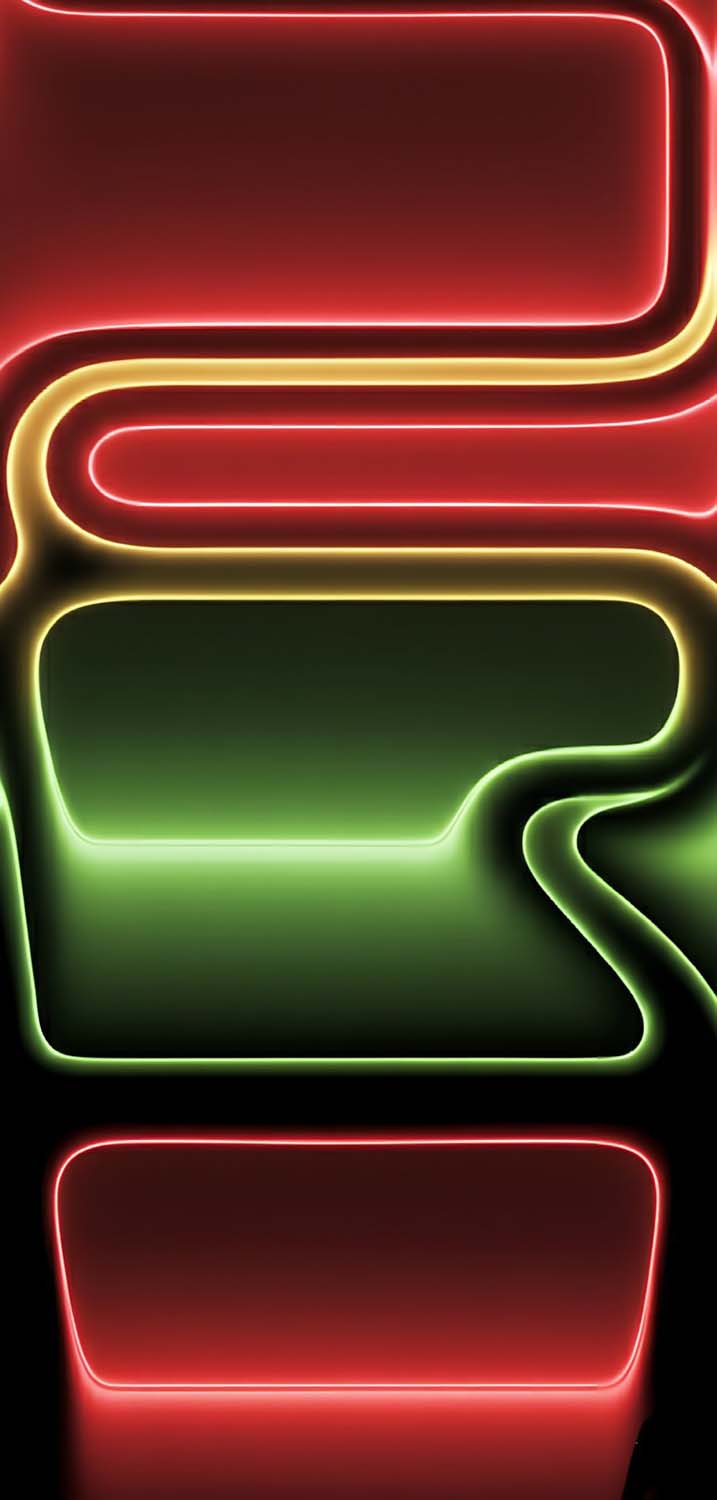
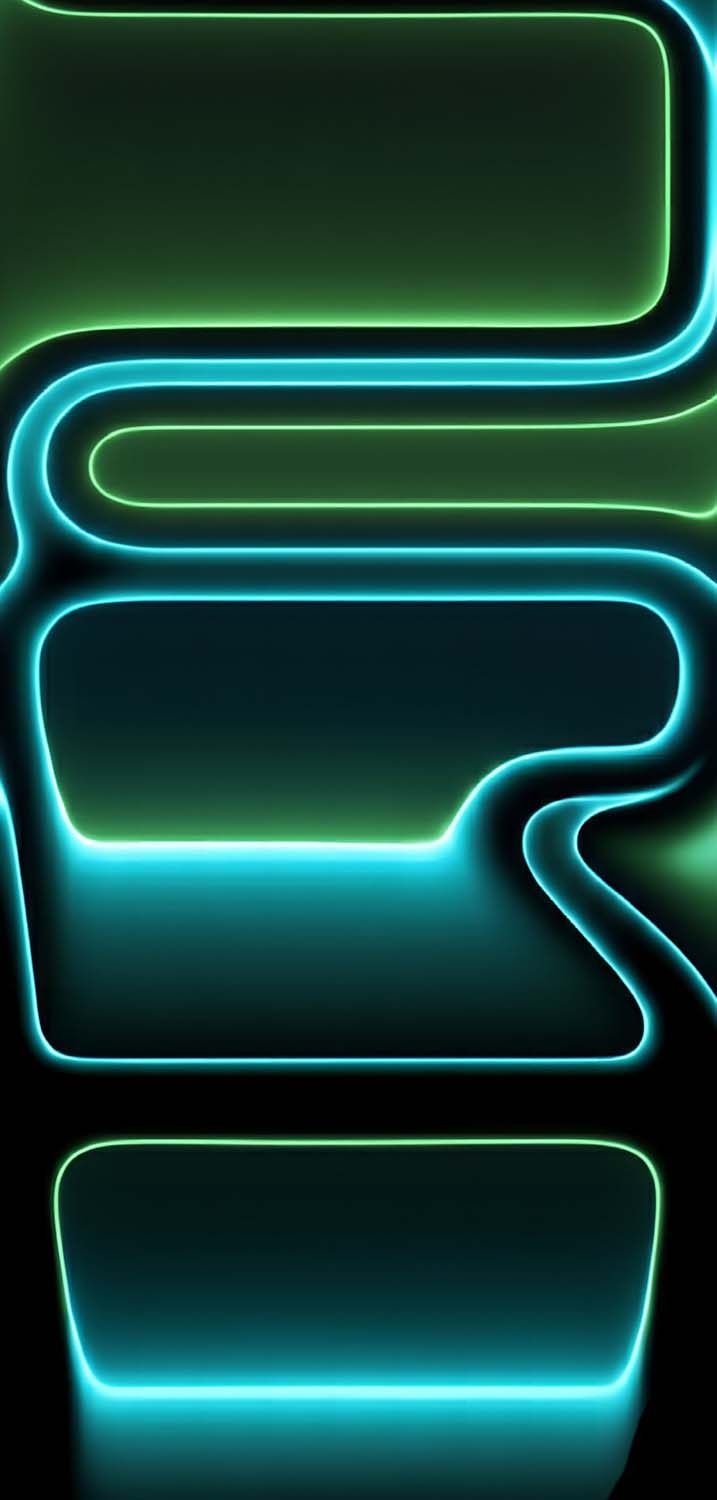
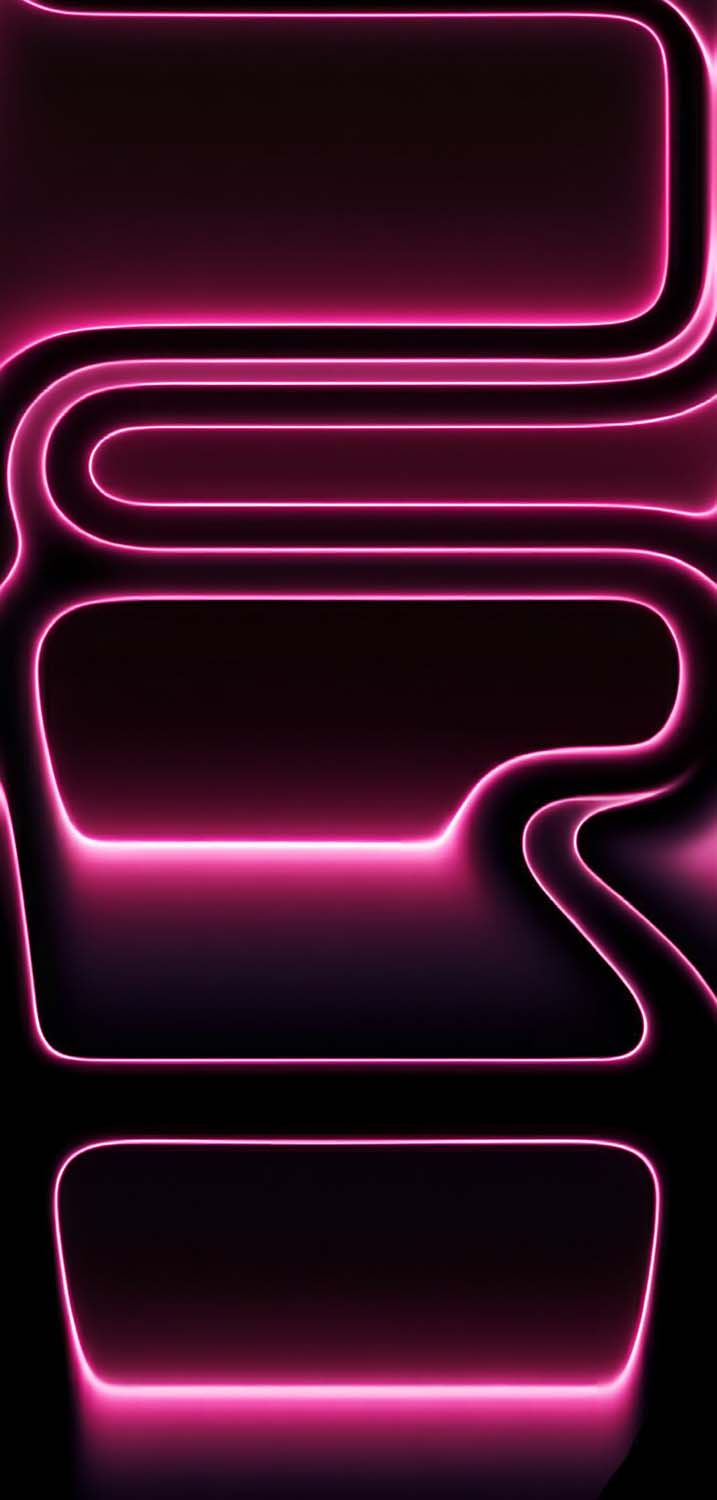
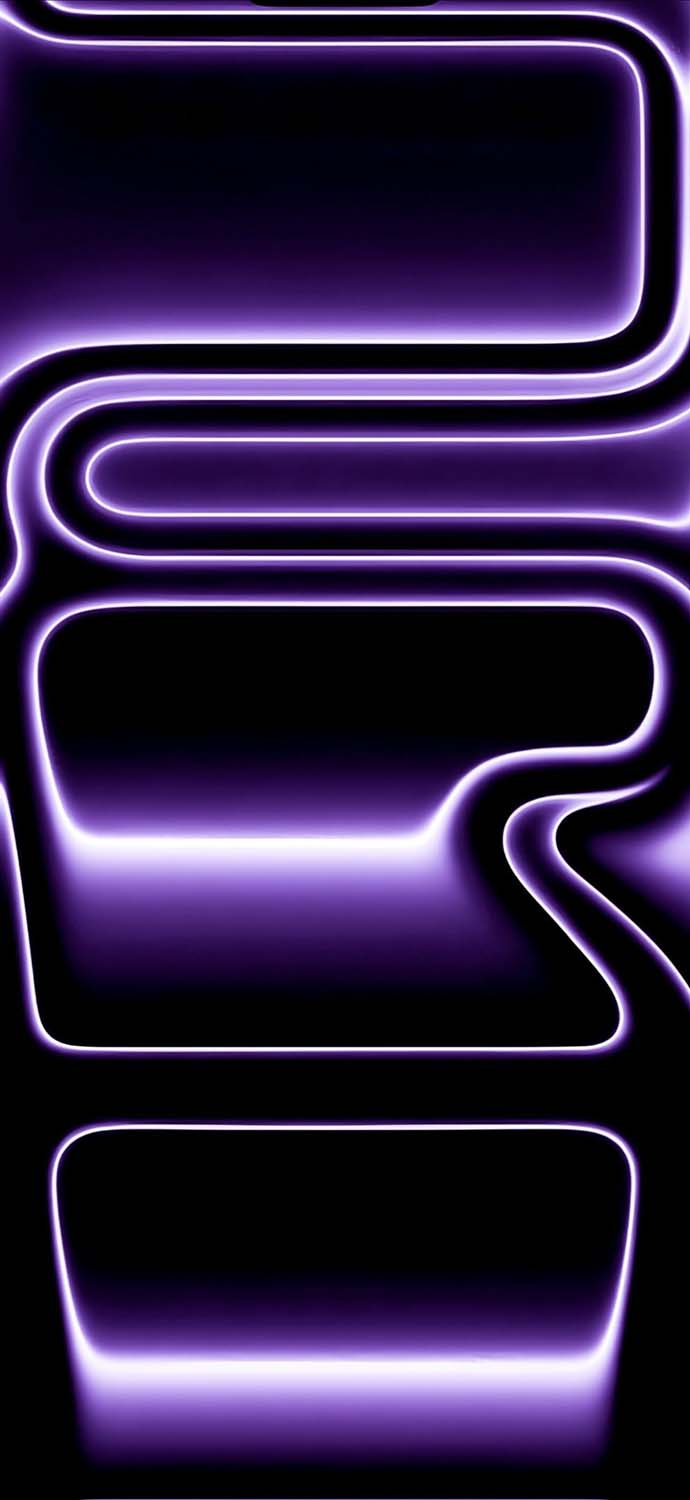
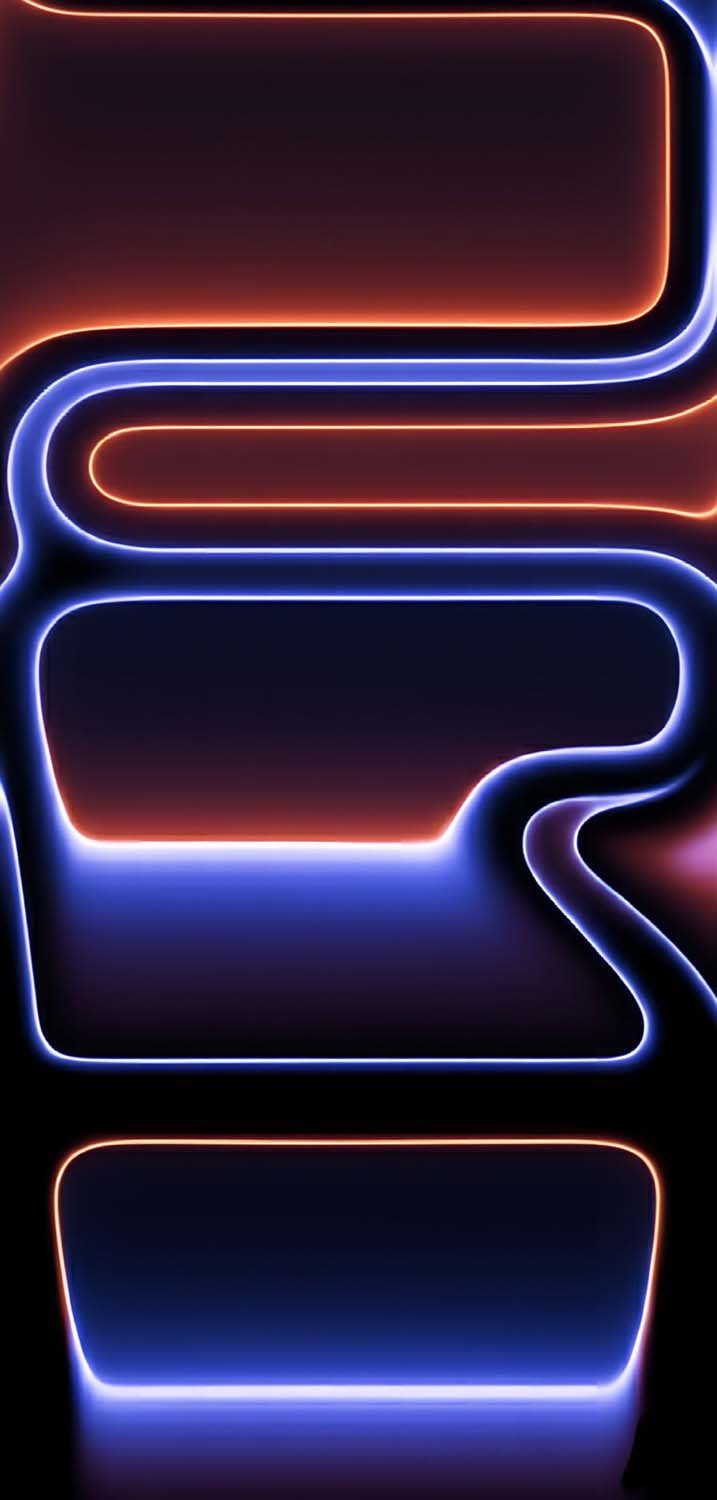
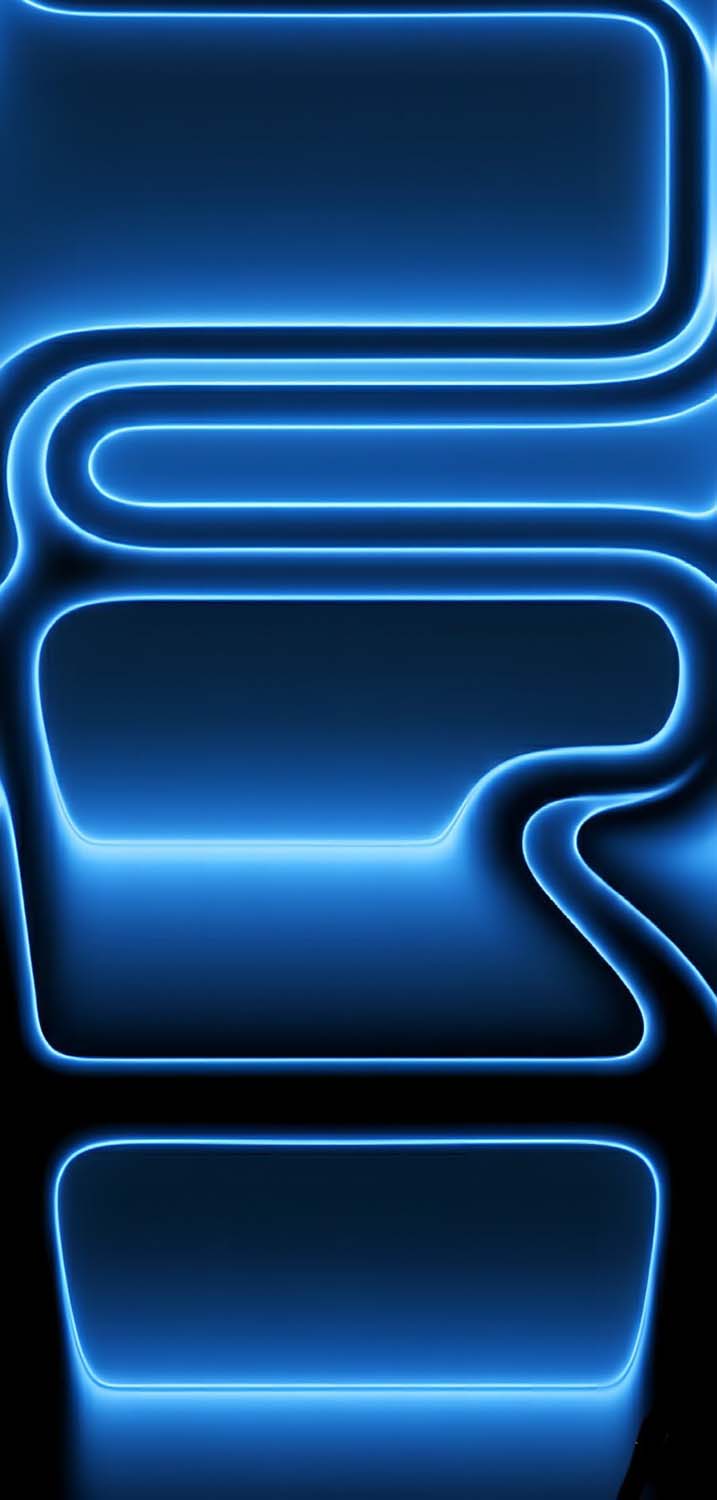
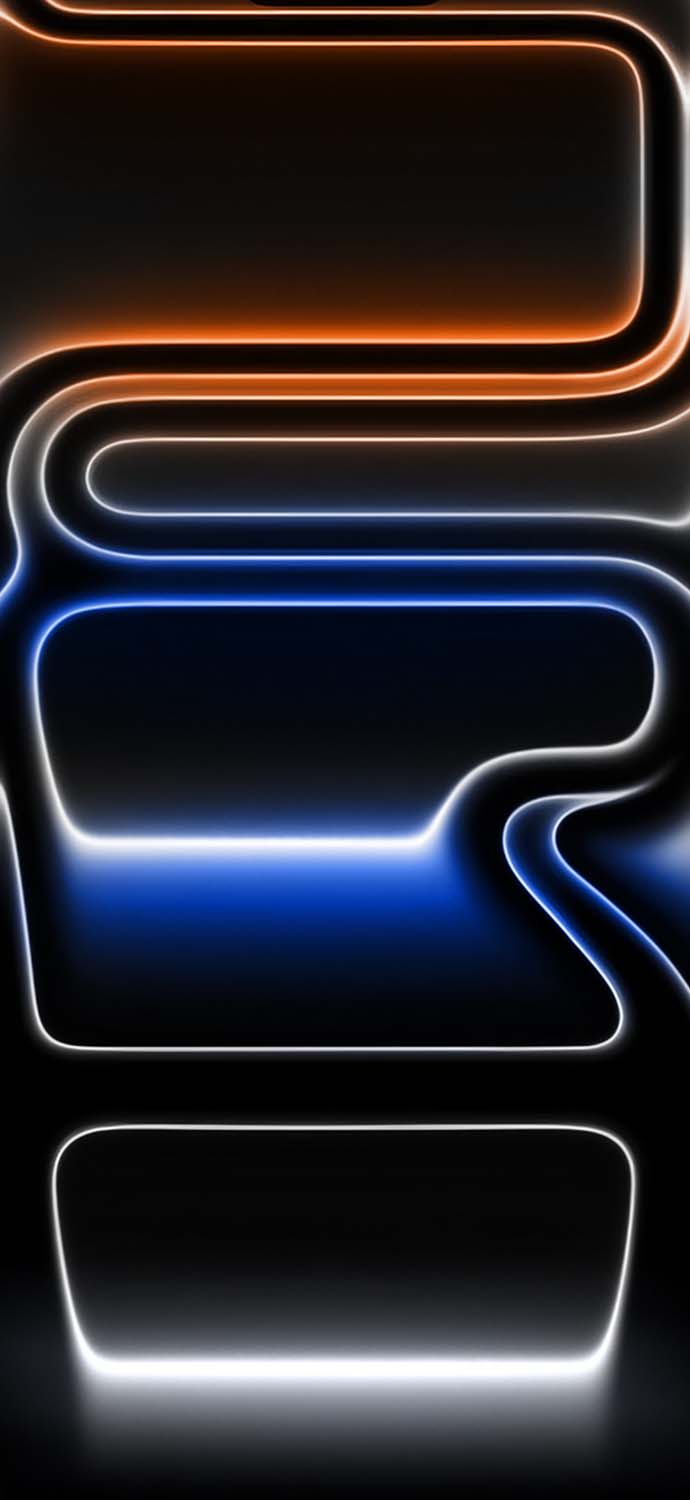
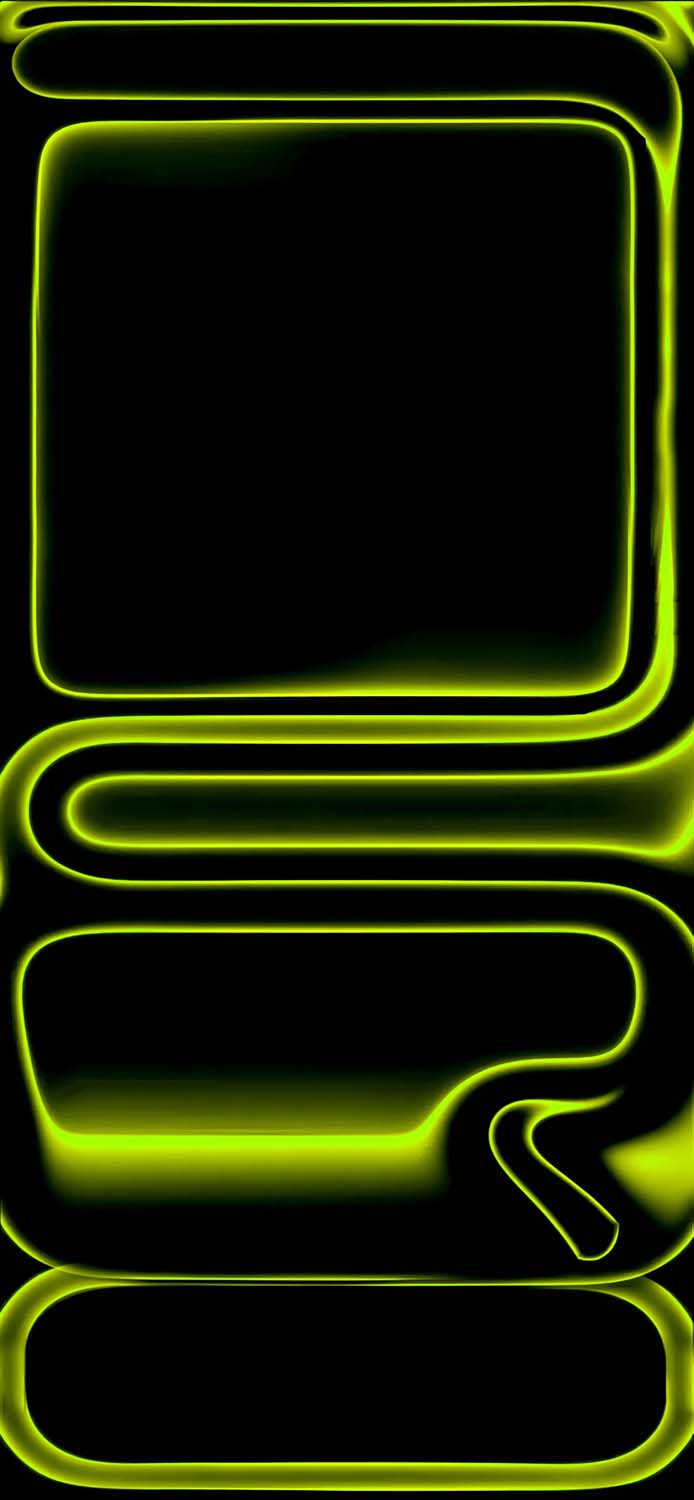
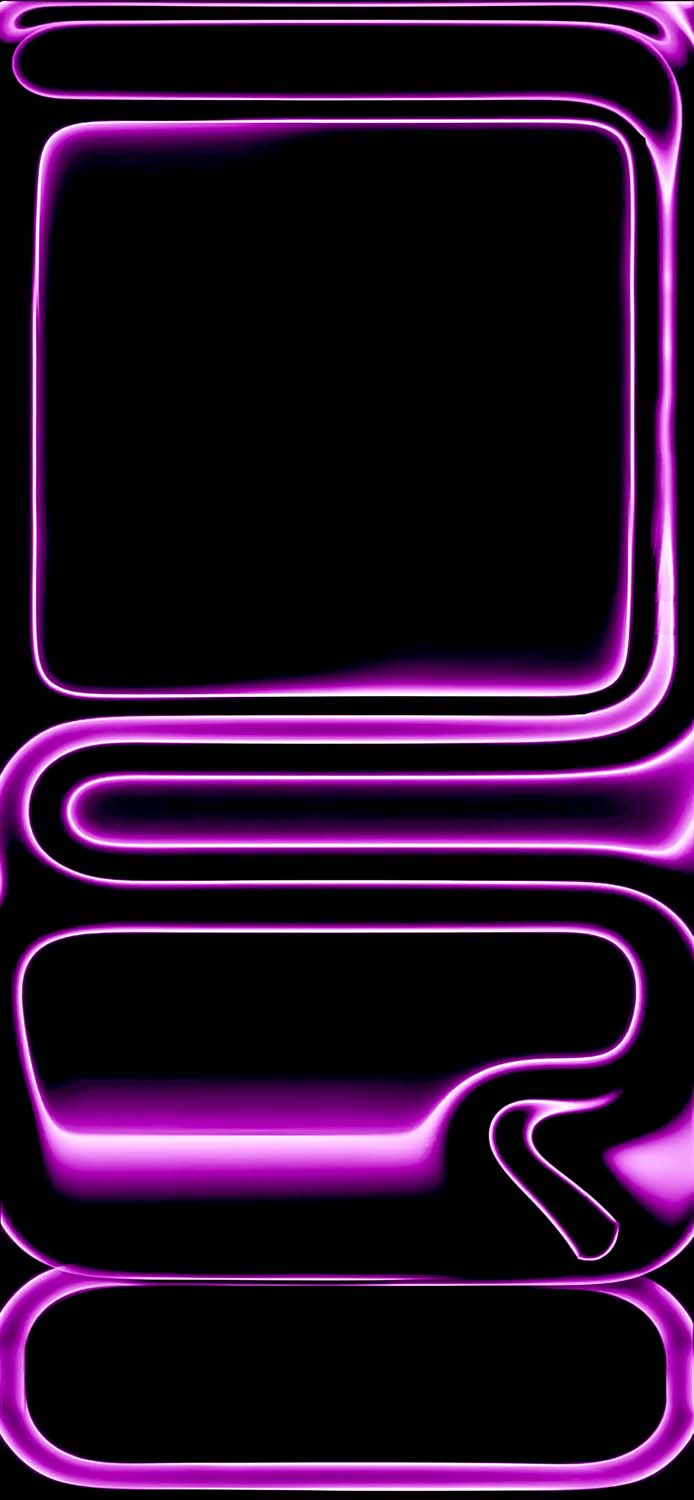
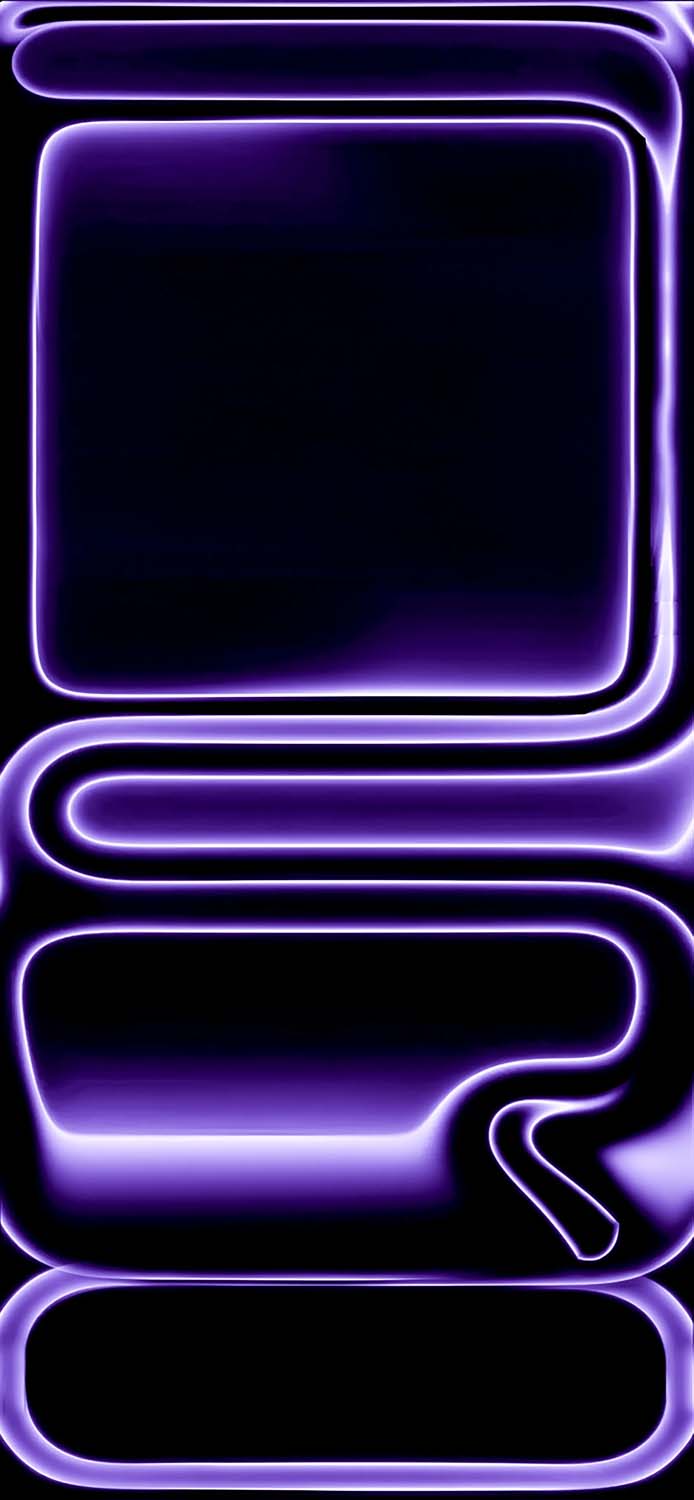
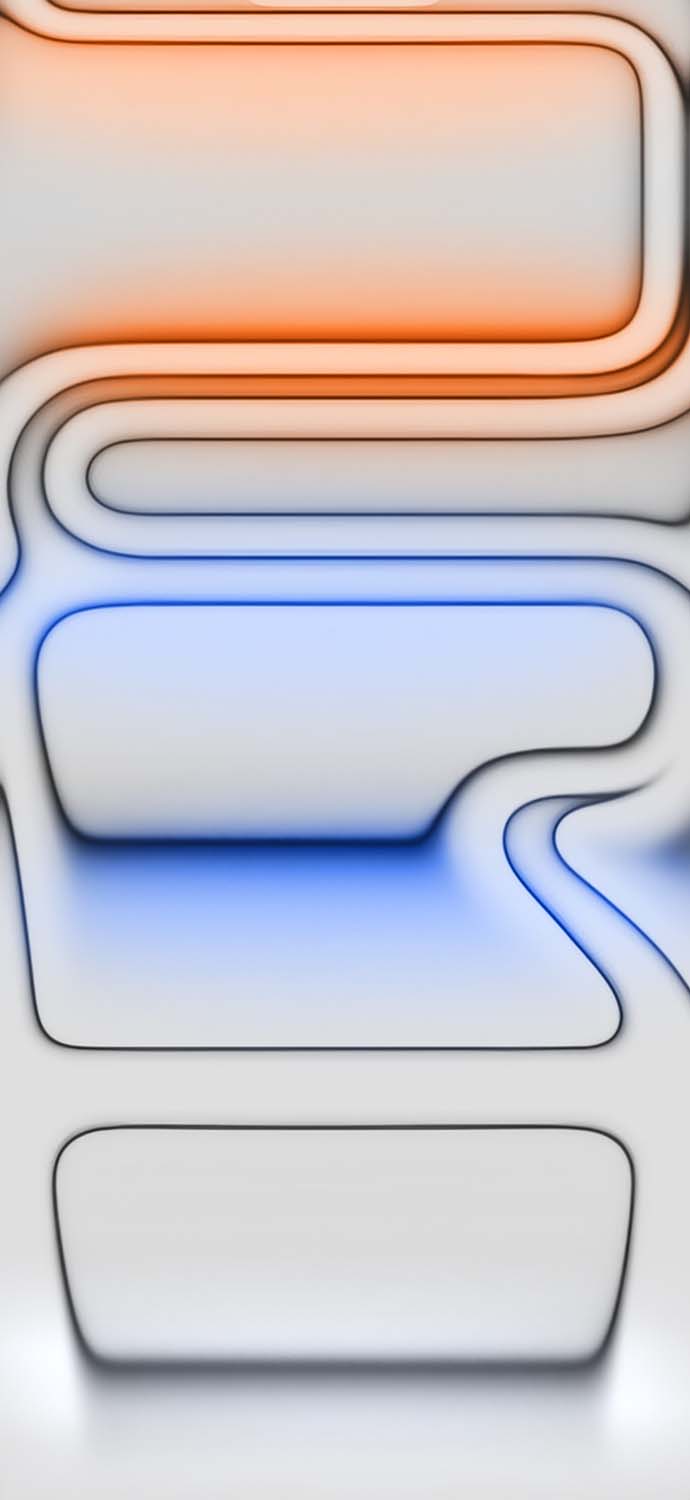
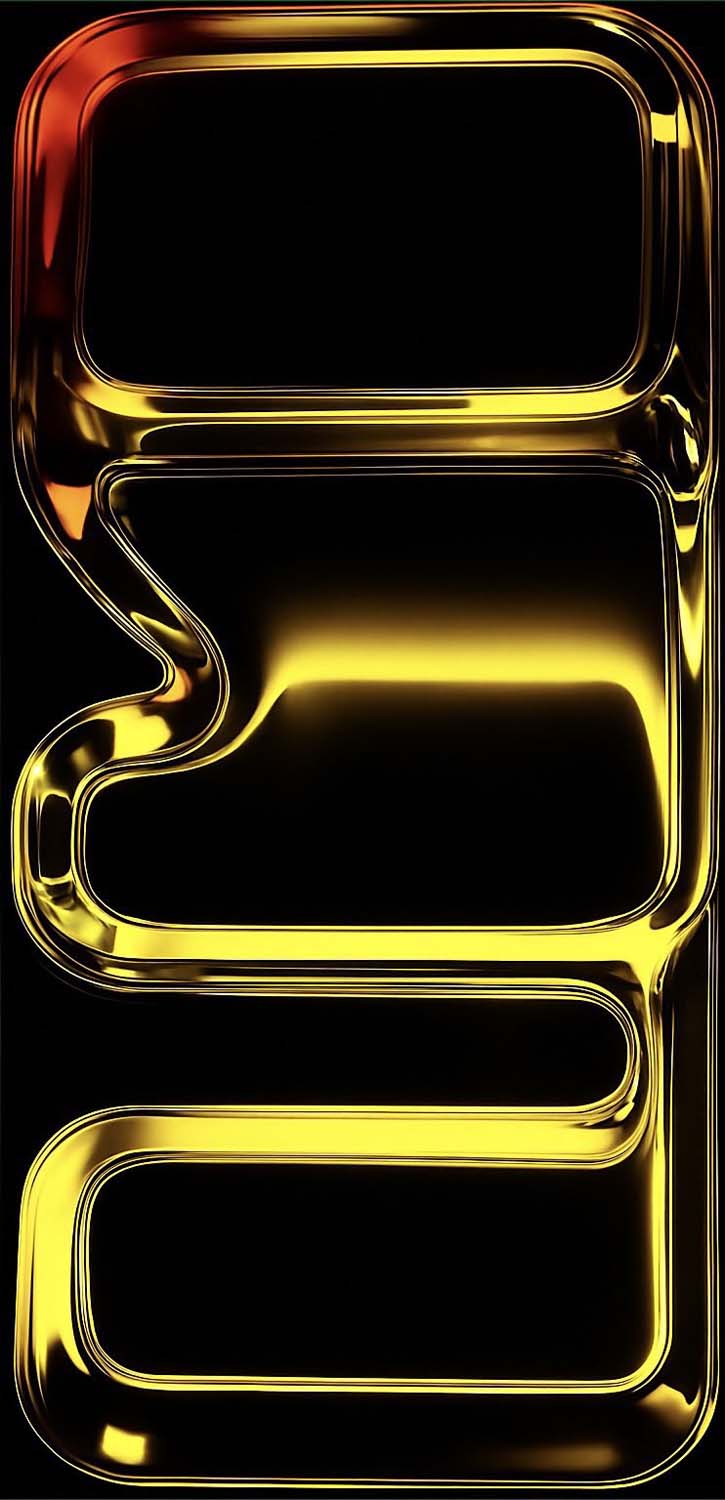
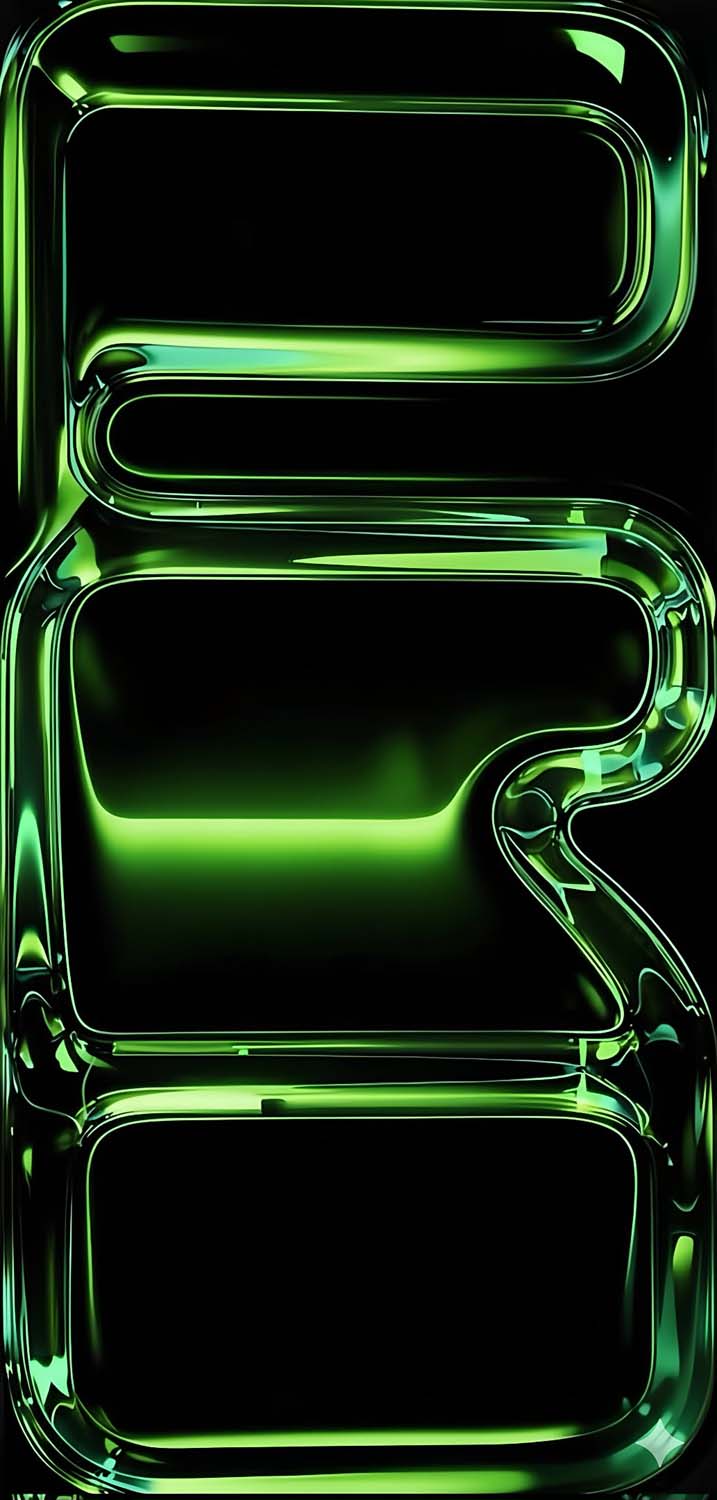
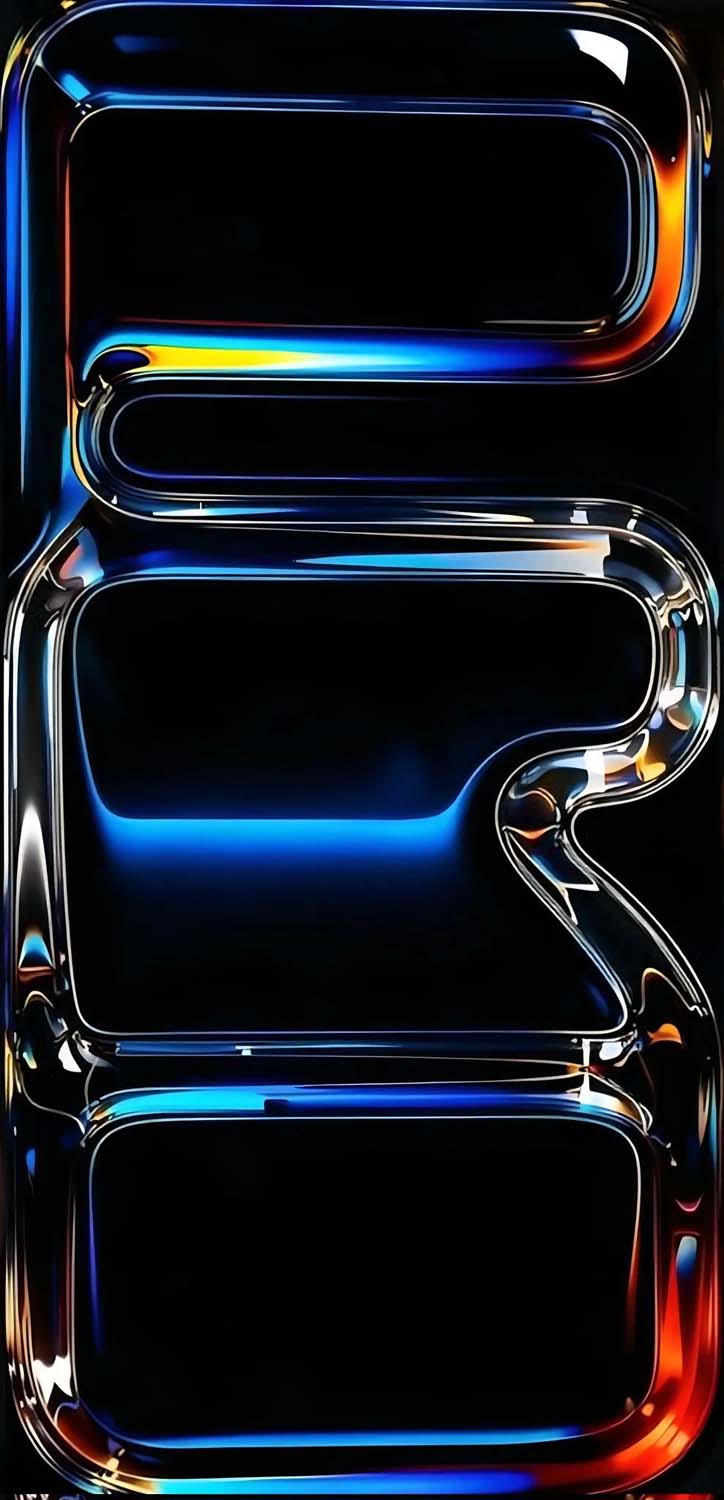
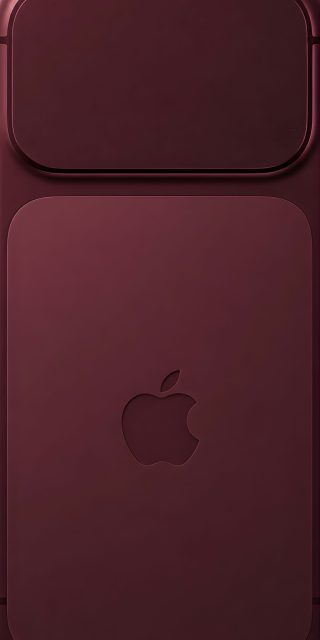
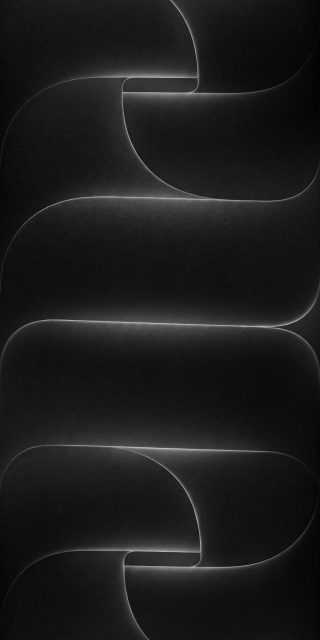
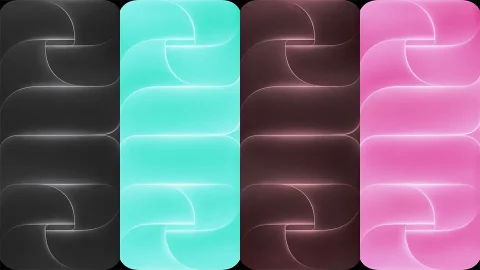
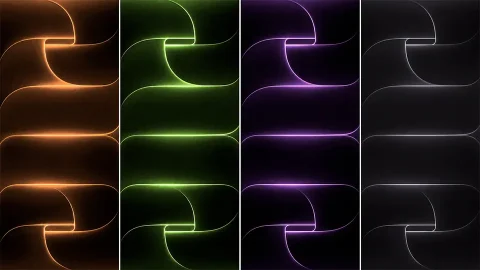
Apple’s design philosophy for its premium tier has taken a bold, industrial leap. Moving away from the muted titanium textures of previous years, the iPhone 17 Pro series shifts toward a vibrant, laser-welded unibody aesthetic. To match this change, the official stock wallpapers feature layered, metallic “vapor ring” patterns that gracefully twist and fade into absolute pitch-black voids.
However, the real magic is in the finer details. If you look closely at the abstract light paths and metallic shadows, the concentric rings creatively spell out the word “Pro” embedded within the design layers.
These premium graphics are perfectly color-matched to complement the three official retail finishes:
- Cosmic Orange: The absolute breakout star of the generation. It blends a bold, warm anodized bronze tone with a sophisticated, metallic copper shimmer.
- Deep Blue: A rich, midnight-adjacent indigo shade that is incredibly striking and premium.
- Silver: A timeless, classic metallic gray that offers the cleanest, most minimalist background possible.





Why You Must Avoid Compressed Copies and Choose True 4K
When hunting for new wallpapers online, many files found on social media feeds or casual image sharing blogs are highly compressed. Compression strips away essential color depth, resulting in blocky artifacts, muddy dark zones, and distinct pixelation that looks cheap on a high-density mobile screen.
Our library provides the original, uncompressed 4K files pulled straight from the iOS system structure. Utilizing these true high-DPI (dots per inch) assets guarantees distinct benefits:
- Fluid Gradients: The metallic transitions and shadow layers remain completely fluid, with zero color banding across your screen.
- True Black Battery Optimization: The dark zones utilize perfect
#000000hexadecimal pitch-black pixels. On modern OLED and Super Retina displays, this shuts off individual screen pixels completely, which actively preserves your battery life. - Total Reframing Freedom: The massive resolution gives you total freedom to pinch-to-zoom or crop the artwork during setup without losing a single drop of crisp detail.
iPhone 17 Pro Wallpaper Color Match Matrix
| Wallpaper Style | Primary Hardware Pair | Aesthetic Vibe | Best For |
| Cosmic Orange | Cosmic Orange Unibody | Bold, futuristic, warm gradient | High-contrast lock screens |
| Deep Blue | Deep Blue Unibody | Moody, industrial, sophisticated | Deep dark mode setups |
| Metallic Silver | Silver Unibody | Ultra-minimalist, sleek, clean | Clutter-free app screens |
Tutorial: How to Set Up Stock Wallpapers with Depth Effects
Modern smartphone operating systems allow you to add stunning multi-layered depth effects to your lock screen. Because the metallic ring graphics in this collection have clear, sharp borders, they interact beautifully with clock widgets.
Setting Up on iOS
1.Save the Original Quality File:Step 1.
Download the uncompressed 4K wallpaper from the gallery links below directly into your native Photos application.
2.Enter Lock Screen Customizer:Step 2.
Lock your iPhone, wake the screen up, and press and hold a blank area of the Lock Screen until the layout selector opens.
3.Select Your Background:Step 3.
Tap the blue Plus (+) icon to generate a new layout, tap the Photos button on the top row, and select your downloaded iPhone 17 Pro asset.
4.Activate the Depth Layering:Step 4.
Pinch and position the image. Tap the three dots (…) in the bottom-right corner and ensure Depth Effect is turned on. This allows the metallic ring design to subtly overlay right on top of your system clock text for an immersive 3D look. Tap Done to save.
Setting Up on Android
- Open your device’s native Gallery or Photos app and open the downloaded 4K background asset.
- Tap the options menu (usually three vertical dots) and choose Set as Wallpaper.
- Select whether you want to apply it to your Lock Screen, Home Screen, or both.
- Manually crop or align the image to center the embedded “Pro” rings perfectly on your screen matrix, then hit apply.
Upgrade Your Phone’s Interface Instantly
You don’t need to drop money on a brand-new upgrade to experience the high-end look of Apple’s latest premium flagship. By deploying these official, uncompressed stock assets, you can completely transform your current smartphone’s daily interface into something sleek, ultra-modern, and incredibly sharp.
Explore our secure, free direct-download gallery below, save your favorite Cosmic Orange, Deep Blue, or Silver titanium colorways in glorious full 4K resolution, and give your smartphone a premium aesthetic today!
Explore More:
- Download Official iPhone 17e Wallpapers in 4K | New Floral Glass Collection
- Official iPhone 16 Wallpapers [Free High-Res Download]
- Official iPhone 16 Pro Wallpapers [Free High-Res 4K Download]
- Download Official iPhone 17 Stock Wallpapers (Original Quality)
- Download Official iPhone Air Wallpapers in Full 4K Resolution
- iPhone 15 Pro Wallpapers | Download 4K & HD Titanium Backgrounds
- iPhone 14 Pro Stock Wallpapers | Download Official 4K & HD
- iPhone 14 Stock Wallpapers (Official 4K HD) – Free Download
- iPhone 13 Official Wallpapers: Full HD Stock Background Download

2 comments