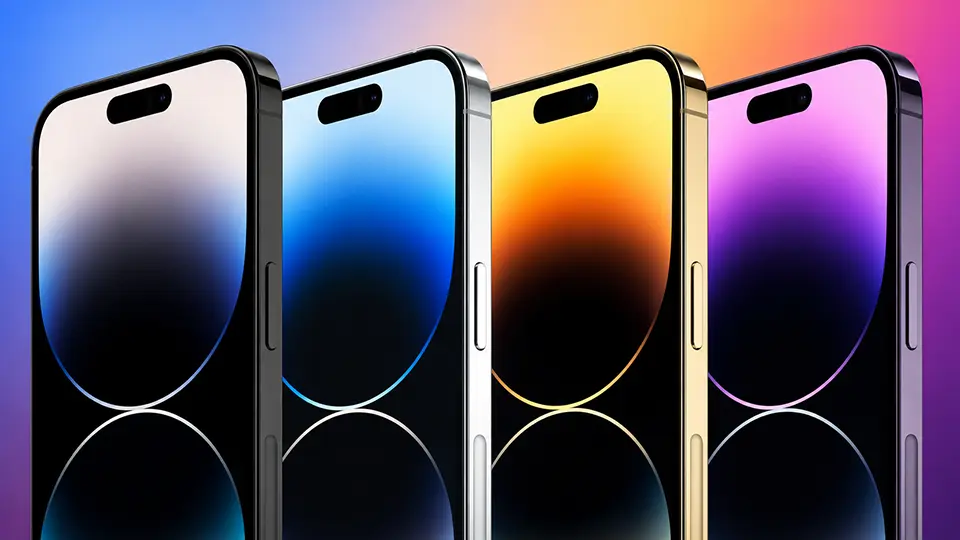
iPhone 14 Pro Stock Wallpapers | Download Official 4K & HD
When Apple unveils a new flagship device, the hardware design is only part of the story. The software experience, visually defined by the device’s default background, plays a massive role in setting the aesthetic tone. For the iPhone 14 Pro lineup, the tech giant introduced some of the most striking and elegant factory backgrounds to date. If you are looking to refresh your current device with that pristine, out-of-the-box look, downloading the official iPhone 14 Pro stock wallpapers is the perfect way to do it.
At iphoneswallpapers.com, we pride ourselves on providing the ultimate hub for premium smartphone customization. While custom art and fan edits are fantastic, there is something undeniably premium about the official Apple designs. In this comprehensive guide, we will break down the specific colorways of the iPhone 14 Pro wallpapers, explain why 4K resolution is vital for your display, and show you exactly how to get these original factory backgrounds on your lock screen today.
The Signature iPhone 14 Pro Colorways
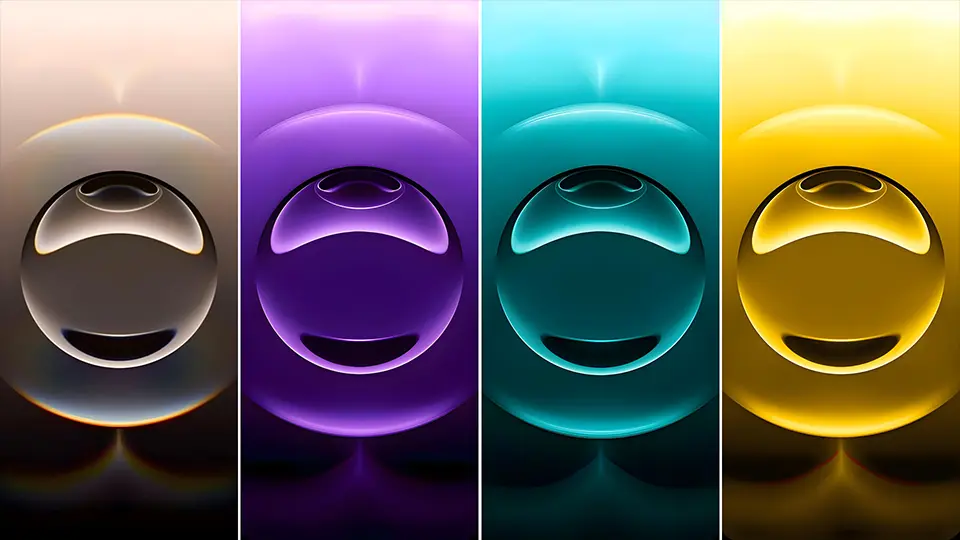
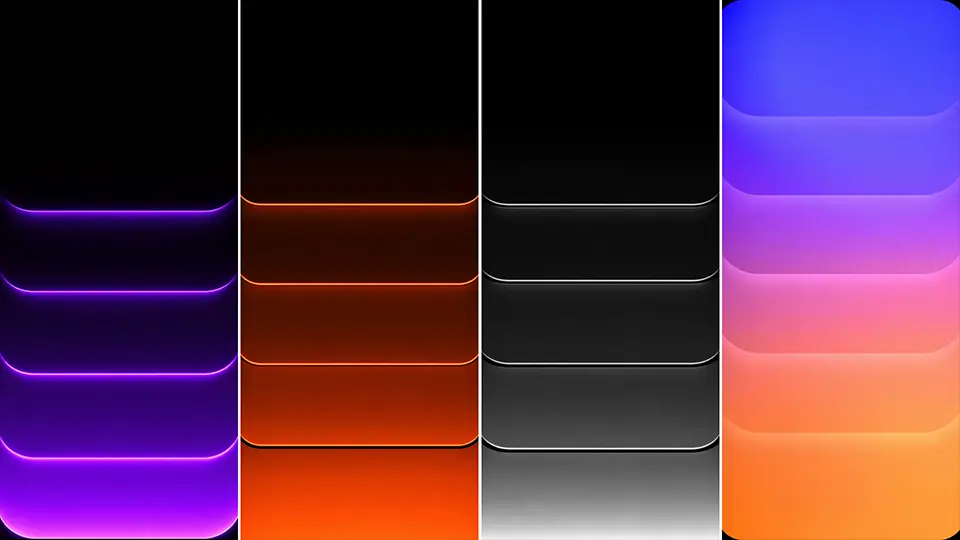
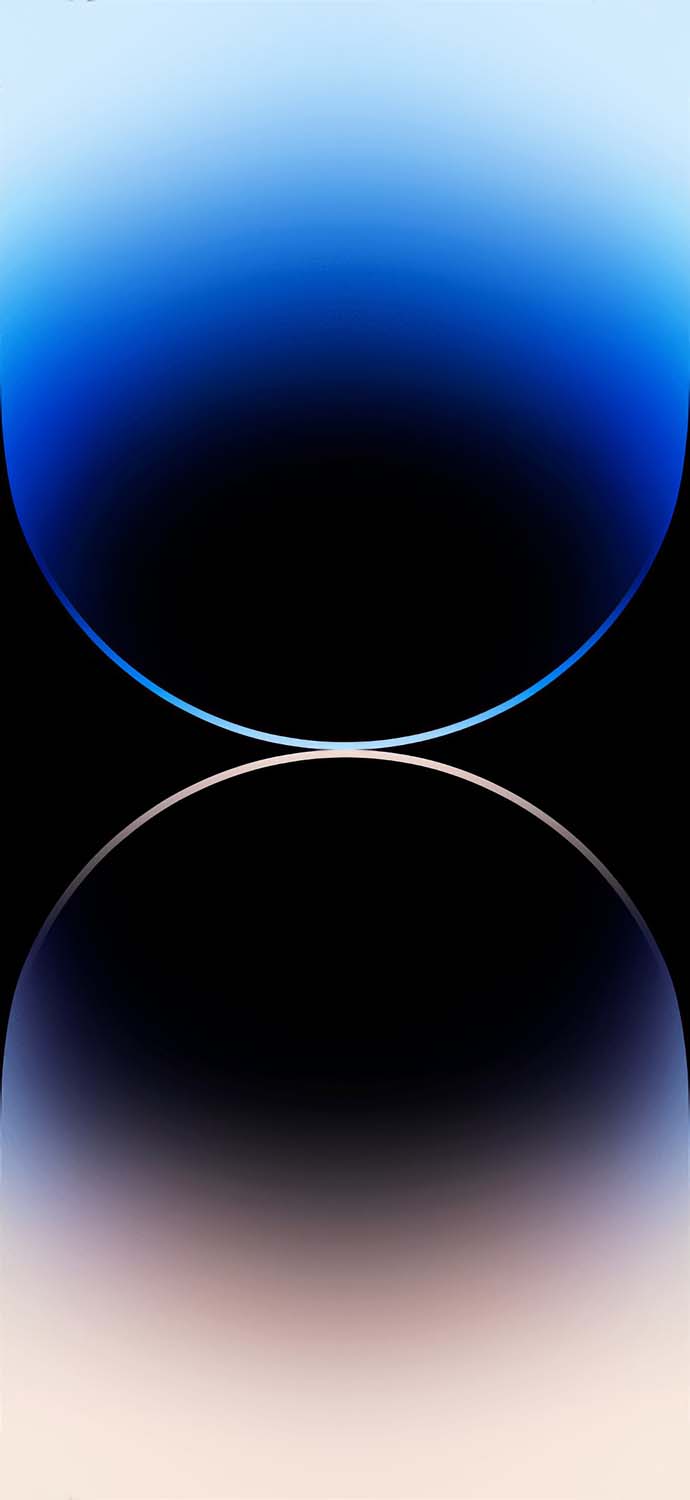
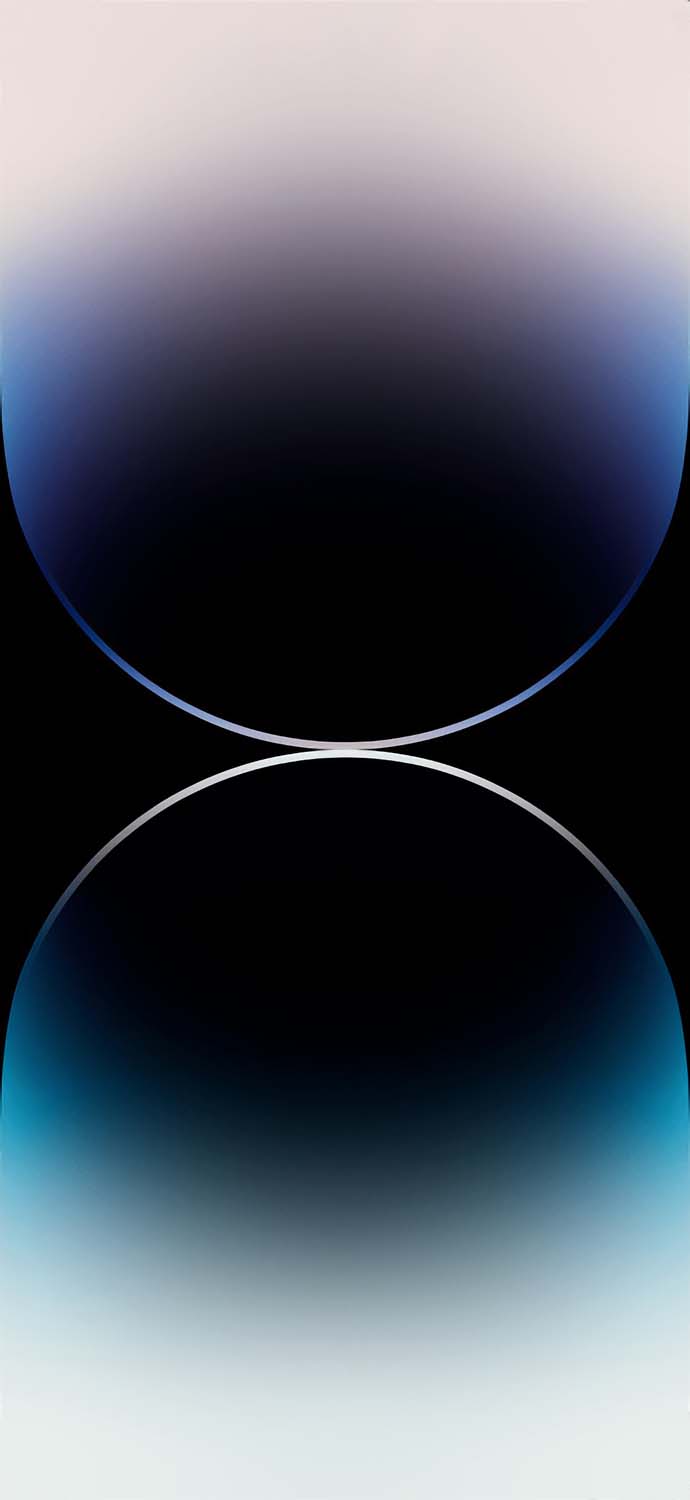
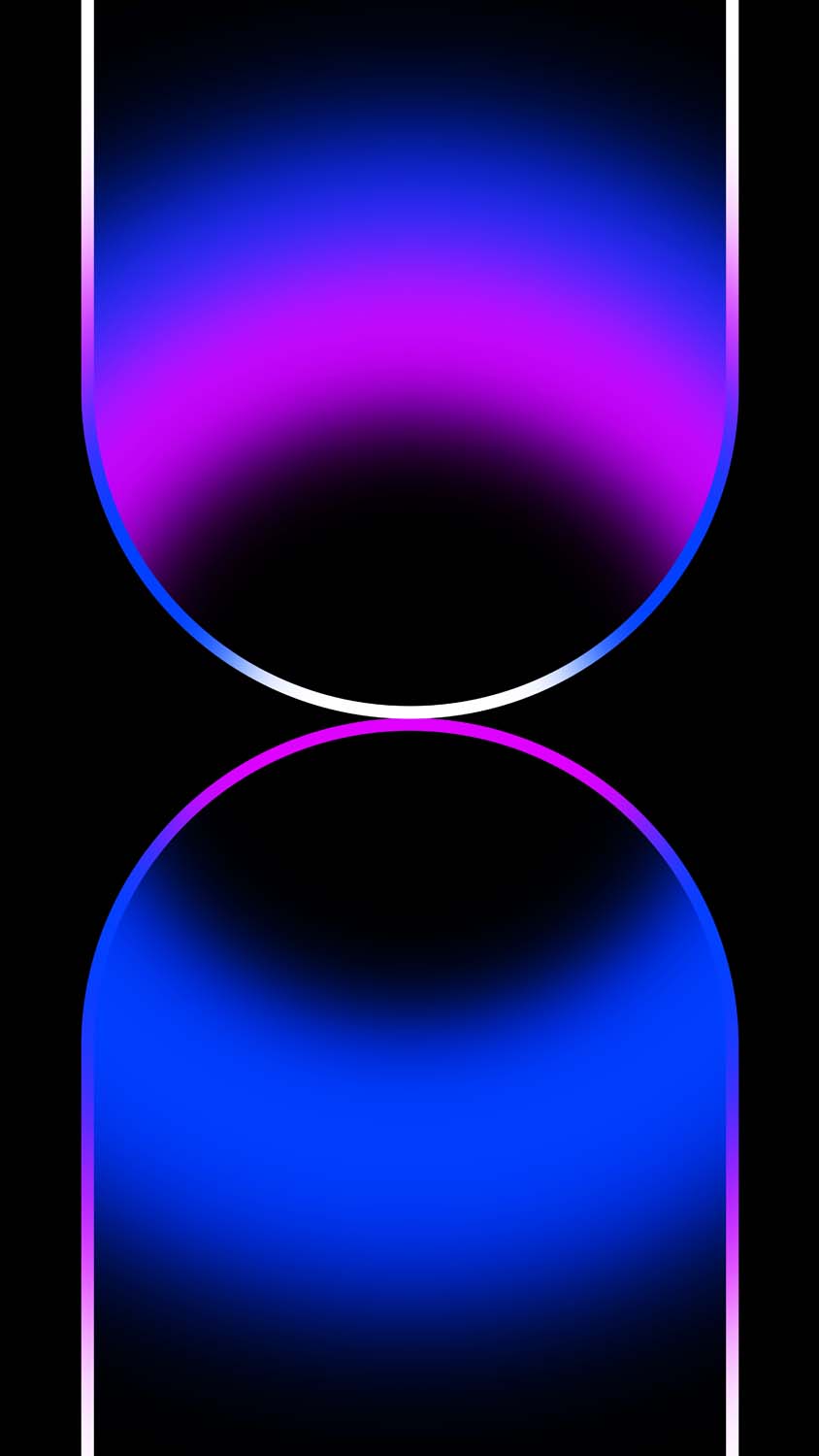
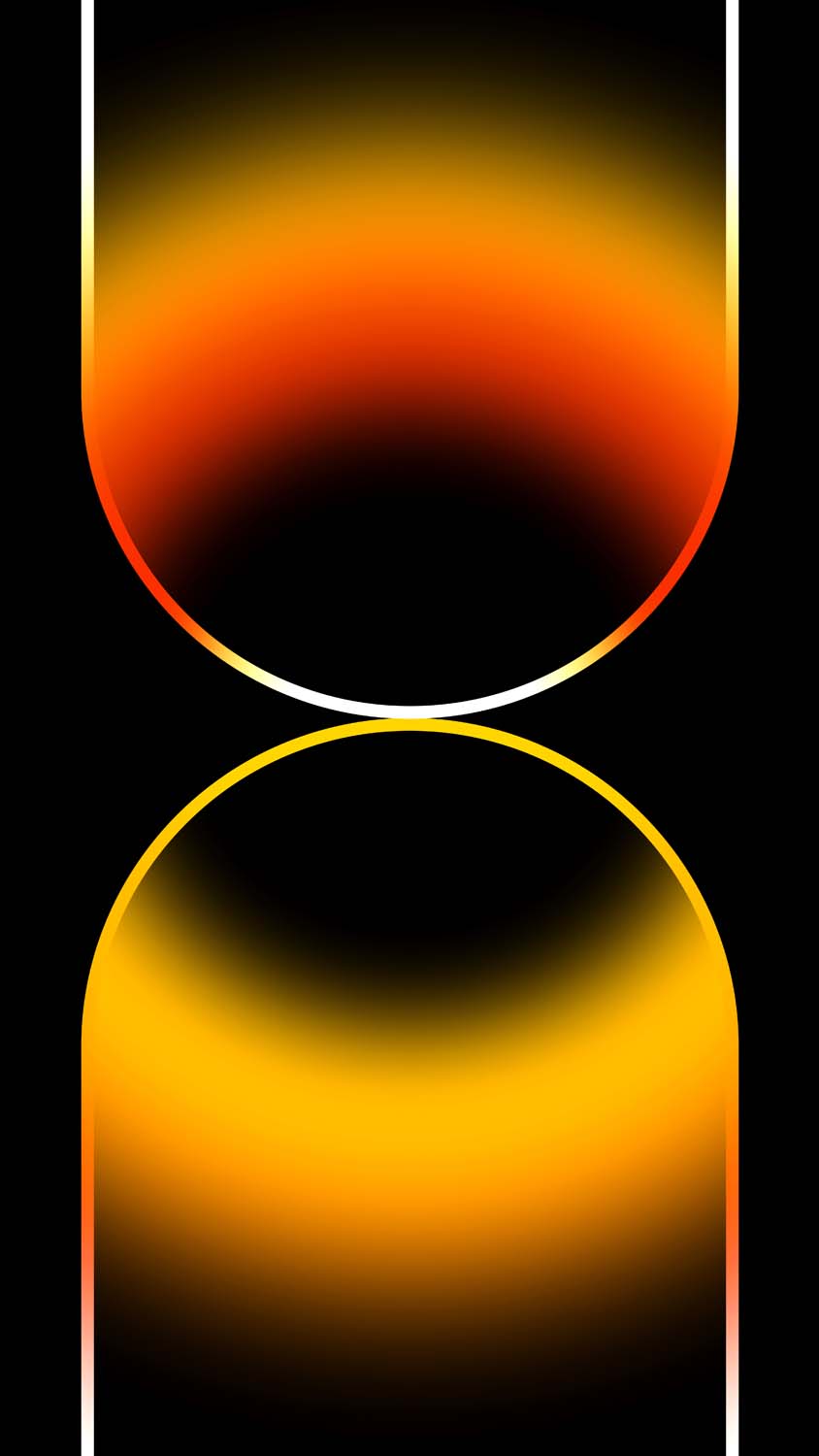
Apple explicitly designs its stock wallpapers to perfectly mirror and complement the physical chassis of the phone. For the iPhone 14 Pro and iPhone 14 Pro Max, the official wallpapers are available in four distinct, luxurious color variants:
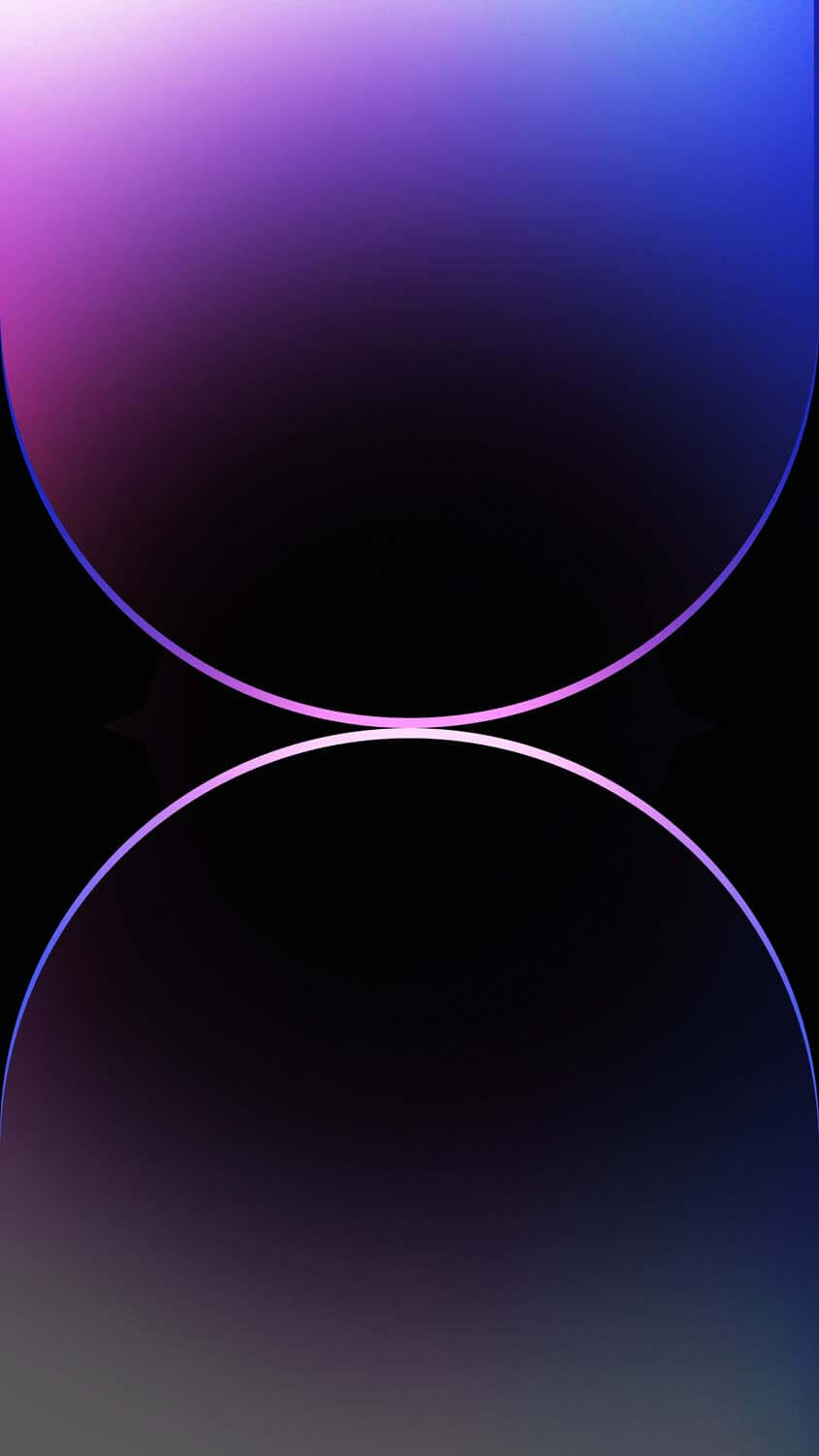
1. Deep Purple
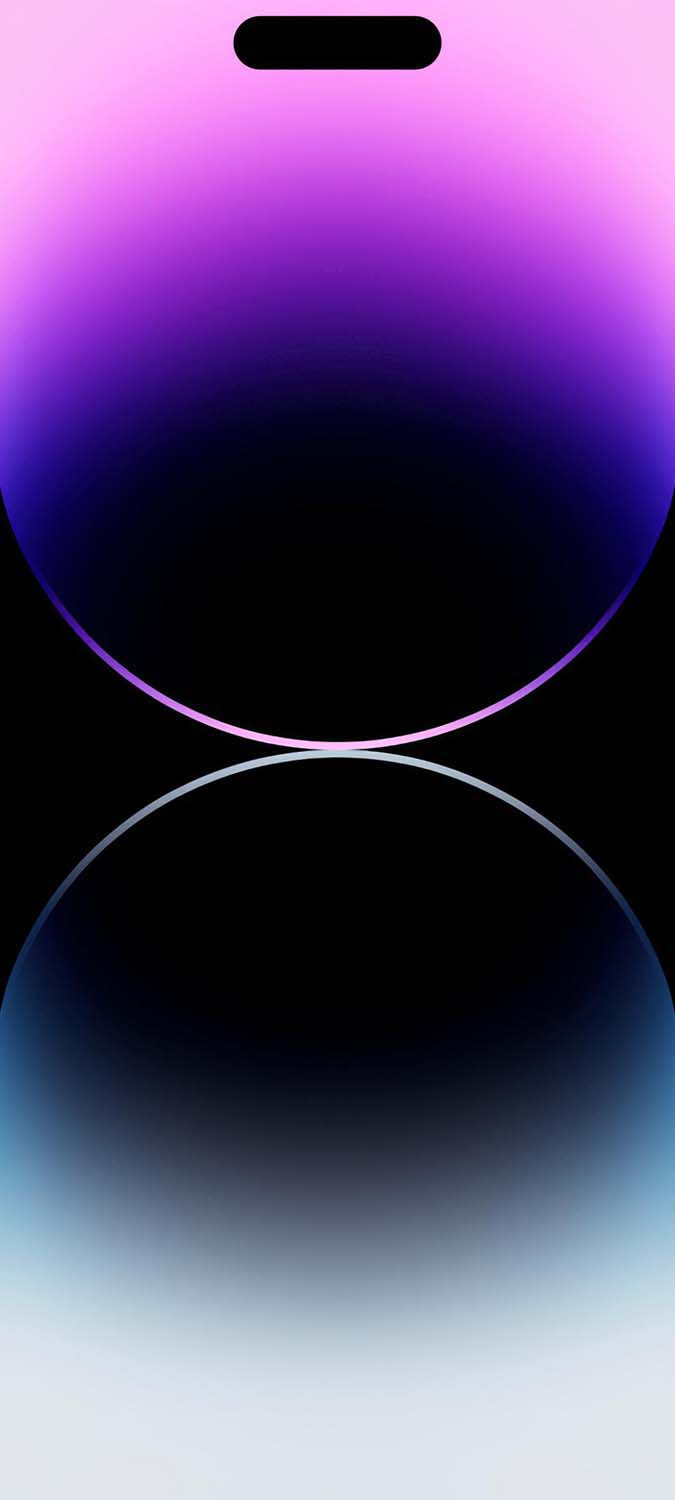
The hero color of the iPhone 14 Pro generation, Deep Purple, brought a fresh, majestic vibe to the lineup. The official Deep Purple stock wallpaper features two overlapping, glowing arches against a dark background, creating a sense of depth and mystery. This background is incredibly popular because it looks both futuristic and deeply sophisticated on an OLED display.
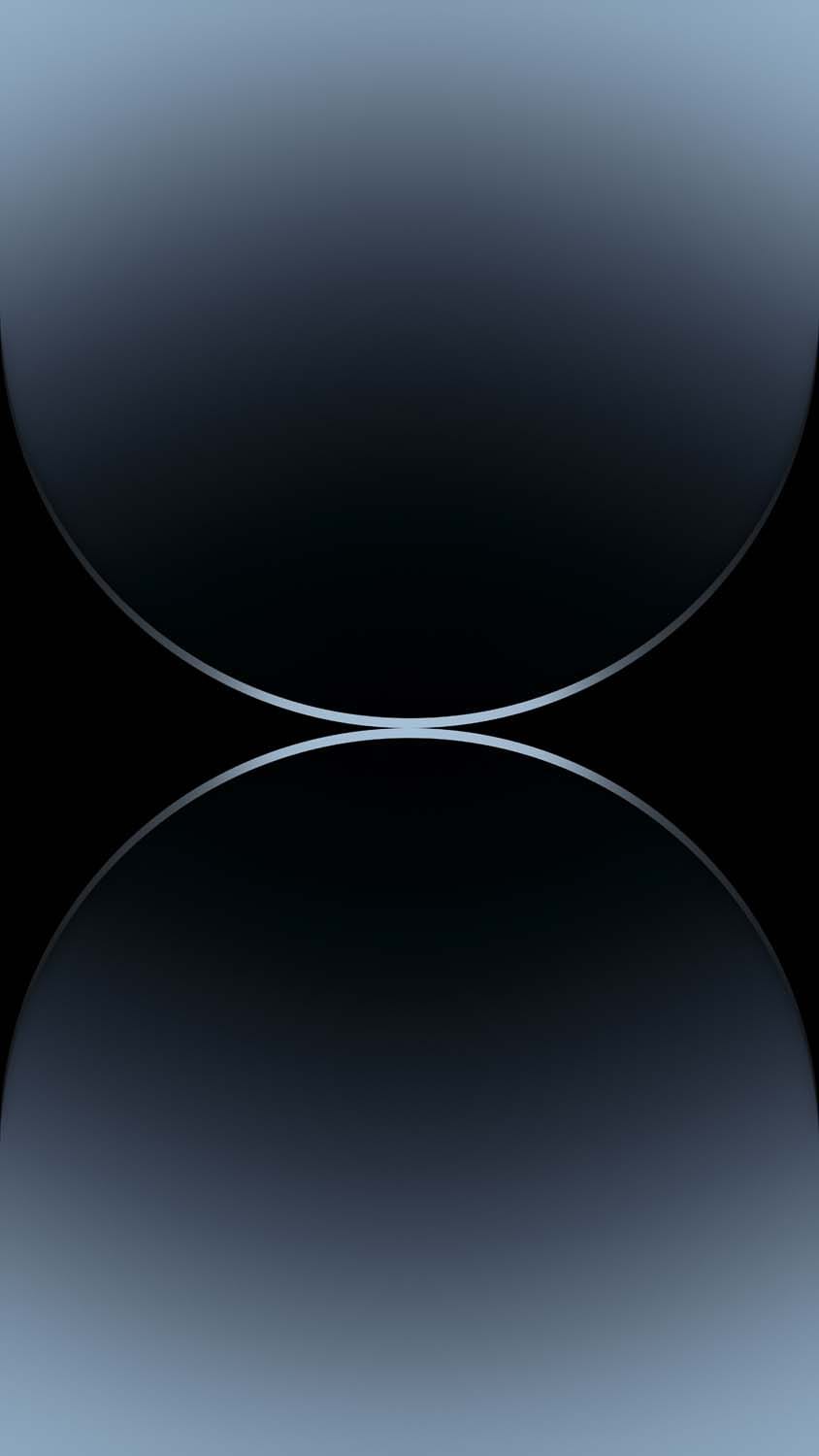
2. Space Black
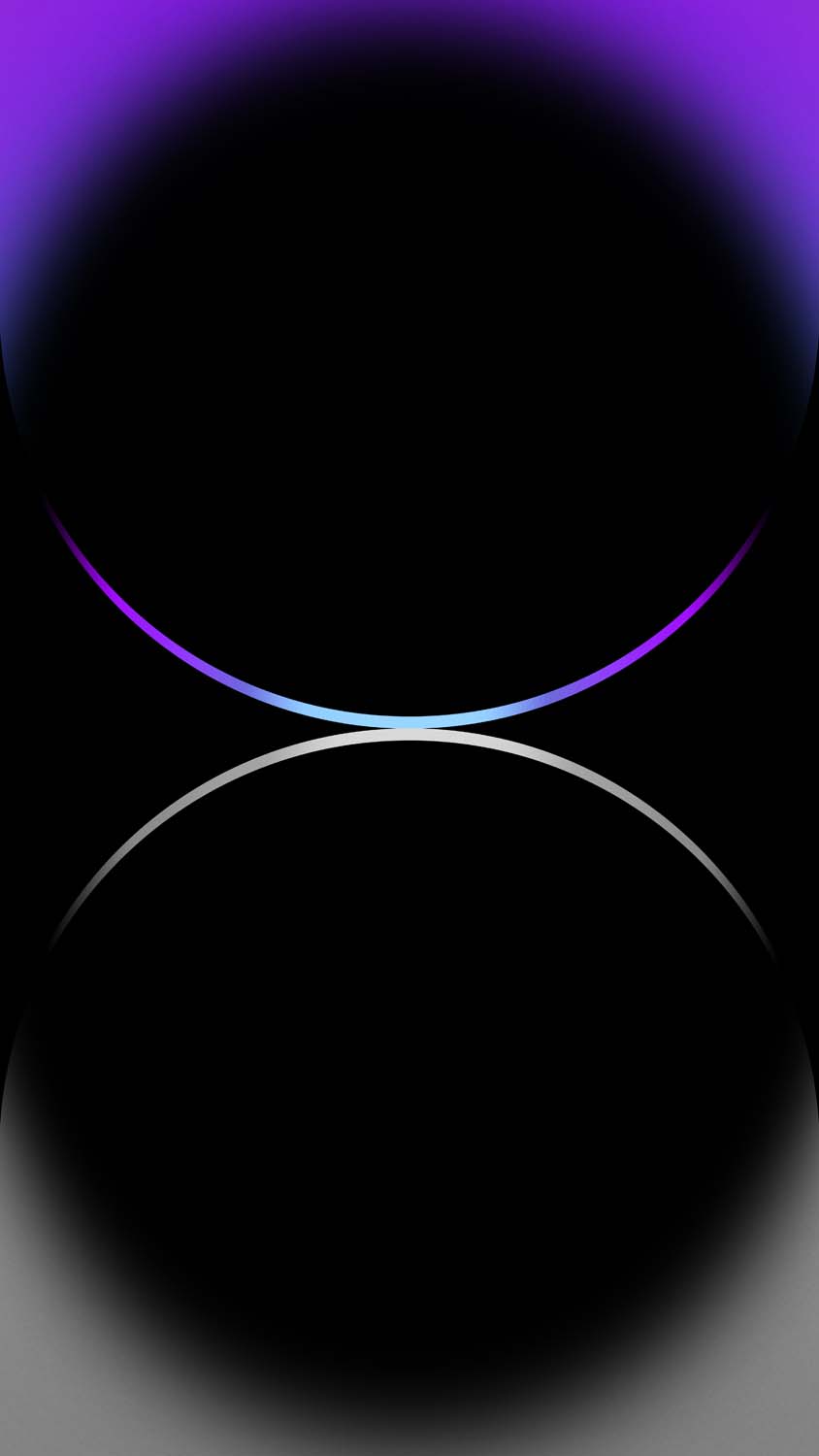
For minimalists who prefer a stealthy, professional look, the Space Black wallpaper is a masterpiece. It utilizes deep, true blacks paired with subtle grey and silver gradients that mimic the brushed stainless steel edges of the device. This is the ultimate choice for users who want to maximize OLED battery efficiency while maintaining a premium aesthetic.
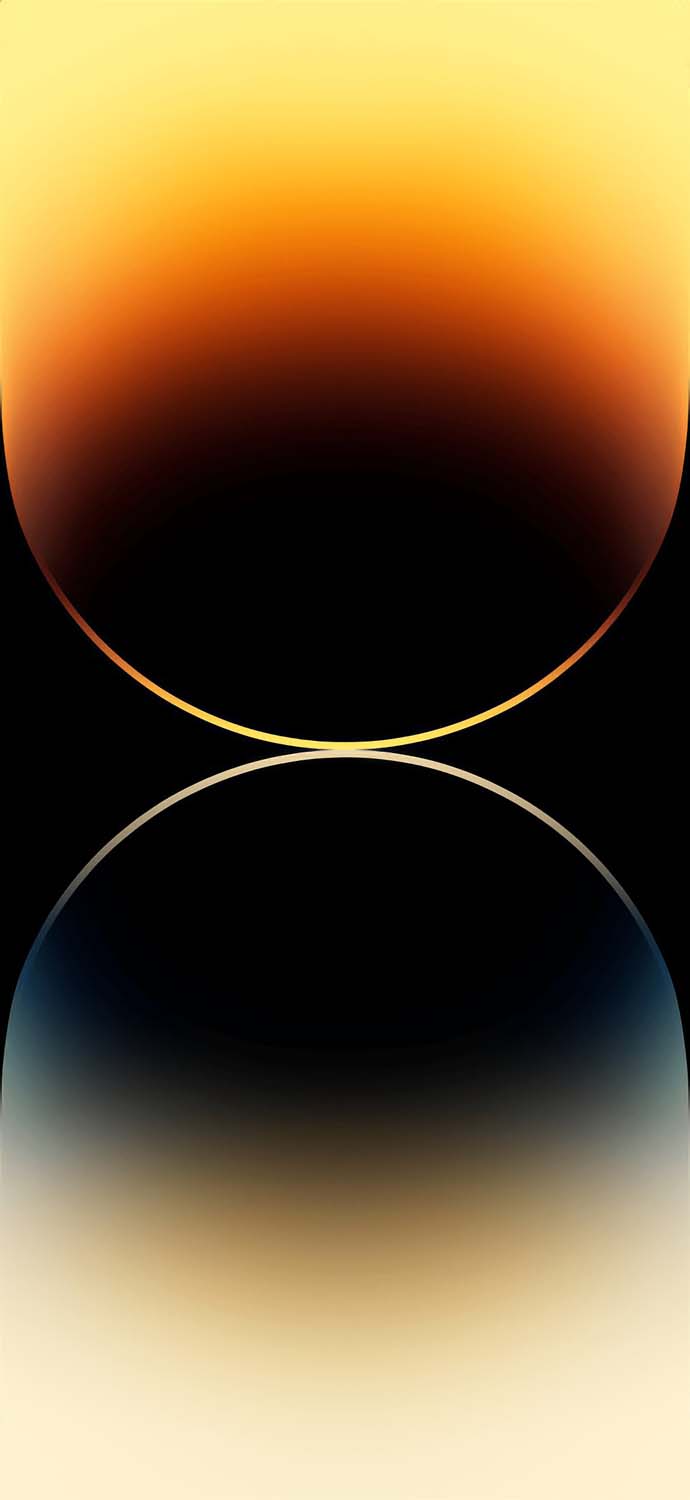
3. Gold
Apple’s Gold variant has always been a status symbol. The corresponding Gold stock wallpaper uses warm, rich yellow and beige light flows that give the screen a jewelry-like finish. It feels opulent and warm, perfect for adding a touch of classic elegance to your digital interface.
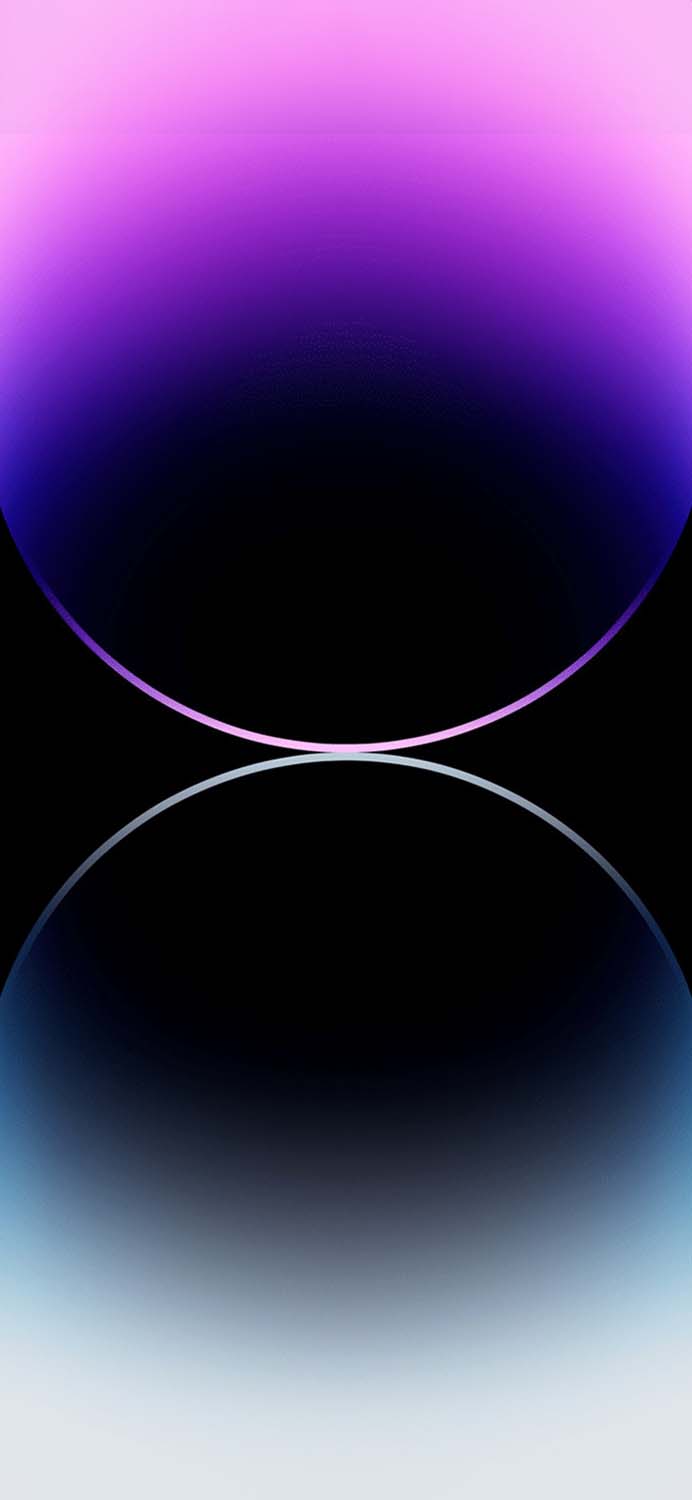
4. Silver
The Silver wallpaper offers a crisp, clean, and icy visual experience. Featuring bright white and pale grey overlapping shapes, this factory background looks incredibly airy and modern. It pairs beautifully with lighter-colored app icons and widgets, giving your home screen a highly organized, pristine feel.
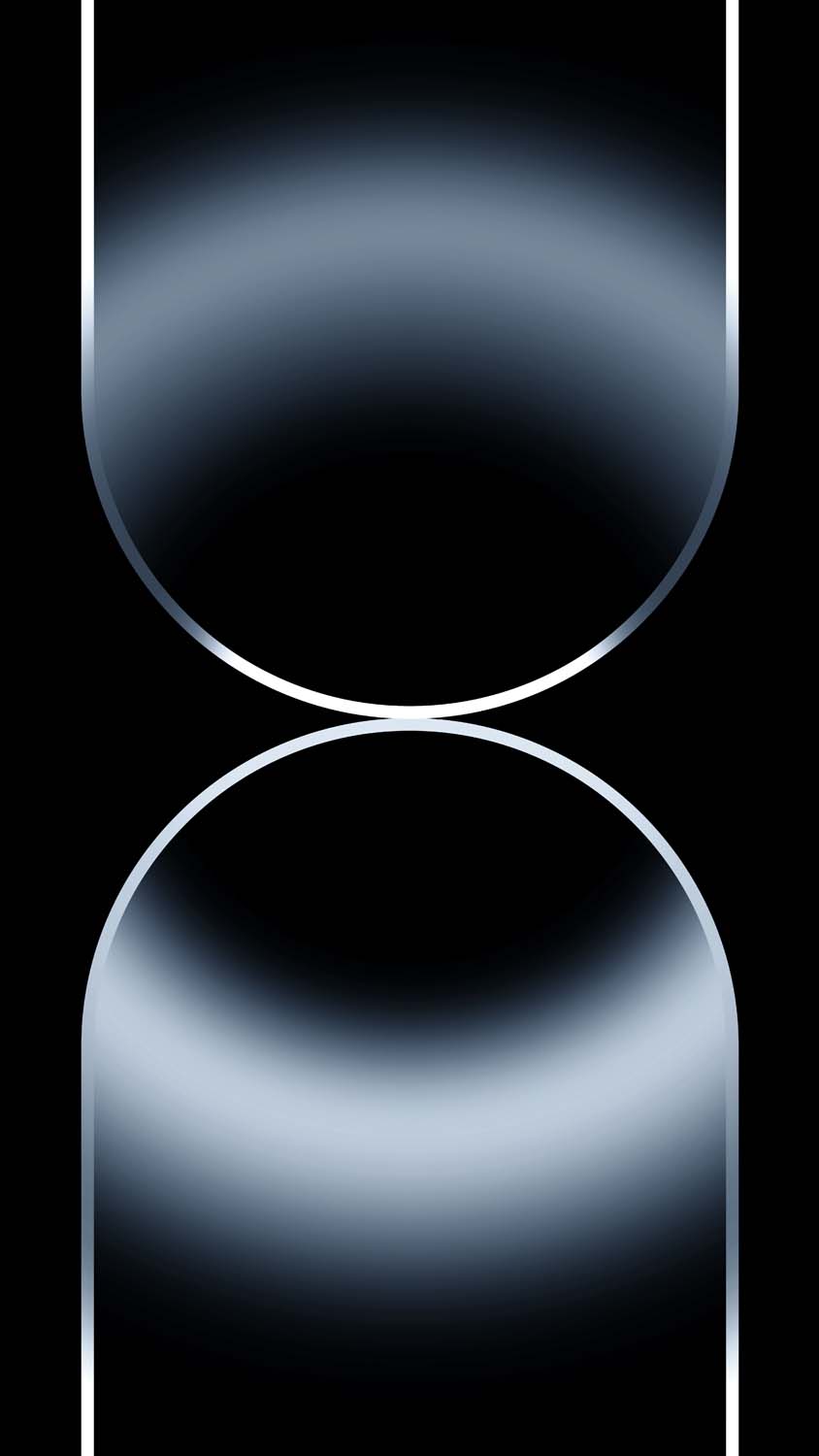
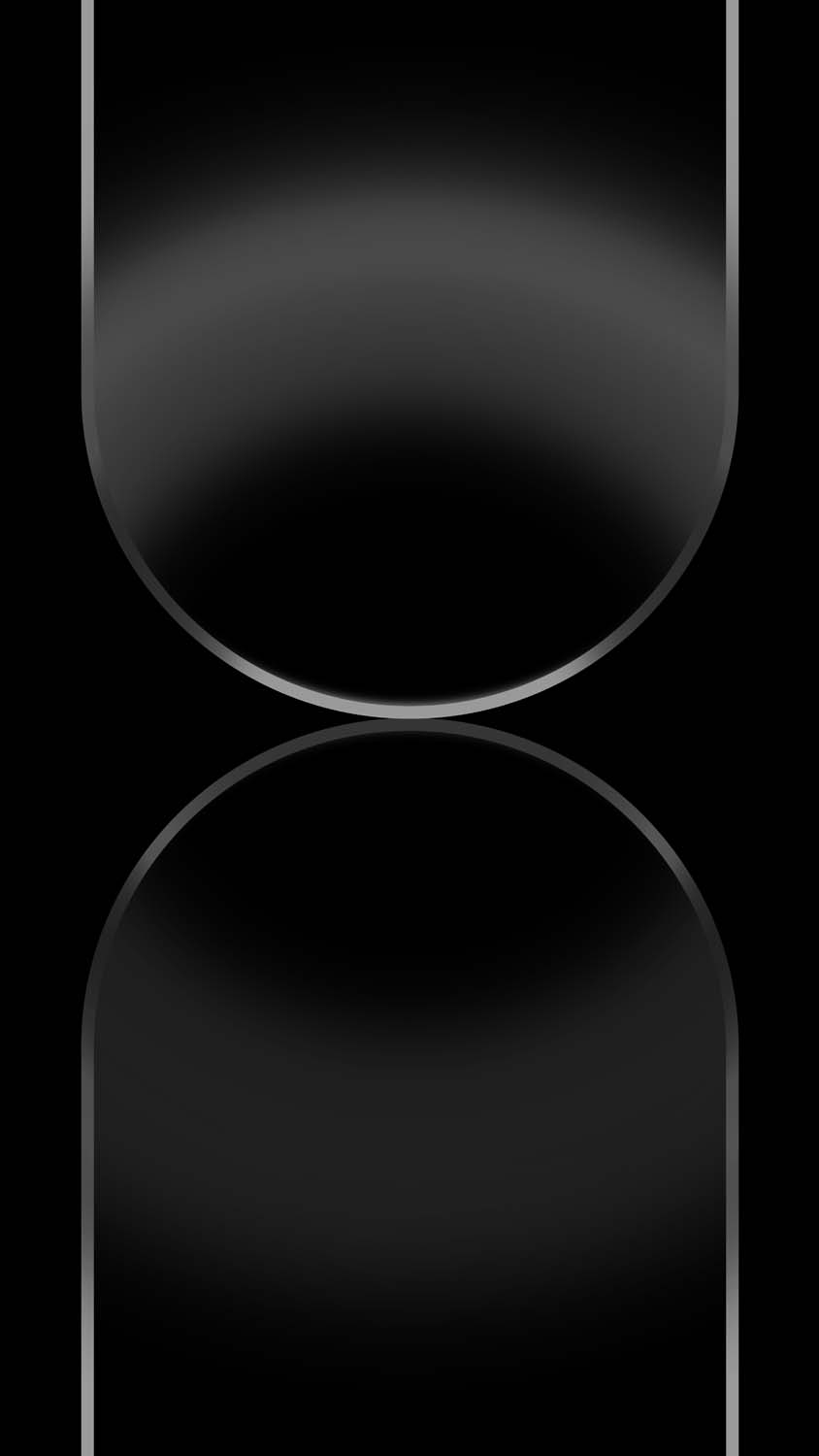
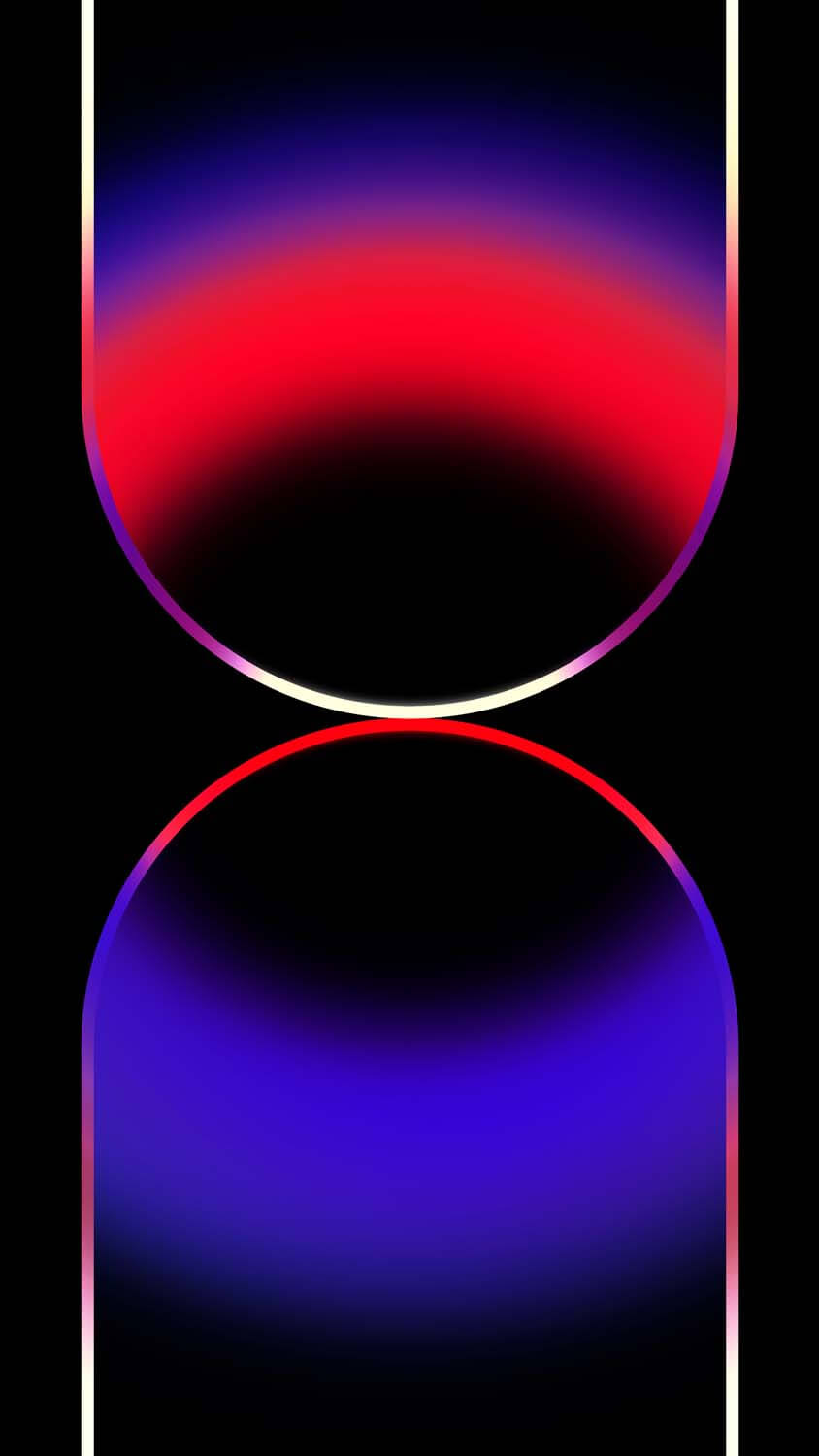
Standard iPhone 14 vs. The Pro Series
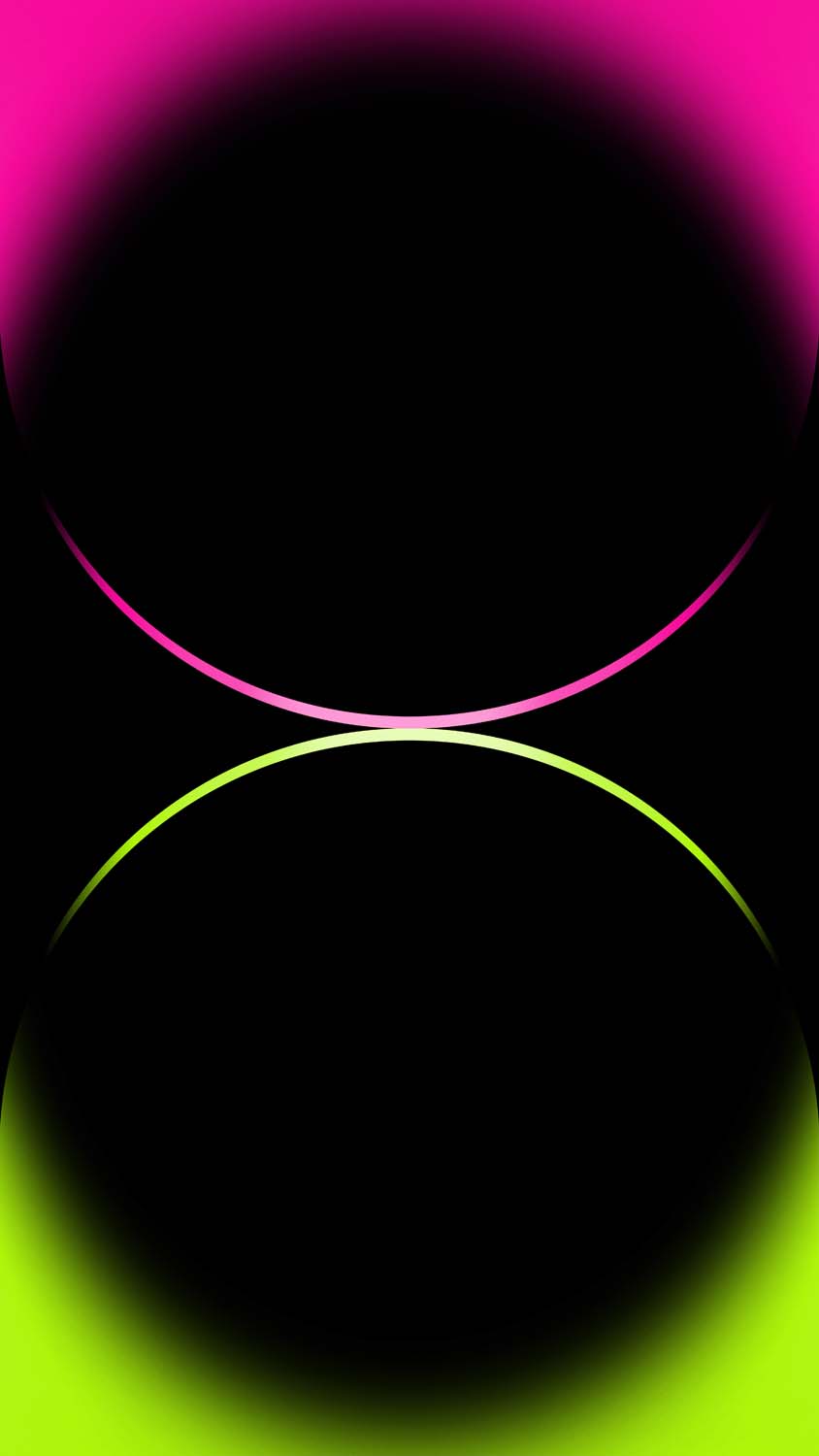
It is worth noting that Apple created entirely different visual identities for the standard models versus the Pro models. While the iPhone 14 Pro wallpapers focus on luxurious, deep gradients and overlapping semi-transparent arches, the standard iPhone 14 and iPhone 14 Plus wallpapers use a slightly different design language.
If you prefer brighter, more vibrant solid colors, the standard iPhone 14 stock wallpapers were created specifically for the Blue, Midnight, Purple, Red, and Starlight models. Both sets are phenomenal, but the Pro versions undeniably carry a more mature, professional weight. Additionally, unlike some earlier iOS versions, the iPhone 14 stock wallpapers do not have specific, alternating versions for dark mode—the single, unified designs are meant to look perfect regardless of your system settings.
Why You Need Official 4K Resolution
You might find cheap imitations or heavily compressed versions of these backgrounds floating around the web, but settling for anything less than the official 4K & HD resolution does a massive disservice to your screen. Here is why you must download the full-resolution files:
- Pixel-Perfect Arches: The signature design of the iPhone 14 Pro wallpaper relies on the smooth, glowing edges of the overlapping arches. Low-resolution images will cause these gradients to look blocky and pixelated (known as color banding). A 4K image ensures absolute smoothness.
- OLED Superiority: The Super Retina XDR displays on modern iPhones achieve infinite contrast by turning off individual pixels to render true black. The official stock wallpapers are heavily optimized for this; the backgrounds are pitch black, while the colored arches shine brightly. You need a high-definition, uncompressed image file to ensure the blacks do not turn into a muddy grey.
- The iOS Depth Effect: Introduced alongside these wallpapers, the iOS lock screen “Depth Effect” allows the wallpaper’s subject to gently overlap the digital clock. For the software to correctly identify the edges of the 3D arches and apply the overlap without blurring your time display, an ultra-crisp, high-resolution source file is mandatory.
How to Apply Your Stock Wallpaper Flawlessly
Ready to bring the factory-fresh aesthetic back to your device? Follow these simple steps to ensure your new background is applied perfectly:
- Download the Original File: Ensure you save the image directly to your Camera Roll from our gallery to maintain the uncompressed 4K quality. Do not simply take a screenshot of the image!
- Open Settings: Navigate to your iPhone’s Settings app and tap on Wallpaper.
- Add New: Select “Add New Wallpaper” and tap the “Photos” icon at the top left to browse your camera roll. Select the official Deep Purple, Gold, Silver, or Space Black image you just downloaded.
- Align and Optimize: Because these are the official files, they are already perfectly sized for portrait orientation. You shouldn’t need to crop them, but you can pinch to adjust if necessary.
- Final Polish: Customize your lock screen widgets and clock font. A sleek, thin font with a color that matches the glowing arches of your chosen wallpaper completes the ultimate factory-fresh setup.
Conclusion: Embrace the Original Aesthetic
Customization is all about personal preference, but there is a reason Apple’s design team spends hundreds of hours perfecting their default graphics. By downloading the official iPhone 14 Pro stock wallpapers, you are equipping your display with a piece of digital art engineered specifically to make your screen look its absolute best. Whether you prefer the moody elegance of Deep Purple or the bright clarity of Silver, browse our 4K & HD collection today and restore your device to its premium, out-of-the-box glory.
Explore More:
- Download Official iPhone 17e Wallpapers in 4K | New Floral Glass Collection
- Official iPhone 16 Wallpapers [Free High-Res Download]
- Official iPhone 16 Pro Wallpapers [Free High-Res 4K Download]
- Download Official iPhone 17 Stock Wallpapers (Original Quality)
- Official iPhone 17 Pro Wallpapers [Free High-Res 4K Download]
- Download Official iPhone Air Wallpapers in Full 4K Resolution
- iPhone 15 Pro Wallpapers | Download 4K & HD Titanium Backgrounds
- iPhone 14 Stock Wallpapers (Official 4K HD) – Free Download
- iPhone 13 Official Wallpapers: Full HD Stock Background Download